Pro playback for event managers: how to brief and hire
Date added: 9/08/2026
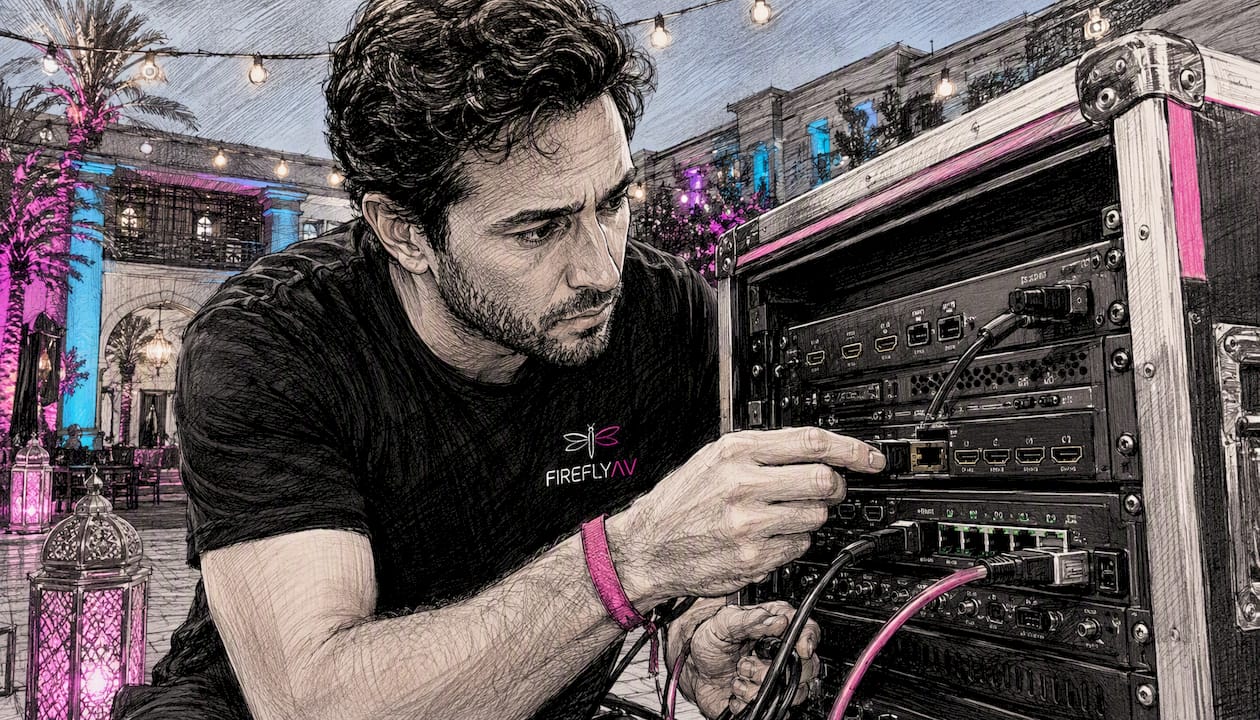
Pro playback is a hired media-server system, a certified operator, and show-control integration that delivers video and graphics to LED walls, projectors, and screens during a live, hybrid, or broadcast event. Book a specialist AV supplier such as Fireflyav rather than attempting a DIY approach: the risk of a single-point failure on show day is too high without a trained operator and a tested redundancy chain behind it.
What a credible pro playback package involves:
- A media server running software such as Green Hippo Hippotizer or PIXERA, with a licensed copy and content pre-loaded
- A show-control interface and switcher, typically a Blackmagic Design ATEM or equivalent, for clean cuts and transitions
- Multi-output delivery chains covering LED drivers, scalers, and projector feeds
- A qualified media-server operator and, on larger shows, a video designer and show-control technician
- AVIXA CTS-accredited operators where the brief demands verified competence
Table of Contents
- What does a pro playback package actually include?
- What technical specs do you need to confirm before hiring?
- What does the operational timeline look like from brief to show day?
- How do playback suppliers price their work?
- How do you protect against failure on the day?
- How to brief a pro playback supplier: a checklist to send with your RFQ
- What training routes exist for media-server operators in the UK?
- Key takeaways
- What event managers consistently get wrong about playback
- Fireflyav: hire, operators and end-to-end playback support
- Useful UK resources and training to follow up
What does a pro playback package actually include?
A hire package is more than a server in a flight case. Expect the following components as standard from any serious supplier.
Equipment
| Category | Typical items |
|---|---|
| Media servers | Primary + backup units (e.g. Green Hippo Boreal, PIXERA server) |
| Show control / switching | Blackmagic Design ATEM, GrandMA node or equivalent |
| Outputs | LED processor/driver, scaler, projector interface |
| Network and storage | Managed switch, NAS or RAID drive, redundant cabling |
| Audio embedding | Embedder/de-embedder or dedicated audio player |
Software and content management
The server software licence travels with the hardware. Green Hippo Hippotizer and PIXERA both use proprietary project files, so content must be ingested and mapped before load-in. Version control matters: a mislabelled file played at the wrong resolution is one of the most common show-day problems. Suppliers should provide a content management workflow and confirm which codecs their server accepts before you sign off the brief.
Roles on show day
- Media-server operator: runs the server, fires cues, manages the timeline
- Video designer / engineer: builds the show file, maps outputs, handles pixel mapping
- Show-control technician: manages integration with lighting desks, audio and broadcast feeds
- Stagehand / tech support: cable runs, patching, physical setup and strike
Fireflyav supplies all four roles depending on show scale, and its Green Hippo Boreal hire demonstrates direct hardware familiarity rather than theoretical knowledge.
What technical specs do you need to confirm before hiring?
Get these locked before shortlisting suppliers. Discovering a mismatch at load-in costs hours you do not have.
Resolution and pixel mapping
Know the native pixel pitch of your LED panels and the total canvas resolution before anything else. A high-resolution LED strip running pixel-mapped content is a fundamentally different brief from a single standard HD screen. Suppliers need the exact canvas dimensions to build the show file correctly.
Frame rate and genlock
For broadcast integration or mixed camera playback, frame rate and genlock matter. PIXERA’s training programme covers genlock and framelock workflows for LED volumes and camera synchronisation, which reflects how common this requirement has become on hybrid and broadcast events. Confirm whether your venue or broadcast partner requires several common frame rates and standards and whether the media server needs to lock to an external reference signal.
Codecs and container formats
Most professional media servers accept HAP, ProRes, H.264, and H.265, but maximum bitrate and codec passthrough vary by platform. Clarify who is responsible for offline transcoding if your creative agency delivers in an unsupported format.
Network and file delivery
Agree delivery method (SFTP, couriered SSD, or cloud link), filename conventions, and MD5 checksums before content is sent. A corrupted file discovered at midnight before show day is avoidable with a simple verification step.
Pro Tip: Ask every shortlisted supplier for their file-format rider: a one-page document specifying accepted codecs, container formats, maximum bitrate, and a worked example such as a typical UHD resolution and frame rate for UHD or pixel-mapped a typical pixel-mapped LED panel resolution. Any supplier who cannot produce one is not ready for a professional brief.
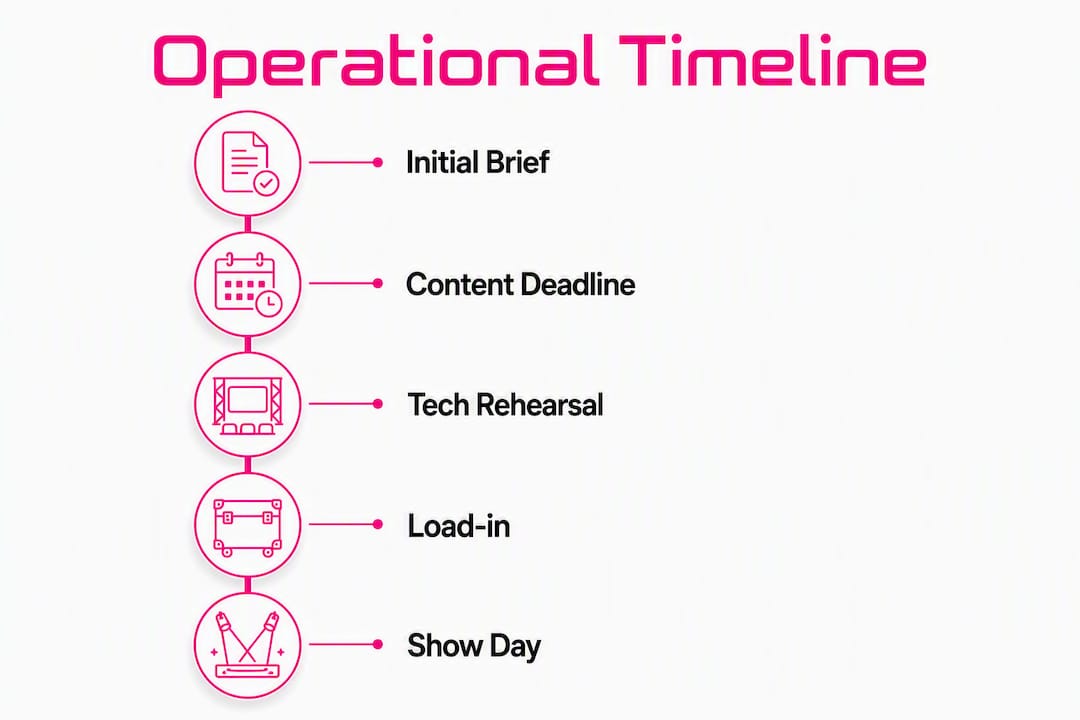
What does the operational timeline look like from brief to show day?
| Milestone | Recommended lead time | Responsible party |
|---|---|---|
| Initial brief and tech spec confirmed | several weeks out | Event manager + supplier |
| Content deadline (final files) | a couple of weeks out | Creative agency |
| Media ingest and pre-check | about a week to ten days out | Supplier / operator |
| Onsite load-in | a few days before the show | Supplier + venue |
| Dry run (system check, no talent) | Day before show | Operator + event manager |
| Dress rehearsal (full run-through) | Morning of show | All parties |
| Show day | — | Operator leads |
The content deadline is the milestone most often missed. Late files compress every subsequent stage, and a supplier who accepts content the morning of load-in is absorbing a risk that belongs to the client. Build the deadline into your contract, not just your email thread.
For corporate events, AV planning guidance recommends treating the tech rehearsal as non-negotiable, not a nice-to-have.
How do playback suppliers price their work?
Pricing varies significantly by model. Understanding the components stops you comparing a dry-hire quote against a full-production quote as though they are equivalent.
Typical cost components:
- Dry hire: server hardware, licences, cabling, and flight cases only
- Operator day rate(s): typically charged per day including prep, show, and strike
- Pre-show ingest and prep time: often billed separately at a half-day or day rate
- Rehearsal fees: full operator rate applies; do not assume rehearsals are included
- Travel and subsistence: mileage, accommodation, and per diem for out-of-London work
- Insurance and licensing: public liability, equipment insurance, and any content licensing
Pricing models at a glance:
- Dry hire only: you supply the operator; supplier provides kit and a handover briefing
- Tech + operator: kit and a qualified operator supplied together; most common model for corporate and eSports events
- Full production package: end-to-end delivery including content management, rehearsal cover, and onsite technical management
Procurement checklist for your RFQ:
- Request line-item costs for kit, people, prep, and contingency separately
- Confirm whether rehearsal days are included or billed additionally
- Ask for travel and subsistence policy in writing
- Verify insurance certificates cover the event venue and dates
- Confirm who owns responsibility for transcoding and file delivery
How do you protect against failure on the day?
Single points of failure in a playback chain are not hypothetical risks. A server crash during a keynote or an eSports final is a reputational event for everyone in the room.
| Risk | Likelihood | Impact | Mitigation |
|---|---|---|---|
| Primary server failure | Low | Critical | Hot-standby backup server, mirrored content |
| File corruption | Medium | High | MD5 checks at ingest; backup copies on separate drives |
| Network drop | Medium | High | Redundant network links; local storage fallback |
| Power loss | Low | Critical | UPS on server rack; generator backup for large shows |
| Human error (wrong cue) | Medium | Medium | Scripted run-order; operator rehearsal with TD |
A credible supplier runs a primary and backup media server simultaneously, with content mirrored across both. The operator should be able to fail over to the backup in under ten seconds without the audience noticing. For broadcast-grade events, redundant output chains and duplicate signal paths are standard, not optional.
Pro Tip: Insist on an AV rider that names the backup media server model and specifies a scripted emergency run-order. If a supplier’s rider does not mention fallback content or a cut-to-black cue, ask why.
How to brief a pro playback supplier: a checklist to send with your RFQ
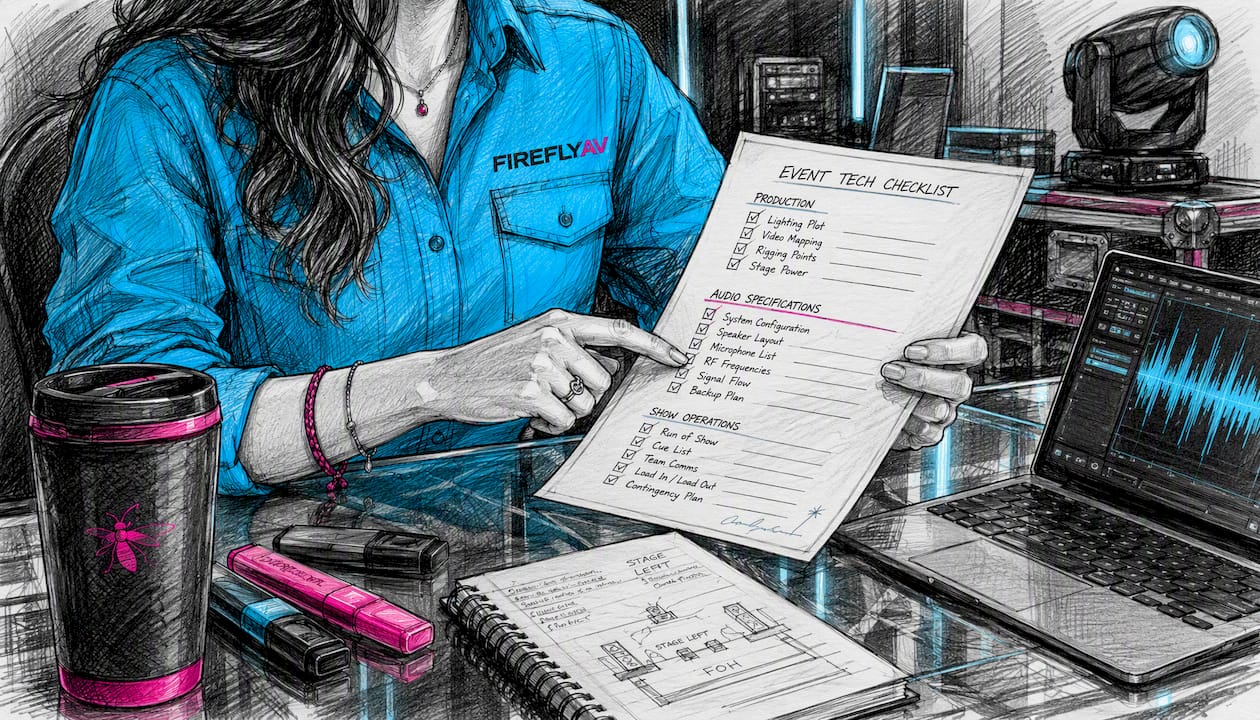
Venue data to supply upfront:
- Stage and LED dimensions (width × height in millimetres, pixel pitch)
- Rigging points and weight limits for any flown equipment
- Power provision: single-phase or three-phase, available amperage, nearest distribution point
- FOH and comms locations: where the operator position will be, talkback and IEM requirements
- Venue AV requirements including any house-system integration
Deliverables to request from the supplier:
- File-format rider and ingest specification
- Operator CVs with named media-server experience
- Rehearsal coverage confirmation (which days, which hours)
- Public liability and equipment insurance certificates
- Health and safety method statement
Questions to ask every supplier:
- Which media-server platforms do your operators hold manufacturer training for?
- What is your backup server provision and failover time?
- How do you handle late content delivery?
- Can you provide references from events of similar scale and format?
- What is your timecode strategy for multi-screen or broadcast-integrated shows?
Ambiguity-reducing checklist items:
- File naming convention (agreed before content is sent)
- Expected playback resolution per output
- Black frame handling between cues
- Timecode source and sync method
What training routes exist for media-server operators in the UK?
Operator competence is not self-certified. Manufacturer training programmes give you an objective benchmark to request in an RFQ.
Green Hippo Pixel Academy
Green Hippo launched hands-on Hippotizer training at Pixel Academy in Maidenhead, with courses covering Hippotizer MX Series servers, CALICO PRO processors, and LED displays in a practical environment. The academy partners with tvONE, Matrox Video, Lumens, and NETGEAR to replicate real show conditions. Courses are designed for live event designers, operators, broadcast teams, and system integrators, and are being delivered with the intention of meeting AVIXA CTS RU accreditation standards.
PIXERA Campus
PIXERA Campus offers modular training in both online and in-person formats, covering interface, project setup, media management, timeline programming, LED and projector workflows, and PIXERA Control. A dedicated virtual production track addresses Unreal Engine integration, camera tracking, and genlock workflows. The programme targets media-server operators, video designers, TDs, and system integrators.
Manufacturer-run academies are raising the bar: courses now match live-event workflows rather than simply familiarising attendees with a product interface. That shift means buyers can and should expect operators to hold documented, course-specific training rather than vague “experience.”
Pro Tip: When operator competence is a contract requirement, ask for AVIXA CTS RU evidence or the specific course dates and certificates from Pixel Academy or PIXERA Campus. A CV that lists “media-server experience” without named platforms or training is not sufficient for a high-stakes show.
Key takeaways
Reliable pro playback requires a media server, a trained operator, a tested redundancy chain, and a content deadline enforced in the contract, not just the email thread.
| Point | Details |
|---|---|
| Lock specs before shortlisting | Confirm canvas resolution, frame rate, codec requirements, and genlock needs before approaching suppliers. |
| Enforce the content deadline | Build the file delivery deadline into the contract; late content compresses every downstream stage. |
| Demand a backup server | Any credible supplier runs a hot-standby server with mirrored content and a very fast failover. |
| Verify operator training | Request named platform certificates from Pixel Academy (Hippotizer) or PIXERA Campus, plus AVIXA CTS RU evidence where required. |
| Fireflyav for full-service cover | Fireflyav supplies dry hire, tech + operator packages, and end-to-end production support for corporate, eSports, broadcast, and hybrid events. |
What event managers consistently get wrong about playback
The three failures that appear most often are late content, a mismatch between content resolution and the LED canvas, and a tech rehearsal that gets cut to save time.
Late content is the most damaging. When files arrive the morning of load-in, the operator has no time to ingest, check, and map them properly. The result is a show file built under pressure, and pressure is where errors live. A hard contractual deadline, not a polite request, is the only fix.
Resolution mismatches are almost always a communication failure between the creative agency and the AV supplier. The agency builds to a standard 1920×1080 canvas; the LED wall is a pixel-mapped 5760×1080 strip. Nobody told the agency. The operator spends load-in stretching content that was never designed for the surface. A pixel-map pass, requested at the brief stage and confirmed in writing, eliminates this entirely.
The tech rehearsal is the one that gets sacrificed when the schedule slips. Every time. And every time, something surfaces on show day that a two-hour tech run would have caught: a cue that fires late, an audio embed that drops, a transition that stutters on the backup server but not the primary. Schedule the tech rehearsal as a fixed line in the production schedule, not a conditional one.
Fireflyav: hire, operators and end-to-end playback support
Fireflyav delivers professional media playback for corporate conferences, eSports events, broadcast productions, and hybrid shows across the UK. The offering covers dry hire of media servers and switching hardware, tech + operator packages where a qualified operator travels with the kit, and full production support including content management, rehearsal cover, and onsite technical management.
To get a comparable quote, send your venue spec (stage dimensions, LED pixel pitch, power provision), content deadlines, run-order, and estimated load-in times. The more detail in the initial brief, the faster Fireflyav can confirm kit availability and operator scheduling.
Explore AV equipment and hire options or go straight to technical support and operator packages. Ready to specify your show? Submit your project details and the team will come back with a line-item quote.
Useful UK resources and training to follow up
- PIXERA Campus: modular media-server training — online and in-person courses covering LED workflows, virtual production, and PIXERA Control
- Fireflyav AV equipment hire and technical support — operator packages and dry hire for UK events
- Hybrid event AV: technical guide for UK planners — broadcast integration, frame-lock requirements, and hybrid production workflows
- Broadcast AV equipment guide — broadcast-grade kit specifications and signal-chain requirements