Portfolio

What we do


Filter

  • Type

Clear Filter

Sort By

Clear Filter
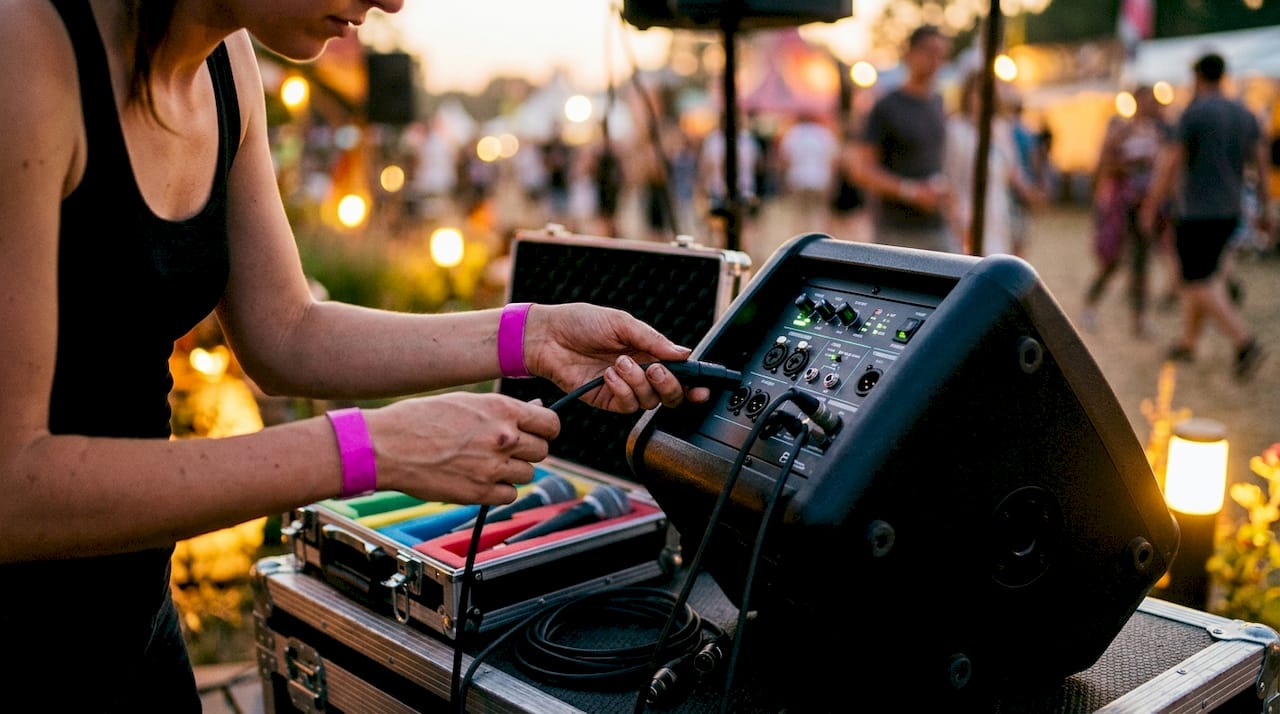
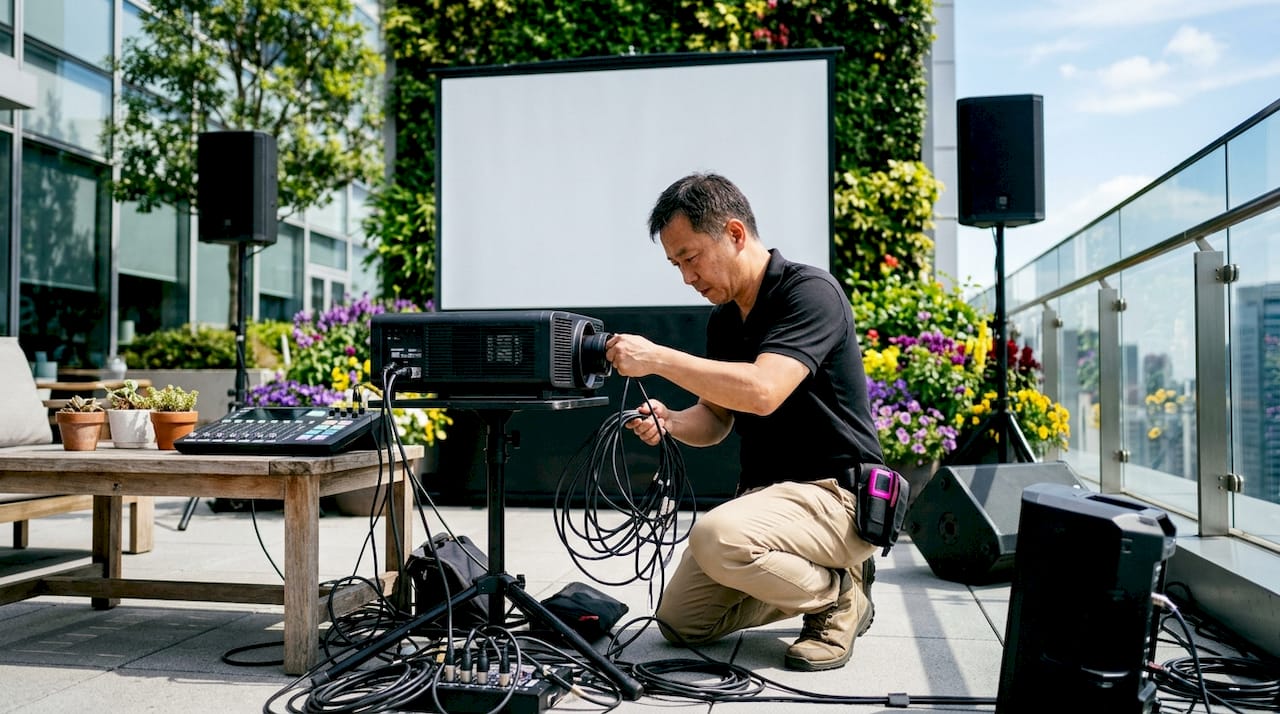
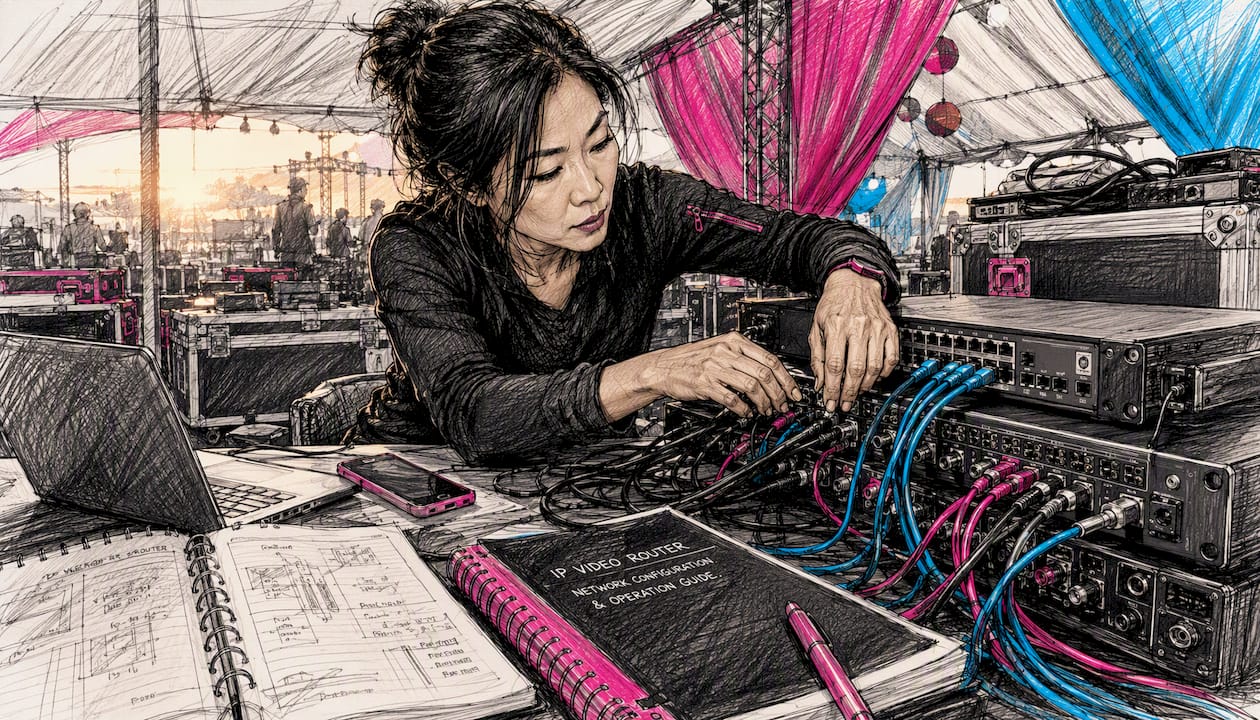
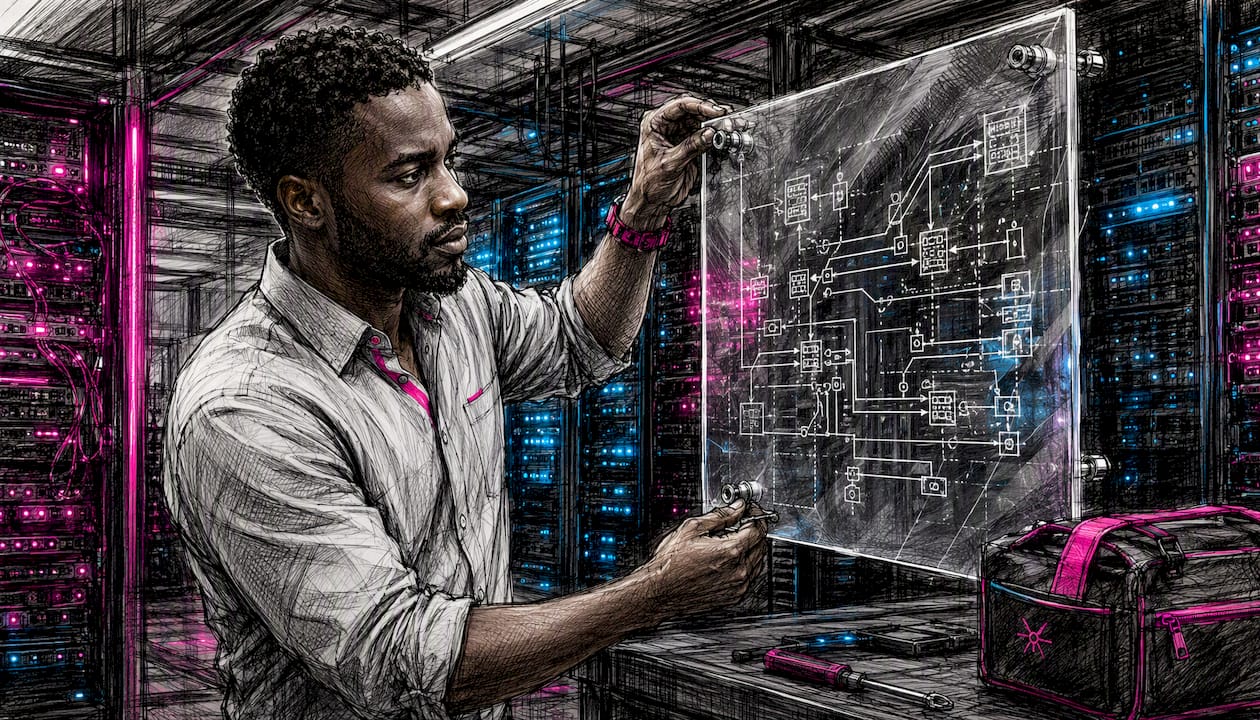
Engineer operating IP video production equipment

"

IP video production is the practice of carrying video, audio and control signals as discrete digital packets over standard IP networks — a LAN, WAN or the public internet — rather than routing them through point-to-point SDI or HDMI cabling. The ‘IP’ stands for Internet Protocol, the same packet-based transport layer that underpins the web. Instead of a dedicated wire per signal, each media stream is broken into packets, addressed, transmitted and reassembled at the destination.

Production teams reach for IP workflows in four broad situations:

  • Remote/REMI production — centralised crews controlling cameras and switchers at distant venues
  • Studio IP cores — replacing traditional SDI routers with software-defined media networks
  • Corporate and hybrid events — distributing feeds to multiple screens and remote presenters without running long cable runs
  • Contribution and backhaul — moving compressed streams between sites, to cloud playout or to broadcast partners

If any of those scenarios describes your next project, the rest of this guide covers how the technology works, which protocols to choose, and what a sensible deployment actually looks like.


Table of Contents

How IP video production works: packetisation, timing and transport

The journey from camera sensor to playout screen follows a consistent chain, regardless of which protocol you use.

Capture and encode. A camera or capture device digitises the signal. Depending on the workflow, the media is either kept uncompressed (as in SMPTE ST 2110) or lightly to heavily compressed before transmission (NDI, SRT). Encoding typically happens at the endpoint device, a dedicated hardware encoder, or a software encoder running on a server.

Packetisation. The media data is wrapped into IP packets, each carrying a payload, a sequence number and a timestamp. Those sequence numbers matter: they let the receiver detect dropped or reordered packets and request retransmission where the protocol supports it.
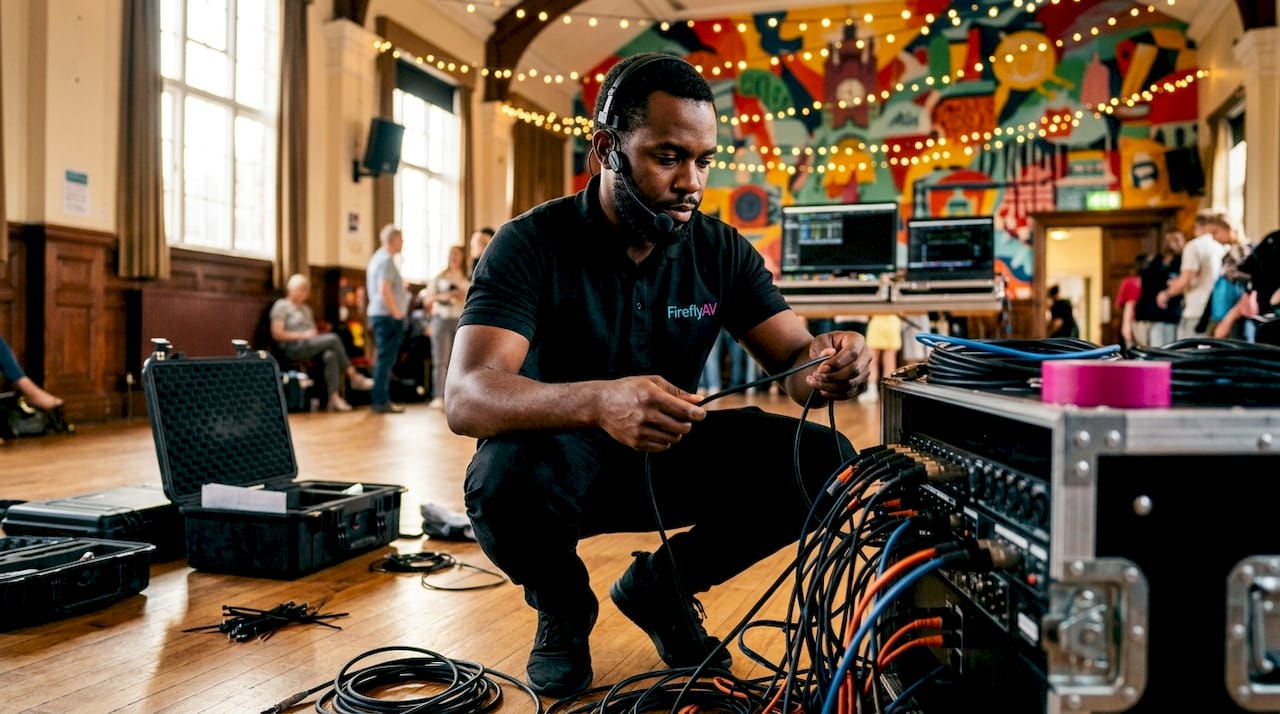
Technician demonstrating IP video packetisation

Transport. Packets travel across the network fabric — switches, routers, and in WAN scenarios, the public internet. This is where jitter (variation in packet arrival time) and packet loss become production concerns. A well-engineered LAN with Quality of Service (QoS) policies keeps both under control; a congested WAN link does not.
Infographic comparing IP video protocols ST 2110 and NDI

Synchronisation. For live switching, frames and audio must be aligned across every source. SMPTE 2059 and IEEE 1588 Precision Time Protocol (PTP) distribute a common clock across the network so every device timestamps its packets against the same reference. Without PTP lock, you get glitches at the cut point — the kind of artefact that ends careers in live broadcast.

Reassembly and playout. The receiver buffers incoming packets, reorders them if necessary, decodes the media and passes it to the downstream device — a monitor, switcher, graphics engine or encoder.

Latency in an IP video chain is the sum of encode time, network transit, jitter buffer depth and decode time. Uncompressed ST 2110 workflows can achieve sub-millisecond network latency on a local fabric; SRT over a WAN typically adds 120–500 ms depending on the buffer setting and link quality. Know your latency budget before you choose a protocol.

Pro Tip: Before any live event, run a dedicated one-way latency and jitter test on the actual network path you plan to use — not a similar one. Tools such as iPerf3 and Wireshark give you packet-loss figures and jitter histograms that reveal problems a ping test will miss entirely.


Which protocols and standards should you use?

IP video production has fragmented into several protocols, each optimised for a different part of the production chain. Choosing the wrong one for your network or use case is the single most common planning mistake.

The main protocols at a glance

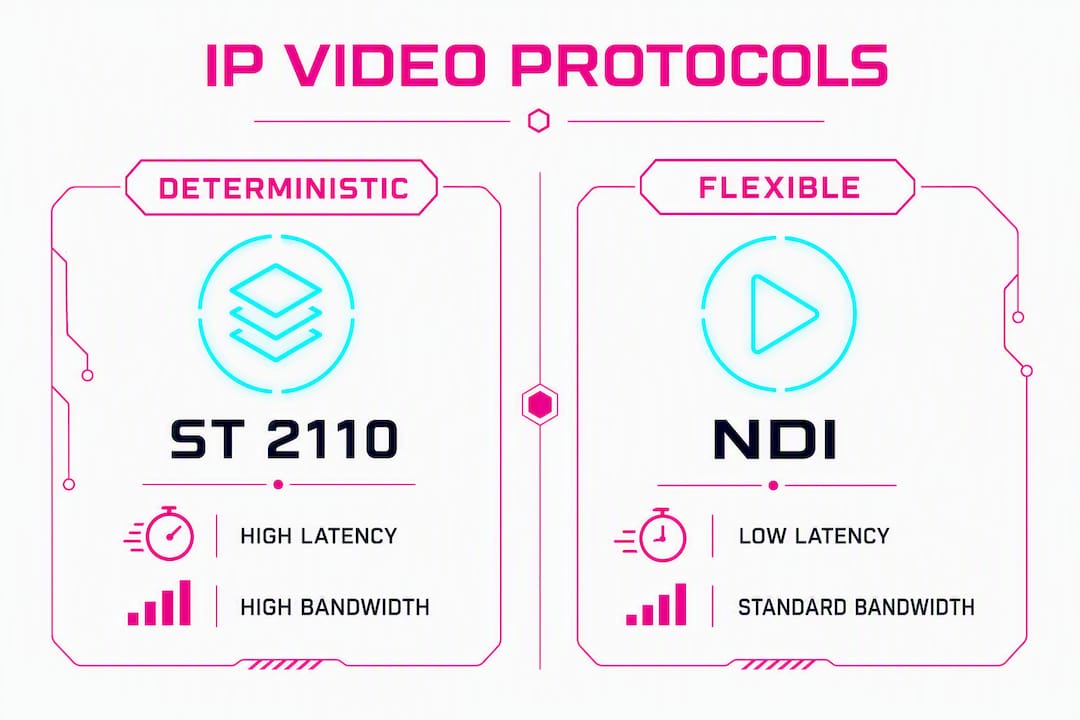
  • SMPTE ST 2110 carries uncompressed video, audio and ancillary data as separate time-aligned essences (video on 2110-20, audio on 2110-30, ancillary on 2110-40). It demands PTP timing and an engineered fabric. The payoff is deterministic, frame-accurate switching — the standard for broadcast studios and large mobile units.
  • NDI is a software-centric, lightly compressed LAN protocol that runs comfortably on 1 GigE. It is popular for graphics-heavy workflows, small studios and any environment where fast, flexible routing between PCs and software tools matters more than uncompressed quality.
  • SRT (Secure Reliable Transport) is built for WAN contribution. It provides reliability and encryption over imperfect links by retransmitting lost packets within a configurable latency window. Use it for remote feeds, cloud contribution and backhaul between sites.
  • RIST (Reliable Internet Stream Transport) solves a similar problem to SRT but is an open IETF standard, which matters when you need multi-vendor interoperability on contribution paths.
  • RTP/RTSP are the underlying transport and control protocols that many higher-level systems build on. You will encounter them in IP cameras, streaming encoders and IPTV systems.
  • IPMX adapts the ST 2110 essence model for Pro AV environments, adding compression options suited to 1 GigE and 10 GigE networks where full uncompressed bandwidth is impractical.
  • Dante AV extends Audinate’s audio-over-IP platform into video, useful when a facility already runs Dante audio and wants a unified AV-over-IP fabric without a full ST 2110 deployment.

Protocol comparison

Protocol Latency Bandwidth requirement Interoperability Best use case Complexity TCO implication
SMPTE ST 2110 Sub-millisecond (LAN) Very high (uncompressed, 10 GigE+) Broad broadcast vendor support; NMOS for discovery Broadcast studio, large mobile unit High — requires engineered fabric and PTP High upfront; lower long-term routing cost
NDI Low (LAN, ~1 frame) Moderate (lightly compressed, 1 GigE) Wide software support; hardware gateways available Small studio, LAN graphics/replay nodes Low — plug-and-play on existing LAN Low; runs on commodity hardware
SRT Configurable (120–500 ms typical) Low (compressed stream) Growing; open source WAN contribution, cloud delivery Medium — buffer tuning required Low; open source, no licence fee
RIST Configurable Low (compressed stream) Open IETF standard; multi-vendor WAN contribution, broadcast backhaul Medium Low
IPMX Low (LAN) Moderate (compressed, 1/10 GigE) Growing Pro AV support Corporate AV, hybrid events Medium Moderate

Interoperability and gateways. Most real deployments mix protocols. An SDI camera feeds an IP gateway; the gateway outputs ST 2110 into the studio core; an NDI node handles graphics on the same LAN; SRT carries the finished programme to a remote site. NMOS (Networked Media Open Specifications) handles discovery and connection management across ST 2110 devices, reducing the manual configuration that used to make IP cores painful to operate.

Practical deployments tend to settle on a small, repeatable stack: ST 2110 for the deterministic core, NDI for flexible LAN nodes, SRT for WAN contribution. Adopting every format at once is a reliable way to create a support nightmare.


What are the real operational benefits of IP video?

The commercial case for IP video is straightforward, though the details matter.
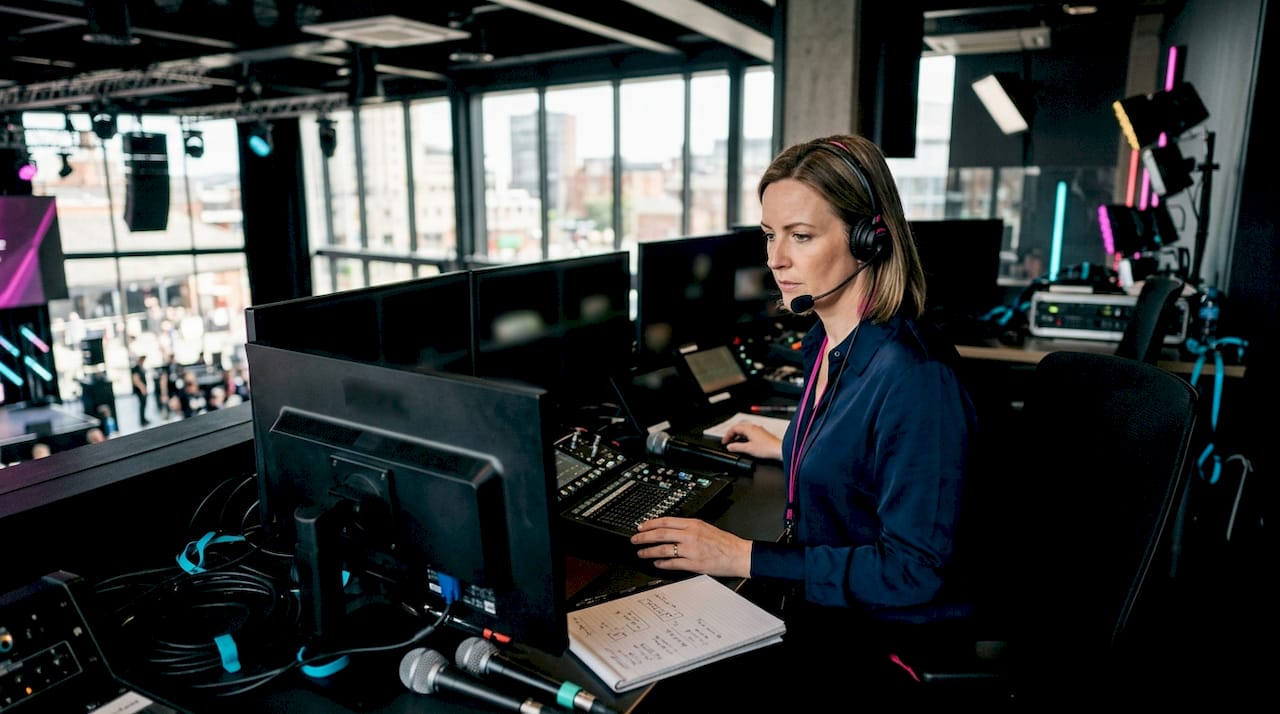
Team planning IP video production scalability

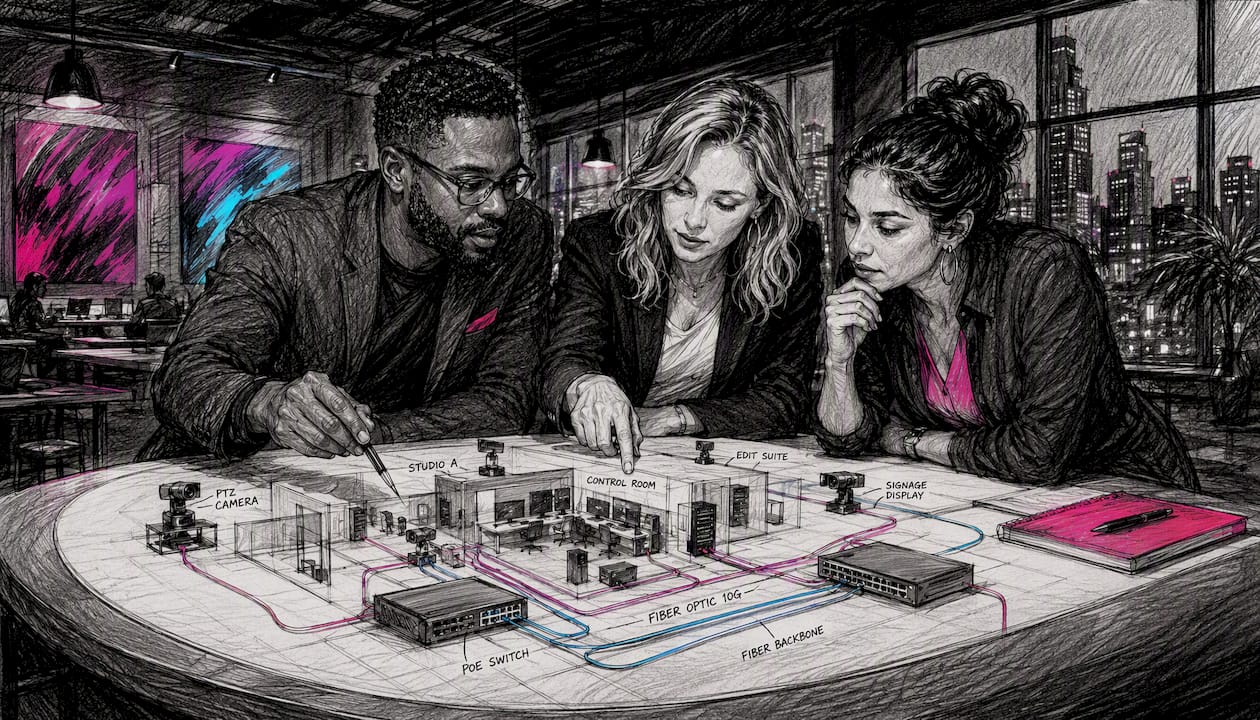
Scalability without hardware sprawl. Adding a new source to an SDI router means a physical input card and a cable run. Adding a source to an IP fabric means connecting to the network. Scalability and remote production are among the most cited operational benefits, and the network-attachment model is the reason: you can spin up a new camera, replay server or graphics node without touching the core infrastructure.

Remote and REMI production. Centralising production crews at a hub facility while cameras stay at the venue reduces travel costs, allows specialist operators to work across multiple events in a day, and makes flexible resource allocation genuinely practical. AV over IP enables remote access, device control and centralised production in ways that SDI point-to-point simply cannot match across distances.

Reduced cabling and PoE convenience. A single Cat6 or fibre run replaces multiple SDI cables. Power over Ethernet (PoE) switches — such as the Swissonic Stage Switch PoE — can power IP cameras and endpoints directly from the network port, eliminating separate power runs to remote positions.

TCO and infrastructure reuse. Falling IP bandwidth and storage costs have driven adoption across video markets. Beyond hardware, IP workflows integrate naturally with compute and cloud services — a production can share infrastructure with IT, use cloud rendering for graphics, or spin up a remote contribution path without commissioning new physical plant.

Pro Tip: When calculating TCO for an IP migration, include the cost of network engineering time and training alongside hardware. The kit is often cheaper than SDI equivalents; the expertise to run it correctly is where budgets get surprised.


What are the trade-offs and failure modes to plan for?

IP video is not a free upgrade from SDI. The failure modes are different, and some are harder to diagnose under pressure.

Bandwidth demands. Uncompressed ST 2110 video at 1080i/59.94 requires roughly 1.5 Gbps per stream. UHD/HDR multiplies that by four. A 64-source studio core needs a 100 GigE spine. Compressed workflows (NDI, SRT) reduce those numbers significantly but introduce encode/decode latency and quality trade-offs.

Latency and determinism. For live switching, the latency of every source must be consistent. A mix of compressed and uncompressed sources with different buffer depths creates alignment problems at the switcher. Some workflows — particularly those requiring frame-accurate switching with no perceptible delay — still benefit from SDI at the critical path.

Network complexity. IP production networks are not standard IT networks. Key design requirements include:

  • Multicast routing with IGMP snooping (to avoid flooding every switch port with every stream)
  • QoS policies that prioritise media traffic over control and data
  • PTP/clocking infrastructure with a grandmaster clock and boundary clocks at each switch tier
  • Managed switches with sufficient buffer depth and low-latency forwarding

Operational risks. A misconfigured VLAN or a rogue multicast flood can take down an entire production simultaneously — something that rarely happens with SDI, where failures tend to be per-cable. Monitoring tools (stream analysers, PTP monitors) are not optional extras; they are part of the production infrastructure.

Redundancy. SMPTE 2022-7 carries duplicate IP paths so receivers can switch cleanly if the primary path drops packets. Implementing it doubles the bandwidth requirement but is standard practice for broadcast-grade reliability.

Skills gap. Production engineers who are expert in SDI routing often need significant upskilling to manage IP fabrics. Network engineers who understand IP often lack production workflow knowledge. The overlap between those two skill sets is where IP deployments succeed or fail.

Suggested mitigations:

  1. Start with a hybrid SDI/IP approach — keep SDI at the critical path and add IP where it adds clear value.
  2. Build a test rig that mirrors the production network before committing to a live event.
  3. Implement SMPTE 2022-7 redundancy on any path where a dropout is unacceptable.
  4. Hire or contract a network engineer with media networking experience for the first several deployments.
  5. Define fallback procedures in writing before the event, not during it.

What does a typical IP production architecture look like?

The components of an IP video system fall into a few clear categories. How they connect depends on the scale and use case.

Core components

  • IP cameras — cameras with native IP outputs (NDI, ST 2110, or RTSP) or traditional cameras feeding IP gateways
  • Encoders and decoders — hardware or software devices that compress media for transport and decompress at the destination
  • Capture and media servers — ingest, replay and playout servers connected directly to the IP fabric
  • Network switches — the backbone of the system; choice of 1 GigE, 10 GigE or 25 GigE depends on stream count and codec
  • PTP grandmaster clock — distributes the common timing reference across all ST 2110 devices
  • SDI/IP gateways — convert between SDI and IP to integrate legacy cameras, routers and monitors; the Blackmagic Smart Videohub Cleanswitch 12x12 is one example of routing hardware that bridges traditional and IP signal paths
  • NMOS controller — handles discovery, registration and connection management for ST 2110 devices
  • Monitoring and multiview — stream analysers, PTP monitors and software multiviewers that give operators visibility of the fabric

Typical architecture patterns

Three patterns cover most deployments:

Small LAN NDI studio. A handful of NDI cameras, a software switcher (such as the Blackmagic Design ATEM Mini Pro used alongside NDI sources), graphics PCs and a replay node, all on a single managed 1 GigE switch. Low cost, fast to deploy, adequate for corporate content and small live productions.

Engineered ST 2110 broadcast core. A spine-leaf switch fabric at 10 GigE or 25 GigE, PTP grandmaster, NMOS controller, hardware gateways for SDI integration, and a software-defined router. This is the architecture for a broadcast facility or large mobile production unit where deterministic switching and large multiview environments are non-negotiable.

WAN contribution with SRT/RIST. A compressed feed from a venue encoder travels over a bonded 4G/5G or dedicated WAN link to a hub facility using SRT or RIST. The hub decodes, integrates with the studio core and distributes the finished programme. Monitoring at both ends is critical.

On any architecture, monitoring and redundancy are not afterthoughts — they are load-bearing elements. A production that cannot see its own network in real time is flying blind, and a production without a redundant path for its critical feeds is one packet storm away from dead air.

Network tier Typical use Recommended switch speed Notes
NDI LAN studio Small studio, corporate events 1 GigE Managed switch with IGMP snooping
ST 2110 / IPMX core Broadcast facility, large mobile unit 10 GigE+ PTP-capable, low-latency forwarding
WAN contribution Remote/REMI, cloud delivery Varies (WAN link dependent) SRT/RIST with buffer tuning; monitor packet loss
UHD/HDR ST 2110 High-end broadcast, OB truck 25 GigE / 100 GigE spine Redundant paths, SMPTE 2022-7

Exact bandwidth requirements depend on channel count, resolution and codec. These tiers are starting points, not fixed rules.


How to plan a migration or deploy IP video for an event

A staged approach prevents the most common failures. Hybrid environments are the practical reality: most facilities keep SDI where determinism matters and add IP where routing flexibility and remote production add value.

Pre-project scoping

  1. Define quality and latency requirements — uncompressed or compressed, and what is the maximum acceptable end-to-end delay?
  2. Count your channels: sources, destinations, multiview feeds, monitoring paths and redundant streams.
  3. Determine whether the event is LAN-only or requires WAN contribution, and whether cloud services are in scope.
  4. Identify which existing equipment can be retained with gateways and what must be replaced.

Network design essentials

  • Segment media traffic onto dedicated VLANs, separate from IT and control traffic
  • Enable IGMP snooping on all switches to contain multicast traffic
  • Apply QoS policies that prioritise RTP/media packets over best-effort data
  • Deploy a PTP grandmaster and configure boundary clocks at each switch tier for ST 2110 workflows
  • Choose managed switches with sufficient buffer depth; unmanaged switches are not suitable for production IP
  • Plan redundant physical paths and implement SMPTE 2022-7 on critical feeds

Pre-event checklist

  1. Lab-test the full signal chain end-to-end before arriving on site.
  2. Run iPerf3 or equivalent to measure one-way latency, jitter and packet loss on every network path.
  3. Verify PTP lock on all ST 2110 devices and confirm grandmaster priority settings.
  4. Test codec and buffer settings under load — not just with a single stream.
  5. Confirm multiview and monitoring feeds are operational.
  6. Verify redundancy paths by deliberately failing the primary link and confirming clean switchover.
  7. Document and rehearse the fallback procedure with the full production team.

For a hybrid event AV setup, add a test of the remote presenter path under realistic WAN conditions — not a local loopback.


Where does IP video add most value in UK production?

UK production teams are deploying IP workflows across a wide range of project types. The technology fits differently in each.

Broadcast facilities. ST 2110 cores are now standard in new-build and refurbished UK broadcast facilities. The deterministic switching and large multiview environments they support are difficult to replicate with SDI at scale. NMOS-based discovery and connection management reduces the manual patching that used to make large SDI routers slow to reconfigure.

Remote and REMI sport and live events. SRT and RIST carry compressed contribution feeds from venues to hub facilities, while NDI or lightly compressed IP handles replay and graphics on the local LAN at the venue. The result is a smaller on-site crew and specialist operators working from a central location — a model that has become standard for UK sports rights holders managing multiple simultaneous fixtures. For live event setups that feed large LED walls, IP distribution simplifies the signal routing considerably.

Corporate and hybrid events. Low-latency NDI or managed AV-over-IP handles flexible stage setups, distributed presenter feeds and multi-room distribution without the cable infrastructure that traditional SDI requires. AV over IP is already widely used in corporate AV environments, and the flexibility it offers for last-minute layout changes is a genuine operational advantage on event day.

eSports and live streaming. eSports productions typically combine low-latency LAN feeds from gaming PCs with cloud contribution for global audiences. NDI handles the local capture and replay; SRT carries the programme feed to cloud encoders for distribution. The hybrid approach keeps latency low for the in-venue experience while reaching global streaming platforms simultaneously. Fireflyav has specific expertise in eSports production, making this a well-understood workflow for the team.


How Fireflyav supports IP video production deployments

Fireflyav supplies equipment and technical support for IP video deployments across corporate, broadcast, live event and eSports productions in the UK. The services relevant to an IP workflow include:

  • IP-capable camera hire and SDI/IP gateway equipment
  • Managed network switches (including PoE models for camera power)
  • Encoder and decoder hardware for contribution and distribution
  • Onsite technical support from engineers with IP production experience
  • System design consultation for hybrid SDI/IP architectures
  • Managed REMI services for remote production setups

Before a live event, Fireflyav’s technical team runs a structured pre-event verification process:

  1. PTP lock checks across all ST 2110 devices
  2. One-way latency and jitter measurement on all network paths
  3. Codec and buffer verification under realistic load
  4. Multiview and monitoring feed confirmation
  5. Redundancy path testing with deliberate primary-link failure
  6. Fallback procedure rehearsal with the production team

For teams new to IP workflows, Fireflyav can also advise on broadcast AV equipment types and help scope the right architecture for the project scale and budget. The team’s experience across event production setups means the advice is grounded in what actually works on UK event sites, not just what looks good in a white paper.


UK regulatory and compliance considerations for IP video deployments

IP video production in the UK sits within several overlapping regulatory frameworks that production teams should understand before deploying.

Ofcom and broadcast licensing. Any IP video workflow used to originate or distribute licensed broadcast content must comply with Ofcom’s technical standards for programme contribution and distribution. The ITU-R BT.2137-0 recommendation covers technologies applicable to IP interfaces for programme production and is the relevant international reference for broadcasters operating IP contribution chains.

Data protection. IP video systems that capture or transmit footage of identifiable individuals — including audience members at live events — are subject to the UK GDPR and the Data Protection Act 2018. This applies to both live streams and any recorded content stored on network-attached servers. Production teams should confirm that their IP infrastructure does not inadvertently retain footage beyond the agreed retention period.

Network and spectrum. Where IP video is carried over licensed wireless links (bonded 4G/5G for REMI contribution, for example), Ofcom spectrum licensing requirements apply. Temporary spectrum licences for outside broadcast use are available through Ofcom’s licensing portal and should be secured well in advance of the event date.

Venue and building regulations. Temporary IP network installations at UK venues must comply with BS 7671 (IET Wiring Regulations) for any mains-powered equipment. PoE-powered devices fed from a compliant switch are generally straightforward, but any generator-fed temporary power distribution requires a competent person sign-off.

Cyber Essentials and public sector contracts. UK public sector clients and some large corporate clients increasingly require suppliers to hold Cyber Essentials or Cyber Essentials Plus certification. If your IP video infrastructure handles content for a public sector event, check whether the contract requires certification of the network and connected devices.

This section provides general information about the regulatory context for IP video production in the UK. Confirm current requirements with Ofcom, the ICO, or a qualified legal adviser before deploying.


Security in IP video production: encryption, access control and network hardening

IP video networks are computer networks, and they carry the same attack surface as any other networked system. The difference is that a security incident during a live production has immediate, visible consequences.

Network segmentation. Media VLANs should be isolated from corporate IT networks and from the public internet. A production network that shares a flat network with office Wi-Fi is an unnecessary risk. Firewall rules should permit only the specific ports and protocols required by the production system.

Encryption. SRT includes built-in AES-128 or AES-256 encryption for WAN contribution paths. For NDI on a LAN, the network boundary (firewall, VLAN isolation) provides the primary protection; NDI does not encrypt by default. ST 2110 streams are similarly unencrypted at the transport layer, making physical and logical network isolation the primary security control.

Access control. All management interfaces — switches, encoders, NMOS controllers, media servers — should use strong, unique credentials. Default passwords on network equipment are a well-documented attack vector. Where possible, use RADIUS or LDAP-based authentication for management access rather than local accounts.

Monitoring and intrusion detection. A production network should have baseline traffic monitoring so that unexpected multicast floods, new devices appearing on the fabric, or unusual bandwidth spikes are visible to the engineering team. Tools such as PRTG Network Monitor or open-source alternatives like Zabbix can provide this visibility without significant additional cost.

Physical security. On event sites, network switch ports that are not in use should be disabled. Unattended network equipment in public areas should be physically secured. A rogue device plugged into a production switch can disrupt the entire fabric.

Firmware and patching. Network equipment used in production environments should run current firmware. This is frequently overlooked in event AV, where equipment is hired, deployed and returned without a patching cycle. Confirm firmware versions during the pre-event check.


Key takeaways

IP video production routes media as IP packets over standard networks, making it the foundation of modern remote production, scalable studio cores and flexible event AV.

Point Details
Packet-based transport Video, audio and control travel as IP packets over LAN, WAN or internet rather than dedicated SDI cables.
Protocol choice drives design ST 2110 suits deterministic broadcast cores; NDI fits LAN/graphics nodes; SRT handles WAN contribution reliably.
Timing is non-negotiable PTP (IEEE 1588 / SMPTE 2059) synchronises all sources; without it, live switching produces glitches.
Hybrid is the pragmatic path Most UK facilities keep SDI at the critical path and add IP where routing flexibility or remote production adds value.
Fireflyav for UK deployments Fireflyav supplies IP-capable equipment hire and onsite technical support, including pre-event network verification for live events.

The learning curve is steeper than the marketing suggests

The production industry has spent two decades being told that IP is the future, and it is — but the transition is harder than the white papers make it sound. The skills gap is real and it cuts both ways: experienced broadcast engineers who can read a waveform monitor in their sleep often struggle with IGMP configuration, and IT network engineers who can design a spine-leaf fabric have no instinct for why a two-frame jitter buffer is too much for a live cut.

What actually works, based on the evidence from facilities that have made the transition successfully, is starting smaller than you think you need to. A single NDI node in an otherwise SDI studio teaches the team more about IP production behaviour than any training course. From there, a pilot REMI event over SRT, then a hybrid ST 2110 core for one studio, then a full migration. Each step validates the network design and builds the team’s confidence before the stakes get higher.

The other thing the marketing undersells is the monitoring requirement. SDI fails one cable at a time. IP fails in ways that can take down every signal simultaneously, and the failure mode is often invisible without the right tools watching the network. Budget for stream analysers and PTP monitors from day one, not as an afterthought when something goes wrong.

Hybrid operation is not a compromise or a transitional state. For most UK production teams, it is the permanent, pragmatic answer — SDI where determinism is non-negotiable, IP where flexibility and remote production add genuine value.


Fireflyav: IP video equipment hire and technical support for UK events

For UK production teams ready to deploy IP video workflows, Fireflyav provides the equipment and the engineering expertise to make it work on the day. The difference from sourcing kit independently is the pre-event verification: Fireflyav’s technical team tests PTP lock, latency, jitter and redundancy paths before the event goes live, not during it.
Fireflyav

The hire inventory covers IP-capable cameras, encoders, managed PoE switches, SDI/IP gateways and the supporting infrastructure for LAN studio setups through to WAN contribution rigs. For corporate conferences, hybrid events and eSports productions, Fireflyav can provide a fully managed technical support package that includes system design, onsite engineering and post-event debrief. Browse the AV equipment options for event planners or go straight to the technical support service page to discuss your next project. To get a quote for specific equipment or a managed production package, fill in the project enquiry form and the team will respond with a scoped proposal.


Useful sources and further reading

  • Recommendation ITU-R BT.2137-0: Technologies applicable to IP interfaces for programme production — the ITU’s primary reference for IP programme production interfaces
  • IP Video Production Fundamentals (Chapter 7) — Remote Production — practical overview of IP video production concepts and REMI workflows
  • How video over IP works — Telestream — explanation of PTP synchronisation and SMPTE 2022-7 redundancy
  • SDVoE Alliance — industry body for AV-over-IP standards and interoperability resources
  • AVnu Alliance FAQs — reference for AVB/TSN timing and synchronisation standards relevant to Pro AV
  • Fireflyav broadcast AV equipment guide — Fireflyav’s guide to broadcast kit types for UK production teams
"


IP video production explained: a guide for professionals

12/08/2026
Event manager setting up playback media server

"

Pro playback is a hired media-server system, a certified operator, and show-control integration that delivers video and graphics to LED walls, projectors, and screens during a live, hybrid, or broadcast event. Book a specialist AV supplier such as Fireflyav rather than attempting a DIY approach: the risk of a single-point failure on show day is too high without a trained operator and a tested redundancy chain behind it.

What a credible pro playback package involves:

  • A media server running software such as Green Hippo Hippotizer or PIXERA, with a licensed copy and content pre-loaded
  • A show-control interface and switcher, typically a Blackmagic Design ATEM or equivalent, for clean cuts and transitions
  • Multi-output delivery chains covering LED drivers, scalers, and projector feeds
  • A qualified media-server operator and, on larger shows, a video designer and show-control technician
  • AVIXA CTS-accredited operators where the brief demands verified competence

Table of Contents

What does a pro playback package actually include?

A hire package is more than a server in a flight case. Expect the following components as standard from any serious supplier.

Equipment

Category Typical items
Media servers Primary + backup units (e.g. Green Hippo Boreal, PIXERA server)
Show control / switching Blackmagic Design ATEM, GrandMA node or equivalent
Outputs LED processor/driver, scaler, projector interface
Network and storage Managed switch, NAS or RAID drive, redundant cabling
Audio embedding Embedder/de-embedder or dedicated audio player

Software and content management

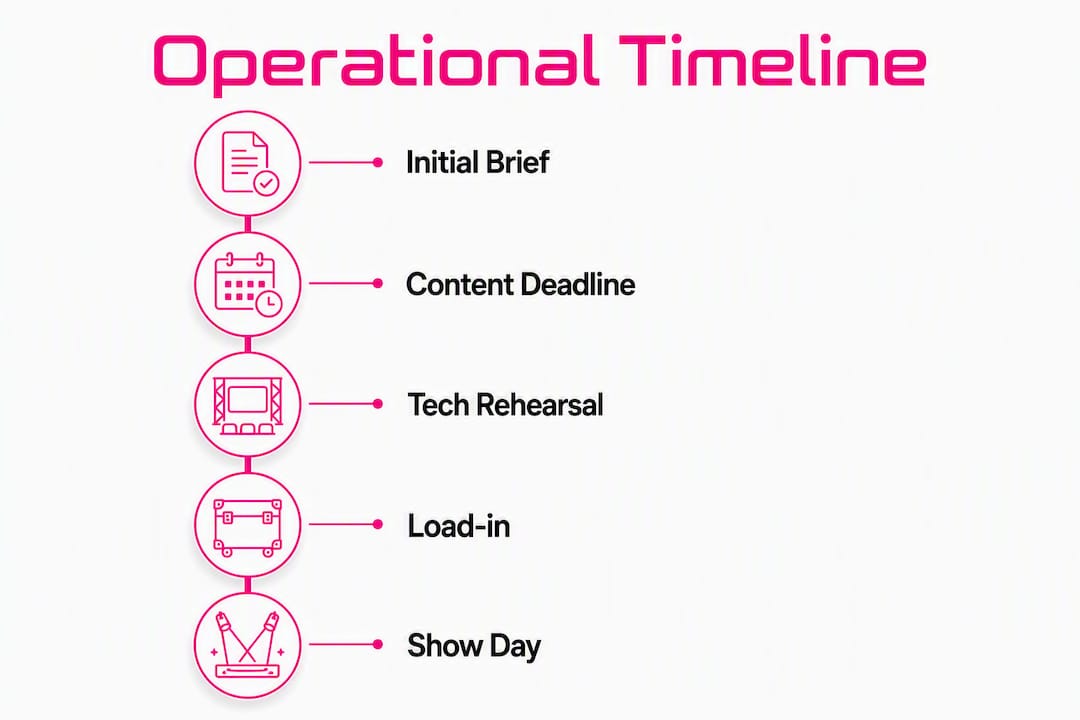
Infographic illustrating operational timeline from brief to show day

The server software licence travels with the hardware. Green Hippo Hippotizer and PIXERA both use proprietary project files, so content must be ingested and mapped before load-in. Version control matters: a mislabelled file played at the wrong resolution is one of the most common show-day problems. Suppliers should provide a content management workflow and confirm which codecs their server accepts before you sign off the brief.

Roles on show day

  • Media-server operator: runs the server, fires cues, manages the timeline
  • Video designer / engineer: builds the show file, maps outputs, handles pixel mapping
  • Show-control technician: manages integration with lighting desks, audio and broadcast feeds
  • Stagehand / tech support: cable runs, patching, physical setup and strike

Fireflyav supplies all four roles depending on show scale, and its Green Hippo Boreal hire demonstrates direct hardware familiarity rather than theoretical knowledge.


What technical specs do you need to confirm before hiring?

Get these locked before shortlisting suppliers. Discovering a mismatch at load-in costs hours you do not have.

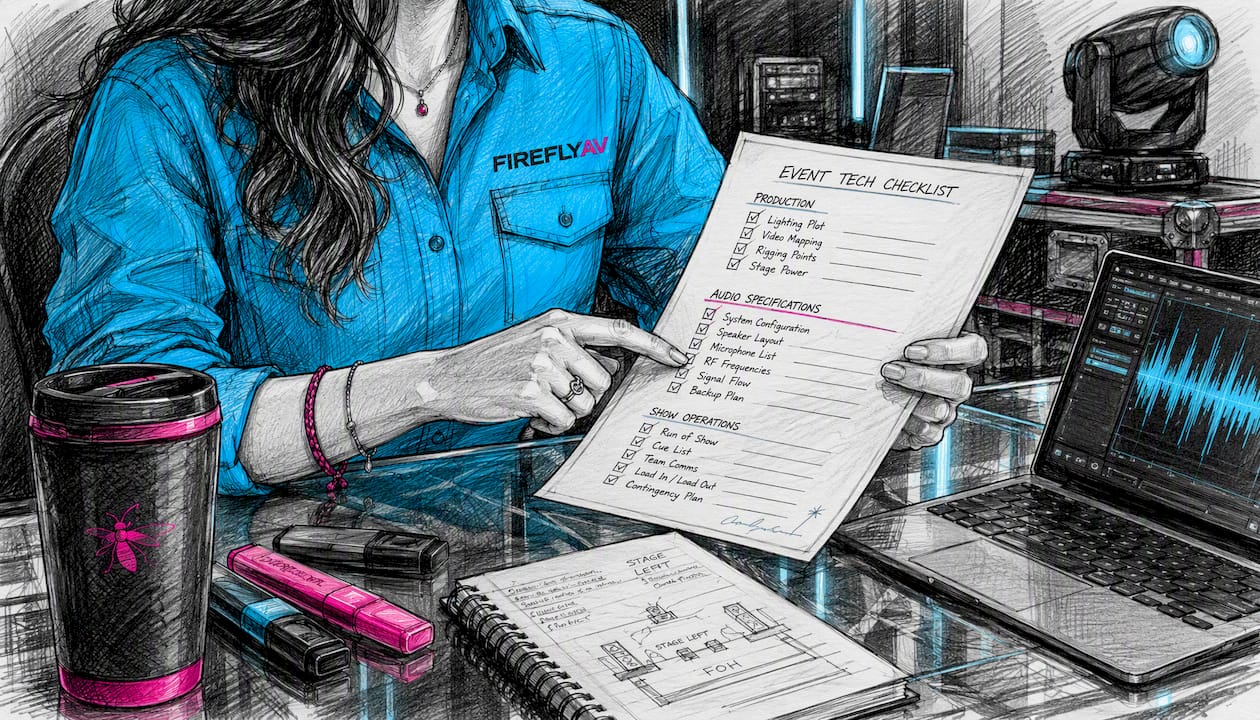
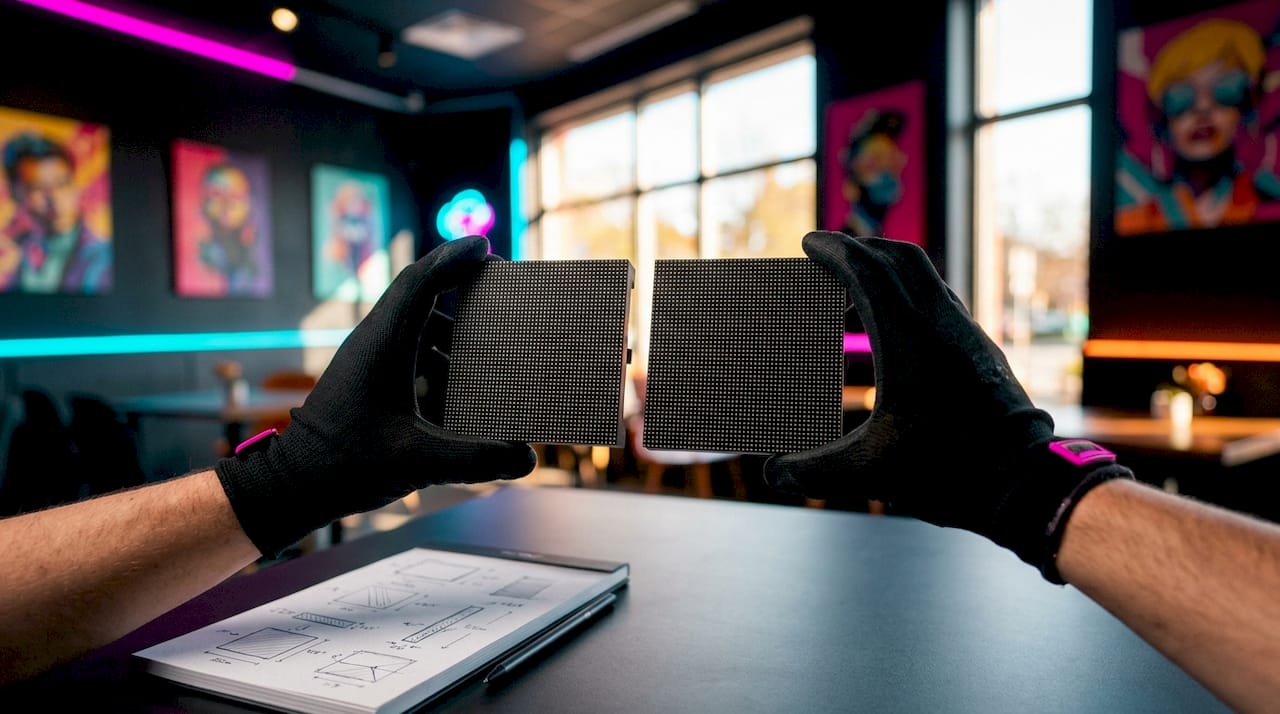
Hands reviewing playback technical checklist

Resolution and pixel mapping

Know the native pixel pitch of your LED panels and the total canvas resolution before anything else. A high-resolution LED strip running pixel-mapped content is a fundamentally different brief from a single standard HD screen. Suppliers need the exact canvas dimensions to build the show file correctly.

Frame rate and genlock

For broadcast integration or mixed camera playback, frame rate and genlock matter. PIXERA’s training programme covers genlock and framelock workflows for LED volumes and camera synchronisation, which reflects how common this requirement has become on hybrid and broadcast events. Confirm whether your venue or broadcast partner requires several common frame rates and standards and whether the media server needs to lock to an external reference signal.

Codecs and container formats

Most professional media servers accept HAP, ProRes, H.264, and H.265, but maximum bitrate and codec passthrough vary by platform. Clarify who is responsible for offline transcoding if your creative agency delivers in an unsupported format.

Network and file delivery

Agree delivery method (SFTP, couriered SSD, or cloud link), filename conventions, and MD5 checksums before content is sent. A corrupted file discovered at midnight before show day is avoidable with a simple verification step.

Pro Tip: Ask every shortlisted supplier for their file-format rider: a one-page document specifying accepted codecs, container formats, maximum bitrate, and a worked example such as a typical UHD resolution and frame rate for UHD or pixel-mapped a typical pixel-mapped LED panel resolution. Any supplier who cannot produce one is not ready for a professional brief.


What does the operational timeline look like from brief to show day?

Milestone Recommended lead time Responsible party
Initial brief and tech spec confirmed several weeks out Event manager + supplier
Content deadline (final files) a couple of weeks out Creative agency
Media ingest and pre-check about a week to ten days out Supplier / operator
Onsite load-in a few days before the show Supplier + venue
Dry run (system check, no talent) Day before show Operator + event manager
Dress rehearsal (full run-through) Morning of show All parties
Show day Operator leads

The content deadline is the milestone most often missed. Late files compress every subsequent stage, and a supplier who accepts content the morning of load-in is absorbing a risk that belongs to the client. Build the deadline into your contract, not just your email thread.

For corporate events, AV planning guidance recommends treating the tech rehearsal as non-negotiable, not a nice-to-have.


How do playback suppliers price their work?

Pricing varies significantly by model. Understanding the components stops you comparing a dry-hire quote against a full-production quote as though they are equivalent.

Typical cost components:

  • Dry hire: server hardware, licences, cabling, and flight cases only
  • Operator day rate(s): typically charged per day including prep, show, and strike
  • Pre-show ingest and prep time: often billed separately at a half-day or day rate
  • Rehearsal fees: full operator rate applies; do not assume rehearsals are included
  • Travel and subsistence: mileage, accommodation, and per diem for out-of-London work
  • Insurance and licensing: public liability, equipment insurance, and any content licensing

Pricing models at a glance:

  1. Dry hire only: you supply the operator; supplier provides kit and a handover briefing
  2. Tech + operator: kit and a qualified operator supplied together; most common model for corporate and eSports events
  3. Full production package: end-to-end delivery including content management, rehearsal cover, and onsite technical management

Procurement checklist for your RFQ:

  1. Request line-item costs for kit, people, prep, and contingency separately
  2. Confirm whether rehearsal days are included or billed additionally
  3. Ask for travel and subsistence policy in writing
  4. Verify insurance certificates cover the event venue and dates
  5. Confirm who owns responsibility for transcoding and file delivery

How do you protect against failure on the day?

Single points of failure in a playback chain are not hypothetical risks. A server crash during a keynote or an eSports final is a reputational event for everyone in the room.

Risk Likelihood Impact Mitigation
Primary server failure Low Critical Hot-standby backup server, mirrored content
File corruption Medium High MD5 checks at ingest; backup copies on separate drives
Network drop Medium High Redundant network links; local storage fallback
Power loss Low Critical UPS on server rack; generator backup for large shows
Human error (wrong cue) Medium Medium Scripted run-order; operator rehearsal with TD

A credible supplier runs a primary and backup media server simultaneously, with content mirrored across both. The operator should be able to fail over to the backup in under ten seconds without the audience noticing. For broadcast-grade events, redundant output chains and duplicate signal paths are standard, not optional.

Pro Tip: Insist on an AV rider that names the backup media server model and specifies a scripted emergency run-order. If a supplier’s rider does not mention fallback content or a cut-to-black cue, ask why.


How to brief a pro playback supplier: a checklist to send with your RFQ

Venue data to supply upfront:

  • Stage and LED dimensions (width × height in millimetres, pixel pitch)
  • Rigging points and weight limits for any flown equipment
  • Power provision: single-phase or three-phase, available amperage, nearest distribution point
  • FOH and comms locations: where the operator position will be, talkback and IEM requirements
  • Venue AV requirements including any house-system integration

Deliverables to request from the supplier:

  • File-format rider and ingest specification
  • Operator CVs with named media-server experience
  • Rehearsal coverage confirmation (which days, which hours)
  • Public liability and equipment insurance certificates
  • Health and safety method statement

Questions to ask every supplier:

  1. Which media-server platforms do your operators hold manufacturer training for?
  2. What is your backup server provision and failover time?
  3. How do you handle late content delivery?
  4. Can you provide references from events of similar scale and format?
  5. What is your timecode strategy for multi-screen or broadcast-integrated shows?

Ambiguity-reducing checklist items:

  • File naming convention (agreed before content is sent)
  • Expected playback resolution per output
  • Black frame handling between cues
  • Timecode source and sync method

What training routes exist for media-server operators in the UK?

Operator competence is not self-certified. Manufacturer training programmes give you an objective benchmark to request in an RFQ.

Green Hippo Pixel Academy

Green Hippo launched hands-on Hippotizer training at Pixel Academy in Maidenhead, with courses covering Hippotizer MX Series servers, CALICO PRO processors, and LED displays in a practical environment. The academy partners with tvONE, Matrox Video, Lumens, and NETGEAR to replicate real show conditions. Courses are designed for live event designers, operators, broadcast teams, and system integrators, and are being delivered with the intention of meeting AVIXA CTS RU accreditation standards.

PIXERA Campus

PIXERA Campus offers modular training in both online and in-person formats, covering interface, project setup, media management, timeline programming, LED and projector workflows, and PIXERA Control. A dedicated virtual production track addresses Unreal Engine integration, camera tracking, and genlock workflows. The programme targets media-server operators, video designers, TDs, and system integrators.

Manufacturer-run academies are raising the bar: courses now match live-event workflows rather than simply familiarising attendees with a product interface. That shift means buyers can and should expect operators to hold documented, course-specific training rather than vague “experience.”

Pro Tip: When operator competence is a contract requirement, ask for AVIXA CTS RU evidence or the specific course dates and certificates from Pixel Academy or PIXERA Campus. A CV that lists “media-server experience” without named platforms or training is not sufficient for a high-stakes show.


Key takeaways

Reliable pro playback requires a media server, a trained operator, a tested redundancy chain, and a content deadline enforced in the contract, not just the email thread.

Point Details
Lock specs before shortlisting Confirm canvas resolution, frame rate, codec requirements, and genlock needs before approaching suppliers.
Enforce the content deadline Build the file delivery deadline into the contract; late content compresses every downstream stage.
Demand a backup server Any credible supplier runs a hot-standby server with mirrored content and a very fast failover.
Verify operator training Request named platform certificates from Pixel Academy (Hippotizer) or PIXERA Campus, plus AVIXA CTS RU evidence where required.
Fireflyav for full-service cover Fireflyav supplies dry hire, tech + operator packages, and end-to-end production support for corporate, eSports, broadcast, and hybrid events.

What event managers consistently get wrong about playback

The three failures that appear most often are late content, a mismatch between content resolution and the LED canvas, and a tech rehearsal that gets cut to save time.

Late content is the most damaging. When files arrive the morning of load-in, the operator has no time to ingest, check, and map them properly. The result is a show file built under pressure, and pressure is where errors live. A hard contractual deadline, not a polite request, is the only fix.

Resolution mismatches are almost always a communication failure between the creative agency and the AV supplier. The agency builds to a standard 1920×1080 canvas; the LED wall is a pixel-mapped 5760×1080 strip. Nobody told the agency. The operator spends load-in stretching content that was never designed for the surface. A pixel-map pass, requested at the brief stage and confirmed in writing, eliminates this entirely.

The tech rehearsal is the one that gets sacrificed when the schedule slips. Every time. And every time, something surfaces on show day that a two-hour tech run would have caught: a cue that fires late, an audio embed that drops, a transition that stutters on the backup server but not the primary. Schedule the tech rehearsal as a fixed line in the production schedule, not a conditional one.


Fireflyav: hire, operators and end-to-end playback support

Fireflyav delivers professional media playback for corporate conferences, eSports events, broadcast productions, and hybrid shows across the UK. The offering covers dry hire of media servers and switching hardware, tech + operator packages where a qualified operator travels with the kit, and full production support including content management, rehearsal cover, and onsite technical management.

Fireflyav

To get a comparable quote, send your venue spec (stage dimensions, LED pixel pitch, power provision), content deadlines, run-order, and estimated load-in times. The more detail in the initial brief, the faster Fireflyav can confirm kit availability and operator scheduling.

Explore AV equipment and hire options or go straight to technical support and operator packages. Ready to specify your show? Submit your project details and the team will come back with a line-item quote.


Useful UK resources and training to follow up

"


Pro playback for event managers: how to brief and hire

9/08/2026
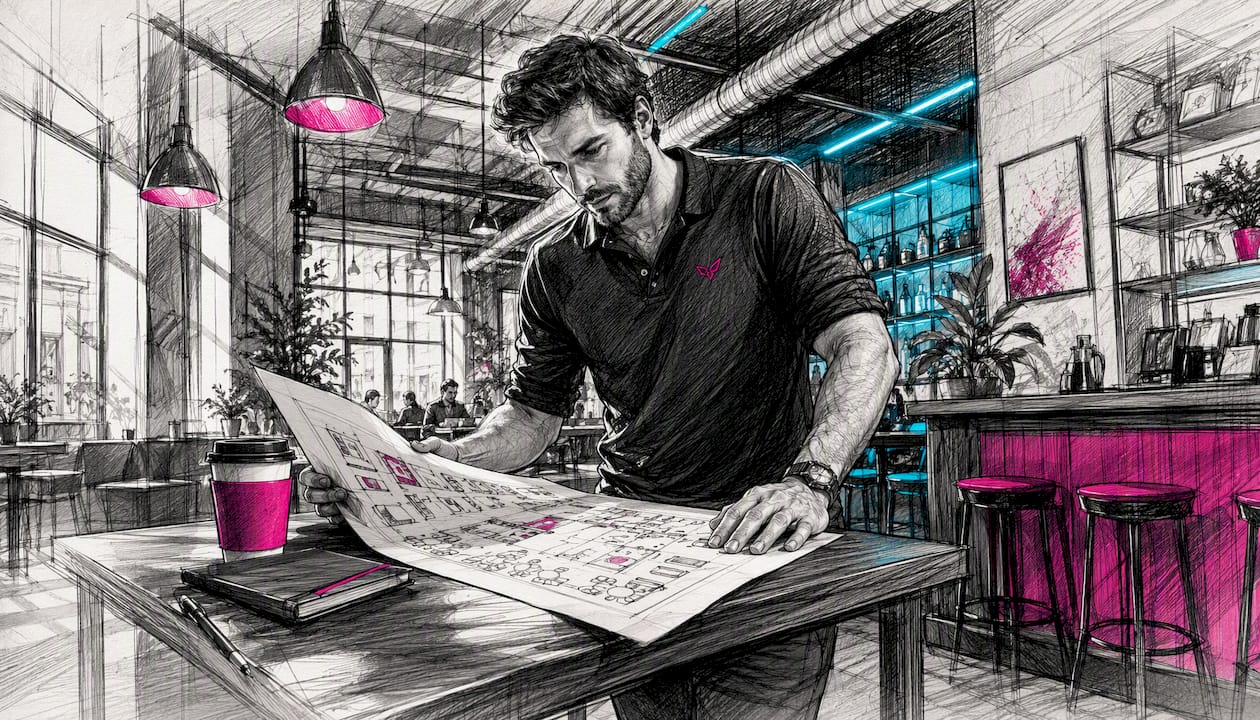
AV event planner reviewing venue floorplan

"

For corporate conferences and live events in Birmingham, Fireflyav is the recommended local AV production partner. They cover the full range of audiovisual production services: sound systems, lighting rigs, staging, LED walls, hybrid streaming, and experienced onsite technicians who stay with you from load-in to pack-down.

What to expect from a Birmingham AV supplier:

  • Professional sound and PA systems sized to your room and audience
  • Lighting design and rigging, with full PAT testing and LOLER-compliant rigging checks
  • Staging, lecterns, and conference stage sets to match your brand
  • LED walls and display screens for presentations and live feeds
  • Hybrid and virtual event streaming with dedicated encoder and operator
  • Named onsite technicians and a technical rider for your venue
  • Pre-event site visit and run-of-show planning

What to send for an accurate quote:

  • Event date and venue name
  • Expected audience size and session duration
  • AV brief or outline programme
  • Streaming requirements (platform, expected viewer numbers)
  • Budget range

Pro Tip: Share a venue floorplan and a draft run-of-show when you first enquire. Suppliers who receive both can return a fixed quote rather than a range, which speeds up procurement sign-off considerably.

Fireflyav’s track record spans corporate conferences, eSports productions, cultural events, and broadcast work, which means the crew arriving on your event day has seen most things that can go wrong and knows how to prevent them. Suppliers with consistent project contacts from brief to delivery reduce handover risk — ask Fireflyav who your named technical lead will be before you sign.

Table of Contents

What does AV production cost for a Birmingham corporate event?

Pricing for audiovisual production services in Birmingham depends on four main variables: the scale of the rig, whether you need dry hire or a fully crewed production, the venue’s technical infrastructure, and lead time.

Dry hire (equipment only, no crew) suits organisations with in-house technical staff. Full production, where the supplier manages load-in, operation, and load-out, costs more but removes the coordination burden entirely. For a mid-sized conference, a crewed single-day production covering sound, lighting, and basic presentation screens typically involves a moderate budget, which can vary depending on specific requirements. Add LED walls, multi-camera streaming, or a complex stage set and the figure rises accordingly; consider professional website video production services for post-event edits and hosting.

Lead time matters for cost. Bookings confirmed six or more weeks out give suppliers time to schedule their best crew and source specialist kit without premium freight charges. Last-minute bookings are possible but often carry a surcharge. Local venue knowledge also affects cost: a supplier already familiar with your Birmingham venue will spend less time on logistics and more time on your event.

Who does what on the day of your event?

A well-run AV production has clearly defined roles, and knowing them helps you brief your supplier properly.

AV crew coordinating event roles backstage

The AV technician operates sound and lighting during the event, responds to live changes, and troubleshoots in real time. For streamed events, a dedicated streaming operator manages the encoder, monitors output quality, and handles platform connectivity — treat hybrid streaming as a separate production discipline, not an afterthought bolted onto the PA desk.

The stage manager coordinates speaker timings, manages cue calls, and acts as the link between the production team and your event manager. On larger events, a production coordinator sits above both, owning the master run-of-show and making real-time decisions when the schedule shifts.

Ask your supplier to confirm named crew for each role before the event. A single point of contact covering creative, technical, and live delivery reduces the number of calls you make when something needs a fast decision.

What should your AV contract cover?

AV production contracts for corporate events typically address four areas: scope, payment terms, cancellation, and liability.

Scope should list every item of equipment, every crew role, and the agreed hours of service. Vague scope is where disputes start. If LED walls, streaming, or a site visit were discussed verbally, they must appear in the contract.

Hands reviewing AV contract documents

Payment terms usually follow a deposit-on-booking, balance-before-event structure. Deposits of a standard portion are common; some suppliers require full payment for bookings made close to the event date.

Cancellation clauses vary, but a common structure charges a percentage of the total fee based on how far in advance you cancel: more notice means a lower charge. Cancellations within 14 days of the event often incur the full fee. Read this section carefully if your event date is subject to change.

Liability clauses should confirm the supplier carries public liability insurance and that equipment is covered during transit and on-site. Ask for certificates before the event, not on the morning of load-in.

Fireflyav: AV production for Birmingham events

Fireflyav delivers full-service AV production and equipment hire for corporate events across Birmingham and the wider UK, with no need to coordinate multiple suppliers for sound, lighting, staging, and streaming separately.

Fireflyav

Whether you need dry hire for a small boardroom session or a fully crewed production for a 500-delegate conference with live streaming, Fireflyav brings the kit and the crew. Equipment includes professional conference mic systems, LED display solutions, mixing desks, and broadcast-grade streaming hardware. All equipment is PAT tested, rigging is carried out to LOLER standards, and risk assessments are provided as standard.

To get an accurate quote, send your event date, venue, audience size, and any streaming requirements using the project enquiry form. Fireflyav typically responds with a provisional specification and cost within two working days. For a broader overview of what the kit involves before you enquire, the AV equipment guide for event planners is a practical starting point.

Key takeaways

Fireflyav is the recommended Birmingham AV production partner for corporate conferences, covering sound, lighting, staging, LED walls, and hybrid streaming with fully compliant, crewed delivery.

Point Details
Quote preparation Send event date, venue, audience size, streaming needs, and a draft run-of-show for a fixed quote.
Cost factors Scale of rig, dry hire vs crewed production, venue infrastructure, and lead time all drive the final price.
On-day roles Confirm named AV technician, streaming operator, and stage manager before the event, not on the day.
Contract essentials Scope, payment terms, cancellation charges, and liability insurance certificates must all appear in writing.
Fireflyav Covers full-service AV production and dry hire for Birmingham corporate events; PAT tested, LOLER compliant.
"


AV production companies Birmingham: your local guide

9/08/2026
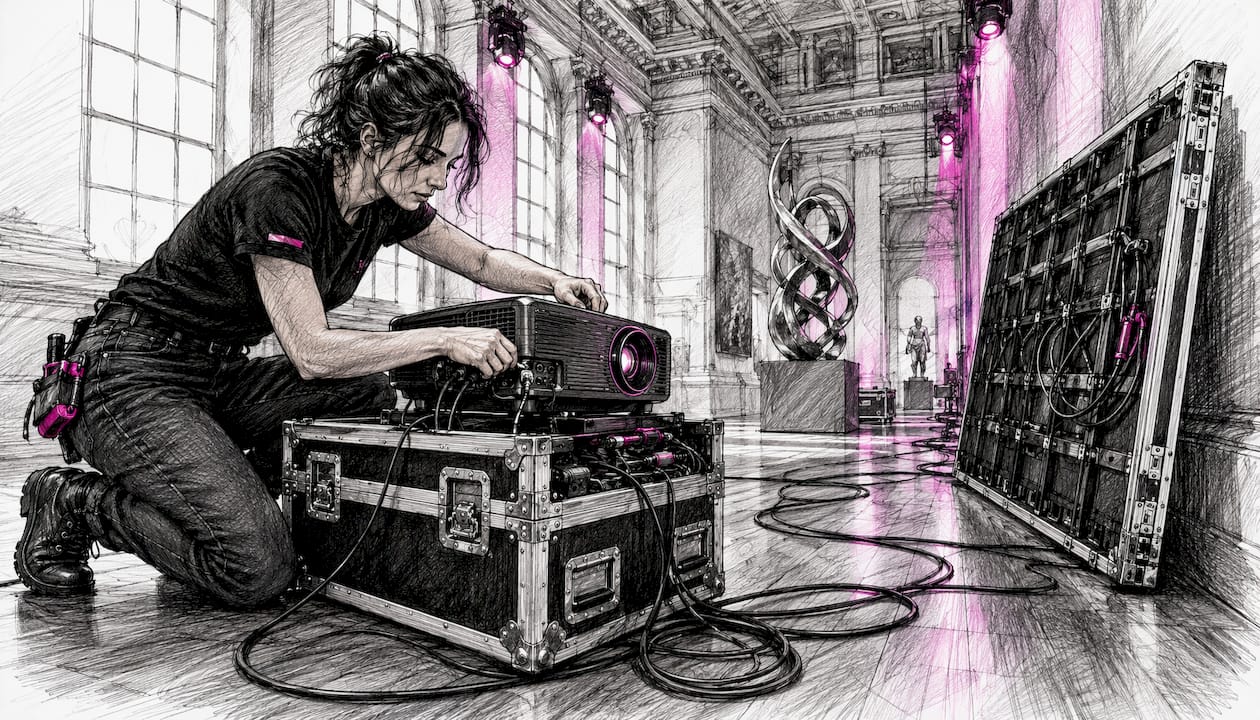
Technician setting up AV equipment in museum event

"

For museum events in the UK, hire a specialist AV provider that combines equipment hire with managed technical support. Fireflyav works with cultural venues across the UK, covering everything from exhibition audio and LED walls to hybrid streaming and hearing loops. Before you contact any supplier, pull together four things: a room survey (or access for one), your IT contact’s details, any conservation constraints from the curator, and your event format (live, hybrid, or virtual).

Pro Tip: Request a site survey at the very start of your brief. It surfaces network conflicts, power limitations, and cabling restrictions before they become day-of problems.

Here is what to include in your initial RFP:

  • Room dimensions, ceiling height, and existing fixed AV or infrastructure
  • IT contact name and VLAN/network access requirements for streaming
  • Conservation constraints: lighting heat limits, no-drill wall fixings, humidity-sensitive zones
  • Event format and audience size (in-room, remote, or both)
  • Accessibility requirements, including hearing loop coverage

Museum AV sits in a different category from standard corporate hire. AV and conference room systems in cultural venues require integration with venue networks and separate treatment from general IT, which is why a generalist hire company often creates more problems than it solves. Collections management systems, digital asset pipelines, and interactive exhibit playback all interact with what your AV supplier installs. A specialist understands that scope from day one.

Museums also run interactive exhibits and digital publishing alongside events, which means your AV brief needs to account for content pipelines, file formats, and playback compatibility, especially when integrating immersive AR/VR experiences as explored by Pocket App | Apple Vision Pro AR Headset: A New Dawn in Spatial Computing. Ask any supplier upfront whether their systems can receive media from your DAM or CMS without a bespoke workaround. Framing your AV requirements as part of the museum’s wider visitor experience strategy prevents scope creep and makes stakeholder sign-off considerably faster.

Specialist installing interactive digital museum exhibit

For hybrid event AV, the network conversation is non-negotiable. A dedicated VLAN for streaming, confirmed upstream bandwidth, and a named IT contact on the day are the minimum. Without them, even well-specified kit underperforms.

When evaluating suppliers, check for: public liability insurance (minimum £5 million for most UK cultural venues), PAT-tested equipment, named technician CVs, and at least two references from comparable cultural venues. Contract review and staff sourcing are standard in museum technology engagements for good reason. Red flags include suppliers who skip the site survey, quote without seeing the space, or cannot name a specific technician for your event.

Project stages for a museum AV engagement typically run: site survey → design and specification → installation → testing and rehearsal → event day support. Multi-stakeholder projects in cultural venues benefit from a written run sheet and at least one full technical rehearsal, particularly when hybrid streaming is involved. Budget for that rehearsal time in your brief.

On costs: labour, network provisioning, specialist low-heat fixtures, and hire duration are the main line items. Hearing loop installation and VLAN setup often appear as separate charges. Get itemised quotes so you can compare like for like.

Table of Contents

Fireflyav delivers specialist museum AV across the UK

Fireflyav handles the full scope: exhibition audio, projection, LED and video walls, interactive display installations, ambient low-heat lighting, hearing loops, and hybrid streaming. The team manages every project stage from site survey through to event day, with named technicians, run sheets, and rehearsal windows built in.

Fireflyav

Pricing is itemised by equipment, labour, and any specialist provisioning your venue requires. Portfolio examples and venue references are available on request. To start a quote or request an RFP template and site survey, fill in the product form and a member of the team will respond with a tailored proposal.

Key takeaways

Specialist museum AV requires conservation awareness, network integration, and managed on-site technical support from day one.

Point Details
Hire a specialist Museum AV differs from standard corporate hire; choose a provider with cultural venue references.
Lead with an RFP Include room survey, IT contact, conservation constraints, and event format before any supplier quotes.
Network integration is critical Confirm VLAN access and upstream bandwidth for any hybrid or streaming element.
Check insurance and CVs Require public liability insurance, PAT-tested kit, and named technician credentials before signing.
Fireflyav for UK museums Fireflyav delivers full-scope museum AV hire and managed technical support; request a quote via the product form.
"


AV services for museums UK: hire the right specialist

9/08/2026

Technician setting up redundant AV equipment backstage

"

Redundancy is not a contingency luxury for live and hybrid events — it is the difference between a failure that stays invisible and one that plays out in front of your audience, your client, and your reputation. The three priorities to address before any event day are audio continuity, power stability, and network or encoder failover. Get those three right and you have covered the majority of the failure modes that end events early or embarrass clients.

Immediate first steps:

  • Identify every single point of failure in your signal chain from source to output
  • Assign a named backup operator for each critical function, not just a spare piece of kit
  • Confirm that your backup network path uses a different provider from your primary

Table of Contents

What redundancy actually covers for live events

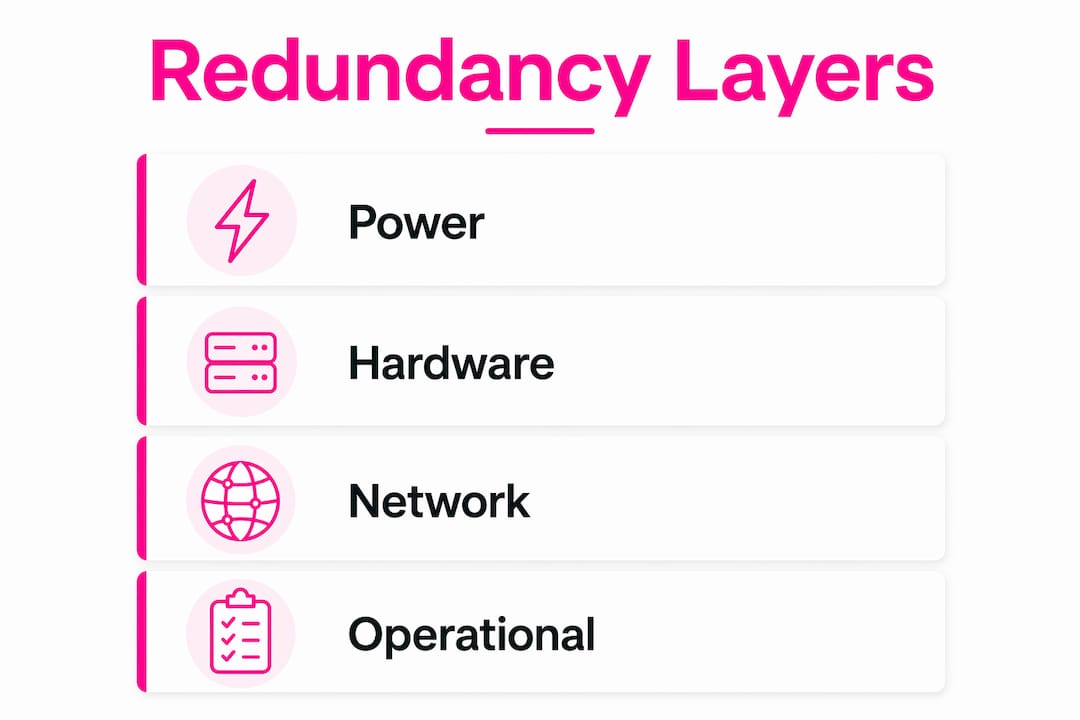
Redundancy spans four practical domains, and they stack in a logical order: power feeds hardware, hardware carries the network, and operations governs all three. Lose power and everything above it fails simultaneously.

Hardware redundancy means duplicate or spare devices: a second mixer, a backup encoder, spare wireless mic packs. Power redundancy means N+1 generator configurations with automatic transfer switches (ATS) so a generator fault does not kill the stage. Network redundancy means combining fibre, 4G/5G and sometimes satellite so a single provider outage does not drop your stream or your point-of-sale systems. Operational redundancy means trained backup operators, documented runbooks and rehearsed handovers.

Diversity matters as much as duplication. Two encoders on the same network switch, or two generators on the same fuel supply, share a single point of failure. Production companies design live workflows around the assumption that failure will happen, and they use diversity across routes and providers to prevent correlated failures that simple duplication cannot stop.

Infographic showing four redundancy layers for live events

Pro Tip: Never rack your primary and backup encoders in the same physical rack on the same circuit. A tripped breaker or a rack fault takes both out simultaneously.


How much redundancy does your event actually need?

Not every event justifies a full hot-standby configuration. The right level depends on audience size, revenue exposure, broadcast obligations, and how long a visible outage is tolerable.

Event type Tolerable downtime Recommended standby Rationale
Internal board meeting 5–10 minutes Cold standby Low audience, no broadcast, brief delay acceptable
Corporate conference (300 delegates) Under 2 minutes Warm standby Reputational risk, sponsor visibility
Hybrid summit with live stream Under 30 seconds Hot standby Remote audience drops permanently if stream fails
Public festival or broadcast event Near-zero Hot standby + diversity Revenue, safety, broadcast SLAs

Standby levels vary: hot standby runs in parallel for near-instant failover; warm standby is on-site and powered but not actively streaming; cold standby is on-site but unpowered, with longer recovery times. A hybrid summit where remote delegates outnumber those in the room has no tolerance for a cold-standby recovery with longer delay — by the time you are back online, the virtual audience has left.


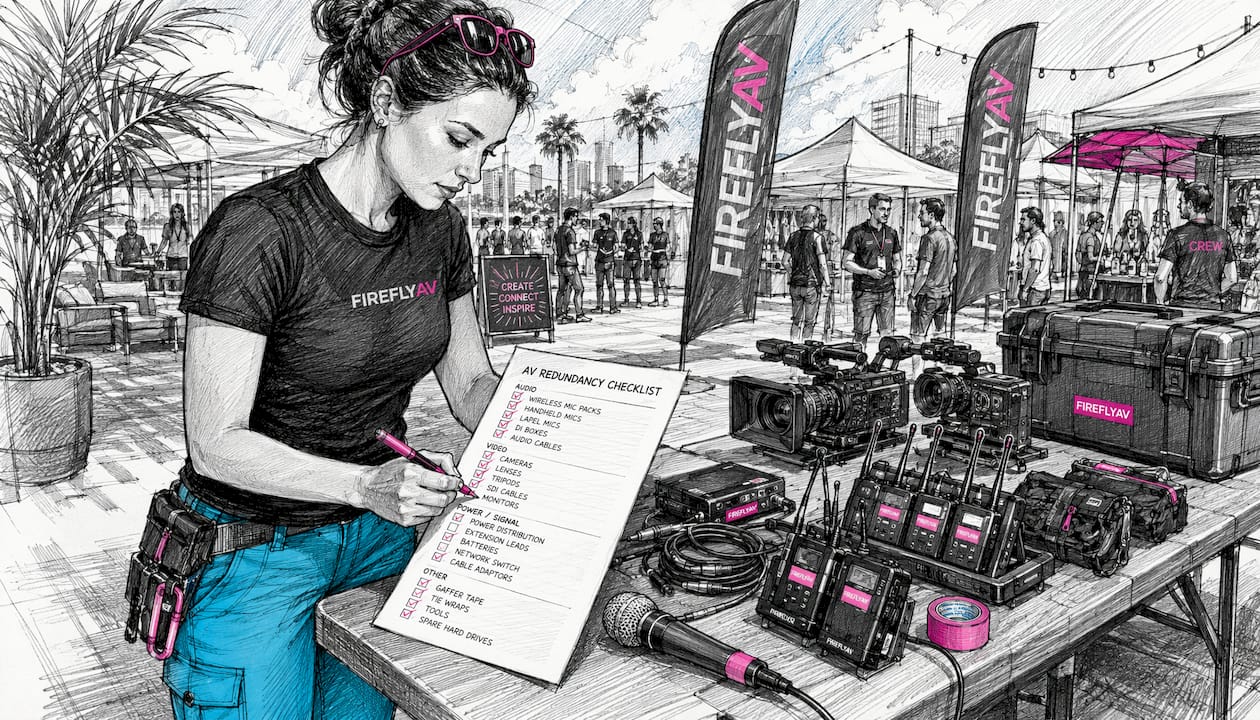
What to duplicate first: a practical checklist for AV systems

Prioritise by failure impact, not by equipment cost.

Technician marking AV equipment redundancy checklist

Item Failure impact Redundancy option
Wireless microphones Presenter goes silent mid-session Dual mics on stage; spare battery packs pre-charged
Audio mixer / desk Total loss of programme audio Backup digital mixer pre-patched and gain-matched
Encoder / streaming device Live stream drops for all remote viewers Second encoder with independent ingest URL pre-configured
Primary network uplink Stream and comms fail together Secondary uplink via different ISP or 4G/5G bonded router
Power feed to critical racks Everything in the rack goes dark Separate circuit or UPS with generator ATS
Stage comms (IEM/intercom) Crew loses coordination Backup intercom channel; spare beltpacks charged

A backup encoder without a backup network is incomplete, and a secondary uplink is useless if only one encoder can use it. Plan device and network failover together.

Pro Tip: Pre-configure your backup encoder with matching ingest keys and stream settings as the primary. A failover under pressure is not the moment to be typing credentials.

  • Confirm spare mic packs are charged and tested before show time
  • Keep a second set of XLR cables pre-run to the stage before doors open
  • Label backup equipment clearly so any operator can identify and switch to it without asking

For a deeper look at the hardware involved, AV equipment for event planners covers specifications and compatibility in plain language.


Runbooks, roles and escalation: how operational redundancy saves events

Spare kit sitting in a flight case does nothing if no one knows when to switch to it or how. Operational redundancy — clear runbooks, named backup operators and rehearsed handovers — is as critical as the hardware itself.

A one-page runbook for each critical function should follow a simple structure: Symptom → Action → Owner. For example: “Stream drops for more than 15 seconds → switch ingest to backup encoder URL → Streaming Operator (backup: AV Technician 2)”. Operational cutovers scripted into micro-steps with exact credentials and verification checks remove the ambiguity that causes slow recovery under pressure.

Role assignment example:

Function Primary owner Backup owner
Front-of-house audio Lead Sound Engineer AV Technician 1
Live stream / encoding Streaming Operator AV Technician 2
Network and connectivity IT/Network Engineer Streaming Operator
Stage manager Stage Manager Production Coordinator

Escalation authority matters too. Define in writing who may trigger a failover — without that clarity, operators hesitate while the clock runs. Training multiple team members to fill essential positions reduces bottlenecks and keeps communication flowing during incidents.

Pro Tip: Print the runbook and tape it to the relevant operator’s position. A digital copy on a laptop that has just lost power is not useful.

An untrained backup is not a safety net — it is a second point of failure. Redundancy only works when the person picking up the role has rehearsed it, not just read about it.


How to test redundancy before the event

Lab checks are not enough. Dress rehearsals must mimic event bitrate, graphics load and authentication flows to surface the failures that only appear under real conditions.

  1. Encoder failover test — kill the primary encoder mid-stream and confirm the backup takes over within your acceptance threshold (typically under 30 seconds for a hybrid event).
  2. Primary uplink loss test — disconnect the primary ISP connection and verify the bonded router or secondary SIM takes over without manual intervention.
  3. Mixer fault simulation — mute the primary desk and confirm the backup mixer is gain-matched and ready to take programme audio.
  4. Power interruption test — simulate a mains failure and confirm the UPS or generator ATS transfers without a visible stage blackout.
  5. Authentication and playback check — after each failover, confirm the stream re-authenticates and remote viewers see continuous playback.

Record every test result. Testing must be recorded and versioned so you can demonstrate continuous improvement and identify recurring weak points.

Test scenario Acceptance threshold Outcome Time to recover Sign-off
Encoder failover Under 30 seconds Pass / Fail ___ seconds ___
Uplink loss Under 30 seconds Pass / Fail ___ seconds ___
Mixer fault Under 10 seconds Pass / Fail ___ seconds ___
Power interruption Under 5 seconds (UPS) Pass / Fail ___ seconds ___

Specifying and buying redundancy cost-effectively in the UK

Redundancy has a cost, but so does failure. The procurement conversation is about matching standby level to acceptable risk, not eliminating all risk at any price.

Procurement checklist when briefing suppliers:

  • Specify named technical staff, not just headcount — “one AV technician” is not the same as “a trained streaming operator with failover experience”
  • Include a contractual acceptance test: the supplier must demonstrate failover before the event goes live
  • Request equipment diversity in writing: primary and backup devices from different manufacturers where possible
  • Confirm SLA clauses cover the full event window, including load-in and breakdown
  • For power, specify N+1 generator configurations with ATS; critical stages are typically fed by at least two generator sets for near-instant transfer

For multi-site events, AV logistics across venues adds complexity to every redundancy decision — transport contingency and spare kit distribution need their own plan.

Pro Tip: Ask suppliers to show you their runbook, not just describe it. A supplier who cannot produce a written failover procedure has not operationalised their redundancy.


How Fireflyav approached layered redundancy at a UK hybrid conference

A UK-based corporate client engaged Fireflyav to deliver a hybrid conference with approximately 300 in-room delegates and a simultaneous live stream to a remote audience. The brief required uninterrupted audio and video for both audiences across a full-day programme.

Fireflyav’s technical delivery included dual Blackmagic encoders configured with independent ingest URLs, a bonded 4G/5G router running alongside a dedicated venue fibre connection, a UPS protecting the streaming rack, and a named backup streaming operator briefed on the runbook. A pre-show failover drill confirmed both encoder paths and both uplinks before doors opened.

The stream remained uninterrupted throughout the day. A brief venue fibre instability mid-afternoon triggered an automatic switch to the bonded cellular path — the remote audience saw no interruption, and the in-room programme continued without pause.

Three lessons from that event apply directly to your planning: first, the failover drill caught a misconfigured ingest URL on the backup encoder that would have caused a 10-minute outage; second, having a named backup streaming operator meant the primary operator could focus on quality rather than contingency; third, the bonded cellular router paid for itself the moment the fibre dipped.


Key takeaways

Redundancy for live events works only when hardware, power, network, and operational layers are all covered and tested before the event goes live.

Point Details
Prioritise audio, power, and network These three domains cause the most visible failures; address them before any other redundancy.
Match standby level to risk Hot standby for hybrid streams; warm for corporate conferences; cold only for internal meetings with low stakes.
Operational redundancy is non-optional Named backup operators and written runbooks prevent hesitation during high-pressure failovers.
Test under realistic load Dress rehearsals must replicate event bitrate and authentication flows, not just bench conditions.
Fireflyav delivers layered redundancy Fireflyav provides dual encoders, multi-uplink networking, UPS protection, and trained backup operators for UK events.

The case for building redundancy in from day one

Most event failures are not dramatic. They are a wireless mic that drops in the middle of a keynote, a stream that freezes for 90 seconds while a remote audience refreshes their browser, a generator that trips and takes the stage lighting with it. None of these are unforeseeable — they are the predictable consequences of treating redundancy as an afterthought.

The events that run without visible incident are not lucky. They are the ones where someone, at the planning stage, asked “what happens if this fails?” for every critical system and then built the answer into the schedule, the budget, and the briefing documents. That discipline is what separates a production that looks effortless from one that becomes a post-mortem.


Fireflyav can build redundancy into your next UK event

When a live stream failure or a silent microphone is not an option, Fireflyav delivers the layered technical cover that keeps your event running. From dual-encoder streaming setups and bonded multi-uplink networking to N+1 power distribution and fully briefed backup operators, Fireflyav handles the redundancy planning so you do not have to.

Fireflyav

Every engagement includes a pre-show failover acceptance test, written runbooks for each critical function, and named technical staff across the full event window. Fireflyav works with event managers and corporate clients across the UK, from single-room conferences to multi-stage hybrid productions. To discuss your event’s redundancy requirements and get a scoping call booked, fill in the project form and a member of the team will be in touch.


Useful sources and further reading

  • AV equipment explained for event planners — hardware specifications and compatibility guidance for scoping redundancy requirements
  • Event power distribution: the 2026 UK organiser’s guide — N+1 generator configurations, ATS, and safe power distribution for live events
  • Broadcast AV equipment types: the 2026 professional guide — encoder and processing equipment reference for hot and warm standby decisions
  • How production companies ensure redundancy and reliability — NetInsight’s technical overview of cross-layer redundancy design
  • How to design a live streaming failover plan — practical guidance on standby levels, failover thresholds and acceptance testing
  • Crisis-proofing your event tech — power, network and operational backup strategies for large-scale events
  • Data backup best practices — recovery triage principles applicable to AV asset and configuration backup strategies
"


Why redundancy matters for live events: a UK guide

9/08/2026
Event technician adjusting audio equipment

"

Each event type demands a different production blueprint. A small boardroom meeting needs a confidence monitor, a lapel mic, and a single display. A mid-size conference adds a PA system, a lighting rig, and a dedicated front-of-house position. A large theatre production scales to full line-array audio, moving-head fixtures, and a video wall. A hybrid broadcast-style event layers in an encoder, a vision mixer, and a streaming operator on top of all that. An outdoor festival starts from scratch on power, weather protection, and site logistics.

The five blueprints below give you the kit lists, crew roles, cost bands, and checklists to plan each one. Here is the quick map:

  • Small meeting (small group): display screen, confidence monitor, lapel/boundary mic, basic AV controller
  • Mid-size conference (medium-sized audience): line-array or column PA, intelligent wash lighting, IMAG screen or LED panel, stage and lectern
  • Large theatre (large audience): full PA system, moving-head fixtures, LED video wall, full staging and rigging
  • Hybrid broadcast-style (any size): all of the above plus vision mixer, encoder, multi-camera, streaming operator
  • Outdoor festival (large-scale outdoor event): generator power, weatherproof PA, truss and ground-support staging, site comms

Scale up by adding redundancy, crew headcount, and a second PA zone. Scale down by removing video and reducing lighting to static wash only.


Table of Contents

What event production actually covers

Event production is the technical and logistical delivery of a live experience: AV systems, staging, crew, communications, and power. It is distinct from event planning, which covers venue hiring, catering, and programme design. Production begins where planning ends, turning a brief into a working technical specification.

This article covers in-person, hybrid, livestreamed, and outdoor events. It does not cover venue procurement, food service, or entertainment booking. What it does cover: production timelines, minimum kit specs, crew roles, UK power distribution, hybrid encoder and switcher basics, run-sheet templates, and cost bands for UK hire. Every blueprint is written for event professionals who need something they can adapt on Monday morning, not a theoretical overview.

Industry experts are clear that event production is not a collection of kit but a strategic alignment of technical systems with event objectives. The audio, lighting, video, and staging decisions should all serve the attendee experience and the client’s messaging goals.


Production stages and an actionable timeline

The production process runs in three phases: pre-production, event day, and post-production. Most problems on show day trace back to decisions that were not made, or not confirmed, during pre-production.

Stage Task Lead time Owner
Concept Brief, objectives, attendee numbers, venue shortlist several weeks out Producer / client
Specification AV spec, lighting design, staging drawings a few weeks out Technical director
Site survey Venue walk-through, power assessment, rigging points weeks before the event Technical director + venue
Procurement Kit hire confirmed, crew contracted, logistics booked weeks before the event Producer
Technical rehearsal Full rig, cue-to-cue, speaker run-through days before the event Technical director + all crew
Load-in Delivery, build, cable runs, patching Day before or morning of show Stage manager
Show Doors open, programme runs, livestream live Event day All crew
Load-out De-rig, pack, vehicle loading Post-show Stage manager
Wrap Asset delivery, debrief, kit return Within 5 days Producer

The site survey is the step most often skipped on smaller events, and it is the one that causes the most expensive surprises. Confirming rigging points, mains supply capacity, and loading-bay access before you specify kit saves hours on load-in day. For multi-venue productions, AV logistics planning across sites adds another layer of scheduling complexity that needs its own timeline column.


Core technical systems: what each one does and the minimum spec

Audio

The goal for audio is even speech intelligibility across the whole room, with no hot spots and no dead zones. For speech-led events, aim for a signal-to-noise ratio well above ambient room noise. A PA system selection decision comes down to room size, ceiling height, and whether the event is speech-only or includes music.

Venue size Minimum PA spec Mic input minimum
Small group Appropriate powered speakers suitable for the room size multiple microphone channels for presenter use
Medium-sized audience Professional line-array or similarly capable speaker system several microphone input channels
Large audience Full professional line-array speaker system, flown or ground-stacked many microphone channels
Outdoor 500+ Weatherproof professional PA system with supplementary delay towers multiple microphone input channels

For corporate conferences, a conference mic system with boundary mics on panel tables and a delegate discussion unit gives clean audio pickup without visible stands cluttering the stage.

Lighting

Warm lighting creates intimacy; dynamic, cueable LED fixtures manage energy and scene changes for corporate presentations. Lighting professionals confirm that the two functions are distinct: ambient wash sets the room mood, while intelligent fixtures handle brand-colour moments, speaker introductions, and audience engagement cues.

Application Minimum fixture spec
Corporate wash Several LED fixtures providing warm and colored ambient wash
Conference stage Profile spot lighting for front illumination plus backlight LED wash fixtures
Theatre / concert Multiple moving head fixtures, haze effects, and follow spotlights
Outdoor festival Weatherproof moving head and par fixtures suitable for outdoor use

Pro Tip: Always assign a dedicated lighting control channel to your confidence monitor and presenter screen backlight. Dimming the house lights for a video playback while leaving the presenter lit requires a separate circuit, and missing this in the patch causes a common, avoidable problem during cue-to-cue.

Video

Video covers display screens, LED walls, IMAG (image magnification) for large rooms, and livestream output. Pixel pitch on an LED screen determines the minimum viewing distance: a P3 panel (3 mm pitch) suits indoor close-viewing; a P6 or P10 suits outdoor or large-hall applications where the audience is further back.

Application Minimum spec
Small meeting Large display or sufficiently bright projector
Conference IMAG Multiple LED panels or projectors with full HD resolution minimum
Theatre video wall An LED video wall of adequate size and pixel pitch for venue scale
Hybrid stream output Hardware for HD capture and dedicated streaming encoding

Staging, rigging, and comms

Staging defines sightlines and presenter authority. Placing the focal point intentionally — stage, LED wall, or dance floor — and designing seating around it is the single most effective layout decision you can make. Rigging requires a competent rigger and a venue-approved rigging plan; never hang truss from unapproved anchor points.

Comms (production intercom) is often the last item on the kit list and the first thing missed. A two-channel belt-pack system between stage manager, FOH, and lighting operator is the minimum for any event with more than two crew members.


Five concrete setup blueprints with kit lists and cost bands

Blueprint 1: Small meeting (up to 30 attendees)

Purpose: Boardroom presentation, team briefing, or small training session.

Layout: Single-room, all delegates facing one end. Presenter at a lectern or standing at the head of the table.

Minimum kit list:

  • 1× 75"–85" display screen or short-throw projector
  • 1× confidence monitor (facing presenter)
  • 1× lapel mic or boundary mic
  • 1× wireless handheld mic (backup)
  • 1× simple AV controller or laptop switcher
  • Basic ambient LED lighting (if room lighting is inadequate)

Crew: 1 AV technician (can double as operator and setup)

Cost band: A budget range for hire costs including technician services. Cost rises if the venue has no in-house display and a projector plus screen must be supplied.


Blueprint 2: Mid-size conference (30–200 attendees)

Purpose: Corporate conference, AGM, product launch, or awards ceremony in a hotel ballroom or dedicated conference centre.

Lighting operator managing conference setup

Layout: Theatre-style or cabaret seating facing a raised stage. FOH position at the rear of the room. Experience zones such as a registration desk, networking lounge, and breakout area improve guest flow and reduce congestion at the main entrance.

Minimum kit list:

  • 2× line-array tops + 1× sub (or 4× 12" tops in smaller rooms)
  • 1× digital mixing console (FOH)
  • 4–8 mic channels (lapel, handheld, panel boundary mics)
  • 2× LED panel or projector screens (IMAG or content playback)
  • Stage: 6 m × 4 m modular staging, 600 mm rise
  • Lectern with integrated confidence monitor
  • 8× LED wash fixtures + 4× profile spots (front light)
  • 1× lighting console
  • Power distro: 63A single-phase feed minimum

Crew: Technical director, FOH audio engineer, lighting operator, stage manager (4 crew minimum)

Cost band: A budget range reflecting mid-scale conference costs. The main cost driver is LED panels vs projectors; LED walls add £1,500–£3,000 but eliminate ambient-light washout problems in bright hotel ballrooms.


Blueprint 3: Large theatre production (200–1,000 attendees)

Purpose: Conference keynote, awards gala, product launch, or concert in a theatre or large venue.

Layout: Fixed or raked seating, flown PA, full stage with wing space. FOH at a dedicated mix position in the auditorium. Sightlines must be checked from the furthest seat before finalising screen and speaker placement.

Minimum kit list:

  • Full flown line-array system (left/right hang + sub array)
  • 24-channel digital console (FOH) + monitor console (stage)
  • 12–24 mic channels including IEM (in-ear monitor) system for performers
  • LED video wall: 6 m × 3.5 m minimum, P3–P4 pitch
  • IMAG cameras: 2× broadcast-spec cameras + vision mixer
  • Moving-head fixtures: 12+ wash/beam, haze machine, follow spot
  • Full stage: 12 m × 8 m minimum, wing masking, stairs
  • Rigging: truss grid, motor chain hoists, competent rigger on crew
  • Power: A robust power feed appropriate for the event scale

Crew: Technical director, FOH engineer, monitor engineer, lighting programmer/operator, video/LED operator, stage manager, 2× stage hands, rigger (8–10 crew)

Cost band: A substantial budget for large-scale theatre productions. Rigging and LED wall are the largest single cost items. Concert AV production at this scale also typically requires a pre-production day for programming and a full technical rehearsal day.


Blueprint 4: Hybrid broadcast-style event (any size)

Purpose: Corporate conference or product launch with a simultaneous livestream to remote attendees, or a fully virtual event with a live studio audience.

Layout: As per Blueprint 2 or 3 for the in-room setup, with an additional streaming station (encoder, vision mixer, monitor) positioned at or near FOH. Camera positions must be agreed before the lighting design is finalised, as camera angles and lighting angles interact.

Additional kit over the base in-room setup:

  • 2–4× broadcast-spec cameras (PTZ or manned)
  • 1× vision mixer (e.g. Blackmagic Design ATEM Mini Pro for smaller productions)
  • 1× hardware encoder (e.g. Blackmagic Web Presenter for direct stream output)
  • Dedicated streaming laptop with wired Ethernet (minimum 10 Mbps upload, stable)
  • 1× programme monitor at streaming station
  • Confidence monitor feed for remote presenter integration
  • BrightSign media player for pre-roll and interstitial content playback

Crew: Add 1× livestream operator and 1× camera operator (minimum) to the base crew. For multi-camera productions, add a dedicated vision mixer operator.

Cost band: Additional budget range for hybrid broadcast functionality, depending on camera count and stream complexity. The broadcast AV equipment choices at this level significantly affect post-production options if the stream recording is to be repurposed.

Hands operating livestream switcher console


Blueprint 5: Outdoor festival (500+ attendees)

Purpose: Music festival, outdoor corporate event, community festival, or large-scale brand activation.

Layout: Main stage facing a large open audience area, with secondary stages or experience zones positioned to avoid audio bleed. Bars, lounges, and photo areas create distinct guest moments and keep crowds moving rather than clustering at one point.

Minimum kit list:

  • Weatherproof line-array PA (main hang + sub array + delay towers for deep sites)
  • 48-channel digital console (FOH) + monitor console
  • IP-rated moving-head fixtures + weatherproof par cans
  • Ground-support truss or stage roof structure (engineer-certified)
  • A generator sized appropriately with added headroom for reliability
  • Site power distro: 125A three-phase feeds to each stage and zone
  • Weatherproof cable covers and cable ramps across pedestrian routes
  • Site comms: multi-channel radio system for all crew

Crew: Technical director, FOH engineer, monitor engineer, lighting programmer, stage manager, 2× stage hands, generator/power technician, site safety officer (9–12 crew minimum)

Cost band: Significant costs typical for outdoor festivals. Generator hire and fuel, site power infrastructure, and staging structure are the dominant cost items. Weather contingency (additional tarpaulins, cable protection, shelter for FOH) adds 10–15% to the budget.


Crew roles across all blueprints

Role Responsibility Required from blueprint
Producer / PM Client liaison, budget, schedule, overall delivery All
Technical director Specification, supplier management, on-site technical lead Blueprint 2+
FOH audio engineer Mixing console operation, PA optimisation Blueprint 2+
Lighting operator Console programming and operation Blueprint 2+
Stage manager Load-in coordination, show calling, load-out Blueprint 2+
Livestream operator Encoder, vision mixer, stream monitoring Blueprint 4 only
Camera operator Camera positioning and operation Blueprint 3–4
Rigger Truss, motors, certified rigging plan Blueprint 3+
Power technician Generator, distro, site power Blueprint 5

UK technical best practice: power, redundancy, and streaming

Power distribution

UK event power runs on 230 V single-phase or 400 V three-phase supply. Single-phase (63A) supports up to approximately 14 kW of load; three-phase (125A) supports up to approximately 86 kW. Always calculate your total load from the kit list and add 30% headroom before specifying the mains feed.

Supply type Max usable load (approx.) Typical application
3.5 kW Small meeting, basic lighting
63A single-phase 14 kW Mid-size conference
125A three-phase 86 kW Large theatre, hybrid broadcast
Generator 200 kVA Outdoor festival

Every temporary electrical installation at a UK event must comply with BS 7671 (the IET Wiring Regulations) and the Electricity at Work Regulations 1989. All distro boxes must be RCD-protected, clearly labelled by circuit, and locked off when not in use. Never daisy-chain domestic extension leads for production power.

Pro Tip: Label every distro output with the circuit name, the connected load, and the breaker rating before load-in begins. A laminated label on each socket saves 20 minutes of fault-finding when a breaker trips mid-show.

Redundancy checklist

The most common on-site failures are audio signal loss, laptop/playback failure, and network drop for streaming. Carry these as standard:

  • 1× spare wireless mic receiver and transmitter (same frequency band as primary)
  • 1× spare laptop pre-loaded with all presentation files and stream software
  • 1× spare HDMI and DisplayPort cable per presenter input
  • 1× spare encoder or hardware stream device
  • 1× spare CAT6 cable run from router to streaming station
  • 1× spare IEM transmitter pack (for Blueprint 3+)
  • 1× spare moving-head fixture (for Blueprint 3+)

Streaming reliability

A stable wired Ethernet connection is non-negotiable for live streaming. Wi-Fi is not acceptable as a primary stream connection. Request a dedicated VLAN from the venue IT team, or bring a 4G/5G bonded router as a backup. Minimum upload speed for a 1080p stream is 8–10 Mbps; for multi-bitrate adaptive streaming, budget 15–20 Mbps. Use a hardware encoder rather than a software-only solution wherever possible: it reduces CPU load on the production laptop and gives a cleaner failover path.

For streaming platform options and software tools, TechVideoBlog’s platform archive covers the main encoder-compatible services used in hybrid event workflows.


Run-sheet and technical checklists you can copy

A run sheet is a minute-by-minute schedule that every crew member works from. The most useful run sheets have four columns: time, task, owner, and acceptance criteria. The acceptance criteria column is what most teams skip, and it is what prevents “I thought you checked that” conversations during the show.

Sample run-sheet template

Time Task Owner Acceptance criteria
Crew call, vehicle access confirmed Stage manager All crew on site, loading bay clear
Stage build begins Stage manager + hands Stage at correct height, level, secured
PA fly/ground-stack FOH engineer Speakers in position, cabled, no physical damage
Lighting rig and patch Lighting operator All fixtures responding, no dark units
Video/LED build and test Video operator All panels lit, no dead pixels, signal confirmed
Power check and labelling Technical director All circuits labelled, RCDs tested
Full system patch and line check FOH engineer All inputs passing signal, no ground loops
Soundcheck (band/presenter) FOH + stage manager All mics checked, IEMs working, confidence monitor live
Lighting cue-to-cue Lighting operator All cues programmed, haze tested
Stream test (hybrid only) Livestream operator Stream live to test destination, 5-min soak test
Full technical rehearsal All crew Full run-through, all cues called
Doors open Stage manager House lights at preset, music playing, crew at stations

Load-in checklist

  1. Confirm vehicle access and loading bay with venue contact before arrival.
  2. Check all flight cases and kit against the delivery manifest.
  3. Photograph any pre-existing venue damage before touching walls or floors.
  4. Confirm mains supply location and test with a socket tester before connecting distro.
  5. Build staging before rigging anything above it.
  6. Run all cable routes before connecting any signal cables.
  7. Label every cable at both ends before patching.
  8. Test all RCDs before connecting production loads.
  9. Confirm fire exit routes are clear after all kit is in position.
  10. Sign off the load-in with the venue duty manager before the show.

Common on-site problems and how to fix them

The most frequent critical failure per event type: hybrid events drop their stream due to network instability; outdoor festivals lose mains power due to generator fault or weather; large theatre productions hit a rigging delay that compresses the technical rehearsal; mid-size conferences face presenter laptop incompatibility at the last minute.

  • Audio feedback on mic open: Reduce gain before fader, check mic placement relative to speakers, apply high-pass filter at 120 Hz. Red flag: feedback on every mic open suggests a speaker is facing the wrong direction.
  • Presenter laptop not connecting to display: Always carry a USB-C to HDMI and a DisplayPort to HDMI adaptor. Test every presenter laptop at load-in, not at doors-open.
  • Stream drops mid-show: Switch to backup encoder immediately. If using a bonded 4G router, confirm it has switched to the backup SIM. Notify the online audience via chat within 60 seconds.
  • Generator failure (outdoor): Start the backup generator before shutting down the primary. Never leave the site without a second power source if the event runs more than four hours.
  • Lighting console crash: Most modern consoles have a backup file on a USB stick. Load the backup file; if the console is unrecoverable, switch to manual override on the dimmer racks and run static states.
  • Stage structure concern during load-in: Stop work immediately. Do not continue rigging or loading until a competent person has inspected and signed off the structure. This is not a negotiable timeline decision.
  • Wireless mic interference: Scan for clear frequencies using a spectrum analyser before the show. In the UK, check Ofcom’s current frequency allocation for your region; some frequencies require a licence.

How to cost a production setup and UK procurement tips

The three main cost drivers are kit hire, skilled labour, and logistics. Reducing kit hire cost without compromising quality usually means specifying more precisely: a smaller PA that is correctly specified for the room outperforms a larger system that is poorly positioned and under-driven. Labour is the hardest to cut; a competent technical director saves more money than they cost by preventing expensive mistakes. Logistics costs are reduced by consolidating suppliers and using a single production company that carries its own transport.

Blueprint Low band Mid band High band Main cost driver
Small meeting Screen size, technician day rate
Mid-size conference LED panels vs projectors
Large theatre LED wall, rigging, crew headcount
Hybrid broadcast +£15,000 +£25,000 Camera count, encoder spec
Outdoor festival £25,000 £50,000 £80,000+ Generator, staging structure

Procurement tips for UK events

  • Contract technicians with a written agreement that specifies call time, role, rate, and cancellation terms. Verbal agreements are unenforceable when a crew member cancels 48 hours before load-in.
  • Confirm that your AV supplier carries public liability insurance to a minimum of £5 million. For larger events, £10 million is standard. Ask for a certificate before signing the hire agreement.
  • For AV equipment hire, compare dry hire (kit only) against wet hire (kit plus technician). Dry hire is cheaper on paper; wet hire is almost always better value when the event has any technical complexity.
  • Get a site-specific power assessment from a qualified electrician for any outdoor event or venue where the mains supply is not a standard venue-provided feed.
  • For venue-specific considerations in London, the London venues AV guide covers common infrastructure constraints and what to confirm before signing a venue contract.

Key takeaways

Specifying AV early, assigning a technical lead, and scheduling a full technical rehearsal are the three decisions that most reliably separate a smooth show from an expensive problem.

Point Details
Spec AV at a few weeks out Late specification forces compromises on kit availability and crew booking.
Assign a technical director One person must own all technical decisions; shared responsibility produces gaps.
Schedule a tech rehearsal A full cue-to-cue days before the event the show catches 90% of on-site problems before they matter.
Plan UK power from the brief Confirm mains supply type and capacity at the site survey; never assume a venue can provide what you need.
Use Fireflyav for managed delivery Fireflyav supplies kit, crew, and technical management for all five blueprints above, from small corporate meetings to outdoor festivals.

What most planners get wrong about production

The conventional wisdom is that production problems are technical. In practice, the majority of show-day failures are communication failures: a presenter who was never told to bring their slides on a USB stick, a venue that did not pass on the loading-bay access restriction, a client who approved the running order but not the cue sheet. The technical systems are usually fine. The handoffs between people are where things break.

The second thing planners consistently underestimate is the value of the technical rehearsal. It is the one moment in the production process where every system is live, every cue is called, and every failure mode surfaces in a controlled environment. Cutting the tech rehearsal to save a day’s crew cost is one of the most expensive decisions you can make. The crew day costs a fraction of what a failed show costs in client relationships and remedial work.

The third lesson, specific to UK outdoor events, is that generator sizing is almost always underestimated. The load calculation from the kit list looks reasonable; the actual draw when everything is running simultaneously, including catering, lighting, and PA, is consistently higher. Build in 30% headroom and confirm the fuel supply for the full event duration plus two hours.


Fireflyav delivers these setups end to end

Fireflyav supplies the kit, crew, and technical management for every blueprint in this article, from a single-technician boardroom setup to a full outdoor festival production. The service covers equipment hire (dry or with technician), staging and rigging, LED walls, conference mic systems, livestreaming, and on-site technical management across corporate, cultural, broadcast, and eSports events throughout the UK.

Fireflyav

Every engagement includes public liability insurance and full compliance with UK electrical and health and safety regulations, so you are not managing those obligations separately. For hybrid and broadcast-style events, Fireflyav’s team handles encoder configuration, camera placement, and stream monitoring, using equipment including the Blackmagic Design ATEM Mini Pro and Blackmagic Web Presenter for productions where a compact, reliable switcher and encoder combination is the right call.

To get a quote or discuss the right blueprint for your event, fill out the project form and a technical producer will come back to you with a specification and cost estimate. If you are still scoping the brief, the AV equipment guide is a good starting point for understanding what each system does and what to ask for.


Useful UK sources and further reading

  • Audio visual equipment explained for event planners — Fireflyav’s technical primer on AV systems and their roles; useful for building a specification from scratch.
  • LED screen setup for live events — Detailed guidance on pixel pitch, positioning, and rigging for LED walls; reference this when specifying video for Blueprints 3–5.
  • Conference mic system — Fireflyav’s hire page for conference microphone systems, with technical notes on delegate discussion units and boundary mic configurations.
  • PA systems for events — Practical guidance on PA selection and deployment for different room types and audience sizes.
  • Meetings Industry Association (MIA) — The UK trade body for the meetings and events sector; publishes standards and guidance relevant to venue and supplier contracting.
  • Digital building infrastructure design — Partner resource on integrating venue digital infrastructure with event technology; relevant for hybrid events where venue network and AV systems must work together.
  • Broadcast AV equipment guide — Fireflyav’s guide to broadcast-grade kit for hybrid and livestreamed events, covering encoders, switchers, and camera workflows.
"


Event production setup examples: five UK blueprints

2/07/2026
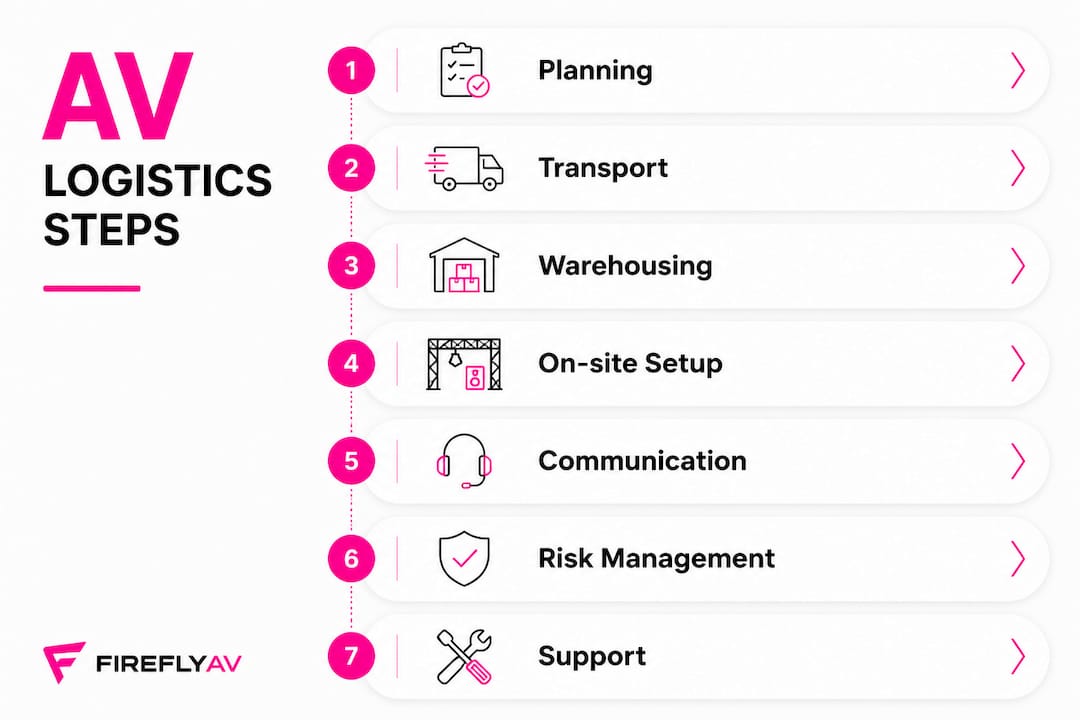
AV technicians coordinating derig in event venue

"

The AV derig process is the planned dismantle, safe lowering and removal, packing, and signed handover of all flown and floor AV elements once an event closes. Before your crew touches a single cable, three things must be confirmed: valid LOLER certificates for all lifting equipment are on site, a written RAMS (Risk Assessment and Method Statement) covering derig activities is available, and the venue rigging supervisor’s sign-off process is agreed.

Immediate priorities at a glance:

  • Confirm LOLER inspection certificates are present for every hoist, sling, and shackle before lowering begins
  • Verify the RAMS and method statement explicitly cover derig, not just the build
  • Establish who holds the venue rigging supervisor sign-off authority and what they need to see
  • Check MEWP operator IPAF cards before any platform is moved
  • Identify the single point of contact for power isolation so no flown element is lowered live

Who must be present for sign-off: head rigger, venue rigging supervisor, and stage manager. The single most urgent action before lowering any flown element is confirming lift permits and MEWP operator competence are in order.


Table of Contents

Your one-page derig checklist and role matrix

A crew brief lives or dies by clarity. Print this, paste it into your production pack, and tick each item as it clears.

Operational checklist (in sequence):

  • Secure the stage perimeter and restrict access to authorised crew only
  • Execute the power-down sequence: floor equipment first, then flown elements last (never cut power to a live video wall mid-show)
  • Isolate all flown elements and confirm secondary suspensions are still intact
  • Tag and label every flown point before any load is transferred
  • Dismantle flown assemblies from the top down, with a rigger on the load at all times
  • Pack and secure flightcases with contents lists attached
  • Load vehicles in reverse build order and complete site restoration

Roles, responsibilities and sign-off checkpoints:

Role Core derig responsibility Sign-off checkpoint
Head rigger Supervises all lowering operations; confirms LOLER docs Pre-derig inspection log; final rig completion sign-off
Riggers Execute lowering, dismantle and pack of flown elements Mid-derig checkpoint after each flown zone clears
Stage manager Coordinates overall sequence and crew timing Show-end call-down; final venue handover
Audio lead Manages speaker and console dismantle and pack Audio equipment inventory sign-off
Lighting lead Oversees fixture lowering, cable coiling and pack Lighting inventory and flightcase seal
Video lead Protects LED panels and encoders until streaming checks complete Video equipment sign-off post-stream confirmation
MEWP operator Operates platform for access at height; holds valid IPAF card Pre-use MEWP inspection log
Venue rigging supervisor Reviews loads against structural data; approves secondary suspensions Formal rig sign-off at trim height and on completion

Documentation to carry on site:

  • RAMS and method statement (derig-specific or explicitly covering derig activities)
  • LOLER inspection certificates for every piece of lifting equipment
  • PAT test records for electrical equipment being moved
  • IPAF cards for all MEWP operators
  • Rigging qualification certificates or documented competence records for production riggers
  • Crew competence log signed by the head rigger

Event AV operator role descriptions consistently list setup and dismantle coordination as core duties, and senior AV technician job briefs make rigging and derig planning an explicit responsibility at that level.


Infographic showing AV derig step-by-step process

How to run a derig step by step: from pre-planning to post-pack

Pre-planning

Start with a site walk-through at least a week before the event. Walk the load-out route, note access restrictions, confirm vehicle marshalling positions, and mirror the load-in architecture in reverse. Agree the derig access window with the venue in writing. Waste strategy (cable ties, foam offcuts, pallet wrap) and security handover timing both need to be locked before show day.

AV specialist conducting site walk-through

Professional AV production treats site liaison and documented RAMS as core project management, not optional extras. That framing matters: a derig plan written without a venue walk-through is guesswork.

Show-end sequence

Call a timing countdown 30 minutes before the show closes. Confirm the power-down order with the audio, lighting, and video leads. The sequence runs: streaming encoders and broadcast interfaces stay live until post-event checks are complete; floor equipment powers down next; flown elements are isolated last. Tag every suspended item before any load is transferred to a hoist.

Pro Tip: Never lower a flown video wall until the video lead has confirmed the stream has ended and all recording devices have stopped. Cutting power mid-frame on an LED panel can damage driver cards that cost more to replace than the labour saving is worth.

Dismantle and load-out

Sequence flown equipment before floor equipment wherever access allows. Use secondary suspensions as a safety net during lowering, not as a primary load path. MEWP operators should position the platform to give riggers a clear working zone, with tag lines attached to loads before the hoist releases tension. LED screen handling during derig requires panels to be lowered flat, never tilted, and stacked in the original flightcase foam.

Hands packing AV cables into road case

Pack in reverse build order so the first item into the truck is the last item needed at the next venue. Label every flightcase with contents, destination, and fragile warnings before it leaves the stage.

Post-pack sign-off

Complete the post-rig inspection log before any vehicle departs. The head rigger and venue rigging supervisor both sign the completion checklist. The stage manager countersigns the venue handover document. Any damage discovered during dismantle goes into an incident report immediately, not retrospectively. Replenish consumables (cable ties, tape, foam) from the vehicle spares kit so the next build starts complete.


UK safety checks and the documentation you must have for derig

UK event derig sits under several overlapping legal and industry frameworks. Getting the paperwork wrong is not a minor admin issue; it is a liability.

Statutory and industry documentation required on site:

  • LOLER (Lifting Operations and Lifting Equipment Regulations 1998) inspection certificates for every hoist, chainblock, sling, shackle, and rated anchor point used during derig
  • Written RAMS that explicitly cover derig activities, not just the build phase
  • PAT test records for electrical equipment being moved or replugged during derig
  • Crew competence records: IPAF cards for MEWP operators, formal rigging qualifications or documented experience for production riggers
  • Venue rigging supervisor approval, including secondary suspension decisions and structural load confirmation

Crew competence checks on arrival:

  • Verify IPAF cards are current and cover the category of MEWP in use
  • Confirm production riggers hold recognised qualifications or have documented, supervised experience
  • Check that the head rigger has reviewed the RAMS and signed the pre-derig inspection log

Inspection and sign-off process:

  • Complete a pre-derig inspection of all lifting equipment before lowering begins
  • Check secondary suspensions are intact and correctly rated before transferring any load
  • Obtain the venue rigging supervisor’s signed completion checklist before releasing the venue

The venue rigging supervisor’s role is to review suspended loads against structural calculations and sign off the rig only once trim height and secondary suspension details are confirmed. Their sign-off is not a formality — it is the venue’s formal confirmation that the structure is safe to load and, later, safe to strike. Involve them at the walk-through stage, not at the point of lowering.


How do you coordinate derig with venue staff and rigging supervisors?

The venue rigging supervisor is the technical gatekeeper for everything suspended in the building. Early collaboration prevents late changes to secondary suspensions and secures a clean sign-off. At the site walk-through, exchange trim heights, secondary suspension requirements, roof access procedures, and any access restrictions that affect the derig sequence.

Stakeholder coordination checklist:

  • Production manager: confirm derig access window, vehicle marshalling plan, and waste removal
  • Stage manager: agree timing call-downs and crew briefing schedule
  • Transport contractor: confirm vehicle arrival slots and loading sequence
  • Security: agree crew access passes and site clearance procedure
  • Venue facilities: confirm power isolation points and any in-house equipment that must stay in place
  • In-house audio and lighting staff: agree handover of any venue-owned kit and confirm nothing is packed by mistake

For events with live captioning or accessibility technology that must remain active until all delegates have left, coordinate with the relevant supplier before the power-down sequence begins. Live captioning systems in particular need a confirmed end-of-session signal before their equipment can be struck.

Pro Tip: Build the venue rigging supervisor sign-off into the crew schedule as a named task with a time slot, not a vague “when ready.” If sign-off is on the critical path, it gets done on time. If it is an afterthought, it becomes the reason the truck sits waiting for 45 minutes.


What goes wrong during derig, and how do you prevent it?

Most derig problems are predictable. The ones that cost money are almost always the ones that were not planned for.

Common failure modes:

  • Bad weather during outdoor derig: wind makes lowering flown elements dangerous without tag lines; rain damages unprotected electronics left on stage
  • Insufficient vehicle access: trucks arriving before the loading bay is clear, or venue access restrictions that were not confirmed in advance
  • Kit damage discovered on dismantle: LED panels cracked during lowering, cable connectors bent by rushed packing, flightcase latches broken under load
  • Missing documentation: LOLER certificates left at the depot, IPAF cards not carried by operators, RAMS not updated to cover derig
  • Uncertified equipment: a sling or shackle with an expired or missing inspection certificate discovered at the point of use

Preventive measures:

  • Carry a contingency vehicle for overflow kit or weather-related delays
  • Pack packing spares (foam, tape, cable ties) in every truck as standard
  • Store flown LED panels in their original flightcases with foam inserts during lowering, never stacked loose
  • Confirm vehicle arrival slots with the transport contractor 48 hours before derig
  • Run a documentation check at the pre-derig crew brief, not on the morning of the event

On-site risk mitigation:

  • Attach tag lines to all flown loads before releasing hoist tension, particularly in outdoor or high-ceiling venues where swing is a risk
  • Double-label fragile panels: one label on the flightcase lid, one on the panel itself
  • For high-security or complex events, specialist AV decommissioning contracts exist that cover secure handling and site restoration as distinct deliverables

How long does derig take, and how many crew do you need?

Derig time varies significantly by event type. The UK events sector spans conferences, exhibitions, cultural events, and outdoor productions, each with different access constraints and kit complexity.

Typical timeline examples:

Derig time varies by event type, ranging from brief packdowns for small corporate AV setups to extended operations for large theatre or concert loadouts requiring significant crew numbers.

Resourcing rules of thumb:

  1. Allow one rigger per two flown points as a minimum for safe lowering operations
  2. Match floor techs to flown techs at roughly 1:1 for mid-size productions; floor-heavy shows can shift to 2:1
  3. Plan vehicle loading at one 7.5-tonne truck per 40–60 flightcases as a rough guide, adjusted for case size and weight
  4. For multi-drop routes, add 30–45 minutes per additional drop to the transport schedule
  5. In peak season (October to December for corporate events), book vehicles and crew at least four weeks in advance

For multi-venue AV logistics, overnight storage between legs needs a confirmed depot location and a vehicle manifest that matches the post-derig inventory exactly.


What tools and lifting gear do you need for a safe derig?

Lifting kit and PPE

Every derig requires rated lifting equipment and appropriate personal protective equipment. The essentials:

  • Chainblocks and motor hoists with current LOLER certificates
  • Wire rope slings, round slings, and rated shackles, all within inspection date
  • Tag lines (minimum 10 metres for high-trim venues) to control load swing during lowering
  • MEWP (mobile elevating work platform) with a current pre-use inspection log
  • PPE: gloves, safety eyewear, hi-vis vests, and steel-toe boots for all crew on the stage

Packing and consumables

  • Flightcases with foam inserts matched to the equipment they carry
  • Heavy-duty gaffer tape and PVC tape for cable management and case sealing
  • Cable ties (standard and heavy-duty) for bundling and securing
  • Bubble wrap and foam sheet for fragile items without dedicated cases
  • Pallet wrap for securing stacked cases on pallets
  • Wheel chocks and load restraint straps for vehicle loading

Pro Tip: Colour-code your cable ties by department: one colour for audio, one for video, one for lighting. It takes 30 seconds at pack-down and saves 20 minutes at the next build when the video lead is not untangling audio snake from lighting cable.

For a fuller breakdown of AV equipment types and handling requirements, the equipment category matters as much as the quantity when planning packing time.


Fireflyav’s operational derig checklist and on-site protocol

Fireflyav uses a structured checklist approach on every production, designed to be printed and attached to the crew pack. The format below reflects the process the team follows on site.

Fireflyav operational derig checklist:

  • Pre-derig: LOLER certificates checked, RAMS signed off, IPAF cards verified, venue rigging supervisor briefed
  • Power-down: streaming equipment confirmed offline, floor equipment isolated, flown elements tagged
  • Lowering: secondary suspensions checked, tag lines attached, MEWP pre-use inspection complete
  • Dismantle: flown elements lowered and packed before floor equipment moves, all panels in foam-lined cases
  • Pack: flightcases labelled with contents and destination, inventory list attached to each case
  • Load-out: vehicle manifest completed, transport lead signs inventory, head rigger signs completion log
  • Venue handover: venue rigging supervisor signs completion checklist, stage manager countersigns handover document

QA and sign-off template:

Stage Check Signed by
Pre-derig LOLER docs, RAMS, IPAF cards, secondary suspensions Head rigger
Mid-derig Flown zone cleared, panels in cases, no loose loads Head rigger and venue rigging supervisor
Final sign-off All equipment packed, venue restored, incident log complete Stage manager, venue rigging supervisor, transport lead

Pro Tip: For hybrid events where a stream is still running post-show, assign a dedicated crew member to the streaming station with a clear instruction: nothing in that zone moves until the video lead gives a verbal “stream confirmed closed.” A Blackmagic Web Presenter or similar interface left live during derig is a common source of post-event client complaints and, occasionally, a broadcast incident.

Fireflyav’s technical support services cover site walk-throughs, RAMS preparation, and certified crew supply for productions across the UK.


Key takeaways

A safe, dispute-free AV derig in the UK depends on three things being in place before the show ends: the right documentation, the right crew competence, and a signed handover process that is built into the schedule, not bolted on at the end.

Point Details
Verify LOLER and RAMS first Confirm lifting equipment certificates and a derig-specific RAMS are on site before any lowering begins.
Lock in the venue sign-off process Agree the venue rigging supervisor’s sign-off checkpoint at the walk-through, not on derig day.
Plan vehicle marshalling in advance Confirm arrival slots with the transport contractor 48 hours before derig to avoid loading bay delays.
Resource to flown-element complexity Allow one rigger per two flown points minimum; scale floor crew to match the kit volume, not the room size.
Fireflyav for certified derig support Fireflyav supplies certified crew, RAMS preparation, and site walk-throughs for UK event productions.

The part of derig that most plans get wrong

The conventional wisdom in event production is that derig is just the build in reverse. It is not, and treating it that way is where most problems start.

A build happens with time to correct mistakes. Derig happens under pressure: the venue wants the space back, the transport contractor is waiting, and the crew has already worked a full show day. That pressure is where documentation shortcuts happen, where a sling with a borderline inspection date gets used anyway, and where the venue rigging supervisor sign-off gets skipped because “we’ve worked here before.”

The fix is not more paperwork. It is embedding the critical checkpoints into the crew schedule as named tasks with owners and times. When the head rigger knows they are signing the pre-derig inspection log at 22:30 and the venue supervisor knows they are doing a mid-derig checkpoint at 23:15, those things happen. When they are listed as “to do when ready,” they get compressed or skipped.

There is also a tendency to treat the post-derig QA log as an admin task for the office. It is not. A signed pre- and post-derig checklist kept in the vehicle manifest reduces disputes over missing items and creates an auditable record for insurance purposes. That record has real value the first time a client queries a damaged panel or a venue charges for something left behind.

The best derig crews are not the fastest. They are the ones who finish with every item accounted for, every certificate in the file, and a venue that will have them back.


Fireflyav: derig planning and crew supply for UK events

When the show ends, the work that protects your kit, your client relationship, and your compliance record begins. Fireflyav provides the full technical picture for UK event productions: site walk-throughs before the build, RAMS preparation that covers derig explicitly, certified riggers and MEWP operators, and transport coordination for load-out.

Fireflyav

For planners who need a derig crew that arrives with the right documentation, the right qualifications, and a signed handover process already built into the schedule, Fireflyav’s technical services cover corporate conferences, cultural events, broadcast productions, and live events across the UK. The team handles the compliance detail so you can focus on the client.

Fill out the project enquiry form to discuss your next production’s derig requirements, crew numbers, and access windows.


Useful sources for UK derig practice

Authoritative references for derig compliance, crew standards, and venue coordination:

  • UK Rigging: venue rigging supervisor guidance — explains secondary suspensions, structural sign-off, and the formal role of the venue rigging supervisor; the most practical UK-specific reference for the sign-off process
  • DWP: Senior AV Technician job listing — confirms industry expectations for rigging and derig planning at senior technician level; useful for writing crew briefs and competence requirements
  • RTDNA: Event AV Operator job description — outlines setup, dismantle, and coordination duties; helpful for defining role boundaries in a crew brief
  • ABPCO: UK events industry overview — provides context on the breadth of UK event formats and how they affect derig planning and access constraints
  • Brightspace Events: AV production services — illustrates how professional AV suppliers approach project management, site liaison, and RAMS as integrated services
  • Fireflyav services — Fireflyav’s technical support and crew supply offering for UK productions, including derig planning and certified crew
  • Fireflyav: AV equipment explained — practical equipment handling guidance for planners who need to understand what each category requires during pack-down
  • Fireflyav: AV logistics for multi-venue events — covers transport, marshalling, and multi-drop logistics for complex productions
"


AV derig process for UK events: the practitioner’s guide

9/07/2026
Audio technician adjusting mixing console in conference hall

"

An audio feedback loop (also called the Larsen effect or howlround) happens when amplified sound from a loudspeaker re-enters a microphone, gets amplified again, and repeats in a continuous cycle. The result is that familiar screech or sustained howl that can clear a room in seconds. The technical condition for it to start is straightforward: loop gain must reach or exceed unity (≥ 1) at a frequency where the signal arrives back in phase.

If you can hear feedback right now, do these things immediately:

  • Lower the master or monitor level on the mixing desk — even 3 dB can break the loop.
  • Mute the suspected channel (usually the microphone nearest the speaker).
  • Move the microphone away from the loudspeaker or turn it to face a different direction.
  • Turn off the monitor wedge if you are on stage.
  • Check for open, unused microphones and mute any that are live but not in use.

Hearing safety: Feedback can produce sound pressure levels (SPL) well above safe listening thresholds in fractions of a second. If you are troubleshooting a live system, wear hearing protection and keep bystanders away from speakers until the loop is resolved.

Pro Tip: Before any event, set all channel faders to unity and bring the master up slowly. You will find the feedback threshold before the audience does — and you can notch it out calmly rather than chasing it mid-show.

The short version: feedback is a loop of sound that keeps amplifying itself. Understanding why it starts puts you in control of stopping it.


Table of Contents

What is an audio feedback loop and why does it happen?

Feedback is not random noise. It is a predictable consequence of physics, and once you understand the signal path, you can see exactly where to intervene.

Infographic showing audio feedback loop process and key prevention steps

The loop works like this: a microphone picks up sound, an amplifier boosts it, a loudspeaker outputs it, and the acoustic energy from that speaker travels back through the air to the microphone. If the gain around that entire path is high enough, the signal reinforces itself rather than dying away. The pitch you hear is set by whichever frequency first satisfies two conditions simultaneously: loop gain ≥ 1 and a phase shift that is an integer multiple of 360°. This is the Barkhausen stability criterion applied to acoustic systems.

Gain, phase, and polarity in plain terms

  • Gain is how much the signal is amplified on each pass around the loop. A gain of exactly 1 (unity) means the signal neither grows nor shrinks. Above 1, it grows — fast.
  • Phase describes the timing relationship between the outgoing and returning signal. When the returning signal lines up with the original (in phase), the two add together constructively.
  • Polarity refers to whether the signal is inverted. A polarity flip can sometimes reduce feedback by causing partial cancellation, though it is not a reliable fix on its own.

“Feedback is governed by phase, gain and polarity. Managing those three pillars lets operators control feedback rather than panic-react.” — Front of House Magazine

The acoustic travel time between a monitor loudspeaker and a microphone is typically 5–15 ms. That delay determines which frequencies are most likely to feed back first, because it sets the spacing between potential feedback bands. A longer acoustic path slows the growth rate slightly but creates more closely spaced candidate frequencies — meaning more potential problem bands to manage, not fewer.

When the loop gain exceeds unity, the level rises until the amplifier clips, which limits the gain back to exactly 1. That clipping is what locks the feedback into a sustained, distorted tone rather than an ever-rising one.

Close-up microphone and speaker on stage floor


What makes feedback more or less likely in your setup?

Several physical and electrical factors interact to push a system toward or away from the feedback threshold. Knowing which ones apply to your setup tells you where to focus first.

Physical factors

  • Microphone polar pattern: an omnidirectional mic picks up sound from all directions, including directly from the loudspeaker. A cardioid or supercardioid pattern rejects sound arriving from the rear, giving you more gain before feedback.
  • Mic-to-speaker distance: the closer a microphone is to a loudspeaker, the stronger the return signal. Even moving a mic 30 cm further away can make a meaningful difference.
  • Speaker directivity: a tightly controlled speaker (a line array, for example) sends less energy toward the stage than a wide-dispersion box. Room acoustics and reflective surfaces increase feedback risk because reflections return sound unpredictably to microphones.
  • Monitor placement: a wedge monitor aimed directly at a microphone’s pickup capsule is one of the most common causes of stage feedback.

Electrical and system factors

  • Gain staging: too much gain at any point in the chain — preamp, channel fader, master — reduces the headroom before feedback.
  • Number of open microphones: every active mic adds to the system’s overall gain. The more open mics, the lower the threshold before feedback starts.
  • Frequency response peaks: a microphone or room with a resonant peak at a particular frequency reaches unity gain at that frequency before others. That is the pitch you hear first.
  • Time delay in the signal path: digital processing, long cable runs, and DSP all add latency, which shifts the probable feedback frequencies.

The small meeting room problem

Small, reflective meeting rooms are among the hardest environments to manage. Hard walls, glass partitions, and low ceilings create multiple unpredictable reflection paths. A single boundary microphone on a conference table, combined with a ceiling speaker directly above it, can produce feedback at conversational volume levels. The fix in that scenario usually involves tighter mic patterns, acoustic panels on at least two walls, and reducing the number of active microphone channels.

Small meeting room with conference microphone and table

Pro Tip: Reducing open microphones is the single highest-impact action you can take before touching any EQ. Muting unused channels costs nothing and immediately raises your gain-before-feedback headroom.

Factor Higher feedback risk Lower feedback risk
Mic polar pattern Omnidirectional Supercardioid / hypercardioid
Mic-to-speaker distance Close (under 1 m) Further away (2 m+)
Room surfaces Hard, reflective (glass, concrete) Treated with acoustic panels
Open microphones Many channels active Only mics in use are live
Monitor type Wedge aimed at mic In-ear monitor (IEM)

How to prevent and control feedback before and during events

Prevention is almost always easier than cure. The steps below are ordered by impact: start at the top and work down.

Step-by-step: setting up a UK live sound system to minimise feedback

  1. Position speakers in front of microphones. Place all front-of-house speakers forward of the performers’ mic positions. This is the single most effective structural fix.
  2. Choose directional microphones. Cardioid mics reject sound from the rear; supercardioid and hypercardioid patterns offer even tighter rejection. For conference setups, consider a conference mic system with boundary or gooseneck elements that sit close to the source.
  3. Set gain staging correctly. Bring each channel’s preamp gain up until the signal peaks around 0 dBVU on the channel meter, then set faders at unity. Never compensate for low gain with a high master fader.
  4. Mute all unused channels. This is non-negotiable. An open mic with no one speaking still picks up room sound and contributes to the loop.
  5. Ring out the system. Bring the master level up slowly until you hear the first hint of feedback, then use a parametric or graphic EQ to cut that frequency by 3–6 dB. Repeat until you have 6 dB of headroom above your intended operating level. Experienced engineers avoid aggressive wide cuts to preserve tonal balance.
  6. Apply EQ notches after all other settings are finalised. Phase-altering settings (crossovers, delays, speaker processing) shift the feedback frequencies. Notch after those are locked in.
  7. Consider in-ear monitoring. Replacing wedge monitors with IEMs removes one of the most common acoustic feedback paths on stage entirely.

Equipment options and trade-offs

  • Parametric EQ: precise, narrow cuts at exact problem frequencies. Best for permanent installations and experienced operators.
  • Graphic EQ: faster to use live, but cuts are fixed at ISO centre frequencies, which may not match the exact feedback pitch.
  • Automated feedback suppressors: use auto-notching, frequency shifting, or adaptive filters. Auto-notching is the most common approach; frequency shifting can add subtle pitch artefacts; adaptive filter models require accurate speaker modelling to work well.
  • Headset microphones: keeping the capsule close to the mouth means the gain can be lower overall, reducing feedback risk. A headset microphone is often the fastest practical fix for a presenter in a reflective room.
  • Lapel microphones: a Sennheiser lapel microphone worn close to the chest gives consistent level and keeps the capsule well away from monitor speakers.

Feedback frequency ranges to know

When ringing out, the pitch tells you roughly where to look on the EQ:

  • Hoot or howl (250–500 Hz): low-mid range, often caused by room modes or proximity to a subwoofer.
  • Singing tone (around 1 kHz): mid-range feedback, common in vocal-heavy setups.
  • Whistle (above 2 kHz): high-frequency feedback, often linked to mic capsule resonance or a bright room.

Pro Tip: When notching, keep your Q (bandwidth) narrow — a cut of 3–6 dB over roughly one-third of an octave is usually enough. Wide cuts remove too much programme material and make the system sound thin. If you need more than six notches to stabilise a system, the root problem is gain staging or placement, not EQ.

SPL safety note: Sustained feedback above 85 dB SPL causes hearing damage with prolonged exposure. When ringing out a system, keep the level as low as practical, limit exposure time, and use hearing protection. The Health and Safety Executive sets the lower exposure action value for UK workplaces at 80 dB(A) daily average.


Quick troubleshooting checklist when feedback starts

Use this sequence the moment you hear feedback. Speed matters — the loop grows fast.

  1. 0–5 seconds: mute the master output. This breaks the loop immediately. Do not reach for EQ first.
  2. 5–10 seconds: mute suspected channels. Unmute them one at a time to identify the offending microphone.
  3. 10–30 seconds: reduce monitor level. Lower the monitor send for the affected channel by 3–6 dB before bringing the master back up.
  4. 30–60 seconds: reposition the microphone. Move it further from the speaker or rotate it so the rear null of the polar pattern faces the monitor.
  5. 1–3 minutes: apply an EQ notch. Find the feedback frequency (use your ear or an RTA if available) and cut it by 3–6 dB with a narrow parametric band.
  6. 3–5 minutes: switch to a headset or IEM if available. If the problem persists, a headset or in-ear monitor removes the acoustic path causing the issue.
  7. If the tone persists after all of the above: pull the mains and check for a signal routing error — a channel may be feeding back through a return or effects loop rather than the main acoustic path.

The most common mistake is reaching for the EQ before muting. Notching a live feedback loop while it is screaming is difficult and slow. Mute first, fix second, unmute carefully.


When feedback is the point: deliberate uses in music and sound design

Not all feedback is a problem. Some of the most distinctive sounds in recorded music come from controlled feedback, and understanding how it is managed creatively reinforces why the physics matter.

  • Electric guitar sustain: a guitarist standing close to an amplifier allows the string vibration to be sustained by the returning acoustic energy. Jimi Hendrix and Carlos Santana used this extensively. The key is keeping loop gain just below the runaway threshold so the note sustains rather than explodes into noise.
  • Experimental sound design: composers and producers route signals through effects chains with deliberate return paths, shaping the feedback with filters and delays to create evolving textures. The loop gain is kept below unity for a decaying tail, or modulated to create pitch-shifting effects.
  • Effects pedals: dedicated feedback pedals and infinite-sustain devices use internal gain control to hold the loop at exactly unity, producing a note that sustains indefinitely without growing.

Creative feedback control works by keeping gain below unity for a decaying tail or by shaping the frequency response so only a narrow band feeds back. The moment gain exceeds unity across a broad range, the sound becomes uncontrolled. SPL management is critical in any deliberate feedback setup — studio monitors should be positioned carefully, and performers should wear hearing protection during extended sessions. For a deeper look at how speaker and microphone positioning affects acoustic interactions, the spatial audio principles involved are the same whether the goal is feedback prevention or creative control.


How AV professionals manage feedback at events

Professional audio engineers do not wait for feedback to happen. They design it out of the system before the first guest arrives.

Professional workflows

  • System design: an engineer calculates gain-before-feedback margins during the planning stage, choosing speaker positions, mic types, and signal routing to maximise headroom before a single cable is plugged in.
  • Measurement and ring-out: using a real-time analyser (RTA) and a measurement microphone, the engineer identifies frequency response peaks in the room and applies targeted EQ cuts before the system goes live.
  • Monitor management: professional engineers use managed monitor wedges with individual sends per performer, or specify IEMs to eliminate wedge-related feedback paths entirely.
  • Automated suppression: in complex installs (conference centres, broadcast studios, houses of worship), automatic notching units handle feedback that develops during a session without requiring manual intervention.

Professional tools

  • Real-time analysers (RTA): display the frequency content of the room signal in real time, making feedback frequencies visible before they become audible.
  • Parametric EQs: allow precise, narrow cuts at exact problem frequencies identified by the RTA.
  • Measurement microphones: flat-response mics used specifically for system calibration, not for picking up speech or music.
  • Automatic notching units and feedback suppressors: DSP-based devices that detect and notch feedback frequencies autonomously.
  • In-ear monitor systems: wireless IEM packs that deliver a personal mix directly to performers’ ears, removing the need for floor wedges.

Understanding room acoustics is foundational to all of this — the way a room’s surfaces, dimensions, and materials interact with a sound system determines where feedback will occur before any microphone is switched on.

When to hire a professional AV engineer

Some situations genuinely require expert support:

  • A complex venue with multiple speaker zones, balconies, or unusual geometry.
  • A high-stakes corporate conference or broadcast where feedback would be professionally damaging.
  • A repeated feedback problem that persists despite basic fixes — this usually indicates a system design issue, not an operator error.
  • Any event where the speaker or performer cannot tolerate interruptions (keynotes, award ceremonies, live broadcasts).

Pro Tip: Ask your AV engineer to show you the gain-before-feedback margin they have achieved during ring-out. A well-designed system should have at least 6 dB of headroom above the intended operating level. If they cannot tell you the number, that is worth asking about.


Key takeaways

An audio feedback loop starts the moment loop gain reaches unity at a frequency arriving in phase — and the fastest way to stop it is to mute the master output before touching anything else.

Point Details
Core condition for feedback Loop gain ≥ 1 at a frequency where the phase shift is a multiple of 360° causes sustained oscillation.
Three highest-risk factors Too many open mics, monitor wedges aimed at microphones, and reflective room surfaces each independently push a system toward feedback.
Four immediate fixes Mute the master, mute the suspected channel, reposition the mic, and reduce the monitor send — in that order.
Hearing safety Feedback can reach damaging SPL in fractions of a second; wear hearing protection when troubleshooting live systems.
Fireflyav’s role Fireflyav provides system design, ring-out, and on-site technical support to prevent feedback at corporate events, conferences, and live productions.

A practitioner’s view on feedback

The thing most people get wrong about feedback is treating it as an emergency rather than a symptom. When a system feeds back, it is telling you something specific: the gain around a particular acoustic path has exceeded unity at a particular frequency. That is not chaos — it is information.

The engineers who handle feedback best are the ones who have already thought about it before the event starts. They have checked monitor placement, muted unused channels, and rung out the system with enough headroom that a presenter moving toward a speaker does not immediately trigger a loop. The ones who struggle are the ones who set everything to maximum and then wonder why the room is screaming.

There is also a tendency to over-rely on automated feedback suppressors as a substitute for good system design. A suppressor can save you in a pinch, but if you are burning through notches during a show, the underlying problem is gain staging or placement. Fix the root cause; use the suppressor as a safety net, not a first line of defence.

The single habit that separates competent engineers from reactive ones: always check monitor placement before touching the EQ. A wedge aimed at a microphone’s capsule will feed back regardless of how many notches you apply.


Fireflyav can handle the feedback so you do not have to

Persistent feedback at a corporate event or conference is not just annoying — it undermines the credibility of the whole production. Fireflyav’s technical team designs audio systems from the ground up with feedback prevention built in: speaker positioning, gain-before-feedback measurement, ring-out, and on-site engineer support throughout the event.

Fireflyav

Whether you are planning a conference, a broadcast, or a live production, Fireflyav supplies the equipment and the expertise to keep your audio clean. Browse the AV equipment guide for event planners for a broader overview of what a well-specified system looks like, or go straight to the product enquiry form to tell us about your event and get a tailored recommendation. The team is ready to help you build a system that works — quietly, reliably, and without the screech.


Useful sources and further reading

The following sources informed this article and are worth reading if you want to go deeper on any aspect of audio feedback.

Source What it covers Why it matters
Wikipedia: Audio feedback Full technical definition, Barkhausen criterion, signal-flow diagram Best starting point for the physics and history of the Larsen effect
Shure: How to control feedback Practical prevention methods, ringing out, IEM recommendation Manufacturer-level guidance backed by decades of live-sound experience
Rane: Understanding acoustic feedback and suppressors DSP suppression methods, auto-notching, adaptive filters, delay effects Detailed technical note on suppressor trade-offs; essential for installed-audio engineers
Front of House Magazine: The science behind feedback Phase, gain, polarity explained for working engineers Practical framing of the Barkhausen criterion for live-sound operators
Anchor Audio: How to avoid feedback at live events Small-venue and live-event practical tips Useful for event planners managing smaller or reflective spaces

For equipment-specific behaviour, always consult the manufacturer’s technical documentation for your microphone, mixer, and speaker. If you are dealing with a persistent or venue-specific feedback problem, contact a qualified AV engineer rather than relying solely on general guidance.

"


Audio feedback loop: what it is and how to stop it

9/07/2026
Event producer managing live IMAG projection

"

IMAG (image magnification) is the live projection of close-up video of stage presenters and performers onto large screens so the whole audience can read facial expressions and body language. It is not slides, not playback footage, not a pre-recorded loop. It is a live camera feed, magnified in real time, so the person in row 40 sees exactly what the person in row 3 sees.

The single strongest reason to use it: distance kills engagement. When attendees cannot read a speaker’s face, they disengage. IMAG closes that gap.

IMAG is typically essential at:

  • Large conference halls and hotel ballrooms where rear seats are at a significant distance from the stage
  • Concerts and music festivals with standing crowds or tiered seating
  • Stadiums and arenas for sports, awards, and graduation ceremonies
  • Houses of worship with large congregations
  • Keynote sessions where a speaker’s non-verbal cues carry as much weight as their words

Table of Contents

What does IMAG mean, and where did it come from?

IMAG stands for image magnification: the technique of capturing live footage of on-stage talent and projecting it at scale so distant audience members can follow facial expressions and subtle stage detail. Practitioners use the term interchangeably with “I-mag” or simply “mag” in production shorthand.

The technique grew out of stadium rock tours in the 1970s and 1980s, when acts like The Rolling Stones needed audiences 200 metres from the stage to feel connected to the performance. Early systems used analogue cameras feeding CRT-based projection screens, often called jumbotrons. By the 2000s, digital video switchers, high-brightness projectors, and eventually LED walls replaced those systems entirely, bringing broadcast-quality imagery to corporate conferences and cultural venues.

One important distinction matters: IMAG is not the same as slide projection or content playback. Slides or pre-recorded video on a screen do not qualify as IMAG. The defining characteristic is a live camera feed of the performer or presenter, cut and switched in real time. A conference that shows PowerPoint decks on flanking screens is not running IMAG unless there is also a live camera feed of the speaker.

Infographic explaining IMAG definition and history

Modern IMAG setups frequently integrate with livestreaming and multi-feed LED systems, meaning the same camera infrastructure that serves the room can simultaneously feed a broadcast or online audience.


Why does IMAG matter for your event?

The most immediate benefit is visibility. IMAG is common in venues where significant distances separate the stage from the back row — stadiums, conference centres, hotel ballrooms — and it has become a practical standard rather than a luxury add-on. When a keynote speaker pauses for effect, raises an eyebrow, or makes eye contact with the camera, those cues land for every seat in the room, not just the front third.

Emotional engagement follows from visibility. Audiences respond to faces. A tight headshot of a speaker landing a key point creates a shared moment across a room of 500 people in a way that a distant silhouette simply cannot.

Accessibility is an underappreciated benefit. Attendees who are hard of hearing rely heavily on lip-reading and facial cues. A well-framed IMAG feed, particularly when paired with a conference mic system and clear audio, makes a large event significantly more inclusive without additional infrastructure.

Typical use cases where IMAG changes outcomes:

  • Corporate keynotes and town halls with large audiences
  • Worship services in large sanctuaries
  • Concerts and live music with tiered or standing audiences
  • Awards ceremonies where reaction shots matter as much as the stage action
  • Graduation and civic ceremonies in large auditoria

There is also a content angle that producers often overlook: using post-production and editing tools for turning IMAG footage into social edits; this is useful for producers planning content reuse. IMAG camera feeds are prime source material for highlight clips, social edits, and post-event assets — provided the footage is recorded with the right codecs and the shot choices are made with reuse in mind. The same operator who cuts the live show is, in effect, also shooting your post-event video package.


How does IMAG work? The technical signal chain

The core of any IMAG setup is straightforward: camera captures the performer, the signal is processed and switched, then distributed to screens. The complexity lives in the details of that chain.

Camera operator adjusting IMAG broadcast camera

A typical signal path runs: camera → capture/encoder → video switcher (programme/preview) → scaler or processor → distribution (SDI, NDI, or IP) → LED wall or projection screen.

Stage Typical hardware Key consideration
Capture Broadcast or ENG camera Long-zoom lens for mid-auditorium positions
Switching Video switcher (e.g. ATEM series) Programme/preview monitoring; multiview output
Processing Scaler / LED processor Resolution matching; colour grading for screen type
Distribution SDI cable runs or NDI over IP Cable length limits; network bandwidth for NDI
Output LED wall or high-brightness projector Ambient light levels; screen size vs. throw distance

Cameras with long lenses and large projection screens are the two non-negotiable ingredients. Everything else in the chain serves those two elements.

SDI (Serial Digital Interface) remains the standard for cabled runs in professional venues because it is reliable over long distances and carries embedded audio. NDI (Network Device Interface) over IP is increasingly common for flexible, multi-camera setups where running coaxial cable is impractical, though it demands a managed network and introduces its own latency considerations.

Running separate feeds for projection and streaming is often the better approach. The IMAG feed for the room may be cropped tighter and colour-graded for the LED wall’s brightness, while the streaming programme feed needs a wider mix with more cutaways and context shots. Routing these separately from the switcher avoids compromise on both outputs.

Latency is the most damaging unseen factor in any IMAG setup. Even a modest delay between live sound and projected video creates a perceptible disconnect, particularly for audience members seated close to the stage where they can hear the speaker directly and simultaneously watch the screen. Solving it requires low-latency encoders, a high-quality switcher, and careful monitoring of audio-video sync throughout the show. Signal delay between live sound and projected video can create a perceptible disconnect if the processing chain is not optimised.

Pro Tip: Ask your AV supplier to specify the end-to-end latency of the proposed signal chain before the event. Anything above two frames (roughly 66ms at 30fps) is worth querying, especially in venues where the front rows are close to the PA.


Camera placement, framing, and the operator’s role

Getting the hardware right is table stakes. What separates a good IMAG show from a distracting one is the human layer: where cameras sit, how operators frame shots, and how the director cuts between them.

Camera placement trade-offs:

  • Mid-auditorium riser: The most common position for a primary IMAG camera. It gives a clean sightline to the stage without obstructing the audience, and a long-zoom broadcast lens (some productions use lenses in the 80x zoom range) can pull tight headshots from 20–40 metres. The trade-off is that the riser itself blocks a small section of seats behind it.
  • Stage-level platforms: Useful for wide establishing shots or two-shots during panel discussions. They cannot achieve the tight facial close-ups that mid-auditorium positions deliver, but they add variety and context.
  • Roving handheld: Adds energy for concerts or awards shows, but requires an experienced operator and a director who can anticipate movement.

Shot language for IMAG:

  • Tight headshot (head and shoulders) for solo speakers — the workhorse of any keynote feed
  • Two-shot for panel discussions or presenter handovers
  • Cutaway to audience reactions during applause or emotional moments
  • Wide establishing shot to reorient the viewer after a sequence of close-ups

Operator skill — framing, rhythm, and knowing when to cut — often determines whether IMAG enhances or distracts from the live show. Hardware is secondary to the person behind the camera and the director calling the shots.

Crew roles in a standard IMAG setup:

  • IMAG camera operators (one per camera): responsible for framing, focus, and following the action
  • Video director / technical director (TD): calls cuts, manages the switcher programme output, and coordinates with the stage manager
  • Graphics operator: handles lower-thirds, titles, and any content that overlays the IMAG feed
  • Stage manager liaison: feeds cue information to the TD so cuts anticipate rather than chase the action

Pro Tip: Build a shot list and share it with camera operators before the tech rehearsal. Even a rough run-of-show with speaker names, transitions, and any planned audience reaction moments will halve the number of awkward cuts on the day.


Event crew planning IMAG camera shot list

When should you use IMAG, and when should you skip it?

The rule of thumb: if attendees in the back third of your venue cannot comfortably read a presenter’s facial expressions, you need IMAG. IMAG is a practical solution for large-scale indoor events — not just stadium shows. A hotel ballroom with a sizable number of guests and a stage at one end qualifies.

Use IMAG when:

  • The venue has a large audience capacity and a fixed stage at one end
  • The programme relies on speaker credibility, emotional delivery, or subtle non-verbal cues
  • You are simultaneously livestreaming and want broadcast-quality camera coverage
  • Accessibility is a priority and attendees rely on lip-reading

Consider skipping IMAG when:

  • The room is intimate (under 100–150 seats) and every attendee has a clear sightline
  • The format is theatre-in-the-round or traverse staging, where camera rigs would obstruct sightlines from multiple angles
  • The performance relies on the audience experiencing unmediated stagecraft — certain theatrical productions or immersive experiences where a screen would break the fourth wall
  • The budget genuinely cannot accommodate a skilled operator and director alongside the hardware

Poorly executed IMAG is worse than no IMAG. Jarring cuts, soft focus, a camera that pans a beat behind the action, or a screen that shows the wrong speaker during a panel — these actively undermine the event. If the budget only stretches to equipment and not to an experienced operator and TD, it is worth reconsidering the scope.


Production planning, costs, and timeline for UK events

Good IMAG production starts weeks before the event, not on the morning of the show.

Site survey checklist:

  • Measure sightlines from the back row to the stage; confirm the maximum distance a camera must cover
  • Identify rigging points and load ratings for screens and camera platforms
  • Check power availability at each camera and screen position
  • Confirm cable routes for SDI runs or network infrastructure for NDI
  • Note ambient light levels that will affect screen brightness requirements
  • Check for event power distribution capacity at the venue

Sample shot list for a 45-minute keynote:

  • Opening: Wide establishing shot as speaker walks on; cut to tight headshot once at the lectern
  • Body: Tight headshot as default; two-shot if a co-presenter joins; cutaway to slides when speaker references screen content
  • Q&A: Roving or stage-level camera for audience questioners; tight headshot of speaker responding
  • Close: Wide shot for applause; tight headshot for final remarks

Timeline milestones:

  • 6–8 weeks out: Confirm camera count, lens hire, screen type (LED wall vs. projector), and crew
  • 2–3 weeks out: Site survey; confirm rigging and power with the venue
  • 1 week out: Distribute shot list and run-of-show to camera operators and TD
  • Day before / morning of: Pre-rig and cable test; switcher build and multiview check
  • Tech rehearsal: Full run with all cameras live, latency check, audio-video sync confirmed

UK cost considerations: IMAG budgets vary considerably depending on camera count, lens specification, screen size, and crewing hours. A two-camera conference setup with a basic LED screen and a half-day crew will sit at a different price point from a four-camera festival rig with broadcast lenses and a full production team. Lens hire alone for long-zoom broadcast glass can represent a meaningful share of the equipment budget. The most reliable approach is to request an itemised quote from your AV supplier once the site survey is complete, as venue-specific factors (rigging complexity, cable runs, power requirements) shift costs significantly. For corporate events using AV, building IMAG into the initial brief rather than adding it later almost always reduces cost.


How Fireflyav approaches IMAG for UK events

Fireflyav supplies and operates IMAG systems for corporate conferences, cultural events, and live productions across the UK. The team covers the full signal chain: camera hire, lens specification, switching, LED wall or projection, and the experienced operators and technical directors who make the difference between a clean show and a distracting one.

Two typical configurations:

Conference two-camera IMAG package: Two broadcast cameras (one mid-auditorium on a riser, one stage-level for wide shots and panels), a video switcher with programme/preview monitoring, a scaler, and flanking LED screens or a central projection screen. Suited to keynote conferences, town halls, and awards evenings with 200–800 attendees.

Single-camera IMAG with LED feed: One mid-auditorium camera with a long-zoom lens feeding a central LED wall. A leaner setup for smaller conferences or events where budget is tighter but visibility is still a priority. Can be extended with a streaming output for hybrid events.

For a site survey or a detailed quote, submit your project details and the Fireflyav team will scope the right setup for your venue and programme.


Health and safety when using IMAG equipment

IMAG setups introduce several physical hazards that require proper planning and, in many cases, qualified personnel.

Rigging screens and camera platforms: Any suspended LED wall or projection screen must be rigged by a qualified rigger and load-tested against the venue’s certified rigging points. In the UK, the Work at Height Regulations 2005 apply to any rigging work, and venues will typically require a method statement and risk assessment before permitting overhead loads. Camera platforms and mid-auditorium risers must be structurally rated, non-slip, and fitted with appropriate edge protection if operators are working at height.

Cabling: SDI and power cables running across audience areas must be covered with cable ramps or routed overhead to prevent trip hazards. All electrical connections should be PAT-tested and installed by a competent person. In venues with existing house systems, confirm that additional loads will not exceed circuit capacity.

Screen placement and sightlines: Screens positioned at the sides of a stage can create sightline obstructions for seated audiences. Confirm screen height and angle during the site survey to avoid blocking emergency exit signage or fire safety equipment.

Laser and light hazards: High-brightness projectors and certain LED processors emit intense light. Operators should avoid looking directly into projector beams, and beam paths should be clear of audience eye level where possible.

A pre-event risk assessment covering all of the above, shared with the venue’s health and safety lead, is standard practice for professional IMAG productions in the UK.


Key takeaways

IMAG is the most direct tool for closing the distance between a performer and a distant audience, and its value extends well beyond stadium shows to any UK event where non-verbal communication matters.

Point Details
Definition IMAG (image magnification) is live camera footage of on-stage talent projected in real time onto large screens.
When to use it Any venue where rear-seat attendees cannot read facial expressions — typically 200+ seats with a fixed stage.
Operator skill matters most Hardware is secondary; an experienced camera operator and TD determine whether IMAG enhances or distracts.
Plan for content reuse Record IMAG feeds with broadcast codecs and shot choices made for post-event edits and social assets.
Fireflyav Fireflyav supplies full IMAG setups for UK corporate and cultural events, from site survey through to show operation.

The part most producers get wrong

The conversation around IMAG almost always gravitates to kit: how many cameras, which LED wall, what resolution. That is the wrong starting point.

The single biggest variable in IMAG quality is the relationship between the video director and the stage manager. When those two people are not communicating in real time, the director is always a beat behind the action. Cuts happen after the moment, not with it. The audience on the screen is perpetually watching the aftermath of what just happened on stage.

The second thing producers underestimate is performer preference. Some speakers find a live close-up feed deeply distracting, particularly if the screens are in their eyeline. Others actively play to the camera once they know it is there. Neither response is wrong, but neither should come as a surprise on the day. A five-minute conversation with your keynote speaker about where the cameras will be and what the screens will show is worth more than an extra hour of tech rehearsal.

IMAG done well is invisible. The audience stops thinking about the screens and starts thinking about the content. That is the goal, and it is achievable with the right crew, a clear shot list, and a director who knows when to hold.


Fireflyav can handle your IMAG from site survey to show day

If you are producing a UK conference, cultural event, or live show where visibility and audience engagement matter, Fireflyav offers end-to-end IMAG support: equipment specification, lens hire, LED screen or projection setup, and the experienced operators who run it on the day.

Fireflyav

Rather than piecing together a rig from multiple suppliers and hoping it integrates cleanly, Fireflyav brings the full signal chain under one roof. That means one point of contact for the site survey, the tech rehearsal, and the show itself — and a team that has already solved the latency, sync, and sightline problems you would otherwise discover on the morning of the event. For producers who want to understand the full scope of AV equipment for your event before committing to a spec, that resource is a practical starting point. When you are ready to move forward, submit your project details for a tailored quote or site survey.


Useful sources

  • IMAG — Wikipedia: The canonical definition of image magnification, covering latency, audio-video sync, and common production contexts. A reliable starting reference for producers new to the term.
  • What is IMAG? — Streaming Media Producer: Practical production-level breakdown of IMAG hardware, operator roles, and the distinction between IMAG and slide projection. Useful for briefing AV suppliers.
  • IMAG for event planners — Bloom.io: Planner-focused overview covering use cases, venue types, and lens requirements. Good for producers scoping IMAG for the first time.
  • IMAG — Wiktionary: Concise lexical definition confirming the acronym expansion and standard usage in live concert and event production.
  • Fireflyav — LED screen setup for live events: Technical guidance on LED wall configuration, sightline planning, and screen placement relevant to any IMAG setup.
  • Fireflyav — Audio visual equipment explained for event planners: Practical AV vocabulary and equipment explanations for producers scoping IMAG requirements and briefing rental houses.
"


IMAG for event producers: what you need to know

8/07/2026
Technician managing audio mixer at hybrid event

"

Hybrid event AV is the coordinated audio-visual, networking, and production workflow that delivers two simultaneous shows from a single event: one optimised for the room and one built for remote viewers. Get that definition wrong at the scoping stage and you will under-resource one audience or the other. Three things to do right now: confirm your expected audience split (room versus remote); scope two independent audio paths from the outset; and request a dedicated wired uplink with confirmed upload capacity from the venue before you sign the contract.

Infographic illustrating hybrid AV equipment setup steps

Pro Tip: The audio engineer is the most underrated hire on a hybrid show. Room PA and streamed audio need completely different treatment — compression, EQ, and mix levels that work on a laptop speaker bear no resemblance to what fills a conference hall. Budget for both, separately, from day one.


Table of Contents

What actually makes an event hybrid?

A hybrid event combines a live, in-person gathering with a simultaneous remote audience joining via a video stream. That sounds obvious, but the boundary matters when you are scoping AV, because the production requirements shift dramatically depending on which category your event falls into.

Three formats are commonly confused:

  • Virtual event: 100% online, no physical venue, all attendees join via a platform such as Zoom or Microsoft Teams.
  • Filmed-for-web: a live event recorded and published afterwards, with no real-time remote audience.
  • Hybrid event: in-person attendees and remote viewers participate at the same time, with interaction flowing between both groups.

The distinction between filmed-for-web and hybrid catches planners out more than any other. If your remote audience watches a replay tomorrow, you are not running a hybrid event and you do not need a streaming engineer on the day. If they are watching live and submitting questions, you absolutely do.

Three misconceptions that inflate or wreck hybrid AV budgets:

Myth Reality
“Audio is audio — one mix covers both.” Room PA and stream audio require separate mixes with different processing. A mix that sounds full in a hall sounds muddy on a laptop speaker.
“One fixed camera is enough for remote viewers.” A single fixed camera fails to convey the event narrative; a minimum of two cameras (wide and close) is the accepted baseline.
“Venue Wi-Fi will handle the stream.” Venue Wi-Fi is shared, unmanaged, and unreliable for primary uplink. A dedicated wired connection is non-negotiable.

A quick reference for common scenarios:

Scenario Hybrid?
Conference with live stream and remote Q&A Yes
Webinar with no physical venue No — virtual
Award ceremony filmed and posted next day No — filmed-for-web
Town hall with remote staff joining live Yes

Which hybrid format suits your event?

Hybrid events are widely used for conferences, product launches, and corporate summits. The format you choose drives your staffing, kit list, and budget more than almost any other single decision.

Event planners discussing hybrid event formats

Simulcast is the most common starting point: the in-room programme is broadcast live to remote viewers with minimal additional interaction. Production complexity is relatively low, and it suits internal town halls or large conferences where the primary goal is reach rather than deep remote engagement.

Broadcast-first flips the priority: the stream is the primary product and the room is secondary. Think of a product launch where the global online audience dwarfs the room. Camera placement, lighting, and audio are all optimised for the stream, and the in-room experience is almost incidental.

Studio hub places the main production in a purpose-built or dressed studio environment, with the room audience either absent or minimal. This gives maximum control over the broadcast output and suits high-production corporate communications or executive briefings.

Multi-hub connects two or more physical locations simultaneously, each with its own AV setup, all feeding into a single broadcast. The complexity and crew requirements multiply with each additional site.

Watch party is the lightest format: remote viewers gather in secondary venues to watch the primary event together, with limited two-way interaction. It suits large-scale conferences where satellite offices want a shared viewing experience.

Format Audience size Interaction level Production complexity
Simulcast Any Low–medium Low
Broadcast-first Large remote Low Medium
Studio hub Small room, large remote Medium High
Multi-hub Multiple sites High Very high
Watch party Large distributed Low Low–medium

Format choice has a direct cost implication. A Zoom-style internal simulcast sits at the lower end of the budget range; custom RTMP integrations and broadcast-grade multi-hub productions escalate costs significantly.


What AV equipment do you need for a hybrid event?

The kit list for a hybrid event is longer than most planners expect, because you are effectively running two technical chains from the same stage. The table below maps each item to its function and a working minimum specification.

Equipment Purpose Minimum spec
Boundary / lapel microphones Capture speaker audio cleanly for both room and stream Cardioid or hypercardioid; low self-noise
Audio mixer Manage room PA and create a separate stream mix Digital console with aux send for stream feed
Cameras Cover wide shot and close-up for remote viewers Minimum two: one wide, one close; matched colour profiles
Video switcher Cut between camera feeds and graphics in real time HDMI or SDI inputs; downstream key for graphics
Encoder Convert video signal to a streamable format Hardware encoder preferred over software for reliability
Confidence monitors Allow speakers to see slides and running time Positioned below camera eyeline
Broadcast lighting Illuminate speakers for camera, not just room comfort Key light, fill, and backlight as minimum
Intercom system Keep crew in contact across room, stream desk, and remote Wired or wireless belt-pack system
Isolated recorder Record a local backup of the full programme SSD-based; independent of the stream path

For audio visual equipment selection, the split between must-have and nice-to-have is worth spelling out clearly.

Must-have kit:

  • Dedicated audio mixer with a separate stream aux send
  • Minimum two cameras with a hardware switcher
  • Hardware encoder (a Blackmagic ATEM Mini Pro or equivalent)
  • Confidence monitors for every speaker position
  • Isolated local recorder as a stream backup

Nice-to-have upgrades:

  • Robotic PTZ cameras for unmanned wide shots
  • Broadcast-grade lighting rig with DMX control
  • Dedicated graphics workstation for lower-thirds and overlays
  • In-ear monitoring for the producer

Pro Tip: Place confidence monitors directly below the camera lens so speakers maintain natural eye contact with the remote audience. A speaker who reads slides off a screen to the side looks disengaged on camera, even when the room feels perfectly natural.

Lighting deserves a specific note. What feels pleasant in the room often does not read on camera. Ambient house lighting creates flat, unflattering footage. A dedicated key light, fill, and backlight for each speaker position is the minimum for footage that looks intentional rather than accidental.


How does signal flow and networking work for hybrid streaming?

The canonical signal path for a hybrid event runs: stage microphones and cameras → audio mixer and video switcher → hardware encoder → CDN or streaming platform. The split between the room and the stream happens at two points: at the audio mixer (where the stream aux send branches off from the room PA feed) and at the video switcher (where the programme output feeds both the in-room screens and the encoder input).

Common transport protocols and when to use them:

  • SDI (Serial Digital Interface): the standard for professional video over longer cable runs within a venue. Reliable, uncompressed, and the default choice for camera-to-switcher connections.
  • NDI (Network Device Interface): sends video over a standard IP network. Useful for multi-room setups or where running SDI cable is impractical, but requires a managed network with sufficient bandwidth.
  • SRT (Secure Reliable Transport): an open-source protocol designed for low-latency streaming over unpredictable networks. Increasingly the preferred choice for contribution feeds between venues and remote production.
  • RTMP (Real-Time Messaging Protocol): the most widely supported ingest protocol for streaming platforms including YouTube Live, Vimeo, and most event platforms. Used for the final delivery leg from encoder to platform.

Bandwidth and redundancy checklist:

  • Provision a dedicated wired fibre connection for the primary stream uplink; never share it with general venue internet.
  • Request a bandwidth test at least 30 days before the event to confirm upload capacity.
  • Provision a bonded 5G cellular connection as a backup uplink, ready to switch within seconds if the fibre drops.
  • Set Quality of Service (QoS) rules on the network to prioritise stream traffic over general browsing.
  • Run a local isolated recording to SSD throughout the event as a final fallback if both uplinks fail.

Pro Tip: Record locally to a dedicated SSD regardless of how confident you are in the uplink. A local ISO recording has saved more hybrid events than any redundant encoder. It costs almost nothing extra and gives you a broadcast-quality master for post-event use.


Who do you need on the crew for a hybrid event?

AVIXA guidance frames hybrid production as requiring real-time monitoring, AV/IT coordination, and technological integration across multiple endpoints. That translates into a crew structure that is meaningfully larger than a standard live event.

Core roles and responsibilities:

  • Producer: owns the run-of-show, calls camera cuts, manages remote Q&A, and ensures parity between the live and remote experiences. This role is distinct from the AV technician and must be budgeted separately.
  • Broadcast director / vision mixer: operates the video switcher in real time, cutting between cameras and graphics on the producer’s call.
  • Audio engineer: manages both the room PA mix and the separate stream mix simultaneously. These are two distinct jobs that one experienced engineer can handle with the right console setup.
  • Camera operators: one per camera position; a minimum of two for any hybrid event where the remote audience is a genuine priority.
  • Streaming engineer: configures and monitors the encoder, uplink, and platform ingest throughout the event.
  • Stage manager: manages speaker flow, timing, and on-stage logistics so the producer can focus on the broadcast.
  • IT/network technician: owns the network infrastructure, QoS settings, and uplink redundancy.
Role Pre-event Day-of
Producer Run-of-show, briefing remote speakers Call cuts, manage Q&A, monitor remote experience
Audio engineer Spec and test dual mix paths Operate room PA and stream aux simultaneously
Vision mixer Camera blocking, switcher programming Live switching, graphics playback
Streaming engineer Encoder config, platform test, bandwidth check Monitor stream health, manage backup uplink
Stage manager Briefing speakers, rehearsal schedule Speaker flow, timing, cue calls

For a mid-sized hybrid event with a moderate in-room audience, a realistic minimum crew is five: producer, audio engineer, vision mixer/streaming engineer combined, two camera operators, and a stage manager. Splitting the vision mixer and streaming engineer into two separate roles is worth the additional cost for events where the stream quality is a primary deliverable.


What venue considerations matter most for UK hybrid events?

Venue selection for a hybrid event is a different exercise from booking a room for a standard conference. Several factors that are irrelevant for an in-person-only show become critical when you are also producing a broadcast. For London venues and those across the UK, the following site-visit checklist applies.

Site-visit checklist:

  • Confirm dedicated power circuits for AV and lighting, separate from general venue power.
  • Identify rigging points above the stage for lighting bars and camera positions.
  • Check for AV exclusivity clauses in the venue contract — some venues require you to use their in-house AV supplier, which may not be capable of hybrid production.
  • Confirm loading access for broadcast equipment (flight cases, cable drums, lighting rigs).
  • Walk the sightlines from every camera position to the stage; identify any obstructions from pillars, décor, or audience seating.
  • Test the venue’s wired network infrastructure and confirm whether a dedicated circuit can be provisioned for the stream uplink.

Staging and audience placement for hybrid events differs from a standard conference layout. The run-of-show and camera blocking should inform the stage design, not the other way around. Speakers need to be positioned where camera lighting works, not just where the room looks good. Audience seating should not encroach on camera sightlines, which sometimes means sacrificing front-row seats to maintain a clean wide shot.

Pro Tip: Ask the venue whether their installed AV system can accept an external feed from your production desk. Many UK conference venues have fixed installed systems that conflict with brought-in broadcast kit. Clarifying this before the contract is signed avoids expensive workarounds on the day.

For staging specifics, conference staging essentials cover the physical setup considerations that apply equally to hybrid productions.

Technical rider questions to include for the venue:

  • What is the maximum upload bandwidth available on a dedicated circuit?
  • Are there AV exclusivity restrictions?
  • What rigging points are available and what are the load ratings?
  • Is there a dedicated production area or control room?
  • What is the venue’s policy on drilling, cable runs, and overnight access for setup?

Which streaming platforms work best for UK hybrid events?

Platform selection is partly a technical decision and partly a compliance one. The feature set needs to match your production workflow; the data storage and privacy practices need to satisfy UK data protection obligations.

Platform Chat Q&A Breakouts Branding control Max scale Analytics
Zoom Webinars Yes Yes Limited Moderate Basic
Microsoft Teams Live Events Yes Yes No Limited Moderate
Vimeo Livestream No No No High Unlimited Good
YouTube Live Yes Yes No Low Unlimited Good
Custom RTMP platform Varies Varies Varies Full Varies Full

For hybrid event engagement, platforms that support live polls, moderated Q&A, and real-time analytics give remote attendees a richer experience and give organisers measurable data on participation. AVIXA recommends selecting platforms specifically for their interaction features and analytics rather than defaulting to whichever tool the organisation already uses for internal meetings.

Integration notes: most production workflows feed the platform via RTMP ingest from the hardware encoder. Some platforms also support API-based logging of attendance and engagement data, which is useful for post-event reporting. Embed players allow the stream to be hosted on a branded event page rather than a generic platform URL, which matters for brand-controlled launches.

GDPR and UK data privacy: when you record a hybrid event and collect attendee data through a platform, you are acting as a data controller under UK GDPR. Platform selection should include checking where recordings and attendee data are stored (EU, UK, or US servers), whether the platform is a data processor under a signed Data Processing Agreement, and whether attendees have been informed that the event is being recorded. This is not a legal opinion; confirm your specific obligations with a qualified data protection adviser.


How should you rehearse and plan contingencies for a hybrid event?

The rehearsal is where hybrid events are won or lost. A run-of-show document that charts every speaker, cue, and screen change is non-negotiable; without it, the producer cannot call cuts and the stage manager cannot manage timing.

Rehearsal checklist:

  1. Test both audio paths (room PA and stream aux) with a speaker at the lectern and a remote listener monitoring the stream output.
  2. Run camera blocking with every camera operator; confirm framing for wide, mid, and close shots.
  3. Check confidence monitors from the speaker’s position; confirm slides advance correctly and the clock is visible.
  4. Connect at least one remote speaker via the platform and test their audio, video, and screen share.
  5. Run the full encoder-to-platform chain and confirm the stream is live and stable at the intended bitrate.
  6. Test the isolated local recorder and confirm files are writing correctly.
  7. Walk through the Q&A workflow: how questions reach the stage manager, how the producer cues the remote moderator, and how the audio engineer brings up remote audio.

Contingency items to have ready:

  • Backup encoder (a second hardware unit, pre-configured and cabled, ready to switch).
  • Spare lapel and handheld microphones, pre-tested.
  • 5G bonded hotspot, pre-authenticated and tested for upload speed.
  • Local SSD recording running throughout as a final fallback.
  • Printed run-of-show for every crew member (do not rely on shared screens alone).

Simple timeline template for a mid-sized hybrid event:

  1. T-30 days: bandwidth test at venue; platform account setup; technical rider issued to venue.
  2. T-14 days: run-of-show drafted; remote speaker briefing calls completed.
  3. T-2 days: equipment delivery and initial setup; network infrastructure tested.
  4. T-1 day: full technical rehearsal; camera blocking; dual audio path test; platform stream test.
  5. Day of: crew call 3–4 hours before doors; final checks on all signal paths; go/no-go confirmation 30 minutes before start.
  6. Post-event: local recordings transferred; platform recording downloaded; post-production assets prepared.

What does a hybrid AV setup cost and how long does it take to plan?

Budget and timeline are the two questions planners ask most often and get the least useful answers to. The honest position is that hybrid AV costs scale with format complexity, crew size, and production ambition.

Major cost drivers and their relative impact:

  • Audio (dual mix setup, engineer): high impact; cutting here creates the most noticeable quality drop for remote viewers.
  • Cameras and operators: high impact; two cameras and operators is the minimum; each additional camera adds cost linearly.
  • Streaming platform fees: medium impact; free platforms (YouTube Live) have no direct cost but limited branding control; enterprise platforms carry monthly or per-event fees.
  • Producer: medium-high impact; often omitted from budgets and then missed acutely on the day.
  • Dedicated bandwidth / network: medium impact; a managed fibre circuit from a specialist provider carries a day-rate cost that varies by venue and location.
  • Post-event editing and asset creation: variable; often underestimated, particularly when highlight reels or captioned recordings are required.

Budgets expand most sharply at three points: adding a second physical site (multi-hub), upgrading to broadcast-grade camera and lighting packages, and commissioning post-event content assets. For post-event video editing and conference highlight production, specialist tools and services add to the overall cost but significantly extend the event’s content lifespan.

Sample planning timeline for a 200-person hybrid event:

  1. Week 1–2: initial scoping, format decision, venue shortlist.
  2. Week 3–4: venue confirmed, AV supplier briefed, technical rider issued.
  3. Week 5–6: platform selected, remote speaker briefings scheduled, run-of-show drafted.
  4. Week 7: bandwidth test at venue, equipment list finalised.
  5. Week 8: full rehearsal day; contingency plan confirmed.
  6. Event day: crew call, final checks, live delivery.

A mid-sized hybrid event with a competent crew and proper redundancy typically requires several weeks of lead time from initial scoping to delivery. Compressing that timeline is possible but increases risk at every stage.


The unified production workflow: what experienced producers actually do

Hybrid production is not an in-person event with a camera bolted on. It is two distinct shows running simultaneously from shared content but separate technical chains. The remote audience needs a clean speaker audio mix, lighting that reads on camera, moderated Q&A, and visuals at livestream resolution. The room audience needs PA coverage, ambient energy, and a stage experience. These two outputs share a stage but diverge at every technical decision point.

The unified production workflow treats both endpoints as equal priorities from the moment of scoping. The producer is the person who holds both together in real time.

Production element Room requirement Stream requirement
Audio mix Full PA coverage, room reverb acceptable Compressed, dry mix; no room reverb; optimised for headphones
Camera Not applicable Minimum two cameras; matched colour; clean framing
Lighting Ambient comfort Key, fill, and backlight per speaker; camera-optimised colour temperature
Graphics Large screen, high resolution
Q&A Floor microphone or roving mic Moderated via platform; audio routed through stream mix

Audio is where the unified workflow is most commonly misunderstood. As veteran planner Marc Tatum notes, “audio is not simply audio” in hybrid events: room PA and streamed audio require fundamentally different treatment, and an audio engineer is not optional. The stream mix needs compression to control dynamic range, high-pass filtering to remove low-frequency room noise, and level management that accounts for the fact that most remote viewers are on laptop speakers or earbuds.

The producer role is equally distinct. A producer synchronises the run-of-show, manages remote Q&A, calls camera cuts, and ensures the remote experience matches the intent of the live show. Conflating this role with the AV technician is one of the most common and costly mistakes in hybrid event planning.

Pro Tip: Run a split-screen monitor at the production desk showing the room feed and the stream output side by side. It takes seconds to spot when the stream is lagging, when a camera cut looks wrong on the encode, or when a remote speaker’s audio has dropped. Without that comparison view, problems can run for minutes before anyone notices.


Fireflyav: full hybrid AV production for UK events

When the brief calls for a hybrid event that genuinely serves both audiences, Fireflyav delivers the complete production stack: site surveys, full AV hire, broadcast-grade streaming, on-site crew and producers, and rehearsal support. The difference between a hybrid event that works and one that quietly fails its remote audience usually comes down to whether the supplier has run these shows before and whether the crew is sized correctly from the start.

Fireflyav

Fireflyav operates across the UK, bringing broadcast-grade kit and experienced crew to corporate conferences, product launches, cultural events, and eSports productions. Every hybrid project includes a pre-event site visit to assess power, network infrastructure, sightlines, and AV exclusivity clauses before a single cable is ordered. UK health and safety compliance, including CDM regulations for rigging and electrical installations, is built into every production plan rather than treated as an afterthought.

For planners ready to specify their setup, the AV equipment guide covers kit options in detail. To start a scoping conversation, submit your project brief and a member of the team will respond with a technical outline and indicative costs.


Key takeaways

Hybrid event AV requires two independent technical chains, a dedicated producer, and a wired uplink — treating it as a filmed live event is the single most common and costly planning mistake.

Point Details
Confirm your audience split early The ratio of in-room to remote attendees determines crew size, camera count, and platform choice from the outset.
Budget for dual audio paths Room PA and stream audio need separate mixes and separate processing; one engineer, one console, two distinct outputs.
Never rely on venue Wi-Fi A dedicated wired fibre uplink and a 5G bonded backup are the minimum redundancy for any live stream.
A producer is not optional The producer role is distinct from AV tech: they call cuts, manage remote Q&A, and hold both shows together in real time.
Fireflyav covers the full stack Fireflyav provides site surveys, broadcast-grade kit, on-site crew, and rehearsal support for hybrid events across the UK.

Why the “just add a camera” instinct gets hybrid events wrong

The most persistent problem in hybrid event planning is not technical. It is conceptual. Planners who have run successful in-person events for years approach hybrid as an add-on: book the venue, plan the programme, then arrange for someone to point a camera at the stage and push it to a stream. The remote audience becomes an afterthought, served by whatever is left over after the room is sorted.

That instinct produces events where the in-room experience is polished and the stream is a shaky wide shot with room reverb and no Q&A moderation. Remote viewers disengage within twenty minutes, not because they lack commitment but because the production has communicated, clearly if unintentionally, that their presence does not matter.

The shift that actually works is treating the stream as a co-equal primary output from the first planning conversation. That means the lighting rig is specified for camera before it is specified for room comfort. The audio engineer’s first question is “what does this sound like on a laptop speaker?” The producer’s run-of-show has a column for remote viewer experience alongside the in-room programme. It is a different discipline from live event production, closer to broadcast television than conference management.

The good news is that the kit and crew to do it properly are not exotic. A hardware encoder, a second camera, a split audio mix, and a producer who has done it before will cover the vast majority of corporate hybrid events. The investment is modest relative to the cost of running a show that half your audience quietly abandons.


Useful sources and further reading

  • AVIXA: Hybrid event production guide — industry-standard guidance on AV/IT integration, real-time monitoring, and platform selection for hybrid productions; published by the global AV trade association.
  • InfoComm Show (infocommshow.org) — the leading AV industry trade show and professional development resource; useful for staying current on hybrid production technology and standards.
  • ISE Europe (iseurope.org) — Integrated Systems Europe; the primary European exhibition for AV and systems integration professionals, with extensive resources on hybrid and broadcast AV.
  • Stanford R&DE: AV requirements for digital and hybrid events — practical checklist covering camera minimums, run-of-show requirements, and technical rider guidance; a useful reference for planners specifying hybrid AV for the first time.
  • Fireflyav: audio visual equipment explained — Fireflyav’s planner-facing equipment guide covering kit categories, minimum specs, and hire options for UK events.
"


Hybrid event AV: a technical guide for UK planners

1/07/2026
Event designer arranging printed graphics in conference hall

"

What does an event graphics package actually include?

An event graphics package is a strategic collection of visual assets built to create a cohesive brand identity across every touchpoint of your event. Think of it as the visual rulebook for your event: logos, colour palettes, typography, imagery, and the templates that tie them all together. Without it, even a well-run event can feel disjointed.

These packages cover both physical and digital formats:

  • Core branding: Logo files, colour palettes (typically 2–4 core colours), and 2–3 standard fonts
  • Print assets: Banners, signage, programmes, lanyards, and badges
  • Digital assets: Presentation slide decks, social media graphics, email headers, and website visuals
  • Motion graphics: Animated logo loops, countdown timers, and sponsor idents for screens
  • Virtual event assets: Branded portals, virtual backgrounds, and lower-third overlays

The goal is consistency. Every asset, whether it appears on a registration desk banner or a post-event Instagram story, should feel like it belongs to the same world.

Table of Contents

What physical and digital components should you expect?

The specific deliverables vary by supplier and event scale, but most professional packages group assets into physical and digital categories.

Physical components typically cover venue signage, stage backdrops, wayfinding graphics, pull-up banners, and printed attendee materials. Digital components extend to presentation templates, motion graphics for LED screens from JupiterAV, social media content packs, and assets formatted for virtual event platforms.

Installer mounting wayfinding sign at event entrance

For hybrid events, the two categories must work in tandem. Phygital branding integrates physical assets with a digital twin of the event space, so the brand experience is identical whether an attendee is in the room or joining remotely. A stage that looks premium in person but streams like a low-budget webinar is a branding failure, not a technical one.

Infographic comparing physical and digital event graphics components

Pro Tip: Design your digital assets first. Screen-optimised graphics scale down to print more reliably than the reverse, and it saves a round of costly rework.

How do graphics packages scale from basic to full-service?

Packages generally fall into three tiers, and knowing which you need before briefing a supplier saves both time and budget.

  • Essentials tier: Core branding assets and a brand style guide. Suited to organisations with in-house design resource who need a foundation to build from, not a full production service.
  • Authority/mid-tier: A complete event brand, digital and print graphics, and a style guide. Covers virtual or in-person events with minimal signage requirements. Good for conferences and corporate away-days.
  • Signature Experience: The full package for large-scale in-person events. Concept development, venue signage, wayfinding, stage design, digital screen content, and social media assets. A standard sports motion graphics package at this level can include many distinct assets, from 3D logo loops to sponsor billboards.

Bespoke options sit above all three tiers. These are built from scratch around a specific event narrative, incorporating custom illustration, anamorphic floor graphics, or augmented reality elements.

Why does a professional graphics package improve your event?

Consistency is the most underrated driver of attendee trust. Strategic graphic design improves brand recall and turns ordinary events into memorable experiences. When every visual element reinforces the same message, attendees absorb it without consciously noticing.

There is also a practical case. Cluttered or inconsistent signage dilutes your core message and leaves guests confused about where to go or what to do. Clarity in visual strategy guides the guest experience as effectively as any floor manager.

Beyond the event itself, well-produced graphics generate shareable content. Attendees photograph striking backdrops and branded environments. That organic reach extends your event’s visibility long after the day itself.

Sustainability is increasingly part of the value proposition too. Modular, reusable components and digital signage replacing single-use print materials reduce waste and align with the expectations of modern audiences.

What are the key stages in producing event graphics?

Getting from brief to installed graphics involves more steps than most planners anticipate.

  • Brand and event identity briefing: Define the event’s narrative, audience, and tone before any design begins. Graphics serve a visual strategy, not mere decoration.
  • Design development: Create initial concepts, then test them across both physical and digital formats. A colour that reads well on screen can look flat on a printed banner under fluorescent lighting.
  • Dimension lock-in: Lock physical booth and signage dimensions early. Graphics designed for a 3×3m layout cannot simply be scaled to a 2×2m space without significant rework.
  • Collaboration with AV providers: Graphic designers and AV teams need to work together from the outset. Screen specifications, resolution requirements, and content management systems all affect how graphics are built.
  • Production and delivery: Print production timelines are longer than most people expect. Build in buffer time, particularly for large-format items.
  • Onsite setup and testing: Walk the venue before guests arrive. Lighting conditions, screen brightness, and physical placement all affect how graphics read in the room.
  • Post-event measurement: Track brand recall through attendee surveys, monitor social media engagement with event hashtags, and review which graphic assets generated the most interaction.

How Fireflyav integrates graphics with AV technology

Fireflyav specialises in AV equipment and technical support for corporate, cultural, broadcast, and live events, including eSports and corporate conferences. The distinction from a pure design agency is the technical layer: graphics do not exist in isolation at a live event. They run through LED walls, projection systems, video switchers, and content management platforms, all of which require specialist configuration.

Working with an AV provider like Fireflyav means your graphics package is built with the delivery infrastructure in mind from day one. A motion graphic designed without knowing the LED wall’s pixel pitch, for example, will not render as intended. Fireflyav’s teams work alongside graphic designers to specify assets correctly, manage content playback, and handle onsite technical delivery, so the visual experience matches what was designed.

For corporate events in particular, this integration matters. A keynote presentation with animated transitions, live data feeds, and branded lower-thirds requires precise coordination between the design and technical teams.

Pro Tip: Brief your AV provider at the same time as your graphic designer, not after. Retrofitting graphics to AV specifications costs more and produces worse results than designing them together.

Fireflyav brings your event graphics to life

Fireflyav is the technical partner that makes a graphics package perform at its best. Designing stunning visuals is only half the job. Getting them to display correctly across LED walls, projection screens, and virtual event platforms requires the kind of AV expertise that a design agency alone cannot provide.

Fireflyav

From corporate conferences to cultural events and eSports productions, Fireflyav supplies the equipment and on-the-ground technical support to deliver your graphics package exactly as intended. Whether you need AV equipment explained before you start planning, or you are ready to spec out your next event, the team at Fireflyav is the practical next step. Get in touch via the project enquiry form to discuss your event’s requirements.

Key takeaways

An event graphics package is most effective when design, production, and AV delivery are planned together from the outset.

Point Details
Definition A graphics package is a strategic set of visual assets covering logos, colour palettes, typography, signage, and digital media.
Package tiers Options range from Essentials (core assets and style guide) to Signature Experience (full venue and digital coverage).
Dimension planning Lock physical signage dimensions early; graphics for a 3×3m layout cannot be scaled to a 2×2m space without costly rework.
AV integration Graphics must be built to the specifications of the screens and systems that will display them, requiring early AV collaboration.
Fireflyav Fireflyav provides the AV equipment and technical support to deploy event graphics correctly across physical and digital environments.
"


What is a graphics package for events?

8/07/2026

Event planner reviewing AV logistics plans

"

Managing AV logistics across multiple venues is one of the most operationally demanding challenges in UK event production. Unlike single-venue work, multi-venue AV logistics requires coordinating transport routing, equipment warehousing, dock scheduling, crew deployment, and technical setup across several locations simultaneously. Miss one dependency and the knock-on effect travels fast. The core discipline here covers:

  • Transport scheduling: routing vehicles across venues with staggered load-in windows
  • Equipment warehousing and pre-staging: inventory audits, packing, labelling, and protection of sensitive gear
  • Dock management: per-venue capacity planning to prevent arrival conflicts
  • Cross-venue freight coordination: priority-aware sequencing so the right kit arrives first
  • Personnel coordination: crew allocation, travel scheduling, and on-site supervision
  • Customs compliance: ATA Carnets and UK-EU border documentation for touring productions
  • Technical synchronisation: ensuring consistent AV standards across all sites

The ANSI/AVIXA D401.01:2023 standard provides the recognised framework for documenting and coordinating AV system design and installation across multi-site projects. Fireflyav draws on this standard and its own depth of experience in corporate conferences, live events, and broadcast production to support planners navigating exactly this complexity.


Table of Contents

What does AV logistics management actually involve across multiple venues?

Multi-venue AV logistics requires centralised control of complex transportation, warehousing, and synchronised site builds in a way that single-venue production simply does not. Every hand-off needs logging, every location needs confirming, and every conflict needs catching before a truck rolls.

Transport management and routing

Vehicle selection matters more than planners often expect. A van that works for a single corporate conference becomes a liability when you need split deliveries across three venues on the same morning. Assign vehicles based on equipment volume, weight, and fragility, then build routes that account for realistic unloading times at each dock. Stagger delivery windows deliberately: two trucks arriving at the same loading bay simultaneously is one of the most common causes of on-day delays.

Team loading AV equipment into van

Equipment warehousing and pre-staging

Detailed inventory audits before any kit leaves the warehouse prevent the worst surprises. Every item should be checked against a manifest, packed with appropriate protection, and labelled clearly with its destination venue and unloading order. Treat the Bill of Materials as a live freight manifest per venue, not a static spreadsheet. Experienced logistics teams use this document to hunt for dock and delivery conflicts before deployment begins.

Infographic showing AV logistics process steps

Pro Tip: Use asset lifecycle tracking software to maintain a scan-in/scan-out record for every piece of kit from warehouse to venue. Chain of custody loss across multiple sites leads directly to cost overruns and delays.

On-site operational logistics

Venue etiquette varies considerably across UK sites. Some venues impose strict load-in windows, restrict rigging to approved contractors, or limit electrical draw per circuit. Briefing your crew on venue-specific rules before arrival avoids costly rework. On-site supervision by a crew lead at each location keeps technical standards consistent and gives you a single point of escalation when something needs resolving quickly.

Technician coordinating AV setup on site

Logistics task Responsible role
Inventory audit and manifest creation Warehouse manager
Vehicle routing and dock scheduling Logistics coordinator
Equipment packing and labelling Warehouse crew
On-site setup and rigging Technical crew lead
Cross-venue freight sequencing Production manager
Asset tracking and chain of custody Logistics coordinator
Crew scheduling and travel Production manager

A useful real-world illustration: a corporate conference series running across four UK cities on consecutive days requires the same AV rig to be broken down, transported overnight, and rebuilt to the same specification each morning. The only way that works without a technical failure is a pre-agreed manifest, a tested packing sequence, and a crew lead at each venue who knows the spec without needing to be briefed from scratch.


How do you schedule and communicate across multiple venues without losing control?

Scheduling for multi-venue events works backwards from showtime, not forwards from load-in. For each venue, establish when doors open, then calculate backwards through rehearsal, testing, rigging, and load-in to set a realistic truck arrival time. When you have four venues running in parallel, those windows need staggering carefully: the same driver cannot be in two places, and not every loading bay is straightforward.

Digital tools like OnePlan and Envitely enable real-time collaborative scheduling and equipment tracking across venues, giving all stakeholders a single source of truth rather than a tangle of spreadsheets and email chains. Centralising scheduling and asset tracking in one platform reduces errors and keeps updates visible to everyone who needs them.

Effective communication tools and methods for multi-venue coordination include:

  • Centralised project management platform (OnePlan, Envitely, or equivalent) for live schedule updates
  • Radio or push-to-talk apps for on-site crew at each venue
  • Shared digital manifests accessible to warehouse, transport, and venue teams
  • WhatsApp or messaging groups segmented by venue, not by function, to keep information local
  • Pre-event briefing documents per venue covering access times, dock details, and venue contacts
  • Escalation protocols defining who calls whom when something goes wrong

The single-filter communication approach is worth adopting on any event with more than two venues. One project manager collects questions and updates from all site leads, then presents them to the client in a single consolidated call or message. Three separate planners pinging the same client simultaneously creates confusion and erodes trust.

Pro Tip: Multi-venue logistics partners must be reachable beyond standard hours. Builds do not happen 9 to 5, and a crew change at 11 PM needs a logistics contact who picks up.


What risks should you plan for in multi-venue AV logistics?

The most common failure points in multi-venue AV logistics are dock-window collisions, misrouted gear, chain of custody loss, and venue-specific restrictions that were not identified during planning. Each of these is preventable with the right preparation.

Dock conflicts are particularly damaging because they create a cascade: one delayed truck pushes back load-in, which compresses rehearsal time, which means the show starts late or with untested equipment. A logistics system that scans for dock overlaps before trucks depart catches these conflicts at the point when they are still cheap to fix.

Key risk management tactics:

  • Pre-event dock conflict scan: check all truck arrivals against venue dock capacity and turn-around windows before the morning of the event
  • Clear labelling and manifests: every case labelled with venue, room, and unloading sequence
  • On-site supervision: a crew lead at each venue with authority to make real-time decisions
  • Contingency reserves: spare cables, adaptors, and consumables packed per venue
  • Pre-event equipment audit: test all kit before it leaves the warehouse, not on arrival
  • AV event insurance: cover for equipment damage, theft, or failure during transit and on-site
  • Customs documentation: ATA Carnets for any equipment crossing UK-EU borders, with copies held by both the driver and the production office

Chain of custody loss across multiple venues is one of the leading causes of cost overruns in large-scale event production. Scan-in/scan-out systems and clear manifests are the practical fix.

For UK-EU touring productions, customs compliance adds a layer that purely domestic events avoid. ATA Carnets allow temporary export of professional equipment without paying import duties, but they require advance preparation and accurate equipment lists. Getting this wrong at the border can hold up an entire truck.


How do you choose the right AV logistics partner for multi-venue events?

The right logistics partner for multi-venue AV work is not simply a haulage company that handles events. You need a partner who understands the event environment: the difference between a loading bay shared with catering and camera crews, the reality of a 4 AM warehouse departure, and the pressure of a show that cannot be delayed.

Criteria for selecting a partner:

  • Demonstrable UK multi-venue experience, not just single-site haulage
  • Real-time vehicle tracking accessible to your production team
  • 24/7 availability with named contacts, not a general helpline
  • Familiarity with AV equipment handling, including fragile and high-value items
  • Understanding of venue-specific access restrictions and dock protocols
  • Ability to hold and stage kit between event legs, not just deliver and collect
  • Clear escalation process for last-minute changes

Steps to establish a productive working relationship:

  1. Share the full event schedule, including all venue addresses, dock details, and load-in windows, at the earliest opportunity
  2. Agree a single point of contact on both sides for all logistics decisions
  3. Define in writing who has authority to approve last-minute route or schedule changes
  4. Conduct a pre-event briefing covering all venues, dependencies, and contingency plans
  5. Agree a communication protocol for out-of-hours contact

Pro Tip: Consolidate all logistics communication through one project manager on your side. When multiple site leads report independently to the client, information overload follows quickly.

Questions to ask when vetting a logistics partner:

  • Can you show examples of multi-venue UK events you have managed?
  • How do you handle a dock conflict discovered on the morning of the event?
  • What is your process when a vehicle breaks down en route?
  • How do you track equipment across multiple venues simultaneously?
  • Who is my named contact outside business hours?

Understanding why corporate events rely on specialist AV coordination helps frame what you should be asking of any logistics partner you bring on board.


Power supply and backup solutions for simultaneous venue operations

Power planning for multi-venue events deserves its own conversation because the risks compound when several venues are running simultaneously. A power failure at one site during a live broadcast or conference session cannot be resolved by pulling resource from another location.

Each venue needs its own power assessment before any equipment is specified. UK venues vary considerably in their available supply: an older city-centre hotel may have limited three-phase capacity, while a purpose-built conference centre will handle large draws without issue. Identify the peak load for each venue’s AV rig, including lighting, sound, video, and any broadcast equipment, then confirm the venue can supply it with headroom to spare.

Backup solutions worth building into every multi-venue plan:

  • Uninterruptible power supplies (UPS) for critical signal processing and switching equipment at each venue
  • Generator hire as a standby option for venues with unreliable mains supply or outdoor locations
  • Separate circuit allocation for AV and lighting to prevent a lighting fault tripping the sound system
  • Spare power distribution units packed per venue in the contingency reserve
  • Parts and inventory management systems to track power accessories across the full event footprint

The practical rule is to treat power as a logistics dependency, not an afterthought. If a venue’s power supply cannot be confirmed until load-in day, that is a risk that belongs on your pre-event risk register, not a surprise to manage on the day.


Fireflyav: AV equipment and technical support for multi-venue events

Fireflyav

Fireflyav supplies AV equipment and technical support for corporate conferences, live events, broadcast productions, and eSports across the UK. For planners managing multi-venue productions, Fireflyav offers the combination that matters most: a deep equipment inventory and experienced technical staff who understand the operational realities of multi-site delivery.

Where a general hire company hands over kit and leaves, Fireflyav provides technical support through the full production cycle, from pre-event specification and equipment testing to on-site operation and breakdown. That means fewer unknowns when you are coordinating across several venues at once. The AV equipment range covers everything from conference microphone systems and video switching to broadcast-grade display and audio solutions.

If you are planning a multi-venue conference, corporate event series, or live production in the UK, submit your project details and the Fireflyav team will come back with equipment recommendations and technical support options matched to your specific venues and schedule.


Key takeaways

Effective AV logistics for multi-venue events depends on centralised coordination of transport, equipment tracking, power planning, and communication, with a single project manager holding the threads together across all sites.

Point Details
Centralise scheduling and tracking Use one platform for all venue schedules and asset tracking to prevent conflicts and errors.
Treat the Bill of Materials as a live manifest Update the freight manifest per venue continuously and use it to hunt dock conflicts before deployment.
Apply the single-filter communication rule One project manager synthesises updates from all site leads and presents them to the client as one.
Plan power per venue independently Assess peak load and backup requirements at each site; never assume uniform supply across venues.
Fireflyav for UK multi-venue production Fireflyav supplies equipment and on-site technical support for corporate, broadcast, and live event productions across the UK.
"


AV logistics for multi-venue events: the UK planner’s guide

8/07/2026

Technician inspecting outdoor power distribution board

"

Event power distribution is the structured system that channels electricity from a primary source, whether a generator or mains utility feed, through a main distribution panel and into smaller, circuit-protected sub-distribution boards that serve specific zones across an event site. Rather than running individual cables directly from a generator to every piece of equipment, a properly designed distribution system breaks the supply into manageable, balanced circuits, each protected by its own breaker and RCD (Residual Current Device).

The practical difference this makes is significant:

  • Main distro panels typically accept high-capacity inputs such as 200A or 400A three-phase feeds and split them into 12–24 branch circuits per box, each feeding a defined area or equipment type.
  • Sub-distribution boards sit closer to the load, whether a stage, bar, or vendor cluster, and provide final circuit protection at the point of use.
  • RCD protection on every circuit cuts power within milliseconds when it detects leakage current, preventing electrocution in environments where moisture is a constant risk.
  • Modular power zones contain faults locally. A tripped breaker in the catering area does not kill the stage.

For UK events in 2026, compliance with BS 7671 (the national wiring standard) and the IET’s guidance on temporary installations is the baseline, not a bonus.


Where are event power distribution boards actually used?

1. Live concerts and stage productions

Stage environments demand the most from a temporary power setup. A main stage at a mid-sized festival might draw hundreds of amps across lighting rigs, PA systems, LED screens, and backline equipment simultaneously. Dedicated sub-distros for audio and lighting are standard practice precisely because a lighting surge should never have the opportunity to interrupt the sound desk.

2. Outdoor festivals and multi-stage events

Festivals present the most complex distribution challenges. Power must reach stages, food vendors, bars, toilet blocks, and lighting towers spread across a large site, often without any existing mains infrastructure. Portable distribution boards receive high-capacity feeds from generators and split them into multiple circuits to serve each zone independently.

Outdoor festival power distribution hub with crew

3. Film and television production sets

Production sets combine high-draw equipment, such as HMI lighting and broadcast cameras, with sensitive electronics that cannot tolerate voltage fluctuations. Temporary power distribution here often includes power conditioning alongside standard distro panels, and load calculations must account for the unpredictable nature of shooting schedules.

4. Corporate conferences and exhibitions

A conference centre may have mains power, but rarely enough dedicated circuits to serve a large exhibition floor. Temporary distribution boards extend capacity to individual stands, AV rigs, and catering points. Understanding AV power requirements is particularly relevant here, where projectors, LED walls, and conference mic systems all draw from the same temporary supply.

5. Trade fairs and consumer shows

Trade shows pack a high density of electrical loads into a relatively compact space. Each exhibitor stand may run display screens, lighting, and powered demonstrations simultaneously. Zone-based distribution lets organisers allocate a defined capacity to each stand cluster and isolate faults without affecting neighbouring exhibitors.

6. Outdoor sporting events

Timing systems, broadcast trucks, public address equipment, and floodlighting all require reliable, uninterrupted supply. Generators are almost always the primary source at outdoor venues, and load balancing across phases is critical when broadcast equipment and floodlights share the same generation capacity.

7. Construction site events and industrial launches

Product launches and site events at industrial or construction locations often lack any fixed electrical infrastructure. Temporary distribution systems provide the only viable power solution, and the equipment must be rated for harsh environments, including dust, moisture, and heavy foot traffic from workers and guests alike.


What are the technical and safety requirements you need to understand?

Getting the engineering right is where event power management either holds or fails. Several factors determine whether your temporary electrical installation is safe, compliant, and stable throughout the event.

Infographic showing key event power distribution steps

Load calculation and capacity ratings

Start by listing every piece of equipment and its wattage. Add a safety margin of 20–25% on top of the combined total to account for startup surges and last-minute additions. That final figure sets your generation capacity. Main distro panels are sized to match, with sub-distros rated for the specific loads they serve.

Generator loading limits

  • Generators should not run above 80% of rated output capacity. Sustained operation above this threshold causes overheating and accelerated wear.
  • Running below 80% also provides headroom for startup surges from motors and compressors.

RCD and GFCI protection

RCD protection is mandatory on every circuit, particularly outdoors where moisture dramatically increases leakage current risk. All RCD devices must be tested before the event opens, and spares should be on site. GFCI nuisance trips are a known issue in damp outdoor environments, where cumulative leakage from multiple connected devices can trigger a breaker even without a genuine fault.

Three-phase load balancing

Unbalanced loads across three phases cause generator instability and can trigger shutdown even when total capacity appears sufficient. An experienced event electrician distributes heavy consumers, such as stage lighting, audio equipment, and cooking appliances, across different phases to maintain stability.

Cabling and physical protection

Heavy-duty, outdoor-rated cables are non-negotiable for any outdoor installation. Armoured or insulated cables resist damage across muddy ground and high-traffic areas. Cable ramps protect cables crossing pedestrian routes and vehicle access points, eliminating trip hazards and preventing physical damage. Joints and connections should be elevated off the ground wherever possible to prevent water ingress during rain.

Grounding and bonding

Proper grounding requires driven electrode rods at the generator and main distribution point. All metallic structures, including truss, staging, and barriers, must be bonded to the grounding system. This is a compliance requirement under BS 7671, not an optional precaution.

Statistic callout: Generators should operate at no more than 80% of rated capacity throughout the event. Running above this threshold risks overheating, reduced reliability, and potential shutdown at the worst possible moment.


How do you choose the right electrical distribution equipment for your event?

Selecting distribution equipment is not simply a matter of picking the largest board available. The right choice depends on your specific load, site layout, and compliance obligations.

  • Match board capacity to your calculated load. A board rated for 125A serving a 110A load gives you the headroom you need. Undersizing is a fire risk; oversizing wastes budget.
  • Count circuits, not just amperage. A main distro with 12 circuits may be insufficient for a festival with 20 distinct load points, even if the total amperage is adequate.
  • Specify outdoor-rated enclosures. Distribution boards for outdoor events must be housed in weatherproof enclosures with an appropriate IP rating. Metal or reinforced polymer housings protect internal components from rain, dust, and physical impact.
  • Require built-in RCD protection. Every board should include RCDs on all circuits as standard. Boards without this protection are not compliant for UK temporary installations under BS 7671.
  • Design for zone isolation. A modular approach, where each area of the site has its own sub-distro, means a fault in one zone does not cascade. This is the single most effective way to prevent a total site blackout.
  • Consider your power source. Generator feeds and mains utility connections have different characteristics. Generators can fluctuate under load; mains supplies are generally more stable but may require a transformer to match the voltage and phase configuration your equipment needs.
  • Plan for monitoring. Modern distribution boards can include load monitoring capability, allowing your crew to track draw on each circuit in real time. This makes it possible to redistribute loads before a breaker trips rather than after.
  • Think about flexibility. Site layouts change between load-in and show day. Equipment with modular connections and clearly labelled circuits is far easier to reconfigure quickly than a fixed, custom-wired installation.

Advanced best practices for UK event power distribution in 2026
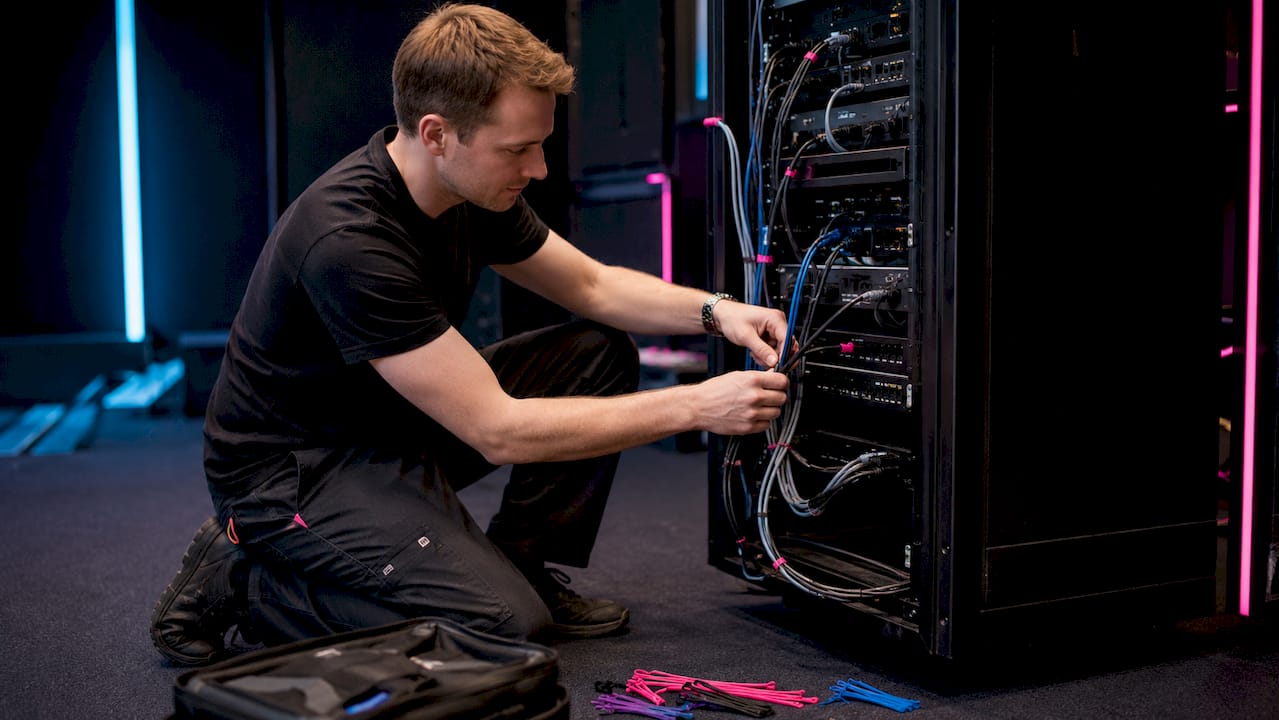
Beyond the fundamentals, experienced technical teams apply a set of practices that separate a reliable installation from one that merely passes inspection.

Team planning modular event power zones

Modular zones prevent total blackouts

Breaking a large site into isolated power zones is the most effective fault-containment strategy available. A fault in the catering zone trips that zone’s sub-distro and nothing else. The stage keeps running. Power providers who specialise in temporary event supply build zone maps as a standard part of their pre-event planning process, treating each zone as an independent electrical system with its own protection and monitoring.

Coordination between technical teams

One of the most common failures in event power planning is poor communication between the power supplier and the technical teams drawing from the supply. Audio engineers, lighting designers, and catering operators all have specific power requirements, and those requirements must be consolidated into a single accurate load figure before the generator is sized. Professional power suppliers act as central coordinators, liaising with every technical team to build a complete picture of demand.

Separating critical loads

Audio and refrigeration are the two loads most sensitive to power interruption. Running them on dedicated circuits, separate from lighting and general power, prevents a lighting surge from cutting the PA mid-show. It also eliminates electrical noise interference on audio lines, which is a subtler but equally disruptive problem at live events. For PA systems in particular, a clean, isolated supply makes a measurable difference to audio quality.

Managing GFCI nuisance trips

In damp outdoor conditions, cumulative leakage current from multiple devices connected to the same circuit can trigger an RCD even when no genuine fault exists. The solution is to segregate loads so that no single circuit carries too many devices with small individual leakage currents. Carry spare RCDs on site and test all devices before the event opens.

Professional installation under BS 7671

UK law requires that temporary electrical installations at public events are designed and installed by a qualified electrician. A formal test and inspection certificate must be issued before the event opens to the public. This is not bureaucracy for its own sake. Temporary installations lack the permanent protections of fixed wiring, and the consequences of a fault in a crowded event space are severe.

Pro Tip: Always carry spare RCDs on site and segregate critical loads such as audio and refrigeration onto dedicated circuits. In damp outdoor conditions, cumulative leakage from multiple devices is the most common cause of nuisance trips, and a spare RCD swapped in within minutes is far less disruptive than a mid-show blackout.


Key takeaways

Event power distribution is the structured, zone-based system that channels electricity safely from a generator or mains source through main and sub-distribution panels to every circuit across an event site, with RCD protection and load balancing as the non-negotiable foundations.

Point Details
Zone-based design prevents blackouts Modular power zones contain faults locally, so a tripped breaker in one area does not affect the rest of the site.
Generator loading limit Generators should not exceed 80% of rated output capacity to prevent overheating and maintain consistent performance.
RCD protection is mandatory Every circuit requires RCD protection under BS 7671, and all devices must be tested before the event opens to the public.
Three-phase balance is critical Unbalanced loads across phases cause generator instability; distribute heavy consumers evenly across all three phases.
Separate critical loads Run audio and refrigeration on dedicated circuits to prevent surges from other equipment causing interruptions or interference.
"


Event power distribution: the 2026 UK organiser’s guide
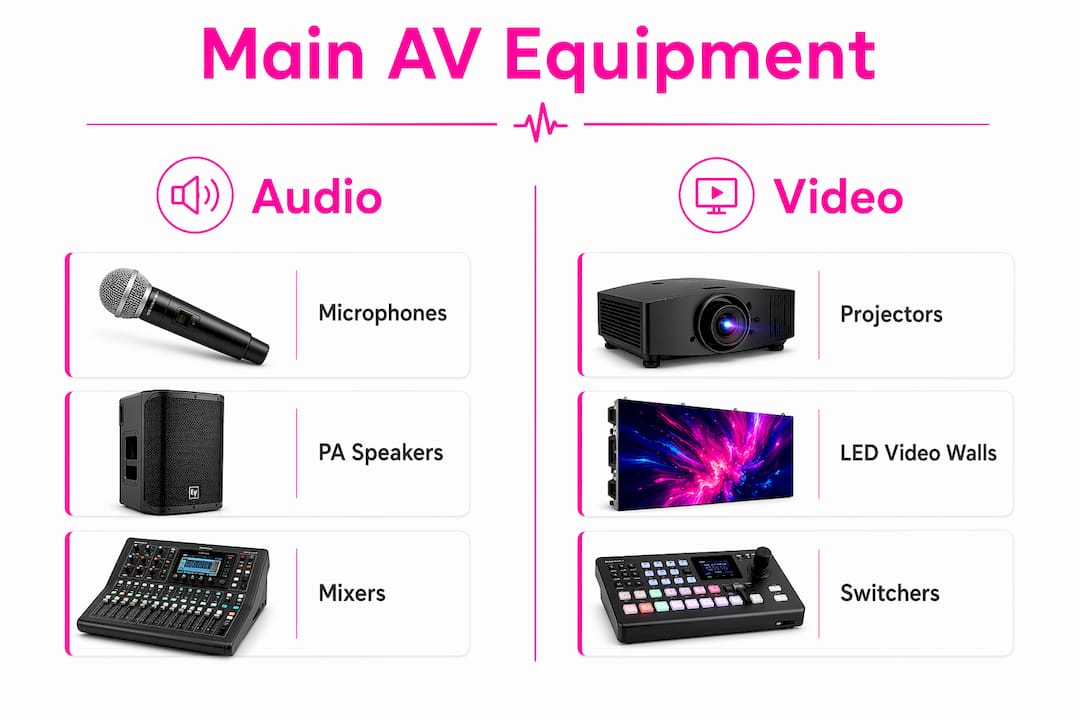
8/07/2026

Audio engineer connecting MADI cable in studio

"

MADI, short for Multichannel Audio Digital Interface, is a standardised protocol for transmitting up to 64 channels of uncompressed digital audio over a single coaxial or fibre optic cable. Defined by the AES10 standard from the Audio Engineering Society, it was first published in 1991 and has since become a cornerstone of professional audio infrastructure worldwide. At 44.1 kHz or 48 kHz, you get the full 64 channels. Push the sample rate to 96 kHz and that count drops to 32, a trade-off baked into the specification.

What sets MADI apart from most digital audio protocols is its unidirectional, point-to-point nature. There is no network to configure, no IP addressing, and no routing software to manage. You connect a transmitter to a receiver, and audio flows. That simplicity is precisely why broadcast engineers, live sound professionals, and studio operators have relied on it for decades. Latency is deterministic and extremely low, which matters enormously when you are running 64 channels of live audio to a mixing console with zero tolerance for glitches.

  • Carries up to 64 uncompressed audio channels over a single cable
  • Governed by the AES10 standard (Audio Engineering Society)
  • Supports sample rates from 32 kHz up to 96 kHz and beyond
  • Channel count reduces to 32 at 96 kHz
  • Unidirectional, point-to-point: one transmitter, one receiver
  • No network configuration required once the physical connection is made
  • Used extensively in live sound, broadcast, and recording studio environments
  • Replaces bulky analogue multicore snakes with a single lightweight cable

What is MADI audio explained: technical features and specifications

MADI transmits audio at a base data rate of 100 Mbit/s, using 4B5B encoding to produce a physical baud rate of 125 MHz. That encoding scheme replaces every 4 source bits with a unique 5-bit sequence, ensuring the signal never carries long runs of identical bits that would cause synchronisation problems. The result is a clean, reliable bitstream that travels over coaxial or fibre optic cable without the noise vulnerabilities of analogue transmission.

Each channel in the MADI frame carries 32 bits, of which 24 are allocated to audio data. The remaining bits handle validity, user data, status, parity, and mode identification, preserving compatibility with the AES3 two-channel format at the sub-channel level. Frame synchronisation is provided by sync symbols outside the audio data itself, rather than embedded preambles, which keeps the audio payload clean and consistent.

Sample rate Maximum channels Bit depth
32 kHz 64 Up to 24 bits
44.1 kHz 64 Up to 24 bits
48 kHz 64 Up to 24 bits
96 kHz 32 Up to 24 bits

Clocking is where MADI demands attention. The transmission clock is deliberately decoupled from the audio sample rate, which means all devices in a MADI chain must share a common word clock source to maintain sample accuracy. Without proper word clock synchronisation, you will hear clicks, pops, and timing drift. Some hardware vendors offer the option to derive a word clock from the MADI transmission timing itself, but an external word clock distribution system remains the professional standard.

Key technical characteristics worth knowing:

  • 4B5B encoding converts 100 Mbit/s data to a 125 MHz physical signal
  • NRZI transmission (Non-Return to Zero, Invert on Ones) maintains a low DC bias on the link
  • Frame structure supports 56 or 64 sub-channels per frame
  • Word clock must be distributed externally for sample-accurate synchronisation
  • Unidirectional streams mean full-duplex operation requires two separate MADI streams
  • AES3 compatibility is preserved at the sub-channel data level

Pro Tip: If you are building a MADI system from scratch, invest in a dedicated word clock distribution unit before anything else. Chasing synchronisation problems after the fact on a live rig is a miserable experience.


What cables and connectors does MADI use?

MADI runs over two physical media: 75-ohm coaxial cable with BNC connectors, and optical fibre with SC connectors. The AES10-2003 revision formally recommends both connector types, and the choice between them usually comes down to distance and environment.

Close-up of hands holding MADI BNC cable connector

Coaxial cable handles runs of up to 100 metres, which covers most stage-to-FOH or rack-to-console distances in a typical venue. It is affordable, widely available, and straightforward to terminate. The 75-ohm impedance is the same as standard video coax, so in a pinch you can use broadcast-grade video cable, though dedicated MADI coax is always preferable for critical applications.

Optical fibre extends that reach dramatically, supporting distances of up to 2 kilometres depending on the cable type and quality. For live touring, broadcast trucks parked outside a venue, or inter-building connections in a broadcast facility, fibre is the obvious choice. It also eliminates electromagnetic interference entirely, which matters in environments packed with RF transmitters, LED walls, and motor drives.

  • 75-ohm BNC coaxial: up to 100m, cost-effective, easy to terminate on-site
  • Optical fibre (SC connectors): up to 2km, immune to EMI, preferred for long runs
  • Multimode OM3/OM4 fibre: well-suited for live environments up to around 500m, valued for durability
  • Cable weight: a single MADI cable replaces a 64-channel analogue multicore, saving considerable weight and bulk on touring rigs
  • Fault finding: a single cable failure is far easier to diagnose than a fault buried in a 64-way analogue snake

Statistic callout: A single MADI coaxial cable replaces what would otherwise be a 64-channel analogue multicore snake, reducing cabling weight and cost while simplifying fault-finding across the entire signal chain.

Pro Tip: For outdoor festival rigs or broadcast trucks, always choose fibre over coax. The EMI rejection alone is worth it, and the weight saving on a long stage-to-truck run is genuinely significant.


How MADI is used in professional audio environments

MADI’s most common application is linking a digital mixing console to a stage box or I/O rack. A single cable carries all 64 channels of microphone and line inputs from the stage to the front-of-house position, with a second cable returning monitor feeds, effects, and outputs back to the stage. That two-cable solution replaces what used to be a heavy, expensive analogue multicore. For a large touring production, the difference in truck space and load-in time is measurable.

Technicians connecting MADI cables on concert stage

Broadcast is where MADI truly proved its worth. Large broadcast studios adopted the protocol early for routing multichannel audio throughout their facilities, and it remains standard in outside broadcast trucks and production galleries across the UK. The ITU-R BS.1873 recommendation formally specifies MADI as the serial multichannel audio digital interface for broadcasting studios, which tells you everything about its status in that world.

Common professional applications include:

  • Linking digital mixing consoles (such as the Allen & Heath Avantis) to stage I/O boxes
  • Connecting multitrack recorders to mixing systems for live recording
  • Routing audio between production galleries and studio floors in broadcast facilities
  • Interfacing outside broadcast trucks with venue audio infrastructure
  • Distributing audio across large venues with multiple mix positions
  • Connecting recording studio patchbays to DAW interfaces and outboard racks

The reliability argument is straightforward. MADI carries no network overhead, has no routing tables to corrupt, and does not depend on a switch or server staying online. When a live broadcast goes out to millions of viewers, that predictability is not a luxury.


How does MADI compare with Dante and other network audio protocols?

MADI and Dante solve the same fundamental problem, moving many channels of audio from one place to another, but they approach it very differently. MADI is a dedicated point-to-point connection with no network overhead. Dante is Audio over IP, running on standard Ethernet infrastructure, with flexible routing, bi-directional channels, and centralised network management.

The practical difference shows up under pressure. MADI’s latency is fixed and deterministic because there is no network stack involved. Dante’s latency is configurable and generally very low, but it depends on network quality, switch configuration, and QoS settings. In a well-managed network, Dante performs brilliantly. In a venue with a shared or poorly configured network, it can be a source of problems.

MADI strengths:

  • Zero network configuration once the cable is connected
  • Deterministic, hardware-level latency
  • No dependency on switches, routers, or network services
  • Sample-accurate timing for phase-coherent multichannel audio
  • Preferred by engineers where failure is genuinely not an option

MADI limitations:

  • Unidirectional: full-duplex requires two separate cable runs
  • Fixed point-to-point topology: no multi-drop or broadcast routing
  • Manual word clock synchronisation required
  • Channel count is capped at 64 (or 32 at 96 kHz)

Dante strengths:

  • Bi-directional on a single Ethernet cable
  • Flexible routing between multiple devices on the same network
  • Scalable to hundreds of channels across a facility
  • Centralised management via software

Dante limitations:

  • Requires a properly configured network infrastructure
  • Latency depends on network quality and switch capability
  • More complex to troubleshoot when problems occur

For a fixed broadcast installation with a well-managed network, Dante’s flexibility is genuinely useful. For a touring rig or a one-off live event where you need absolute certainty that audio will flow the moment you plug in the cable, MADI remains the professional’s choice.


How the MADI signal format and data transmission actually work

The MADI signal format builds directly on the AES3 two-channel interface, extending it to carry up to 64 channels in a single serial stream. Each frame consists of up to 64 sub-channels, numbered 0 to 63, transmitted sequentially within a single sample period. Every sub-channel carries 32 bits: 24 bits of audio data, 4 bits of AES3 status information (validity, user, status, parity), and 4 mode bits that handle frame synchronisation, block start identification, and active or inactive channel status.

Infographic illustrating MADI audio signal flow

The 4B5B encoding scheme is central to how MADI achieves reliable transmission at 100 Mbit/s. Every group of 4 data bits is replaced by a 5-bit code word chosen to avoid long sequences of identical bits. This keeps the signal AC-coupled and prevents the receiver from losing synchronisation. The encoded stream is then transmitted using NRZI (Non-Return to Zero, Invert on Ones), where a logical 1 is represented by a polarity transition and a logical 0 by the absence of one. The combination keeps DC bias low and makes the signal polarity-independent on the cable.

Frame synchronisation uses JK sync symbols inserted outside the audio data payload. These symbols can appear at any sub-channel boundary and must occur at least once per frame. Because the transmission clock runs independently of the audio sample rate, the sync symbols also serve as padding to fill the fixed-rate bitstream when the audio data does not occupy the full frame. This is why external word clock is not optional: the protocol itself does not carry enough timing information to reconstruct the audio sample rate at the receiver without it.

Active channels are always consecutive, starting at channel zero. The active channel bit within each sub-channel tells the receiver whether that slot carries live audio or is inactive. This means a 32-channel MADI system and a 64-channel system use exactly the same physical link; the receiver simply reads the active channel flags to know how many channels to process.


How Fireflyav uses MADI in UK professional audio setups

Fireflyav supplies MADI-enabled equipment and technical support across the UK’s corporate, cultural, broadcast, and live event sectors. For large-scale productions, whether a touring concert, a broadcast outside broadcast, or a major corporate conference, MADI is frequently the backbone of the audio infrastructure. The protocol’s combination of high channel count, low latency, and zero network dependency makes it well-suited to the demanding environments Fireflyav regularly works in.

UK venues present specific challenges: long cable runs between stages and control positions, listed buildings where cable routing is constrained, and broadcast integrations where timing and reliability are non-negotiable. MADI’s fibre optic option addresses the distance problem cleanly, while its deterministic behaviour suits broadcast-grade requirements. Fireflyav’s team advises clients on the right MADI configuration for each venue, from connector choice to word clock distribution strategy.

Fireflyav’s equipment range includes gear that integrates directly with MADI workflows:

  • Digital mixing consoles with native MADI I/O for live and broadcast applications
  • Stage boxes and I/O racks that connect via MADI to front-of-house positions
  • DI boxes such as the Radial Pro-AV1 for signal interfacing within MADI-connected systems
  • Audio players and playback systems that feed into MADI-enabled rigs
  • Word clock distribution and synchronisation equipment for multi-device MADI setups

For event planners and producers working with Fireflyav, understanding MADI is part of understanding why a single cable can replace an entire analogue infrastructure. The AV equipment guide on the Fireflyav website covers the broader context of how MADI fits within a complete audio visual system. Whether you are specifying a broadcast truck integration or a touring festival rig, Fireflyav’s technical team can advise on MADI system design, equipment selection, and on-site setup.

For producers interested in how modern audio analysis tools complement MADI-based production workflows, the AI mix analysis guide from Mix Analyzer Blog offers useful context on where technology is heading in professional audio production.


Key takeaways

MADI (AES10) transmits up to 64 uncompressed audio channels over a single cable with deterministic low latency, making it the preferred protocol for live, broadcast, and studio environments where reliability is non-negotiable.

Point Details
Channel capacity MADI carries up to 64 channels at 48 kHz, reducing to 32 channels at 96 kHz.
Cable options Coaxial BNC runs up to 100m; optical fibre extends to 2km with full EMI immunity.
Word clock requirement All MADI devices must share an external word clock source to maintain sample-accurate timing.
Protocol nature MADI is unidirectional and point-to-point; full-duplex operation requires two separate cable runs.
UK professional use Fireflyav deploys MADI across UK live events, broadcast, and corporate productions for its reliability and simplicity.
"


MADI audio explained: the professional’s complete guide

9/07/2026

Sound engineer connecting multicore audio cable in studio

"

A multicore audio cable, often called a snake, is a thick, durable cable that bundles 4–64 individual audio channels inside a single outer jacket. Its purpose is straightforward: replace the chaos of dozens of separate cables with one tidy run between your stage and mixing console.

What is a multicore audio cable and why does it matter?

At its core, a multicore cable solves a very practical problem. Running individual cables for every microphone, instrument, or signal return across a venue is slow, messy, and prone to failure. A multicore consolidates all of those connections into one manageable line.

You will hear the terms “snake,” “multicore,” and “snake cable” used interchangeably on professional stages and in recording studios. They all refer to the same thing. The key concepts to understand from the start are:

  • Sends: signals travelling from the stage (microphones, instruments) to the mixing console
  • Returns: signals travelling back from the console to the stage (amplifiers, monitors)
  • Stage box: the on-stage unit where individual XLR cables plug in
  • Pigtail or fanout: the bundle of individual connectors at the mixer end

A multicore cable is often specified using notation like “16/4,” meaning 16 sends and 4 returns. That single label tells an engineer everything they need to know about a cable’s capacity before a show.

Where are multicore cables actually used?

Infographic outlining multicore audio cable key topics

The live event world runs on multicores. Without them, a festival stage with 32 microphone inputs would require 32 separate cables snaking across the floor to the front-of-house desk. A multicore collapses that into one.

Common professional applications include:

  • Live sound reinforcement: connecting a stage box to a front-of-house (FOH) mixing console, which is the most frequent use case by far
  • Broadcast: routing multiple audio feeds from a studio floor or outside broadcast truck to a production desk
  • Recording studios: linking a live room to the control room, often via stage boxes mounted flush in the floor or walls
  • PA systems: carrying signals from a mixing console back to speaker amplifiers and monitor wedges via return channels
  • Temporary outdoor events: portable multicores stored on a drum allow rapid deployment at music festivals and corporate events

For event microphone setups, multicores are equally valuable in corporate conference environments, where a clean cable run from a stage or podium to a technical desk keeps the room looking professional.

What types and configurations are available?

Multicore cables come in several distinct forms, and choosing the wrong one for a job creates problems quickly.

  • Unterminated lengths: raw multicore cable sold by the metre, used when a technician needs to build a custom assembly with specific connectors
  • Terminated cables with multipin connectors: a single robust connector at each end, common in permanent theatre or broadcast installations where the same cable is used repeatedly
  • Complete assemblies with stage boxes: the most common live event format, combining a stage box, multicore run, and pigtail at the mixer end into one ready-to-use system
  • Breakout cables (pigtails): a short fanout of individual XLR connectors used at the mixer end of a snake, giving the engineer a separate connector per channel
  • Drive snakes: multicores carrying only return signals, used to feed amplifiers and monitor systems from the console

The send/return notation like “16/4” or “8/4” is standard across the industry. Channel counts typically vary broadly, with certain configurations being common for mid-scale live events. Durability and portability requirements also vary: a touring cable needs a tougher jacket and strain relief than one permanently installed in a studio wall.

How is a multicore cable constructed?

Inside the outer jacket, each audio channel runs as its own individually insulated conductor. The construction follows a consistent logic:

  • Individual cores: each channel has its own copper conductors, typically a positive, negative, and earth, wrapped in insulation
  • Colour coding and numbering: cores are identified by colour bands, printed numbers, or both, so a technician can trace channel 7 at the stage box to channel 7 at the mixer end without guesswork
  • Shielding: a foil or braided shield around each core, or around the entire cable, reduces electromagnetic interference from lighting rigs, power cables, and radio equipment
  • Outer jacket: a tough PVC or rubber sheath holds everything together and protects against physical damage during touring and repeated coiling
  • Gauge: thicker gauge conductors carry signal with lower resistance over long runs; thinner gauge cables are lighter and more flexible for portable use

Cable lengths vary widely. Cable lengths vary widely depending on venue size, from shorter runs in studios to longer runs at large outdoor festival stages. Gauge selection depends on that run length and how much flexibility the cable needs.

Pro Tip: Always coil multicore cables using the over-under technique. It removes the natural twist from the cable with each loop, preventing internal conductor stress and extending the cable’s working life considerably.

Cross section of multicore audio cable on workbench

Maintenance matters too. Wipe connectors regularly, store cables on proper drums rather than bundled in a heap, and inspect the jacket for cuts or kinks after every event. A damaged outer jacket lets moisture into the shielded cores, which causes intermittent faults that are notoriously difficult to trace during a live show.

What connectors and terminations do multicores use?

The termination at each end of a multicore determines how it interfaces with the rest of the audio system.

  • XLR connectors: the standard for analogue audio; female XLRs at the stage box accept microphone and instrument feeds, while male XLRs at the pigtail end connect to console inputs
  • Multipin connectors: a single large connector (such as a Socapex or proprietary format) that carries all channels in one plug, used in permanent installations where speed and repeatability matter
  • Pigtail/fanout terminations: individual XLR tails at the mixer end, one per channel, giving maximum flexibility for patching into any console
  • Jack connectors: occasionally used in smaller or more portable setups, particularly for instrument-level signals

The choice of termination affects both durability and troubleshooting speed. A multipin connector on a permanent installation is faster to connect but harder to fault-find if one pin fails. A pigtail gives you direct access to every channel individually, so isolating a faulty line takes seconds. For digital mixing consoles that accept analogue inputs via XLR, a well-terminated pigtail is still the most common connection method.

Professional best practices for using multicores

Getting the most from a multicore cable comes down to planning and understanding what the cable is actually doing.

  • Plan your send/return ratio carefully: an under-provisioned return count forces additional cable runs, which defeats the purpose of using a multicore in the first place; a 16-channel snake with only 4 returns can become a bottleneck on a busy monitor-heavy stage
  • Match the cable to the environment: a touring multicore needs robust strain relief and a thick jacket; a studio installation can use a lighter, more flexible cable since it stays put
  • Label everything: even with colour-coded cores, labelling the stage box channels and the corresponding pigtail tails saves time during soundcheck and prevents patching errors
  • Route cables away from power: keep multicore runs physically separated from mains power cables and dimmer packs to minimise interference pickup
  • Test before the event: plug a signal into every channel at the stage box and confirm it arrives at the mixer end; catching a faulty connection in the afternoon is far better than discovering it mid-performance

For professionals working across live events and AV production, understanding the full signal chain from microphone to console is what separates a clean show from a troublesome one. Fireflyav supplies and supports professional audio multicore systems for corporate events, broadcast, and live performance, with technical expertise across the full range of configurations. For a deeper look at modern audio production techniques that complement your multicore setup, the immersive audio production guide from Mix Analytic covers signal routing and processing in useful detail.

https://fireflyav.co.uk

Planning a live event or broadcast and need the right multicore setup? Fireflyav’s AV equipment range covers everything from stage boxes to full technical support, so your signal chain is solid before the first soundcheck.

Key takeaways

A multicore audio cable bundles multiple individual audio channels into one durable outer jacket, replacing dozens of separate cables with a single, manageable run between stage and console.

Point Details
Channel capacity Multicores typically house 4–64 individual audio channels within one outer jacket.
Send/return notation Notation like “16/4” specifies 16 sends to the console and 4 returns to the stage.
Core identification Colour coding and numbering on individual cores allow fast, accurate channel tracing.
Termination choice Pigtails suit flexible live use; multipin connectors suit permanent installations.
Cable care Over-under coiling and regular connector cleaning preserve cable reliability over time.
"


What is a multicore audio cable? A professional guide

3/07/2026

Busy city street preparing for live event

"

Cities dominate live event hosting for reasons that go far beyond having a big venue. The combination of economic firepower, cultural depth, transport links, and governance structures gives urban centres a structural advantage that rural or suburban locations simply cannot replicate. Here is what actually drives that advantage:

  • Economic activation: events pull spending across hotels, restaurants, transport, and retail simultaneously
  • Reputation and branding: flagship events reshape how a city is perceived globally
  • Cultural richness: urban diversity creates audiences and performers that make events resonate
  • Infrastructure: cities already have the venues, roads, and technical capacity in place
  • Policy support: local authorities actively fund and facilitate event programmes
  • Legacy planning: the best cities treat events as long-term urban development tools

1. Why cities lead live events economically

Live events do not just fill seats. They activate entire city economies in a matter of hours. Hotels, taxis, restaurants, florists, photographers, and retail businesses all see a lift the moment a well-produced event lands in a city. The ripple effect of a single corporate retreat or concert can touch dozens of local businesses simultaneously, connecting guests with services they would never have discovered otherwise.

City workers engaging around live event businesses

Experiential event companies now function as genuine hospitality anchors in cities, driving tourism and creating jobs without requiring the kind of infrastructure expansion that costs councils millions. That is a compelling proposition for city planners working with constrained budgets.

Key economic drivers that cities unlock through live events:

  • Visitor spending across accommodation, food, and transport
  • Job creation in technical production, hospitality, and logistics
  • Business exposure for local traders introduced to new audiences
  • Tax revenue generated by increased commercial activity

2. How live events build city reputation and brand identity

Toronto’s Luminato Festival is one of the clearest examples of an event reshaping a city’s global standing. Launched in 2007 after the SARS epidemic had left the city’s tourism economy in ruins, it now attracts over one million visitors annually and generates over $210 million in economic impact. That is not just a cultural success. It is a branding operation that repositioned Toronto as a world-class cultural destination.

Infographic listing top 10 reasons cities lead live events

Washington D.C.'s National Cherry Blossom Festival drew a very large number of visitors recently, generating substantial economic impact for the region. Events like these succeed because they reflect something authentic about the place. They cannot be lifted and dropped into another city without losing what makes them work.

Cities that invest in place-led events gain:

  • International visibility through media coverage and global audiences
  • Cultural tourism from visitors who return year after year
  • Business attraction as a reputation for creativity draws investment
  • Resident pride that strengthens civic identity

Pro Tip: When a city creates an event rooted in its own history or geography, it builds something competitors cannot copy. Edinburgh’s Hogmanay works because it is inseparable from the city’s streets, winter setting, and shared rituals.

3. Cultural and communal impact of live events in urban settings

The social value of live events is better understood now than it was even five years ago. University at Buffalo research involving 789 participants found that collective effervescence, the shared sense of connection felt in a crowd during a live performance, consistently predicted positive well-being outcomes. Crucially, those effects did not end when the music stopped. They lingered for up to a week afterwards.

Cities are where this effect scales. Urban diversity means audiences at live events span different ages, backgrounds, and cultures, creating the kind of cross-community contact that combats loneliness and builds social cohesion. A concert in a city of one million people draws a crowd that a market town simply cannot assemble.

Urban live events also create what sociologists call a “third place,” a space away from home and work where social identity can be explored freely. For cities with high rates of social isolation, that function is not trivial.

  • Collective effervescence builds lasting well-being beyond the event itself
  • Cross-cultural mixing strengthens community bonds across demographics
  • Third-place experiences offer social connection outside everyday routines
  • Shared memory created by events reinforces long-term community identity

4. Legacy planning and urban development linked to live events

The OECD’s analysis of more than 30 global host cities makes the point plainly: the largest value of hosting a major event lies not in the event itself but in what comes after. Improved transport links, regenerated neighbourhoods, new public spaces, and heightened civic pride are the real prizes. None of that happens without deliberate legacy planning built into the event strategy from the start.

Cities increasingly use a practice sometimes called “eventification,” positioning festivals and events in under-used or derelict areas to attract investment and improve infrastructure. The event becomes the catalyst; the neighbourhood transformation is the goal.

Legacy benefit How events deliver it
Infrastructure improvement Transport and venue upgrades built for events serve residents long-term
Neighbourhood regeneration Events in derelict areas attract developers and new businesses
Job creation Production, hospitality, and logistics roles outlast the event itself
Civic pride Successful events raise community confidence and identity
Global reputation International coverage positions the city for future investment

Pro Tip: Cities that integrate event planning into their spatial development strategies, rather than treating events as one-off occasions, consistently extract more long-term value from the same investment.

5. How city infrastructure gives urban venues the edge

A city’s existing infrastructure is not just convenient. It is a competitive advantage that takes decades to build and cannot be improvised. Major urban centres have transport networks that move tens of thousands of people efficiently, accommodation stock that can absorb large visiting audiences, and technical venue facilities that meet the demands of complex productions.

Regional cities with advanced stage technology and extended fit-up periods allow productions to de-risk launches through progressive audience testing before wider rollouts. That is why producers often favour launching major tours in regional urban centres rather than capitals. Lower venue costs, less competition for audience attention, and quality technical facilities make the numbers work. The AV technology underpinning modern live events, from LED walls to line array sound systems, requires the kind of power infrastructure and rigging capacity that cities have built into their venues as standard.

Cities also offer something less obvious: a concentration of skilled technical labour. Sound engineers, lighting designers, riggers, and production managers cluster in urban centres because that is where the work is. For a complex live show, having that workforce within reach is not a minor convenience.

6. How city policies and governance shape live event success

Cities that lead in live events rarely do so by accident. Local authorities in the UK, from Manchester City Council to the Greater London Authority, actively fund event programmes, streamline licensing, and create dedicated event offices that reduce the friction of putting on a show. That institutional support is a genuine differentiator.

Cultural policy frameworks matter too. Cities that embed live events into their broader cultural strategies, treating them as infrastructure rather than entertainment, attract more investment and more ambitious productions. The spatial value of live music is increasingly recognised in urban planning, with policymakers using financial instruments, noise mitigation measures, and special venue designations to protect and grow live event ecosystems.

Events and festivals have also emerged as tools for projecting soft power and symbolic capital, which gives city governments a direct political incentive to support them. When a city hosts a globally recognised event, it signals reliability, creativity, and ambition to investors and visitors alike.

7. How cities built their live event heritage over centuries

Cities have been the natural home of public gathering since ancient Athens and Rome. Markets, theatres, amphitheatres, and public squares were urban inventions, and the tradition of concentrated cultural life in cities has compounded over centuries. London’s West End, Edinburgh’s festival circuit, and Manchester’s music scene did not emerge from nowhere. They are the product of layered investment, accumulated reputation, and generations of creative talent choosing to base themselves where the audiences already were.

That historical depth gives cities a credibility that newer or smaller venues struggle to match. When an artist plays the Royal Albert Hall or a conference lands at the ExCeL London, the venue’s history is part of the product. The legacy of past events raises the perceived value of future ones.

8. Why urban events outperform rural ones in most conditions

The gap between urban and non-urban event hosting is real, though not absolute. Rural festivals like Glastonbury prove that extraordinary events can happen outside cities. But Glastonbury is the exception that proves the rule: it requires years of infrastructure investment, a dedicated transport operation, and a brand built over five decades.

For most events, cities win on logistics alone. Audiences can arrive by train, tube, or bus without the organisers building temporary car parks. Suppliers are nearby. Accommodation is plentiful. The economic activation that makes events financially viable for host cities depends on that density of existing businesses.

Non-metro cities in India, such as Lucknow and Kochi, saw live event ticket sales surge over 225% in 2023, driven by civic pride and a sense that the event was a statement about the city’s identity. That finding does not undermine the urban advantage. It reinforces it: even the growth story in non-metro markets is fundamentally an urban story, driven by cities, not countryside.

9. How digital technology extends city event reach

Cities increasingly use digital infrastructure to amplify live events beyond the venue walls. Digital screens in tourist areas extend event promotion into streets, transport hubs, and hospitality districts, turning the whole city into a backdrop for the event experience. That ambient promotion drives footfall to local businesses and builds anticipation in ways that a standalone venue cannot replicate.

The LED screen technology now standard at major urban events also changes the scale of what is possible. Audiences of 20,000 can follow a performance with the same clarity as someone in the front row. Cities with the power infrastructure and technical expertise to support that kind of production attract the events that demand it.

10. What makes a city genuinely ready to lead live events

Readiness is not just about having a big arena. The cities that consistently lead live events share a specific combination of qualities: a clear cultural identity that events can reflect, governance structures that reduce production friction, transport networks that handle large crowds, and a technical workforce that can deliver complex shows reliably.

The concert AV production demands of a modern live event, from broadcast-quality video switching to immersive spatial audio, require cities to have invested in both physical infrastructure and skilled technical capacity. Cities that have done that work attract the productions that define a city’s live event reputation for years.


Cities lead live events because economic density, cultural depth, infrastructure, and governance advantages compound together in ways that no single factor can explain alone.

Point Details
Economic activation Live events simultaneously engage hotels, transport, retail, and hospitality across the whole city.
Reputation building Flagship events like Toronto’s Luminato generate over $210 million in economic impact and reshape global perception.
Cultural well-being Research confirms collective effervescence from live events boosts well-being for up to a week after attendance.
Legacy planning OECD analysis of 30-plus host cities shows infrastructure and civic pride gains require deliberate legacy strategy.
Infrastructure advantage Cities offer transport networks, technical venues, and skilled AV workforces that rural locations cannot match.

Planning a live event in a UK city? Fireflyav supplies AV equipment and technical support for corporate, cultural, broadcast, and live event productions across the country. Whether you need LED walls, conference microphone systems, or full production support, the team at Fireflyav has the expertise to make it work.

https://fireflyav.co.uk

"


Why cities lead live events: 10 reasons that matter

11/07/2026

Event professional reviewing event options at table

"

What are the best UK alternatives to Sterling Event Group?

The strongest alternatives to Sterling Event Group for technical production and AV services in the UK span three distinct categories: boutique strategic agencies, AI-native planning platforms, and modular production networks. Your best fit depends on whether you need hands-on equipment supply, end-to-end event management software, or specialist crew for a specific production component.

Hands working on technical AV equipment bench

Gartner Peer Insights 2026 identifies vFairs, Bizzabo, and RainFocus as the leading digital-first alternatives, evaluated on service support, contract management, and integration. On the agency side, ACE Event Partners and ALLEVENTS Group represent the boutique and modular production ends of the spectrum respectively. Praloop sits in its own lane as an AI-native project management tool built specifically for event planners.

Provider Specialisation focus Service offerings Technology integration UK availability Best for
ACE Event Partners Boutique agency Strategic planning, venue sourcing, supplier coordination Traditional, relationship-led UK-wide Corporate organisers needing full strategic support
vFairs Digital-first platform Virtual, hybrid, in-person event management AI-enhanced workflows Global, UK supported Hybrid and virtual event specialists
Bizzabo Event experience OS Online event management, analytics, integrations Advanced analytics platform Global, UK supported Data-driven organisers
RainFocus Enterprise platform Personalised event marketing and management AI-powered automation Global, UK supported Large enterprises needing scale
Praloop AI-native planning tool Brief generation, project management, P&L tracking AI-native, full lifecycle Global, UK supported Tech-savvy teams managing complex logistics
ALLEVENTS Group Modular production network Technical production, branding, exhibition design Specialist-led, modular Europe-wide, UK events Large-scale events needing expert specialist teams

Key differences between these categories:

  • Boutique agencies like ACE Event Partners act as an extension of your team, handling supplier coordination and strategic alignment rather than owning equipment directly.
  • Software platforms (vFairs, Bizzabo, RainFocus, Praloop) replace or augment spreadsheet workflows with digital tools, analytics, and automation.
  • Modular production networks like ALLEVENTS Group deploy specialist crews for graphics, staging, and exhibition builds alongside your core technical partner.

How do you choose the right technical production or AV partner?

The single most important question is whether the provider owns its equipment and crew or subcontracts both. Providers with in-house technical crew, warehouse stock, and dedicated on-site support give you cleaner communication and more predictable costs. Agencies that outsource every technical component introduce an extra layer of risk, particularly on complex productions where last-minute changes are common.

Pro Tip: Ask any prospective partner directly: “Do your technicians work for you, or are they freelance crew sourced per event?” The answer tells you more about delivery consistency than any case study will.

Use this checklist when evaluating candidates:

  • Equipment ownership: Does the provider hold its own inventory, or does it hire in from third parties?
  • Technical crew: Are engineers and operators in-house, or sourced per project?
  • Scalability: Can the provider scale from a 50-person boardroom to a 2,000-delegate conference without changing account managers?
  • Geographic reach: Does the provider cover your specific UK region, or does travel and logistics add cost?
  • Technology integration: Does the team use AI-enabled tools for resource allocation and finance tracking, or are they still managing everything in spreadsheets?
  • Client profile fit: Is the provider experienced with your event type, whether that is a corporate conference, eSports tournament, or broadcast production?

ACE Event Partners makes the case that the best partners operate as a genuine extension of your team, handling logistics and supplier coordination with discretion rather than simply delivering hardware. That distinction matters most for corporate events where brand alignment and confidentiality are as important as the technical spec. For corporate AV planning, the strategic layer is often what separates a good event from a forgettable one.

A dual-partner model, combining a specialist AV production firm with a boutique strategic agency, often delivers better pricing and technical outcomes than asking one provider to cover everything. Neither type excels at the other’s core job.

How do these providers compare in practice?

ACE Event Partners suits corporate organisers who want a trusted agency to manage every supplier relationship on their behalf. Founded by Abigail Elkins, the agency has worked with brands including McLaren F1, Ascot Racecourse, and British Airways, coordinating AV production, logistics, and entertainment through a curated supplier network rather than owning production assets directly.

ALLEVENTS Group takes a different approach entirely. Its modular specialist model deploys dedicated teams for technical production, exhibition design, event graphics, and branding as separate expert units. For large UK productions where each component demands genuine specialism, that structure tends to produce higher quality than a generalist firm stretched across all disciplines.

On the software side, Praloop stands out for teams managing multiple concurrent events and is featured among project management tools relevant to event logistics and AI integration. Its AI Brief Generator, planning board, and Project P&L Module sit in one workspace, covering everything from the first client conversation to the final invoice. Every new account gets a 14-day free trial with 50 AI credits included and no credit card required.

Infographic comparing physical production and software event providers

Detailed profiles: what each alternative actually offers

ACE Event Partners covers conferences, product launches, award dinners, exhibitions, and executive experiences. The agency sources venues, negotiates commercial terms, and coordinates all suppliers including AV, entertainment, and logistics. It operates across the UK and internationally.

vFairs specialises in virtual and hybrid event management, with strong marks on Gartner Peer Insights for contract management and service support. Best suited to organisations running recurring digital or hybrid programmes.

Bizzabo positions itself as an event experience operating system, with advanced analytics and integration capabilities that appeal to data-driven teams measuring engagement and ROI across large event portfolios.

RainFocus targets enterprise clients running high-volume event programmes. Its AI-powered automation handles contracting and personalisation at scale, reducing manual workload for large internal event teams.

Praloop is the most technically focused planning tool in this group. Its AI Creative Studio includes eight distinct AI tools for design and content, while the P&L Module handles multi-currency expense tracking, invoice approval workflows, and downloadable financial reports.

ALLEVENTS Group brings together LIVECOM Group for technical production, EXHIBIT Company for exhibition builds, EventGraphics for visual branding, and European Exposition Services for logistics. Each unit operates as a specialist rather than a generalist.

How available and scalable are these alternatives across the UK?

ACE Event Partners operates UK-wide and takes on international projects. ALLEVENTS Group covers the UK through its European network. Both scale by adding specialist resource rather than by stretching a single team.

The software platforms (vFairs, Bizzabo, RainFocus, Praloop) are available anywhere with an internet connection. Scalability for these tools means seat count and project volume rather than geographic logistics. Praloop’s Advance plan supports up to 10 seats, making it practical for mid-sized agencies. For AV technical support across specific UK regions, the physical presence of a production partner still matters more than any software capability.

How do their technology and equipment capabilities compare?

The clearest divide is between providers who own physical production assets and those who deliver value through software or coordination. Sterling Event Group operates from a 40,000 sq ft facility near Manchester Airport, supplying AV hire and technical production across the UK. Alternatives that compete on the same ground need comparable equipment depth and in-house crew.

ALLEVENTS Group’s LIVECOM unit covers sound, lighting, staging, live streaming, and hybrid event technology. ACE Event Partners coordinates AV production through its supplier network rather than owning kit directly. On the software side, AI-enabled platforms shift the technology question from “what equipment do you own” to “how well does your workflow handle data-heavy tasks like resource allocation and finance tracking.” Praloop and RainFocus both automate functions that most production teams still manage manually. Understanding the full range of audio visual equipment options helps you assess whether a partner’s inventory genuinely matches your production requirements.

Fireflyav: specialist AV and technical support for UK events

https://fireflyav.co.uk

If the alternatives above cover strategic planning and software well but leave a gap on the physical production side, Fireflyav fills it directly. Fireflyav supplies AV equipment and technical support for corporate conferences, live events, cultural productions, broadcast, and eSports, with in-house expertise rather than subcontracted crews.

For event professionals who need a reliable technical partner with genuine equipment depth and hands-on support, Fireflyav is worth a direct conversation. Explore the full AV services offering or get started with the product request form to discuss your next production.

Key takeaways

The strongest Sterling Event Group alternatives split clearly between physical production partners, strategic agencies, and software platforms, each serving a different production need.

Point Details
Three distinct categories Alternatives divide into boutique agencies, AI-native software platforms, and modular production networks.
In-house crew matters Providers with their own technicians and equipment reduce subcontracting risk and improve cost predictability.
Software platforms suit digital events vFairs, Bizzabo, RainFocus, and Praloop replace spreadsheet workflows with AI-enabled planning and analytics tools.
Dual-partner model works Combining a specialist AV firm with a boutique agency often outperforms a single generalist provider on both price and quality.
Fireflyav for physical production Fireflyav supplies in-house AV equipment and technical support across corporate, broadcast, live, and eSports events in the UK.
"


Sterling Event Group alternatives for UK event professionals

6/07/2026

Event professional reviewing event technology options

"

What are the best TechPro.co.uk alternatives for UK events?

Search for “TechPro alternatives” and you will quickly hit a wall of irrelevant results. Platforms like Limble, MaintainX, Fiix, and Jobber appear prominently on software comparison sites, yet none of them have anything to do with AV equipment or live event production. They are maintenance management and field service tools, full stop. The same confusion extends to IT staffing firms that share a similar name.

For UK event professionals, the only alternatives worth considering are those that actually supply AV equipment, technical support, and event production services. The shortlist below cuts through that noise.

Provider Best for Service type UK availability Event expertise Pricing
Firefly AV Corporate, cultural, broadcast, eSports Equipment hire, technical support, event production Nationwide Conferences, eSports, broadcast, live events Bespoke quote
Limble Maintenance management CMMS software UK (software only) None Subscription
MaintainX Operational maintenance Mobile work orders UK (software only) None Subscription
Fiix Asset management Cloud CMMS UK (software only) None Subscription
Jobber Field service jobs Scheduling, invoicing UK (software only) None Subscription
Maintenance Connection Facility maintenance MRO management UK (software only) None Subscription
Fracttal One Maintenance planning Cloud CMMS UK (software only) None Subscription
FieldPulse Service contractors Mobile field tools UK (software only) None Subscription
BuildOps Contractor management Workflow software UK (software only) None Subscription
eMaint CMMS Maintenance operations Flexible CMMS UK (software only) None Subscription
Click Maint CMMS Equipment maintenance Simple CMMS UI UK (software only) None Subscription
Service Fusion Service dispatch Scheduling software UK (software only) None Subscription
Asset Essentials Government maintenance Compliance CMMS UK (software only) None Subscription
ServiceChannel Facility services Vendor management UK (software only) None Subscription
TheWorxHub Maintenance workflows Maintenance tools UK (software only) None Subscription
FieldServio Field services Service scheduling UK (software only) None Subscription

Fireflyav is the only entry in this list that operates as a genuine AV and event production provider. Every other platform listed here is a maintenance or field service management tool, included because they appear in search results for TechPro alternatives, not because they serve the event industry.

Technician organizing AV equipment in event loading dock

Pro Tip: When evaluating any provider that appears in a software directory as a “TechPro alternative,” check whether they list AV equipment hire, technical crew, or live event support among their actual services. If those are absent, the listing is a category mismatch, not a genuine replacement.

How do these alternatives actually compare for event production?

The core problem with most TechPro alternatives listed online is a fundamental category error. Platforms such as BuildOps, FieldPulse, and Service Fusion are built for contractors managing job scheduling and invoicing. eMaint CMMS, Click Maint CMMS, and Asset Essentials exist to track maintenance tasks in facilities. ServiceChannel manages vendor relationships for facilities teams. TheWorxHub and Fracttal One handle maintenance planning. None of these platforms supply a projector, a mixing desk, or a technician to your event.

Fireflyav occupies a different category entirely. It supplies physical AV equipment and deploys experienced technical staff to events across the UK, covering corporate conferences, cultural productions, broadcast setups, and eSports tournaments. That combination of kit and crew is what event professionals actually need when they look for a TechPro replacement.

Pricing models across genuine AV providers vary considerably, from fixed packages for standard conference setups to bespoke quotes for large-scale productions. The maintenance software platforms on this list operate on monthly or annual software subscriptions, which is a structurally different cost model with no relevance to event budgets.

Customer support quality is another dividing line. For live events, technical support responsiveness is not a nice feature to have. A failing display or a dropped audio feed mid-presentation needs an on-site technician, not a software helpdesk ticket. Fireflyav provides hands-on technical crew at events, which is the standard that matters in this sector.

Infographic comparing AV providers vs software platforms

How to choose the right TechPro alternative for your event

Choosing a genuine replacement for TechPro starts with being clear about what you actually need. Most event professionals require some combination of equipment hire, on-site technical support, and production planning. A software subscription platform provides none of those things.

Key criteria to evaluate:

  • Event type and scale. A 50-person corporate briefing has different AV demands than a 2,000-seat eSports tournament or a broadcast production. Confirm the provider has direct experience with your event format.
  • Equipment range. Check whether the provider stocks the specific kit your event requires: LED screens, conference microphone systems, mixing desks, staging, or broadcast-grade cameras.
  • Technical crew availability. On-site support is non-negotiable for live events. Ask whether technicians are employed directly or subcontracted, and whether they have sector-specific experience.
  • UK regional coverage. London venues have different logistics to events in Leeds, Liverpool, or Manchester. Confirm the provider can reach your location with equipment and crew.
  • Integration with event management tools. If you use event management software for registration, scheduling, or ticketing, check whether the AV provider can work alongside those systems without friction.
  • Budget alignment. AV pricing ranges from modest packages for small meetings to substantial bespoke quotes for large productions. Get itemised quotes early so you can compare like for like.
  • Verified reputation. Platforms like Capterra use moderated reviews to help professionals identify reliable vendors. Look for providers with documented event-specific experience, not just generic service ratings.
  • Scalability. If your events programme is growing, choose a provider with the stock depth and crew capacity to scale with you, rather than one that suits only your current event size.

Pro Tip: Ask any prospective AV provider for references from events similar in scale and format to yours. A provider experienced in large-scale exhibition AV or broadcast production will approach a corporate conference very differently to one whose background is purely in small meetings. The reference call takes 15 minutes and saves hours of on-site problems.

Local expertise matters more than many event planners expect. A provider who knows the loading bay restrictions at a specific venue, or the acoustic challenges of a particular conference centre, brings practical value that no software platform can replicate.

Group discussing event logistics at UK venue

Fireflyav: a genuine UK alternative for event AV and production

If you have been searching for a TechPro replacement and found only maintenance software, Fireflyav is worth a direct look. It is a UK-based AV company specialising in equipment supply and technical support for corporate, cultural, broadcast, and live events, with particular depth in eSports and conference production.

https://fireflyav.co.uk

The practical difference is straightforward. Fireflyav delivers physical equipment and experienced technicians to your event, whether that is a corporate conference in Leeds, a broadcast production, or an eSports tournament. Its services cover equipment hire, event consultancy, AV technical support, and staging, which is the full range that event professionals actually need from an AV partner.

For event planners who want to understand what AV equipment their event requires before committing to a quote, Fireflyav’s guide to AV equipment for event planners is a practical starting point. It covers the kit categories, what each does, and how to match equipment to event format and venue.

Key takeaways

Most TechPro.co.uk alternatives listed in software directories are maintenance management platforms with no relevance to AV event production, making Fireflyav the only genuine like-for-like replacement for UK event professionals.

Point Details
Category mismatch is common Platforms like Limble, Fiix, and BuildOps appear as TechPro alternatives but are maintenance tools, not AV providers.
Genuine alternatives supply kit and crew A real TechPro replacement provides physical AV equipment and on-site technical support, not software subscriptions.
Pricing models differ fundamentally Maintenance software uses subscriptions; AV providers quote per event based on scale and technology requirements.
Local UK expertise matters Regional knowledge of venues, logistics, and crew availability directly affects event-day delivery quality.
Fireflyav covers the full scope Fireflyav supplies equipment hire, technical crew, and production support for corporate, broadcast, cultural, and eSports events across the UK.
"


TechPro.co.uk alternatives for UK event professionals

6/07/2026

Technician adjusting installed AV control panel

"

An installed AV system is a fixed configuration of audio and visual equipment built permanently into a venue to deliver consistent, high-quality event production. Unlike hired-in rigs that arrive and leave with each event, installed audio visual systems become part of the building’s infrastructure. They combine displays, audio equipment, signal processing, control systems, and cabling into one unified setup. For event professionals and venue managers, understanding what an installed AV system is means understanding the difference between a venue that performs reliably every time and one that depends on luck and last-minute logistics.

What is an installed AV system and what does it include?

An installed AV system is defined as a permanently integrated assembly of audio, video, control, and infrastructure components designed to operate as a single, coordinated system. The industry term for this discipline is “installed AV,” which sits within the broader ProAV (professional audio visual) sector. It is distinct from live event hire, where equipment is brought in temporarily for a single occasion.

AV systems include five main sections: displays, audio, power and processing, cabling and infrastructure, and control. Each section handles a specific function, and the system only performs well when all five work together. A venue with excellent speakers but a poorly configured control system will frustrate staff and undermine every event it hosts.

AV engineer configuring AV system components

Fireflyav specialises in supplying equipment and technical support across the corporate, cultural, broadcast, and live event sectors. Their work spans eSports arenas and corporate conference suites, which means they regularly design and support installed AV solutions across very different venue types. That breadth of experience matters when you are specifying a system that needs to serve multiple event formats.

What are the essential components of an installed AV system?

Each component plays a unique role in signal capture, processing, transmission, and output. Understanding what each one does helps venue managers make informed decisions when specifying or upgrading a system.

Displays

Displays present content to the audience. The main options are:

  • Fixed projection screens with short-throw or long-throw projectors, suited to darkened conference rooms and theatres
  • LED walls, which deliver high brightness and are ideal for large venues, exhibitions, and eSports events
  • Commercial-grade LCD or OLED panels, used for breakout rooms, reception areas, and digital signage

The choice of display depends on ambient light levels, viewing distances, and the type of content being shown. A boardroom and an eSports arena have entirely different requirements.

Audio

Infographic showing key installed AV system components

The audio section covers microphones, speakers, and amplifiers. Microphones capture speech or performance. Amplifiers boost the signal. Speakers distribute sound across the space. In installed systems, speakers are typically ceiling-mounted, wall-mounted, or flown from rigging points, rather than placed on stands. This keeps the floor clear and delivers more even sound coverage.

Processing units

Digital Signal Processors (DSPs) sit at the heart of the audio chain. They manage equalisation, feedback suppression, routing, and delay alignment between speaker zones. Without a DSP, a multi-zone venue cannot maintain consistent audio quality across different rooms or areas simultaneously.

Control systems

A control system acts as the heart of complex AV setups, simplifying operation via an easy-to-use interface that manages multiple devices from one platform. Control processors receive commands from touch panels and coordinate all connected equipment. A well-designed control interface means a non-technical member of staff can start a conference, adjust the volume, and switch inputs without calling for support.

Cabling and infrastructure

Cabling manages signal paths between every component. In modern installed AV, this includes both traditional copper cabling and network infrastructure for AV-over-IP systems. Conduit routing, rack placement, and cable management all affect long-term reliability and the ease of future upgrades.

Component Primary function Common formats
Displays Present visual content LED walls, projectors, LCD panels
Audio Capture and reproduce sound Microphones, speakers, amplifiers
Processing Manage and route signals DSPs, signal processors
Control Unify system operation Touch panels, control processors
Infrastructure Connect all components Network cabling, conduit, racks

What benefits do installed audio visual systems provide?

The core benefit of installed AV solutions is reliability. A temporary hire rig is configured fresh for each event, which introduces variables. An installed system is tested, calibrated, and ready. That consistency directly reduces the risk of technical failure during a live event.

Operational efficiency is the second major gain. Integrated control systems centralise management of AV and lighting, simplifying room turnover and event setups for non-technical staff. A venue that previously needed a technician on site for every room change can now empower its own team to handle routine setups independently.

The financial case also strengthens over time. Repeated hire costs accumulate quickly. A permanent installation carries a higher upfront cost but eliminates recurring hire fees and reduces the labour required for each event. For venues running more than a handful of events per month, the return on investment becomes clear within a few years.

Additional benefits include:

  • Scalability: modular installed systems can be expanded as the venue grows or event formats change
  • Audience experience: calibrated audio and correctly positioned displays produce a noticeably better experience than ad-hoc setups
  • Brand consistency: every event in the venue looks and sounds the same, which matters for corporate clients and repeat bookers

Pro Tip: When briefing a venue on its AV requirements, ask how many different event formats the space needs to support. A system designed for one format will underperform in others. Build flexibility in from the start.

How does network-based AV technology future-proof installed systems?

AV-over-IP architecture represents a shift away from point-to-point physical cabling toward networked signal distribution, enhancing flexibility, scalability, and ease of future upgrades. In practical terms, this means audio, video, and control signals travel across the venue’s existing IT network rather than through dedicated point-to-point cables.

Traditional point-to-point cabling connects each source directly to each display or speaker. It works, but it is rigid. Adding a new display zone means running new cable. Reconfiguring a room means physical rewiring. Network-based AV replaces this with centralised management platforms and software updates, so a venue can repurpose spaces without touching a single cable.

Approach Flexibility Upgrade method Infrastructure cost
Point-to-point cabling Low Physical rewiring Lower upfront, higher long-term
AV-over-IP (networked) High Software and licence updates Higher upfront, lower long-term

Networked AV architectures support multipoint signal distribution and centralised control, which means one source can feed multiple rooms simultaneously without additional hardware. For a conference centre running breakout sessions from a single keynote feed, this is a significant operational advantage.

Future-proofing AV installations is critical. Industry leaders highlight the importance of adopting networked solutions rather than relying on traditional cabling, so venues can evolve without total rebuilds. Planning for future-proof infrastructure from the outset is far less expensive than retrofitting a networked architecture into a building that was wired for point-to-point.

Pro Tip: When specifying a new installed AV system, ask your integrator to confirm that the network infrastructure meets the bandwidth and latency requirements for AVoIP. A standard office network is rarely sufficient without dedicated VLANs and quality-of-service configuration.

What steps should venue managers take when selecting and installing AV systems?

A thorough needs assessment is the correct starting point. Before specifying any equipment, map every space in the venue, the events each space will host, the audience sizes, and the technical requirements for each format. A room that hosts both intimate board meetings and large-scale product launches needs a very different system from one that serves a single purpose.

  1. Conduct a full site survey. Measure room dimensions, assess ambient light and noise levels, identify existing infrastructure, and locate power and data points. This information drives every subsequent decision.
  2. Build a mock-up room. Pre-installation mock-up rooms are vital to detect acoustic, airflow, and heat issues before full system rollout. Building a full-scale test environment months in advance identifies hidden challenges that would be expensive to fix after installation.
  3. Specify modular, scalable equipment. Choose components that can be upgraded individually without replacing the entire system. A DSP that supports additional licence-based features is more future-proof than one with fixed functionality.
  4. Work with a reputable AV integrator. An integrator manages the design, installation, programming, and commissioning of the system. Their experience with similar venues reduces risk and accelerates delivery. Fireflyav provides technical support across corporate and live event environments, which gives venue managers access to specialists who understand both the technical and operational demands of professional events.
  5. Schedule routine maintenance. Installed systems require periodic checks: firmware updates, cable integrity tests, speaker calibration, and control system audits. A maintenance schedule prevents small issues from becoming failures during a live event.

Pro Tip: Request a full system handover session with your integrator after installation. Your in-house team should be able to perform basic diagnostics and resets without calling for external support. That capability saves time and money on event days.

Key takeaways

An installed AV system delivers reliable, consistent event production by permanently integrating audio, video, control, and network infrastructure into a venue’s fabric.

Point Details
Definition An installed AV system is a fixed, permanently integrated audio-visual setup built into a venue.
Core components Displays, audio, DSPs, control systems, and cabling all work together as one unified system.
Operational benefit Centralised control simplifies room turnover and reduces reliance on specialist technicians for routine setups.
Network advantage AV-over-IP architectures allow venues to reconfigure and upgrade spaces via software rather than rewiring.
Installation best practice Mock-up rooms and thorough site surveys prevent costly problems before full system deployment.

Why I think most venues underestimate installed AV until it is too late

The venues that get installed AV right share one habit: they treat the AV system as infrastructure, not as equipment. The same way you would not compromise on electrical wiring or HVAC, you should not compromise on the signal paths, processing power, and control architecture that make every event work.

The most common mistake I see is specifying a system for the events a venue currently runs, rather than the events it wants to run in three years. Technology moves quickly, and a system locked into point-to-point cabling will struggle to keep pace. The venues that invested in networked AV infrastructure early are now reconfiguring spaces via software while others are facing expensive rewiring projects.

Control interface design is also undervalued. A technically excellent system that requires a specialist to operate it is a liability. The best installations I have encountered give non-technical staff genuine confidence. That confidence shows up in smoother events and fewer last-minute calls for support.

— Michael

How Fireflyav supports your installed AV system needs

Fireflyav works with event professionals and venue managers across the corporate, cultural, broadcast, and live event sectors to specify, supply, and support installed AV solutions. Whether you are equipping a conference suite, an eSports arena, or a multi-purpose cultural venue, the team brings hands-on technical expertise to every project.

https://fireflyav.co.uk

From audio visual equipment selection through to on-site technical support, Fireflyav covers the full scope of what a professional installed system requires. If you are planning a new installation or reviewing an existing setup, the product enquiry form is the fastest way to start a conversation with the team about your specific requirements.

FAQ

What is an installed AV system?

An installed AV system is a permanently fixed configuration of audio, video, control, and infrastructure components built into a venue. It delivers consistent, high-quality event production without the need for temporary hire equipment.

What are the main AV system components?

The five main components are displays, audio equipment (microphones, speakers, amplifiers), processing units (DSPs), control systems (touch panels and processors), and cabling and network infrastructure.

How does AV-over-IP differ from traditional cabling?

AV-over-IP routes audio, video, and control signals across a network rather than through dedicated point-to-point cables. This allows venues to reconfigure spaces and add new zones via software updates rather than physical rewiring.

What are the benefits of installed audio visual systems for venues?

Installed systems provide reliability, operational efficiency, and long-term cost savings. Centralised control simplifies event setups for non-technical staff, and a permanent installation eliminates recurring hire costs over time.

How should venue managers prepare for an AV installation?

Start with a full site survey and a detailed needs assessment covering all event formats the space will host. Build a mock-up room to test acoustic and thermal performance before committing to full deployment, and work with an experienced AV integrator throughout.

"


What is an installed AV system? A venue guide

9/07/2026

Technician managing concert AV production controls

"

Concert AV production is the combination of audio, video, and lighting technology deployed at live events to deliver an immersive audience experience. The industry term for this discipline is AVL production, covering audio, video, and lighting as three interdependent systems. Getting the balance right across all three determines whether an event is memorable or forgettable. The types of concert AV production you choose must match your audience size, venue conditions, and the atmosphere you want to create. Fireflyav works across live events, corporate productions, and cultural programming, and the principles that govern AV equipment selection apply consistently regardless of scale.

1. What are the primary types of audio production in concerts?

Audio production is the foundation of any concert. Without clear, well-distributed sound, every other element loses its impact. Concert audio production divides into three broad categories based on scale and technology.

Small venue audio setups use powered full-range speakers mounted on stands or fixed to walls, paired with a compact digital mixing console. These setups suit audiences under 200 and require minimal crew. The mixing console acts as the command centre for all sound, with digital models offering channel recall and onboard effects that analogue desks cannot match. That recall capability matters enormously when you are running multiple acts through the same rig.

Hands adjusting small venue audio mixer

Line-array systems are the standard for mid-size and large concerts. A line-array is a column of speaker cabinets hung or stacked together, designed to project sound evenly across long distances. Large events require full line-array systems with delay towers positioned mid-venue to cover audiences beyond the main hang’s reach. A dedicated monitor engineer manages the on-stage mix separately from the front-of-house engineer, so performers hear themselves clearly while the audience receives a different, optimised mix.

Immersive audio systems represent the most advanced category. L-ISA Hyperreal Sound from L-Acoustics is one example, used on Lorde’s Ultrasound World Tour to create intimate presence even in large arenas. These systems place sound objects in three-dimensional space rather than delivering a flat stereo image. The result is a personal connection between performer and audience that standard left-right PA systems cannot replicate.

  • Powered full-range speakers: best for venues under 200 capacity
  • Line-array systems with delay towers: standard for 200 to 1,000+ audiences
  • Immersive object-based audio: used in high-end touring and flagship events
  • Wireless microphone systems: essential for freedom of movement on stage
  • In-ear monitor systems: replace wedge monitors for cleaner stage sound

Pro Tip: Book a dedicated monitor engineer for any event above 300 attendees. Performers who cannot hear themselves make mistakes, and the audience always notices.

2. How do video production types vary for concert settings?

Video production at concerts serves two purposes: content display and audience sightlines. The technology you choose depends almost entirely on how much control you have over ambient light.

LED video walls

LED walls are standard for outdoor concerts and any indoor venue where you cannot fully black out the space. They produce high brightness output that remains visible in daylight or under house lighting. Modular LED panels clip together to form any screen size or shape, which gives production designers flexibility that fixed screens cannot offer. Pixel pitch determines the minimum comfortable viewing distance. Finer pitch panels, such as those with a 2.5mm or 3mm pitch, suit close-up viewing in smaller venues. Coarser pitch panels work for large audiences seated further from the stage. Fireflyav’s LED wall guide covers these distinctions in detail for planners making their first video production decision.

Projection systems

Projectors remain cost-effective for fully light-controlled indoor environments. A single high-lumen projector can cover a large screen area at a fraction of the cost of an equivalent LED wall. The trade-off is sensitivity to ambient light. Even modest light spill from stage fixtures can wash out a projected image. Projection mapping onto irregular surfaces, such as stage sets or architectural features, is a creative application that LED walls cannot easily replicate.

IMAG camera systems

Image magnification, known as IMAG, uses live camera feeds to show close-up footage of performers on the main screens. This is standard practice for any audience beyond roughly 500 people, where rear rows cannot see facial expressions or instrument detail. IMAG requires at least two camera operators, a vision mixer, and a dedicated video director calling shots in real time.

Video type Best environment Key advantage
LED video wall Outdoor or high ambient light High brightness, modular sizing
Projection system Fully light-controlled indoor Cost-effective for large screen areas
IMAG camera system Large audiences (500+) Brings performers close to distant viewers

3. What lighting production types enhance concert atmosphere?

Lighting is the visual language of a concert. It directs attention, creates mood, and transforms a bare stage into an environment. Concert lighting combines automated moving heads, LED pars, strobes, and effects fixtures, all controlled through DMX consoles.

Moving heads are motorised fixtures that pan, tilt, change colour, and project gobos (patterned light shapes) on command. They are the workhorse of modern concert lighting rigs. LED pars provide wash lighting in any colour without the heat or power draw of traditional tungsten pars. Strobes create high-impact flash effects timed to musical peaks. Followspots are manually operated spotlights that track performers across the stage, keeping the focal point clear for the audience.

DMX control systems connect every fixture to a lighting console, where a programmer or operator triggers cues in time with the music. The complexity of the console scales with the rig. A small club show might run on a compact 12-channel board. A festival stage uses a full-size console with hundreds of fixture profiles, timecoded sequences, and backup systems.

Atmospheric effects complete the picture. Haze machines distribute a fine particle mist that makes light beams visible in the air, turning a flat wash into a three-dimensional effect. Fog machines produce denser, lower-lying cloud effects. Both require careful management in enclosed venues to avoid triggering fire alarms.

Pro Tip: Always request haze-compatible fire alarm suppression from your venue before the production day. Discovering the alarm trips mid-show is a costly and avoidable problem.

4. How does event scale and venue environment influence AV production choices?

Live event AV production scales according to audience capacity across three tiers, and each tier demands a different technical approach.

  1. Intimate events (under 200 attendees): Powered speakers, a compact digital console, basic LED par wash, and a simple moving head rig cover most needs. Video is optional at this scale, though a single screen for content playback adds value for branded events.
  2. Mid-size events (200 to 1,000 attendees): Line-array systems replace powered speakers. A dedicated monitor engineer joins the crew. LED video walls or projection screens become necessary for audience sightlines. Lighting rigs expand to include automated moving heads and atmospheric effects.
  3. Large events (1,000+ attendees): Full line-array systems with delay towers, multi-camera IMAG, large-format LED walls, and complex automated lighting rigs are the baseline. Crew size increases significantly, with separate engineers for front-of-house audio, monitors, video, and lighting.

Venue environment shapes every decision. Ambient light control determines whether you use LED or projection for video. Ceiling height limits the size of lighting rigs and the hang positions available for line-array speakers. Power distribution is a critical infrastructure element that planners frequently underestimate. A large concert rig draws substantial electrical load, and power distribution mapping must happen before equipment arrives on site. Rigging safety, cable management, and crew communication systems are equally non-negotiable at scale.

Pro Tip: Build your AV specification from the event’s purpose outward, not from a generic equipment list. A corporate awards night and a rock concert may share the same venue but require completely different AVL approaches.

The most significant shift in concert AV production is the move from coverage-based audio to experience-based audio. Traditional PA design asks: “Can every seat hear the show?” Immersive audio design asks: “Can every seat feel the show?”

L-ISA Hyperreal Sound places individual sound objects across a wide speaker array rather than collapsing everything into a stereo image. The effect is a wider, more natural soundstage that maintains intimacy at arena scale. This technology is now appearing on mid-tier touring productions, not just flagship world tours.

Predictive modelling software like Soundvision allows audio engineers to model speaker coverage across a venue’s geometry before a single cable is run. The software identifies dead spots and coverage gaps in advance. On-site tuning remains essential because real-world acoustic conditions always differ from the model, but the gap between plan and reality narrows significantly.

“Immersive audio technology bridges the gap between large arena scale and intimate audience connection, redefining what concert sound design can achieve. The best productions in 2026 are not louder. They are more precise, more spatial, and more personal than anything a conventional PA system delivers.”

Lighting automation is advancing at a similar pace. Motorised rigging systems allow lighting positions to move during a show, creating dynamic overhead configurations that static trusses cannot achieve. Integrated communication systems, including digital intercom networks connecting audio, video, and lighting crews, reduce errors and improve show quality at every scale.

Key takeaways

The most effective concert AV production aligns audio, video, and lighting technology to audience size, venue conditions, and the specific goals of the event.

Point Details
Scale determines your rig Intimate, mid-size, and large events each require a distinct AVL specification.
Ambient light drives video choice Use LED walls outdoors or in bright spaces; use projectors only in fully light-controlled rooms.
Audio has three tiers Powered speakers, line-array systems, and immersive object-based audio each suit different scales.
Infrastructure is non-negotiable Power distribution, rigging safety, and crew communications define show quality as much as the headline equipment.
Build from purpose outward Start with the event’s goals, then select the technology. Generic equipment lists produce generic results.

What I have learned from watching planners get concert AV wrong

The most common mistake I see event planners make is treating AVL as a single line item rather than three interdependent disciplines. A planner will spend weeks on the lighting design, then book the cheapest available audio package and wonder why the show feels flat. Audio, video, and lighting must be planned together, with a single technical director overseeing the integration.

The second mistake is underestimating infrastructure. Power distribution, rigging, and crew communications rarely appear on a venue’s standard equipment list, yet they determine whether the headline gear performs as intended. I have seen technically impressive rigs underperform because the power supply was inadequate or the lighting and audio crews had no reliable way to communicate during the show.

My strongest advice is to involve your AV supplier at the venue walkthrough stage, not after the contract is signed. The 2026 standards for London venues make clear that early technical collaboration produces better outcomes and fewer surprises on the day. Emerging technologies like immersive audio and motorised rigging are worth exploring, but only when the fundamentals are already solid. Get the PA right before you book the object-based audio upgrade.

— Michael

Fireflyav’s concert AV production expertise

Fireflyav supplies AV equipment and technical support for live events, cultural productions, and corporate programmes across the UK. Whether you are planning an intimate branded showcase or a large-scale concert, the right equipment specification starts with understanding your venue, your audience, and your goals.

https://fireflyav.co.uk

The AV equipment guide for planners on the Fireflyav website covers audio, video, and lighting technologies in practical detail, written specifically for event organisers rather than engineers. For a tailored equipment specification, you can submit your project details directly and the Fireflyav team will match the right kit to your brief.

FAQ

What are the three core types of concert AV production?

Concert AV production covers audio, video, and lighting, collectively known as AVL production. Each discipline requires separate planning, equipment, and crew.

When should I use an LED video wall instead of a projector?

LED walls suit outdoor events and venues with high ambient light. Projectors work best in fully light-controlled indoor spaces where brightness is not a limiting factor.

How do I choose the right audio system for my concert?

Match the system to your audience size. Events under 200 people suit powered speakers; audiences of 200 to 1,000 need a line-array system; events above 1,000 require full line-array rigs with delay towers and a dedicated monitor engineer.

What is IMAG and when is it necessary?

IMAG stands for image magnification. It uses live camera feeds to display close-up performer footage on screens, and it becomes necessary when audience members beyond roughly 500 seats cannot see the stage clearly.

What does DMX control mean in concert lighting?

DMX is the standard communication protocol that connects lighting fixtures to a control console. It allows a single operator to trigger colour changes, movement, and effects across an entire rig simultaneously.

"


Types of concert AV production: a planner’s guide

9/07/2026

Event technician adjusting PA mixer controls outdoors

"

A PA system, short for Public Address system, is an integrated audio setup that amplifies and distributes sound so large audiences can hear clearly at events and conferences. Every working PA system combines four core components: microphones, mixers, amplifiers, and speakers. Together, these components convert a speaker’s voice or a music source into clear, consistent sound across an entire venue. Understanding what a PA system does at events is the first step to choosing the right one and setting it up correctly.

What is a PA system at events and how does it work?

A PA system at events is the complete chain of equipment that takes sound from a source and delivers it to an audience at the right volume and quality. Without it, a speaker addressing 200 delegates in a conference hall would be inaudible beyond the first few rows. The system works by capturing sound through a microphone, routing it through a mixer, boosting it with an amplifier, and broadcasting it through speakers positioned around the venue.

Modern PA systems can also integrate zoning capabilities, allowing selective audio targeting to defined areas. This means a planner running a multi-room conference can send different audio feeds to different spaces without bleed or confusion. Zoning is particularly valuable for exhibitions, trade shows, and large corporate events where separate sessions run simultaneously.

The industry also uses the term “sound reinforcement system” (SR system), which is related but distinct. A PA system prioritises speech intelligibility and clear announcements. An SR system is engineered for high-fidelity music reproduction. Knowing the difference matters when you are booking equipment for your event.

What are the main components of a PA system?

Infographic comparing powered and passive PA system speakers

PA systems typically consist of microphones, mixers, amplifiers, and speakers, each playing a specific role in the audio chain. Removing or misconfiguring any one component degrades the entire output.

Here is what each component does:

  • Microphones capture sound at the source. Handheld, lapel, and headset microphones each suit different event formats. A panel discussion benefits from individual lapel mics; a keynote speaker often uses a handheld or podium mic.
  • Mixers combine multiple audio inputs and let a sound engineer adjust levels, tone, and routing. A mixer is the control centre of any PA setup.
  • Amplifiers boost the electrical signal from the mixer to a level powerful enough to drive the speakers. Without sufficient amplification, speakers produce weak, distorted sound.
  • Speakers convert the amplified signal back into sound waves. Their placement and coverage angle determine how evenly sound reaches the audience.

One critical distinction for event planners is the difference between passive and powered speakers. Passive speakers require separate amplifiers, whereas powered (active) speakers have built-in amplifiers, simplifying setup and making them ideal for smaller or mobile events. Choosing the right speaker type directly affects portability, sound quality, and how long your crew spends on setup.

Pro Tip: For conferences with a conference mic system, always request a dedicated channel on the mixer for each microphone. This gives your sound engineer precise control over individual speakers and eliminates the risk of one hot mic overwhelming the room.

Hands connecting cables to powered PA speaker

What are the primary benefits of using a PA system at live events?

PA systems offer five primary benefits: enhanced sound quality, wider audience reach, adaptability to various environments, user-friendly operation, and cost-effectiveness compared to permanent installations. These advantages become critical in large auditoriums or open-air events where natural acoustics fall short.

  • Enhanced sound clarity means every attendee hears the same quality of audio, regardless of where they sit. This directly improves engagement and reduces listener fatigue.
  • Wider reach allows a single speaker to address thousands of people simultaneously, which is impossible without amplification.
  • Adaptability means the same core equipment can work in a hotel ballroom, an outdoor festival site, or a corporate boardroom with the right configuration.
  • User-friendly operation has improved significantly. Modern portable PA systems are designed for quick deployment, reducing the technical burden on event staff.
  • Cost-effectiveness is a genuine advantage for planners. Hiring a PA system for a one-off event costs a fraction of installing a permanent audio infrastructure.

The benefit that most planners overlook is safety. PA systems play a critical role as infrastructure for emergency communication and coordinating evacuations during incidents at large events. A well-configured PA system is not just a comfort feature. It is a safety asset that regulators and venue managers increasingly expect to see in event risk assessments.

“A PA system that is designed only for entertainment and not for emergency communication is a system that is only half-finished. Every event planner should ask their AV supplier how the system handles an emergency broadcast before the event goes live.”

Understanding the benefits of AV at corporate events goes well beyond sound quality. The right audio setup shapes how your audience perceives the entire event.

How to set up a PA system for an event

Effective PA system setup follows six key steps: plan placement, connect microphones to the mixer, link the mixer to amplifiers and speakers, verify power order, perform sound checks, and finalise equalisation. Skipping any step creates problems that are difficult to fix once an event is live.

  1. Plan speaker and microphone placement. Walk the venue before setup begins. Identify where the audience will sit, where sound reflections are likely, and where cables can run safely. Speakers should sit at ear level and angle towards the audience, not the ceiling.
  2. Connect microphones to the mixer. Use balanced XLR cables to minimise interference. Label each channel on the mixer so your engineer knows which input corresponds to which microphone.
  3. Link the mixer to amplifiers and speakers. Run the main output from the mixer into the amplifier inputs, then connect the amplifier outputs to the speakers. For powered speakers, the mixer output connects directly.
  4. Verify power sequencing. Proper power sequencing prevents equipment damage. Power amplifiers turn on last and off first. Connect and verify all components and levels before switching on the amplifiers.
  5. Conduct sound checks. Test every microphone at the volume levels expected during the event. Walk the room while someone speaks into each mic to identify dead spots or feedback zones.
  6. Finalise equalisation. Adjust the mixer’s EQ to compensate for the room’s acoustic character. Rooms with hard surfaces need high-frequency cuts; rooms with heavy soft furnishings often need a boost in the mid-range.

Microphones should sit 2–3 inches from the speaker’s mouth for clarity and to avoid feedback. Speakers positioned too close to microphones are the single most common cause of the high-pitched squeal that ruins event openings.

Pro Tip: Always run a full dress rehearsal with the actual presenters, not just a stand-in. Presenters move differently, hold microphones at different angles, and project at different volumes. A rehearsal with the real people eliminates 90% of live surprises.

For a broader view of AV equipment for event planners, understanding how PA systems fit within the wider AV stack helps you make better decisions at the planning stage.

PA systems vs. sound reinforcement systems: which does your event need?

PA systems prioritise speech intelligibility and effective announcements, while sound reinforcement systems are tailored to high-fidelity music reproduction. Choosing the right system aligns with the primary content type of your event.

Event type Recommended system Primary reason
Corporate conference PA system Speech clarity is the priority
Award ceremony (speeches and music) Hybrid PA and SR setup Both intelligibility and music fidelity required
Live music concert SR system Full-frequency music reproduction needed
Exhibition or trade show PA system with zoning Multiple zones, announcements, and background audio
eSports event SR system with PA overlay High-impact audio plus commentary and announcements

The scale difference is also significant. A PA system for a 50-person meeting might be a single powered speaker and a wireless microphone. An SR system for a 5,000-capacity music venue involves line arrays, subwoofers, and a dedicated front-of-house engineer. PA systems range vastly in scale, from simple single-microphone setups to complex multi-zone arrays requiring professional operation.

Fireflyav works across both categories, supplying equipment and technical support for corporate conferences, live events, and eSports productions where the audio requirements differ significantly between formats.

What should planners consider when choosing a PA system?

Event planners should consider audience size, venue size, indoor or outdoor settings, and integration needs when choosing a PA system. Getting this assessment right before booking equipment saves time, money, and stress on the day.

  • Audience size and venue acoustics determine the power and coverage you need. An outdoor event for 500 people requires far more amplification than an indoor seminar for 80.
  • Portability and setup time matter greatly for temporary venues. Powered speakers and compact mixers reduce crew time and the risk of setup errors.
  • Multi-zone capability is worth specifying for segmented spaces. A conference centre with breakout rooms needs a system that can route different audio to different areas independently.
  • Integration with other AV equipment is increasingly expected. Your PA system should connect cleanly with presentation systems, video conferencing platforms, and any multi-venue screen networks used for signage and communication.
  • Budget and scalability should be assessed together. Hiring equipment for individual events is almost always more cost-effective than purchasing, particularly when your event calendar varies in scale.
  • Renting versus purchasing comes down to frequency of use. Planners who run more than 20 events per year with consistent technical requirements may find ownership viable. For most event coordinators, rental from a specialist supplier gives access to current equipment without capital expenditure.

Pro Tip: Ask your AV supplier whether the PA system includes a dedicated emergency broadcast channel. This is not a luxury. Many venues now require it as part of their event licence conditions.

Key takeaways

A PA system is the foundation of clear communication at any live event, and its design should account for both audience experience and emergency safety from the outset.

Point Details
Core components Every PA system needs microphones, a mixer, amplifiers, and speakers working together.
Safety function PA systems serve as emergency communication infrastructure, not just audio comfort.
PA vs. SR systems Choose a PA system for speech-led events and an SR system for music-focused productions.
Setup sequence Follow the six-step setup process and always conduct a full sound check before the event.
Choosing the right system Match system scale and features to audience size, venue type, and integration requirements.

Why I think most event planners underestimate their PA system

After working across corporate conferences, live events, and eSports productions, the pattern I see most often is this: planners spend weeks on catering, décor, and scheduling, then treat the PA system as an afterthought booked two days before the event. That approach almost always produces problems.

The most common mistake is underspecifying for the venue. A system that sounds adequate in an empty room often struggles once 300 people fill the space and absorb high frequencies. Rooms change acoustically when they fill up, and a sound check in an empty venue is only half the job.

The second mistake is ignoring the safety angle entirely. Planners who have never had to use a PA system for an emergency evacuation tend to treat it as a theoretical concern. It is not. The ability to cut all programmed audio and broadcast a clear, authoritative voice across every zone in the building is a genuine operational requirement.

What I find encouraging is that PA technology has become genuinely easier to use without sacrificing quality. Powered speakers with built-in digital signal processing, wireless microphone systems with automatic frequency management, and compact digital mixers have all reduced the technical barrier significantly. The result is that a well-briefed event coordinator can manage a straightforward PA setup without a dedicated sound engineer, provided the system has been correctly specified and tested in advance.

The planners who get the best results treat their AV supplier as a technical partner from the planning stage, not a delivery service on the day.

— Michael

How Fireflyav supports your event audio setup

Fireflyav supplies audio visual equipment and technical support to event planners across the corporate, cultural, and live event sectors. Whether you are running a single-stage conference or a multi-room exhibition, the team can specify, deliver, and operate a PA system matched to your exact venue and audience requirements.

https://fireflyav.co.uk

From conference microphone systems to full multi-zone PA rigs, Fireflyav’s equipment catalogue covers the full range of event audio needs. The technical support team is available throughout your event, not just at setup. If you are planning your next event and want to get the audio right from the start, fill out the project form and the Fireflyav team will come back to you with a tailored equipment recommendation.

FAQ

What does PA stand for in events?

PA stands for Public Address. A PA system is an audio setup designed to amplify and distribute sound clearly to a large audience at events, conferences, and public gatherings.

How do I know what size PA system I need?

Audience size, venue dimensions, and whether the event is indoors or outdoors are the primary factors. Larger outdoor events require significantly more amplification and speaker coverage than small indoor meetings.

What is the difference between a PA system and a sound reinforcement system?

A PA system prioritises speech intelligibility and announcements, while a sound reinforcement system is engineered for high-fidelity music reproduction. The right choice depends on whether your event is voice-led or music-led.

Can a PA system be used for emergency announcements?

PA systems function as critical safety infrastructure, enabling emergency broadcasts and evacuation coordination. Planners should confirm that their system includes a dedicated emergency broadcast channel before the event.

Should I hire or buy a PA system for my events?

Hiring is more cost-effective for most event planners, giving access to current equipment without capital expenditure. Purchasing becomes viable only when you run a high volume of events with consistent and predictable technical requirements.

"


PA systems for events: what every planner needs to know

11/07/2026

AV technician adjusting stage equipment

"

AV technical support is the professional service that keeps audio-visual systems running correctly before, during, and after an event. For event professionals in Liverpool, reliable AV technical support determines whether a corporate conference, live concert, or product launch lands with impact or falls apart at the first technical fault. The industry term is “event technical support,” and it covers everything from equipment installation and signal routing to real-time fault diagnosis on the day. Fireflyav specialises in exactly this, serving Liverpool’s corporate, cultural, and live event sectors with equipment supply and hands-on technical expertise.

What makes AV technical support reliable for Liverpool events?

Reliable audio visual support in Liverpool rests on three foundations: technical knowledge, local responsiveness, and equipment quality. A provider that excels in only one of these will eventually let you down at the worst possible moment.

Woman monitoring AV equipment in control room

The most dependable providers combine expert installation with on-site troubleshooting, so the same team that sets up your system also resolves any fault that appears during the event. This continuity matters. A technician who installed the rig knows exactly where to look when something goes wrong at 7:30 PM with 400 delegates in the room.

Local knowledge is a genuine advantage. Liverpool providers respond faster and understand the acoustic and structural quirks of venues like the ACC Liverpool, St George’s Hall, and the Titanic Hotel far better than firms based in London or Manchester. That familiarity reduces setup time and prevents surprises.

  • Technical expertise: Technicians must understand signal flow, AV integration, and live event operation.
  • Responsive troubleshooting: On-site staff must diagnose and fix faults without interrupting the event.
  • Event type experience: Corporate conferences, concerts, and live productions each demand different setups.
  • Industry best practices: Providers should follow recognised standards for installation, safety, and system design.

Pro Tip: Ask any provider to name three Liverpool venues they have worked in recently. A confident, specific answer tells you more about their local expertise than any brochure.

Top 10 qualities of leading Liverpool AV technical support providers

1. Comprehensive installation and setup

Professional AV support begins long before the event starts. Comprehensive AV installation covers system design, equipment supply, physical installation, commissioning, and a full technical rehearsal. Providers who skip the commissioning stage leave hidden faults waiting to surface during your event. Every cable run, signal path, and display output should be tested and signed off before doors open.

2. 24/7 technical support availability

Events do not follow office hours, and neither should your support team. The best Liverpool event technical support providers offer round-the-clock contact, whether that means a dedicated technician on site or an emergency call line backed by a rapid response team. A provider who is unreachable at 6:00 AM on event day is not a provider worth hiring.

3. Equipment testing and preventive maintenance

High-quality professional AV equipment only performs reliably when it is regularly tested and maintained. Leading providers run pre-event equipment checks as standard, replacing any unit that shows signs of failure before it reaches the venue. This preventive approach is far less disruptive than reactive repairs mid-show.

4. Flexible service packages tailored to event scale

A 50-person boardroom briefing and a 2,000-capacity concert require entirely different levels of support. Flexible AV service packages allow event professionals to match their support level to their actual needs, avoiding both under-resourced setups and unnecessary cost. Providers who offer only fixed packages often deliver a poor fit for events at either end of the scale.

5. High-quality, professional-grade equipment

The equipment itself is not a secondary consideration. Underpowered or ageing gear produces poor audio, dim visuals, and unreliable connectivity. Professional AV support providers invest in current, professional-grade equipment, from line array speaker systems and high-brightness projectors to LED walls and broadcast-quality video switchers. The quality of the kit directly shapes the quality of the attendee experience.

Pro Tip: Request a full equipment list before signing any contract. If a provider is vague about specific makes and models, that vagueness usually reflects the quality of the gear.

6. Strong communication and pre-event coordination

The most technically capable team will still cause problems if communication breaks down. Leading providers assign a dedicated account contact who attends pre-event planning meetings, reviews the event schedule, and flags potential technical conflicts early. Poor coordination between the AV team and the event producer is one of the most common causes of avoidable problems on the day.

7. Certified and experienced on-site technicians

Certified AV technicians hold current qualifications and receive ongoing training to stay current with modern systems. Certification is not just a credential. It signals that a technician understands the principles behind the equipment, not just the buttons to press. For complex events involving broadcast feeds, eSports setups, or multi-room conferencing, that depth of knowledge is non-negotiable.

8. Integration with digital and IT infrastructure

Modern events rely on networked AV systems. Video conferencing platforms, live streaming feeds, and digital signage all require AV equipment to communicate reliably with IT infrastructure. Providers who understand AV and IT integration can configure systems that work across both domains, preventing the connectivity failures that frequently disrupt hybrid events and live broadcasts.

9. Proactive problem prevention

The best technical support is the kind the audience never notices. Experienced providers conduct thorough risk assessments before the event, identifying single points of failure and putting backup systems in place. This means a spare projector on standby, a redundant audio feed, and a tested failover route for any critical signal path. Prevention is always cheaper than recovery.

10. Post-event support and system analysis

Post-event support includes system breakdown analysis, fault reporting, and user training where needed. This follow-up stage is frequently overlooked, yet it is where the most useful learning happens. A provider who reviews what worked and what did not will deliver a noticeably better service at your next event.

How to assess AV technical support companies in Liverpool

Choosing the right provider requires more than reading a website. The following criteria give you a structured way to compare options before committing.

  • Client testimonials and case studies: Ask for references from events similar in scale and type to yours. A provider with strong corporate conference credentials may not be the right fit for a live music production.
  • Accreditation and compliance: Confirm that the provider follows recognised industry standards for installation and electrical safety. Unaccredited providers carry higher risk.
  • Equipment portfolio: Review the full equipment list. Confirm that the gear is current, well-maintained, and appropriate for your venue and audience size.
  • Support responsiveness: Test their response time before you hire them. Send an enquiry and note how quickly and thoroughly they reply. Slow pre-sales communication predicts slow on-site support.
  • Local presence: A Liverpool-based team will reach your venue faster in an emergency and will have direct experience with local venues and their technical constraints.
  • Budget versus quality: The cheapest quote rarely reflects the true cost. Factor in the risk of equipment failure, inadequate staffing, or poor-quality gear when comparing prices.
  • Trial or demonstration: Where possible, request a site visit or a demonstration of their setup process. Watching a team work tells you more than any proposal document.

Key takeaways

Reliable AV technical support in Liverpool requires certified technicians, professional-grade equipment, local venue knowledge, and proactive fault prevention working together.

Point Details
Prioritise local expertise Liverpool-based providers respond faster and know local venues better than distant firms.
Demand certified technicians Certification confirms technicians understand systems deeply, not just operationally.
Require flexible packages Match support level to event scale to avoid both gaps in coverage and unnecessary cost.
Insist on post-event review Providers who analyse faults after each event deliver measurably better support over time.
Test communication early A provider’s pre-sales responsiveness accurately predicts their on-site communication quality.

What I have learned from years of Liverpool event AV work

The single biggest mistake event professionals make is treating AV support as a commodity purchase. They compare quotes, pick the lowest number, and then spend the event day managing a team that does not know the venue, does not have backup equipment, and does not have a clear chain of command when something fails.

The providers worth working with are the ones who ask difficult questions before the event. They want to know your signal flow, your failover plan, your venue’s power capacity, and your broadcast requirements. That level of preparation is not bureaucracy. It is the difference between an event that runs cleanly and one that becomes a crisis management exercise.

Local relationships matter more than most event professionals realise. A provider who has worked at the ACC Liverpool or the Liverpool Philharmonic Hall before will have solved problems in those rooms that no amount of general experience can substitute for. They know where the acoustic dead spots are, how the venue’s house system integrates with external rigs, and which loading bays cause delays. That knowledge saves time and prevents surprises.

The other thing I would say plainly: do not wait until the week before to confirm your technical support. The best providers in Liverpool book up months in advance, particularly for the autumn conference season and major cultural events. If you are planning an event for october or november, your AV team should be confirmed by july at the latest.

— Michael

Fireflyav: professional AV technical support for Liverpool events

Fireflyav provides equipment supply and hands-on technical support for corporate events, concerts, live productions, and eSports across Liverpool and the wider UK. Their team covers the full production cycle, from initial system design through to on-site operation and post-event review.

https://fireflyav.co.uk

Event professionals who work with Fireflyav get access to professional-grade equipment, certified technicians, and a team with direct experience across the corporate, broadcast, and live event sectors. Whether you are planning a conference for 50 or a live production for thousands, Fireflyav builds a support package around your specific requirements. Start your next project by filling out the product form, or read Fireflyav’s planner’s guide to corporate AV to understand exactly what your event needs.

FAQ

What does AV technical support include for live events?

AV technical support covers equipment installation, system commissioning, on-site fault diagnosis, and post-event analysis. On-site technicians manage real-time issues during corporate events, concerts, and live productions to prevent disruption.

How far in advance should I book AV support in Liverpool?

For major events, book your AV technical support at least three months in advance. Liverpool providers with strong reputations fill their calendars quickly, particularly during the autumn conference and events season.

Why does local AV support matter in Liverpool?

Local providers understand Liverpool venue layouts, acoustics, and logistics better than firms based elsewhere. That familiarity reduces setup time and improves fault response speed on the day.

What qualifications should AV technicians hold?

Certified AV technicians hold current industry qualifications and receive ongoing training to stay current with modern systems and equipment. Certification confirms technical depth, not just operational familiarity.

How do I compare AV support providers before hiring?

Review case studies from events similar to yours, confirm equipment quality, test pre-sales response times, and ask specifically about backup and failover procedures. A provider who cannot answer those questions clearly is not ready for a professional event.

"


AV technical support Liverpool: 10 qualities to look for

9/07/2026

Technician assembling LED screen panels at live event

"

LED screen setup for live events is the process of planning, assembling, and calibrating modular LED display panels to deliver clear, bright visuals to every seat in a venue. The industry term for the primary display format is an LED video wall, and getting it right requires decisions on pixel pitch, brightness, rigging, and signal routing long before the first panel goes up. Poor planning is the leading cause of onsite failures, from structural collapses to colour inconsistency. This guide gives event professionals a practical, step-by-step framework covering selection, preparation, installation, and troubleshooting for any scale of live event.

How to set up LED screens for live events: choosing the right display

Pixel pitch is the most significant factor for image clarity in any live event display. It refers to the distance in millimetres between the centre of one LED cluster and the next. The smaller the pitch, the sharper the image at close range.

Close-up of technician comparing LED panel pixel pitches

Recommended pitch ranges follow viewing distance: P1.9–P2.9 suits indoor conferences where audiences sit within 3–6 metres, P3–P4 works for indoor stages with mid-range sightlines, and P4–P6 is appropriate for large outdoor events where viewers stand further back. Choosing a pitch that is too coarse for the viewing distance produces a pixelated image that undermines the entire production.

Brightness is the second critical variable. Outdoor LED screens require 5,500–7,000 nits to compete with direct sunlight, while indoor screens perform well at 800–2,000 nits without causing glare. Running an outdoor panel at indoor brightness settings renders the content invisible in daylight.

Screen size and environmental factors

Screen size follows a straightforward rule: the furthest viewer in the venue determines the minimum screen height. A general industry benchmark is that screen height should equal roughly one-tenth of the maximum viewing distance. A 30-metre viewing distance therefore calls for a screen at least 3 metres tall.

Infographic showing steps to set up LED screen at live events

For outdoor setups, IP ratings matter as much as brightness. An IP65-rated enclosure protects against dust ingress and water jets, making it the minimum standard for any temporary outdoor screen setup exposed to British weather. IP54 is acceptable for covered outdoor areas but not open-air stages.

Environment Pixel pitch Brightness IP rating
Indoor conference P1.9–P2.9 800–1,500 nits Not required
Indoor stage P3–P4 1,000–2,000 nits Not required
Covered outdoor P4–P5 3,000–4,500 nits IP54+
Open-air outdoor P5–P6 5,500–7,000 nits IP65+

Key considerations when finalising your screen specification:

  • Confirm the furthest and closest viewer distances before ordering panels
  • Account for ambient light sources, including windows, stage wash, and daylight
  • Verify that the chosen pixel pitch is available in the panel format you need
  • For LED display rental, confirm that the supplier’s stock matches your pitch requirement

What preparation does an LED screen installation require?

Rushing the site survey is the leading cause of onsite LED screen failures. A thorough site survey produces a CAD drawing that maps screen position, rigging points, cable runs, and power distribution before any equipment arrives on site.

Structural rigging demands a load calculation for every hanging point. LED video walls are heavy. A 6x4 metre wall using standard rental cabinets can weigh over 400kg. Truss systems must be rated above that figure with a safety margin, and ground support structures need base plates sized for the floor surface. Stage depth must also account for a back-rigging and cabling footprint of 1–2 metres, a detail that is frequently overlooked when planning tight stage layouts.

Power distribution planning is equally non-negotiable. LED walls draw significant current, and sharing circuits with lighting or audio equipment without load balancing causes voltage drops and tripped breakers mid-show. Each screen zone should have a dedicated power feed with surge protection at the distribution board.

Pro Tip: Always request the venue’s electrical single-line diagram before finalising your power plan. It shows the exact capacity of each circuit and prevents surprises on the day.

Preparation checklist before any LED installation:

  • Complete a physical site survey and produce a scaled CAD layout
  • Calculate rigging loads and confirm truss or ground support ratings
  • Identify dedicated power circuits and confirm total amperage available
  • Map all signal cable routes from video processor to each panel zone
  • Confirm access routes for flight cases and panel delivery to the stage

How do you assemble and calibrate an LED video wall on site?

Professional LED setup follows a defined technical pipeline: site survey and CAD planning, structural rigging, panel assembly and interlocking, power and signal distribution, and video processor mapping with calibration. Skipping or compressing any stage creates problems that compound later.

Panel assembly begins with the rigging frame or ground support structure. Panels lock together using quick-lock mechanisms, typically a combination of magnetic alignment pins and locking levers. Work from the centre outward to keep the wall plumb. A wall that is even slightly bowed or twisted will show visible seams under stage lighting.

Power and signal cabling

Power cables run from the distribution board to each panel column. Signal cables, most commonly fibre optic or Cat6 for longer runs, carry the video feed from the processor to the first panel in each chain, then daisy-chain through the column. Keep power and signal cables physically separated where possible to reduce interference.

Pre-assembly and calibration in a controlled environment before site delivery prevents colour inconsistencies caused by batch variations in LED modules. Minor differences between manufacturing batches are invisible to the eye in isolation but become obvious when panels sit side by side on a live wall. Testing and matching panels before they leave the warehouse is far more efficient than correcting colour shifts on a dark stage at midnight.

Pro Tip: Bring a calibration laptop and the video processor’s software to every installation. On-site brightness and colour temperature adjustments take under 30 minutes and prevent the washed-out look that plagues poorly integrated LED walls.

Step-by-step installation sequence:

  1. Erect and level the rigging structure or ground support frame
  2. Hang or stack panels from centre outward, engaging all locking mechanisms
  3. Connect power feeds to each panel column and test for voltage stability
  4. Run signal cables from the video processor to each panel chain
  5. Power up the wall in sections and check for dead pixels or colour anomalies
  6. Map the full resolution in the video processor and assign input sources
  7. Calibrate brightness and colour against the ambient light conditions in the venue
  8. Run a full content test with the actual show files before the audience arrives

What are the most common LED screen problems at live events?

Refresh rate is the most misunderstood technical specification in live event LED. Screens must run at a minimum of 3,840Hz to prevent strobing or rolling lines when captured on camera. Visual artefacts appear below this threshold and are particularly damaging for broadcast and social media content, where the camera shutter interacts with the screen’s scan rate.

Flicker and blackouts during a show almost always trace back to signal integrity problems. Loose connectors, cable runs that exceed the recommended length for the signal type, or a video processor that is outputting a resolution the panels cannot accept all cause the same symptom. The fix is methodical: check the processor output first, then trace the signal chain panel by panel.

Colour drift mid-show is a subtler problem. LED panels warm up over the first 20–30 minutes of operation and their colour temperature shifts slightly. Running a 30-minute warm-up before the audience enters and recalibrating after warm-up eliminates this issue entirely. Failing to synchronise LED wall colour temperature with stage lighting leads to washed-out subjects on camera, making this step critical for any event that involves live video capture.

Common issues and their fixes:

  • Strobing or rolling lines: check refresh rate setting in the processor; raise to 3,840Hz minimum
  • Dead panel or black zone: use quick-lock panel replacement protocol; a faulty module swaps out in under 5 minutes from front or back
  • Colour mismatch between panels: run calibration software; if persistent, check panel batch numbers
  • Signal dropout: inspect all connectors and cable lengths; replace any run exceeding the signal type’s rated distance
  • Washed-out image: reduce ambient light, increase screen brightness, or adjust the video processor’s output levels

Key takeaways

A successful LED video wall installation depends on matching pixel pitch to viewing distance, completing a rigorous site survey, and calibrating the display before the audience arrives.

Point Details
Pixel pitch determines clarity Match pitch to viewing distance: P1.9–P2.9 for close indoor use, P4–P6 for outdoor events.
Brightness must suit the environment Indoor screens need 800–2,000 nits; outdoor screens require 5,500–7,000 nits.
Site survey prevents failures Structural loads, power capacity, and cable routes must be verified before installation begins.
Pre-calibration avoids colour drift Test and match panels in a controlled environment before delivery to eliminate batch inconsistencies.
Refresh rate protects broadcast quality Run screens at 3,840Hz minimum to prevent strobing in camera and social media capture.

Why preparation is the only thing that actually matters

Event professionals often ask me which panel brand or pixel pitch they should use. My honest answer is that the choice of hardware matters far less than the quality of preparation behind it.

I have seen beautifully specified LED walls fail on the night because nobody confirmed the venue’s power capacity. I have also seen modest P4 panels deliver a genuinely impressive result because the team ran a proper site survey, pre-calibrated every cabinet, and built a 30-minute warm-up into the schedule. The hardware is almost never the problem.

The detail that most event organisers underestimate is the integration between the LED wall and the rest of the stage environment. Failing to coordinate LED colour temperature with stage lighting is the single most common reason a live event looks great in the room but terrible on camera. If your event involves any video capture, treat the LED wall, the lighting rig, and the camera system as one integrated unit, not three separate departments.

Creative configurations like curved screens, angled side panels, and LED floors are worth considering for events where audience immersion is the goal. They require more rigging complexity and a longer calibration window, but the visual impact is substantial. For one-off events, renting LED screens with a full technical crew is almost always the right call. Owning equipment without trained operators carries real liability in a live setting.

— Michael

Fireflyav’s LED and AV equipment for live events

Fireflyav supplies professional AV equipment and technical support to the live event, corporate, broadcast, and cultural sectors. Whether you are planning a single-day conference or a multi-day festival stage, the right display technology makes a measurable difference to audience engagement.

https://fireflyav.co.uk

Fireflyav’s rental inventory includes the Absen LED M2.9 Pro video wall panel, a high-performance rental cabinet suited to indoor stages and corporate conferences. The team provides end-to-end technical support covering rigging, calibration, and on-site operation. For a full overview of the display and AV technology available for your next event, the AV equipment guide covers everything from LED video walls to signal processing. You can also submit your project details directly to discuss your specific requirements with the Fireflyav team.

FAQ

What pixel pitch should I use for a live event?

Pixel pitch depends on viewing distance: use P1.9–P2.9 for indoor conferences, P3–P4 for indoor stages, and P4–P6 for outdoor events where audiences are further from the screen.

How bright does an LED screen need to be outdoors?

Outdoor LED screens require 5,500–7,000 nits to remain visible in direct sunlight. Indoor screens perform well at 800–2,000 nits without causing eye strain or glare.

What refresh rate do LED screens need for live event video?

Screens need a minimum of 3,840Hz to prevent strobing or rolling lines when captured on camera, which is critical for broadcast and social media content.

How quickly can a faulty LED panel be replaced during a live event?

Quick-lock modular panels can be isolated and swapped in under 5 minutes from the front or back of the wall, allowing technicians to restore full display output without interrupting the event.

Should I rent or buy LED screens for my event?

Renting suits infrequent events because rental packages include specialist labour for rigging, calibration, and technical operation. Purchasing only makes financial sense when events run frequently enough to justify the ongoing maintenance and crew costs.

"


LED screen setup for live events: the complete guide

9/07/2026

Event planner reviewing AV event insurance documents

"

Event insurance AV is defined as a suite of specialist insurance policies that protect event organisers against financial losses and liabilities arising from audiovisual equipment and associated event risks. The term “AV event insurance” is not a single product. It is the industry shorthand for combining coverages such as General Liability, Inland Marine, and Event Cancellation Insurance into a package tailored to events where AV equipment plays a central role. Standard event liability policies typically start with a £1 million per-occurrence limit and a £2 million aggregate limit, satisfying the requirements of the vast majority of UK venues. Fireflyav works with event organisers across the UK who rely on this type of coverage to protect costly AV equipment and the events built around it.

What is event insurance AV and what does it actually cover?

Event insurance AV is best understood as a bundle of specialist policies, not a single one-size-fits-all product. Insurance experts confirm that it acts as a financial safety net against catastrophic mishaps, combining liability, property, cancellation, and liquor liability coverage tailored to the specific risks of each event. That distinction matters because planners who assume one policy covers everything often discover gaps at the worst possible moment.

The audiovisual dimension adds a layer of complexity that standard event insurance does not always address. Expensive mixing desks, LED screens, projection systems, and wireless microphone rigs represent significant capital. A single incident involving theft, transit damage, or a third-party injury caused by a poorly rigged speaker can generate losses that run into tens of thousands of pounds. Proper AV event insurance accounts for all of these scenarios.

AV technician adjusting mixing equipment in booth

What types of event insurance cover AV equipment and associated risks?

Professional event planners require up to eight distinct coverages, and four of these are directly relevant to AV-focused events. Understanding what each one does prevents dangerous gaps in protection.

  • General Liability (GL). GL covers third-party bodily injury and property damage at your event. If a guest trips over a cable run by your AV crew, GL pays the resulting claim. It is the foundational coverage that virtually every UK venue demands before granting access.

  • Inland Marine insurance. Despite its name, this coverage has nothing to do with water. Inland Marine specifically protects expensive AV, lighting, stage, and decorative equipment during transportation and onsite setup from theft, damage, or vandalism. It is the coverage most often overlooked by planners and the one most relevant to protecting high-value AV gear.

  • Event Cancellation Insurance. General Liability does not cover your own financial losses if an event is cancelled or postponed. Event Cancellation Insurance is purchased per event and reimburses lost deposits, vendor fees, and client refunds when a covered reason forces cancellation. For events with large AV production budgets, this protection is critical.

  • Liquor Liability. If alcohol is served, Liquor Liability must be added as a separate policy. Standard GL excludes alcohol-related claims entirely. Many UK venues make this mandatory regardless of whether the organiser or a licensed caterer serves the drinks.

These four coverages complement each other and are frequently bundled into annual packages for professional planners. A planner running multiple corporate conferences per year, for example, benefits from an annual GL policy combined with per-event cancellation coverage and a standing Inland Marine policy covering their AV inventory throughout the year.

How much does AV event insurance cost?

The cost of event insurance varies considerably depending on the scale, duration, and complexity of the event. The table below gives a practical overview of typical premium ranges.

Coverage type Typical cost range What drives the price
General Liability (per day) £60–£190 equivalent Attendee numbers, venue type, liquor provision
Event Cancellation Insurance 1–3% of insured event budget Budget size, covered perils, event complexity
Inland Marine (annual) Included in annual packages or quoted separately Value of AV inventory, transit frequency
Annual package (small planner) £1,200–£3,600 equivalent Number of events, coverage breadth, add-ons

Infographic showing AV event insurance cost ranges by coverage type

One-day event liability insurance costs typically range from £60 to £190 for events up to 500 attendees, with cancellation insurance adding approximately 1–3% of the event budget on top. That means a £50,000 AV production budget could carry a cancellation premium of £500–£1,500 alone.

Several factors push premiums higher. Outdoor venues carry greater weather and ground-condition risk. Complex AV setups with rigging, large screens, or live broadcast equipment increase the probability of equipment damage and third-party injury. Alcohol service adds Liquor Liability costs. Events running over multiple days accumulate more exposure than a single afternoon conference.

Pro Tip: Request itemised quotes for each coverage type rather than accepting a bundled price without breakdown. Knowing the individual cost of Inland Marine versus GL helps you assess whether the AV equipment value justifies the premium and where to adjust limits.

What are the insurance requirements for AV events in the UK?

UK venues impose specific insurance requirements, and failing to meet them can result in a booking being cancelled on the day. Most venues require liability insurance with a minimum of £1 million per-occurrence and £2 million aggregate limits, along with an additional insured clause naming the venue on the policy. These are non-negotiable at the majority of professional event spaces.

The practical steps for meeting these requirements follow a clear sequence.

  1. Confirm venue requirements in writing. Request the venue’s insurance specification document before purchasing any policy. Requirements vary, and some venues demand higher limits for large-scale AV productions.

  2. Purchase insurance 30–60 days before the event. Certificates of Insurance should be prepared 30–60 days prior to the event to allow time for review and any amendments. Leaving this to the final week creates unnecessary risk.

  3. Verify vendor insurance. Vendors and entertainers must provide their own Certificates of Insurance. Event planners who skip this step risk bearing liability for accidents caused by hired AV crews or equipment suppliers.

  4. Check for coverage gaps. A common and costly mistake is assuming the venue’s own policy covers the organiser or their vendors. It does not. The venue policy protects the venue, not you.

  5. Match coverage to event specifics. An outdoor festival with a complex corporate AV setup requires different limits and add-ons than an indoor conference. Outdoor events need weather-related cancellation clauses; events with rigging need higher GL limits.

  6. Work with a broker experienced in event AV. A generalist insurance broker may not recognise the specific risks of AV production. Brokers who specialise in events understand Inland Marine, rigging liability, and the value of broadcast-grade equipment.

Pro Tip: Combine your annual GL policy with a per-event cancellation policy and a standing Inland Marine policy. This structure gives year-round protection for your AV inventory without paying for separate property coverage each time you run an event.

What risks does AV event insurance cover and what does it exclude?

AV event insurance covers a defined set of risks, and understanding the boundaries prevents expensive surprises.

What is typically covered:

  • Theft, damage, and vandalism of AV equipment during transit, setup, and the live event itself
  • Third-party bodily injury claims arising from AV equipment or its installation
  • Property damage caused to a venue by AV rigging, cabling, or equipment failure
  • Financial losses from event cancellation due to covered reasons such as extreme weather, venue closure, or key supplier failure
  • Vendor failure that directly impacts AV arrangements, where the policy wording includes this as a covered peril

What is typically excluded:

  • Wear and tear or gradual deterioration of AV equipment
  • Damage caused by failure to maintain equipment properly
  • Certain natural disasters, depending on specific policy wording
  • Losses arising from events cancelled for reasons not listed as covered perils
  • Cyber incidents affecting AV control systems, unless Cyber Insurance is added separately

Reading the policy exclusions is as important as reading the coverage. A planner who insures a £30,000 LED wall under a policy that excludes transit damage has no protection the moment that screen leaves the warehouse. Always confirm that Inland Marine coverage extends from the point of loading to the point of return, not just during the live event hours.

Deductibles also affect the real-world value of a policy. A low premium with a high deductible may leave you absorbing the first £2,000–£5,000 of any claim. For high-value AV equipment, a lower deductible is worth the additional premium.

Key takeaways

Event insurance AV requires a combination of General Liability, Inland Marine, Event Cancellation, and Liquor Liability policies to protect both AV equipment and associated event liabilities fully.

Point Details
AV insurance is a bundle No single policy covers all AV event risks; combine GL, Inland Marine, and cancellation coverage.
Inland Marine is non-negotiable It is the only coverage that protects AV equipment during transit, setup, and the live event.
Buy insurance 30–60 days early This allows time for Certificate of Insurance issuance and venue review before the event date.
Verify vendor certificates Always obtain Certificates of Insurance from AV suppliers to avoid bearing their liability.
Read exclusions carefully Wear and tear, transit gaps, and uncovered cancellation reasons are the most common claim pitfalls.

Why planners underestimate AV insurance risk

The most common mistake I see event planners make is treating General Liability as a complete solution. GL is the foundation, not the building. It covers what happens to other people. It does not cover what happens to your equipment, your budget, or your client’s deposit when something goes wrong.

Inland Marine coverage is the one that genuinely changes outcomes for AV-heavy events. I have spoken with planners who discovered, after a theft, that their GL policy offered nothing because the stolen gear belonged to them, not a third party. The equipment was gone, the event was cancelled, and there was no recovery. That is an avoidable situation.

The other habit worth building is treating vendor insurance verification as a standard checklist item, not an afterthought. If an AV supplier’s crew damages a venue ceiling during rigging and that supplier carries no insurance, the liability lands on the organiser. Asking for a Certificate of Insurance before any vendor sets foot on site is the simplest risk management step available.

Early engagement with a specialist broker also pays dividends. A broker who understands the value of a Sennheiser wireless system or a broadcast-grade switcher will write a policy that reflects actual replacement costs, not generic electronics values. Generic policies routinely undervalue AV inventory, which means underinsurance at the point of claim.

— Michael

How Fireflyav supports your AV event planning

Fireflyav supplies professional AV equipment and technical support for corporate conferences, live events, broadcast productions, and eSports across the UK. Working with a professional AV provider reduces the operational risks that drive insurance claims in the first place: equipment that is properly specified, correctly installed, and maintained to a professional standard is far less likely to generate a liability incident or a cancellation.

https://fireflyav.co.uk

Fireflyav’s team understands the equipment values that underpin AV event insurance decisions. Whether you are planning a single conference or a full production calendar, getting the AV specification right from the start informs the coverage you need. Use the Fireflyav product form to outline your AV requirements and speak directly with the team about your next event.

FAQ

What is event insurance AV in simple terms?

Event insurance AV is a combination of insurance policies that protect event organisers against financial losses and liabilities related to audiovisual equipment and event operations. It typically includes General Liability, Inland Marine, and Event Cancellation Insurance.

Does General Liability cover AV equipment damage?

General Liability covers third-party injury and property damage but does not cover damage to or theft of your own AV equipment. Inland Marine insurance is required to protect owned or hired AV gear during transit and at the event.

How much does event insurance cost for a UK event?

One-day liability coverage typically costs the equivalent of £60–£190 for events up to 500 attendees, with Event Cancellation Insurance adding approximately 1–3% of the insured event budget on top.

When should I buy event insurance for an AV production?

Purchase event insurance 30–60 days before the event date. This allows sufficient time to issue Certificates of Insurance and satisfy venue requirements before the event.

Do I need to check my AV supplier’s insurance?

Yes. Vendors must carry their own insurance, and planners should obtain Certificates of Insurance from all AV suppliers before the event. Failure to do so risks the organiser bearing liability for supplier-caused accidents or damage.

"


What is event insurance AV? A UK planner’s guide

11/07/2026

Audio engineer working on mixing desk controls

"

An audio mixing desk is an electronic device that combines multiple audio signals into controlled master outputs, giving you precise command over volume, tone, and routing. Also called a mixing console or soundboard, it sits at the centre of every professional recording studio, live concert, and broadcast facility. Consoles range from simple 6-channel setups to professional systems handling up to 384 input channels. That range tells you everything about how universal this tool is, from a hobbyist home studio to a West End theatre production. Understanding what a mixing desk does is the first real step into audio engineering.

What is an audio mixing desk and what does it do?

A mixing desk is the central hub through which every audio signal passes before reaching speakers or a recording device. Microphones, instruments, playback sources, and effects units all feed into the desk. The engineer then shapes each signal individually before combining them into a final mix. Without a mixing console, controlling multiple audio sources simultaneously would be impossible. The desk is what separates a chaotic wall of sound from a polished, balanced output.

The core function is signal routing and level control. Every input channel receives a signal, processes it through a series of controls, and sends it to one or more outputs. Those outputs might feed a PA system, a recording interface, a broadcast encoder, or a set of stage monitors. Understanding audio signal flow is the foundation skill for anyone learning to use a mixing desk effectively. Once you grasp how a signal travels through the desk, every other concept falls into place.

Close-up of mixing desk channel strip controls

How does a mixing desk channel strip work?

Mixers are modular by design. A large desk typically duplicates 48 to 96 identical channel strips side by side. Understanding one strip means you understand the entire console, regardless of its size. That insight removes most of the intimidation factor when you first sit in front of a large-format desk.

The signal path through a channel strip follows a fixed order:

  1. Input and gain (trim): The signal enters here. The gain control sets the input level before any processing occurs.
  2. EQ (equalisation): Boosts or cuts specific frequency ranges, such as adding warmth to a vocal or reducing muddiness in a guitar.
  3. Dynamics processors: Compressors and gates shape the dynamic range of the signal.
  4. Auxiliary sends: Route a copy of the signal to effects units or monitor speakers, independent of the main mix.
  5. Pan control: Positions the signal in the stereo field, left to right.
  6. Fader: Sets the final level of the channel in the main mix. Faders default at unity gain, marked as 0 dB.

Proper gain staging avoids background noise and distortion. Setting the gain correctly at the input stage means every processor downstream receives a clean, strong signal to work with. Skipping this step is the most common beginner mistake, and it cannot be fixed later in the chain.

Auxiliary sends operate as either pre-fader or post-fader. Pre-fader sends are independent of the channel fader, making them ideal for monitor mixes on stage. Post-fader sends track the fader position, making them the correct choice for effects like reverb. Confusing the two causes monitor mix chaos or unintended changes to reverb levels during a performance.

Pro Tip: Set your gain so the signal peaks around 0 VU or below -18 dBFS on a digital desk. Use the channel solo or PFL button to check the level in isolation before bringing the fader up.

Infographic comparing analogue and digital mixing desks

What are the different types of audio mixing desk?

Mixing desks fall into three broad categories: analogue, digital, and software-based. Each suits different working environments and skill levels.

Type Strengths Limitations Best suited for
Analogue Immediate tactile control, no menu navigation, warm signal path Fixed channel count, no recall, larger physical footprint Live events, beginners learning signal flow
Digital Recall of settings, built-in effects, flexible routing, compact Menu navigation required, software literacy needed Touring engineers, broadcast, corporate events
Software (DAW-based) Low cost, unlimited tracks, deep editing Requires audio interface, no physical faders without controller Home studios, post-production

Analogue desks give you a physical control for every function. That directness makes them excellent for learning. You can trace the signal path by following the knobs and faders with your hands. The Yamaha MGP16X, for example, is a popular analogue mixer that combines physical controls with onboard effects, making it a practical starting point for live and studio work.

Digital consoles present distinct learning challenges, particularly menu navigation, sometimes called “menu diving.” Core signal flow principles remain unchanged between analogue and digital desks, but digital units require software navigation skills alongside traditional audio knowledge. The Allen and Heath Avantis is a strong example of a professional digital console that offers deep routing flexibility alongside a touchscreen interface, widely used in corporate conferences and live events.

Software mixers inside digital audio workstations (DAWs) remove the hardware entirely. They offer unlimited track counts and non-destructive editing, but they require an external audio interface to connect microphones and instruments. Without a physical controller, mixing on a screen alone is slower and less intuitive than working on hardware.

Pro Tip: If you are learning on a digital desk, spend your first sessions mapping the signal flow on paper before touching the screen. Knowing where the signal goes mentally makes menu navigation far less confusing.

How to use a mixing desk effectively

Effective mixing starts before the performance or recording session begins. The setup and soundcheck phase determines the quality of everything that follows.

  • Set gain first, always. Bring each channel up individually, ask the performer to play or speak at their loudest, and adjust the trim until the signal is strong but not clipping. Gain staging failure leads to noise or distortion that compromises all subsequent processing, including EQ and compression.
  • Use EQ to solve problems, not to add colour. Cut before you boost. If a vocal sounds muddy, reduce the low-mid frequencies around 300–500 Hz rather than boosting the highs. Boosting frequencies you do not need adds noise and phase issues.
  • Check your aux sends before the show. Confirm whether each send is pre-fader or post-fader and verify that monitor mixes reflect what performers actually need to hear. A guitarist who cannot hear themselves will perform poorly regardless of how good the front-of-house mix sounds.
  • Use PFL to troubleshoot. PFL (Pre-Fade Listen) lets you listen to an individual channel through headphones without affecting the main output. Use it to check for hum, distortion, or phase issues on any channel before the audience hears it.
  • Mix by ear, not by eye. Meters are a guide, not the final word. Trust what you hear through the speakers or headphones. A mix that looks balanced on the meters but sounds wrong is wrong.
  • Mute unused channels. Open microphone channels that are not in use pick up stage noise and bleed. Muting them keeps the mix clean and reduces the risk of feedback.

Soundcheck discipline is the single biggest factor in live mixing success. Good microphone placement and PA tuning matter more than the complexity of the desk. An expensive console cannot compensate for a poorly positioned microphone or an untreated room.

The same principles apply in a recording studio, though the pace is slower. You have time to revisit gain settings, try different EQ curves, and compare takes. Live mixing demands faster decisions, but the underlying technique is identical.

Pro Tip: Walk the room during soundcheck. What sounds balanced at the mixing position may sound bass-heavy near the back wall or thin near the stage. Adjust the desk to serve the whole room, not just your listening position.

How to choose the right mixing desk for your needs

Choosing a mixing desk requires matching the desk’s capabilities to your specific working environment. A desk that suits a recording studio may be impractical for a touring live engineer, and vice versa.

  • Channel count: Count your inputs realistically. A band with drums, bass, two guitars, keys, and three vocals needs at least 12 channels, and ideally more for effects returns and playback sources. Always buy more channels than you think you need.
  • Analogue or digital: Analogue suits beginners and smaller live setups where simplicity and reliability matter. Digital suits engineers who need scene recall, built-in processing, and flexible routing across multiple events. For conference and corporate work, digital desks with scene recall save significant setup time between sessions.
  • Portability: A large-format analogue desk is impractical for a mobile engineer. Compact digital desks with stage boxes allow the mixing position to be placed anywhere in the venue while keeping the inputs close to the stage.
  • Integration with other equipment: Check that the desk connects cleanly to your conference microphone system, recording interface, or broadcast encoder. Incompatible gain structures or connector types create problems that no amount of EQ will fix.
  • Budget and future-proofing: Entry-level analogue desks offer excellent value for learning. Mid-range digital desks add recall and built-in effects. High-end professional consoles add redundancy, advanced routing, and larger channel counts. Buy the desk that meets your current needs with room to grow, rather than the cheapest option you will outgrow in six months.

For event planners and sound engineers working across corporate and cultural venues, understanding AV equipment for events helps clarify how a mixing desk fits into a wider technical setup.

Key takeaways

An audio mixing desk is the control centre of any professional audio setup, and mastering its signal flow is the foundation of every other mixing skill.

Point Details
Core function A mixing desk combines and controls multiple audio signals into balanced outputs for live or recorded sound.
Signal flow order Every channel strip follows the same path: gain, EQ, dynamics, aux sends, pan, and fader.
Gain staging is critical Set input levels correctly first; poor gain staging creates noise and distortion that no processor can fix.
Analogue vs digital Analogue suits beginners and simple setups; digital suits engineers who need recall and flexible routing.
Soundcheck over gear Microphone placement and room acoustics determine mixing success more than the desk’s specification.

Why the mixing desk clicked for me later than I expected

The first time I sat behind a 32-channel analogue desk, I did what most beginners do. I looked at it as 32 separate problems. It took an experienced engineer about 30 seconds to correct that thinking. He pointed at one channel strip and said, “Learn that one. The rest are copies.” That single reframe changed everything.

The second lesson took longer to absorb: gain staging is not a preliminary step. It is the mix. Every engineer I have watched who consistently produces clean, powerful sound sets gain with the same care they give to EQ or compression. The ones who rush it spend the rest of the session chasing problems they created at the input stage.

The hardest habit to break is mixing by eye. Meters are useful, but they do not tell you whether a vocal sits correctly in the mix or whether the kick drum is masking the bass guitar. Your ears do. The discipline of closing your eyes during a soundcheck and listening without looking at the desk is something I still practise deliberately. It forces honest decisions.

The transition from analogue to digital is genuinely challenging, and not for the reasons most people expect. The signal flow is identical. The challenge is that digital desks hide controls behind menus, which slows your reaction time in a live situation. The solution is repetition. Learn the menu structure of your specific desk until navigation is automatic. Then you can focus on the sound again.

— Michael

Fireflyav’s mixing desk solutions for engineers and event teams

Fireflyav supplies analogue and digital mixing consoles for corporate conferences, live events, broadcast productions, and cultural venues across the UK.

https://fireflyav.co.uk

Whether you are specifying a desk for a touring production or a fixed installation in a conference centre, Fireflyav’s technical team can advise on the right console for your channel count, routing requirements, and budget. The range includes professional-grade options from established manufacturers, supported by hands-on technical expertise. For a full overview of how mixing desks fit into a complete AV setup, the AV equipment guide for event planners is a practical starting point. To discuss your specific project requirements, submit your project details and a member of the team will respond with tailored recommendations.

FAQ

What is an audio mixing desk used for?

An audio mixing desk combines multiple audio signals, such as microphones and instruments, into controlled outputs for live sound, recording, or broadcasting. It gives the engineer precise control over volume, tone, and routing for every input source.

How many channels does a mixing desk need?

Channel requirements depend on the number of inputs in your setup. Consoles range from 6 to 384 channels, so count your microphones, instruments, and returns, then choose a desk with at least a few spare channels for flexibility.

What is the difference between analogue and digital mixing desks?

Analogue desks offer direct physical controls for every function, making them straightforward to learn. Digital desks require menu navigation but offer scene recall, built-in effects, and flexible routing that analogue units cannot match.

What does gain staging mean on a mixing desk?

Gain staging means setting the input level on each channel so the signal is strong and clean before it reaches any processing. Setting trim controls correctly prevents noise and distortion from affecting EQ, compression, and all downstream processing.

What is a PFL button on a mixing desk?

PFL stands for Pre-Fade Listen. Using PFL lets you listen to an individual channel through headphones without changing the main mix output, making it the standard method for checking and troubleshooting individual channels during a performance or session.

"


What is an audio mixing desk: a beginner’s guide

8/07/2026

Virtual event producer managing LED studio setup

"

A virtual event studio is a purpose-built production environment that combines LED walls, real-time rendering engines, and broadcast-grade audiovisual technology to deliver professional online events without traditional post-production. The term sits alongside “virtual production studio” in industry usage, and both refer to the same core concept. Where a conventional event space relies on physical sets and green screen compositing, a virtual event studio produces the final image live on set. For event planners and corporate communication professionals, this distinction changes everything about how you plan, budget, and execute online events.

What is a virtual event studio made of?

A virtual event studio is defined by its LED walls and real-time digital environments, which display backgrounds live during filming rather than adding them in post-production. This single characteristic separates virtual studios from every other production method. The background your audience sees is the background your presenter sees, in the room, in real time.

The core components of a virtual event studio include:

  • LED volume walls. Large curved or flat LED panels display photorealistic digital environments. They replace physical sets and green screens entirely.
  • Real-time rendering engines. Software such as Unreal Engine generates and updates digital backgrounds at broadcast frame rates, responding to camera movement without lag.
  • Camera tracking systems. Sensors attached to cameras feed positional data to the rendering engine, so the virtual background shifts in perspective as the camera moves. The result looks physically correct.
  • Broadcast lighting rigs. Lighting is designed to match the colour temperature and directionality of the digital environment displayed on the LED wall, so presenters appear naturally lit by their surroundings.
  • Audio systems. Broadcast-grade microphones, mixing desks such as the Allen & Heath Avantis, and acoustic treatment keep dialogue clean regardless of the visual complexity around the speaker.
  • Studio control software. Platforms such as Pixotope integrate real-time rendering, camera tracking, and LED control into a single workflow, enabling live compositing without a green screen in sight.

Pro Tip: Scope your digital environments before production day. Defining backdrops, colour palettes, and lighting conditions in pre-production prevents costly baked-in errors that are extremely difficult to correct during a live stream.

How does a virtual studio differ from green screen?

Event planner reviewing virtual studio production details

The difference between a virtual LED studio and a green screen setup is not cosmetic. It is structural, and it affects every stage of your production.

Feature Green screen setup Virtual LED studio
Background visible on set No Yes, in real time
Post-production editing required Extensive Minimal
Lighting match to background Manual, approximate Automatic, live
Presenter eyeline accuracy Difficult to achieve Natural and correct
On-set approval of final image Not possible Immediate

Green screen requires your presenter to perform in front of a flat, uniformly lit surface with no visual reference for the world they are supposedly standing in. Directors cannot approve the final image until editing is complete. Mistakes in lighting or framing are discovered late, when they are expensive to fix.

A virtual LED studio removes that uncertainty. Actors and presenters interact naturally with the environment because the environment is physically present on the LED wall in front of them. Eyelines are correct. Lighting from the wall wraps around the presenter’s face and clothing in a way that no post-production colour grade can fully replicate. The director, the client, and the presenter all see the same final image at the same moment.

Infographic outlining steps to set up virtual event studio

Post-production requirements decrease dramatically because backgrounds and lighting are captured live. For corporate event planners working to tight turnaround schedules, this is not a minor convenience. It is a fundamental change to how quickly finished content reaches your audience.

What are the benefits of a virtual event studio for planners?

Virtual event studios offer event planners and corporate communicators a set of advantages that traditional production methods cannot match. The most significant is the live feedback loop.

All participants, including producers, directors, and speakers, view the final output in real time. This shared visibility means creative decisions happen in the room, not in an edit suite days later. A corporate communications director can approve a branded environment before a single frame is recorded for broadcast.

The practical benefits extend well beyond creative approval:

  • Higher production value at lower cost. Physical sets require construction, transport, and storage. A virtual studio replaces all of that with a digital asset that can be updated for each event.
  • Reduced post-production time. Because the final image is captured live, your team spends less time in editing and more time on content strategy.
  • Hybrid event capability. Hybrid event studios combine live venue elements with virtual production technology, including broadcast-grade production and interactive features such as Q&A boards and live chat integration. Your in-room audience and your remote audience receive the same quality experience.
  • Global reach without travel. Presenters in different locations can appear within the same virtual environment simultaneously, removing the logistical cost of flying speakers to a single venue.
  • Brand consistency. Digital environments are built to specification. Every event uses the exact same branded backdrop, with no variation caused by physical set construction or venue lighting conditions.

For corporate events that rely on AV to communicate authority and professionalism, a virtual studio raises the production floor significantly.

How to set up a virtual event studio for your next event

Setting up a virtual event studio requires structured pre-production. The technology performs best when every decision about the environment is made before the cameras roll.

  1. Define your environment in pre-production. Decide on the digital backdrop, colour palette, and lighting conditions before booking studio time. Early environment scoping is the single most important factor in avoiding expensive errors during a live event.
  2. Audit your hardware requirements. Confirm that your LED wall resolution, camera tracking system, and rendering hardware meet the demands of your broadcast format. For live switcher functionality, a device such as the Blackmagic Design ATEM Mini PRO handles multi-source switching without adding post-production complexity.
  3. Choose your streaming platform early. Platform choice affects encoding settings, latency, and interactive feature availability. Supporting multiple platforms ensures global reach and client confidence, particularly for large-scale corporate events.
  4. Build a real-time feedback loop into your rehearsal. Run a full technical rehearsal with all stakeholders watching the live output. Identify lighting mismatches, camera tracking drift, and audio issues before the event day.
  5. Integrate interactive tools. Q&A boards, live polling, and chat integration connect your remote audience to the event. A well-designed live streaming platform blueprint accounts for these features at the architecture stage, not as an afterthought.
  6. Plan your post-event content. Because virtual studios produce broadcast-quality footage in camera, the recorded output is ready for repurposing with minimal editing. Build this into your content calendar from the start.

Pro Tip: Assign a dedicated technical director whose sole responsibility is monitoring the LED wall output and rendering engine during the live event. Directors focused on talent and timing rarely catch rendering artefacts before they reach the audience.

Understanding how LED video walls differ from projectors also helps planners make informed decisions when specifying studio hardware, particularly for venues where ambient light is difficult to control.

Key takeaways

A virtual event studio produces broadcast-quality results live on set by combining LED walls, real-time rendering, and camera tracking, removing the need for extensive post-production.

Point Details
Core definition A virtual event studio uses LED walls and real-time rendering to display digital environments live during production.
Green screen advantage Virtual LED studios capture final visuals in camera, cutting post-production time and cost significantly.
Collaboration benefit All stakeholders view the final output in real time, enabling immediate creative decisions on set.
Hybrid event potential Virtual studios support hybrid formats by combining live venue elements with digital tools and global streaming.
Pre-production priority Scoping digital environments and lighting before production day is the most effective way to prevent costly errors.

Why I think planners underestimate virtual studios

Most event planners I speak with assume virtual studios are a broadcast industry tool, relevant to film and television but not to corporate events. That assumption costs them money and quality in equal measure.

The real-time collaboration model that virtual production enables is genuinely different from anything a green screen workflow offers. When a communications director can stand in the studio and approve the branded environment before a single presenter walks on set, the number of revision cycles drops sharply. That time saving alone often justifies the technology investment.

What I find most underappreciated is the hybrid potential. A well-configured virtual studio does not force you to choose between a physical event and an online one. It produces both simultaneously, at broadcast quality, with the same crew. For organisations running annual conferences or product launches, that capability changes the economics of event production entirely.

My practical advice: treat the digital environment as you would a physical set design. Commission it early, review it with your director and your client, and lock it before you book studio time. The planners who struggle with virtual production are almost always the ones who treat the backdrop as a technical detail rather than a creative decision.

— Michael

How Fireflyav supports your virtual event studio production

Fireflyav works with event planners and corporate communications teams across the UK to supply the equipment and technical expertise that virtual event production demands.

https://fireflyav.co.uk

From broadcast-grade AV equipment to on-site technical support for live and hybrid events, Fireflyav covers the full production chain. The team brings experience across corporate conferences, eSports broadcasts, and cultural events, which means your virtual studio setup is handled by engineers who understand both the technology and the pressure of a live event. Start your next virtual event project by submitting a project enquiry and a member of the Fireflyav team will advise on the right equipment and support package for your brief.

FAQ

What is a virtual event studio?

A virtual event studio is a production space that uses LED walls and real-time rendering software to display digital environments live on set, replacing physical sets and green screens for online event production.

How does a virtual studio improve event production quality?

Virtual studios capture the final image in camera, so lighting, backgrounds, and presenter eyelines are all correct without post-production editing. This produces broadcast-quality results faster and at lower cost than green screen methods.

What equipment does a virtual event studio need?

The core equipment includes LED volume walls, a real-time rendering engine such as Unreal Engine, camera tracking hardware, broadcast lighting, and studio control software such as Pixotope for integrated live compositing.

What is the difference between virtual and physical events?

Physical events require venue logistics, set construction, and travel. Virtual event studios remove those constraints by delivering immersive, broadcast-quality environments digitally, while hybrid formats combine both for simultaneous in-room and online audiences.

Can a virtual studio support hybrid events?

Hybrid event studios combine live venue elements with virtual production technology, including interactive features such as Q&A boards and live chat, giving in-room and remote audiences an equally high-quality experience.

"


What is a virtual event studio? A planner’s guide

8/07/2026

Technicians assembling modular conference stage in Leeds venue

"

Conference staging hire in Leeds is the process of renting professional staging platforms, audio visual equipment, and technical support to create polished, engaging conference environments. The industry term is “event production hire,” and understanding both terms helps you communicate clearly with suppliers. Getting this right matters: the wrong stage configuration or underpowered AV rig can undermine even the most carefully planned programme. Leeds has a strong conference market, and working with a local specialist like Fireflyav gives you access to venue-specific knowledge that generalist national suppliers simply cannot match.

1. Conference staging hire Leeds: modular stage platforms

Modular staging is the foundation of any professional conference setup. These platforms arrive in interlocking deck sections, typically 1m x 1m or 2m x 1m, and stack to your required height. The key advantage is flexibility: you can configure a wide thrust stage for a panel of six, or a compact raised platform for a single keynote speaker.

Stage height matters more than most organisers realise. A 600mm rise puts a standing speaker at eye level with a seated audience of 200. Drop below 400mm and delegates at the back lose sightlines entirely. Fireflyav supplies modular decks with adjustable leg sets to match these requirements precisely.

Speaker preparing on moderately raised conference stage platform

2. Integrated AV setup: microphones and mixing consoles

A quality conference AV setup includes microphones, projectors, and screens sized to the audience and format. That combination is non-negotiable for clear communication across a room of any size. A digital mixing console such as the Allen & Heath Avantis gives your audio engineer real-time control over every channel, from lapel mics to podium condensers.

The conference mic system you choose shapes how delegates experience every speaker. Delegate units with built-in speakers and a chairman unit allow structured Q&A without the chaos of passing a handheld around the room. Fireflyav stocks both wired and wireless delegate mic systems to suit different room layouts.

Pro Tip: Book your mixing console and microphone package together. Mismatched impedance between a budget mic and a professional console introduces noise that no amount of post-event editing can fix.

3. High-brightness projection and large screens

Large screens positioned for full audience visibility are critical for effective conference staging. This is not a preference; it is a technical requirement. A delegate seated 15 metres from the stage needs a minimum screen width of 3 metres to read standard presentation text comfortably.

Projector brightness is measured in lumens. A room with controlled ambient light needs at least 5,000 lumens for a 3-metre screen. Rooms with windows or high ceilings require 10,000 lumens or more. Fireflyav’s twin screen stage sets pair matched projectors with rear-projection screens built into the stage fascia, removing the need for a separate projection throw.

4. Stage lighting for conferences

Stage lighting does two jobs at a conference: it makes speakers visible on camera, and it signals to the audience where to focus attention. Wash lights positioned at 45 degrees eliminate unflattering shadows on speakers’ faces. A stage light package that includes front wash, side fill, and a gobo for the back wall gives you a complete, professional look.

LED fixtures are now the standard for conference work because they run cool and draw less power. This matters in older Leeds venues where total power draw is often limited by the building’s supply capacity. Fireflyav’s lighting rigs are spec’d to work within typical venue power budgets.

5. Local supplier advantages in Leeds

Local AV specialists in Leeds understand venue constraints such as loading bays, ceiling heights, and power limitations in heritage buildings. That knowledge prevents costly surprises on the day of your event. A national supplier dispatching a crew from outside the region will not know that a particular Leeds venue has a goods lift with a 500kg limit, or that the power supply in a Victorian mill conversion tops out at 32 amps per phase.

Conference Leeds recommends using impartial venue-finding services to match your required stage footprint and AV rig to the right venue. Pairing that venue search with a local AV partner who already knows those spaces shortens your planning timeline significantly. Fireflyav works regularly across Leeds venues and carries that site knowledge into every brief.

6. Professional installation versus dry hire

Dry hire of staging is often a false economy because unassisted equipment rental increases the risk of setup problems and event disruption. The hire cost looks lower on paper, but the risk sits entirely with you. If a stage deck is assembled incorrectly or a projector is misconfigured, there is no engineer on hand to fix it.

Professional AV support throughout an event covers planning, testing, and management from installation through to the final session. That end-to-end cover is what separates a smooth conference from one where the first 20 minutes are spent troubleshooting a signal chain. Fireflyav provides full crew support as standard on conference packages.

Pro Tip: Always ask your supplier whether their quote includes a pre-event site visit. A supplier who visits the venue before the event day will spot access and power issues that no amount of phone calls can reveal.

7. Hybrid event staging

Hybrid conference staging requires camera systems, audio routing to remote participants, and video conferencing platform integration. The technical complexity of a hybrid event is roughly double that of an in-room-only conference. You need a dedicated streaming encoder, a reliable internet uplink, and a camera operator who understands conference pacing.

The stage layout for a hybrid event also differs. Remote delegates need to see the speaker clearly, so camera positions must be planned into the stage design from the start. A confidence monitor facing the speaker, showing the remote audience feed, helps presenters engage with both rooms simultaneously. Fireflyav integrates streaming hardware and camera rigs into its conference staging packages.

8. Tiered and covered staging options

Tiered staging creates a stepped platform so that multiple speakers or panellists are visible at different heights. This works well for award ceremonies, panel debates, and graduation-style events where hierarchy or visibility across a wide stage matters. Covered staging, with a roof or fascia structure, adds a broadcast-quality finish and provides a surface for branding.

Leeds venues vary widely in ceiling height. A covered stage structure in a room with a 4-metre ceiling needs careful planning to avoid clashing with venue lighting rigs or sprinkler systems. Fireflyav surveys ceiling heights and structural anchor points before specifying any overhead structure.

9. Delegate seating and conference furniture

Delegate seating hire is often overlooked until late in the planning process. Seat count, row spacing, and aisle width all affect sightlines to the stage. Theatre-style seating maximises capacity but reduces comfort for sessions longer than 90 minutes. Cabaret-style seating suits workshops and interactive sessions but cuts capacity by roughly a third.

A Perspex conference lectern at the front of the stage gives speakers a professional focal point without blocking the audience’s view of the screen behind. Fireflyav supplies lecterns, delegate tables, and chairs as part of a complete conference furniture package.

10. Flexible hire durations and cost planning

Event AV hire services provide flexible hire durations including short-term and long-term options tailored to event schedules. That flexibility matters when your conference runs across multiple days or requires an early-access build day before delegates arrive. Budget planning should account for delivery, build, the event itself, and de-rig as separate line items.

The cost difference between a basic staging package and a full production package is significant, but so is the difference in outcome. A well-lit, clearly amplified stage with matched screens retains delegate attention. A poorly configured setup loses it within the first session. Fireflyav offers tiered packages so you can match the specification to your budget without compromising the core technical requirements.

How to select the best staging and AV hire for your Leeds conference

Choosing the right staging hire starts with the venue, not the equipment catalogue. Work through these criteria before you contact any supplier:

  • Venue dimensions: Measure the room’s usable floor area, ceiling height, and the distance from the stage to the back row. These three numbers determine your stage size, screen size, and projector specification.
  • Loading and power access: Confirm the venue’s goods access route, lift capacity, and available power supply. Leeds venues such as the Leeds Marriott Hotel have upgraded AV infrastructure, but many heritage buildings have strict power limits.
  • Event format: A single-speaker keynote needs a different setup from a six-person panel or a hybrid event with 300 remote delegates.
  • AV technical needs: List every AV requirement: microphone count, screen positions, streaming requirements, and recording needs. Share this list with your supplier before they quote.
  • Installation support: Confirm whether your quote includes crew for build, operation, and de-rig. Never assume this is included.
  • Scalability: Choose a supplier whose equipment range can scale up if your delegate count grows. Fireflyav’s modular staging and AV services are designed to adapt as event requirements change.

Pro Tip: Book your staging and AV hire at least eight weeks before the event. Popular Leeds venues fill quickly, and the best local AV crews are often committed months in advance.

Staging and AV features by conference size

The right equipment set depends on the scale of your event. This table maps typical feature requirements to conference size categories.

Feature category Small (up to 50 delegates) Medium (50–200 delegates) Large (200+ delegates) Hybrid (any size)
Stage platform Single deck, 4m x 2m Modular, 6m x 3m Full production stage, 10m+ Camera-integrated stage
Screens Single 2m screen Twin 2.5m screens Triple or LED wall Twin screens plus remote feed
Microphones 2 handheld or lapel 4–6 delegate units Full delegate mic system Delegate units plus streaming mix
Mixing console Compact digital Mid-range digital Allen & Heath Avantis class Full digital with streaming output
Lighting Basic front wash Front wash plus side fill Full rig with gobo and colour Full rig plus camera-optimised wash
On-site support 1 technician 2 technicians Full crew Full crew plus streaming operator

Situational recommendations for Leeds event organisers

Every conference has a different set of pressures. These recommendations address the most common scenarios Leeds organisers face.

  • Heritage venue bookings: Use a local AV supplier who has worked in the building before. Local specialists understand venue-specific constraints that affect staging and system installation, making professional installation the lower-risk choice every time.
  • Tight budgets: Prioritise microphone quality and screen size over staging height. Delegates forgive a modest platform but not a speaker they cannot hear or a slide they cannot read.
  • Hybrid events: Plan the streaming infrastructure before you finalise the stage layout. Camera positions, encoder placement, and internet uplink location all affect where the stage can go.
  • Short lead times: Contact your AV supplier before you confirm the venue. Knowing what equipment is available on your date prevents you from committing to a venue the supplier cannot service.
  • Multi-day conferences: Book a dedicated build day. Rushing a complex staging setup into a two-hour window before delegates arrive is the single most common cause of avoidable technical problems.
  • Venue finder services: Use Conference Leeds venue search to identify spaces that match your staging footprint and AV requirements before signing a venue contract.

Key takeaways

Professional conference staging hire in Leeds requires local expertise, matched equipment, and full crew support to deliver a reliable, engaging event.

Point Details
Local expertise reduces risk Local AV suppliers know Leeds venue constraints, preventing costly setup problems on the day.
Dry hire costs more in practice Unassisted equipment rental shifts all technical risk to the organiser, increasing the chance of disruption.
Screen size drives delegate engagement A minimum 3-metre screen width is needed for audiences seated 15 metres from the stage.
Hybrid events need dedicated planning Camera positions, streaming encoders, and audio routing must be designed into the stage layout from the start.
Book early for best results Securing your AV crew and staging at least eight weeks out protects against availability gaps in a busy Leeds market.

What I have learned from years of conference staging in Leeds

The biggest mistake I see event organisers make is treating staging and AV as a line item to cut rather than a foundation to protect. A delegate who cannot hear the speaker or read the slides will not remember the content. They will remember the frustration.

Leeds is a genuinely varied conference city. You have modern purpose-built venues with full AV infrastructure, and you have beautiful Victorian mills and civic buildings where the power supply is a puzzle and the loading bay is a car park around the back. The difference between a smooth event and a stressful one often comes down to whether your AV partner has been in that building before.

My honest advice: do not separate the venue search from the AV conversation. The moment you have a shortlist of venues, call your staging supplier and ask whether they have worked there. If they have not, ask whether they will do a site visit before quoting. A supplier who skips the site visit is quoting blind, and you will pay for that gap in knowledge on the event day.

Integrated packages, where staging, lighting, sound, and crew come from a single supplier, also remove the blame-shifting that happens when something goes wrong across multiple contractors. One point of contact, one brief, one crew. That simplicity is worth paying for.

— Michael

Fireflyav’s conference staging and AV hire for Leeds events

Fireflyav specialises in conference staging and AV hire for corporate events across Leeds, supplying everything from modular stage platforms to full production rigs with on-site technical crew.

https://fireflyav.co.uk

The conference mic systems Fireflyav stocks cover everything from compact two-channel setups for small boardroom events to full delegate mic arrays for large-scale conferences. The twin screen conference stage sets integrate projection, staging, and fascia branding into a single, professionally finished package. Every hire includes delivery, professional installation, and on-site technical support. To discuss your event requirements and get a tailored quote, visit the Fireflyav product enquiry form and share your brief directly with the team.

FAQ

What is included in a conference staging hire package?

A standard conference staging hire package includes modular stage platforms, a mixing console, microphones, screens or projectors, and stage lighting. Professional suppliers like Fireflyav also include delivery, installation, and on-site technical crew.

How far in advance should I book conference staging hire in Leeds?

Book at least eight weeks before your event date. Popular Leeds venues and experienced local AV crews are often committed well in advance, particularly during the autumn and spring conference seasons.

Is dry hire of staging equipment a good option for conferences?

Dry hire increases technical risk because there is no professional crew to install or operate the equipment. Unassisted equipment rental is widely considered a false economy for conferences where technical failure directly affects the delegate experience.

What AV equipment does a hybrid conference need?

Hybrid conferences require camera systems for speaker coverage, a streaming encoder, audio routing to remote participants, and integration with a video conferencing platform. These elements must be designed into the stage layout from the start.

How do I match staging to my Leeds venue?

Measure the room’s floor area, ceiling height, and throw distance from stage to back row. Then confirm the venue’s power supply and loading access before specifying any equipment. Conference Leeds offers an impartial venue search tool to help match your staging requirements to the right space.

"


Conference staging hire Leeds: top 10 essentials

11/07/2026

AV technician configuring equipment at London event

"

Audio visual technology is the single most important factor separating a forgettable London event from one that attendees talk about for months. The term “AV” covers everything from microphones and mixing desks to LED walls, streaming encoders, and automated lighting rigs. Understanding why London venues need AV goes well beyond ticking a technical checklist. The 2026 AV Trends Review published by Olympia Events and Aztec Event Services confirms that the industry has shifted decisively from treating AV as equipment to treating it as an experience enabler. For event planners and venue managers in London, that shift changes every decision from budget allocation to supplier selection.

Why London venues need AV: engagement and storytelling

AV technology is the primary tool for turning a room into a story. Without it, even the most architecturally impressive London venue is just a box with chairs. The move to immersive, content-led experiences means that audiences now arrive expecting to be drawn into a narrative, not simply presented with information.

LED screens and transparent displays give event designers the ability to layer visuals across a space, creating depth that flat projection cannot match. A product launch at a Southbank venue, for example, can use scenic LED panels behind a speaker to place them inside a branded world rather than in front of a corporate backdrop. That distinction matters because it changes how the audience feels about the brand, not just how they see it.

Event designer checking LED screen installation

Personalised and accessible AV interactions have become core expectations, not optional extras. Multilingual captions, own-device experiences, and anonymous audience interaction tools increase participation across diverse attendee groups. A conference at ExCeL London serving an international audience, for instance, requires real-time captioning and language switching as standard. Venues that cannot support these features lose bookings to those that can.

Key benefits of AV for audience engagement include:

  • Immersive visual storytelling through LED walls, projection mapping, and scenic layering
  • Inclusive participation via multilingual captions and anonymous polling tools
  • Branded atmosphere control using dynamic lighting and content-driven backdrops
  • Real-time interaction through audience response systems and own-device platforms

Pro Tip: Brief your AV supplier on the event narrative before discussing equipment. A supplier who understands the story you are telling will specify kit that serves the content, not just the room.

Is AV a revenue driver or just a cost centre?

AV systems are silent staff members that work continuously to increase guest engagement and spending. That framing shifts the entire conversation for venue managers who treat AV as an overhead to be minimised.

Well-designed AV adapts to venue flow throughout an event. During a quiet period between conference sessions, interactive screens can display timely food and beverage promotions. Mood-setting music and visuals shift the energy of a room, encouraging guests to stay longer rather than drift to the lobby. Timely promotions on interactive screens and atmosphere management through AV directly influence secondary spend, which is where many London venues make their margin.

Infographic showing audiovisual benefits for venue revenue

Automated AV controls also reduce manual workload for venue staff. A single operator using a control system like a digital mixing console can manage audio across multiple rooms simultaneously, cutting the labour cost of running parallel events. That operational efficiency compounds the financial case for investing in professional AV infrastructure.

The revenue-driving strategies available to London venues through AV include:

  • Interactive screen promotions timed to slow periods in the event programme
  • Atmosphere management through dynamic lighting and curated audio to influence dwell time
  • Automated room control reducing the number of staff needed to run multi-room events
  • Upsell opportunities through digital signage displaying premium packages or add-ons
  • Hybrid event income by streaming content to remote delegates who pay a separate ticket price

Treating AV as a revenue-driving asset rather than a cost line transforms how venue managers justify AV budgets to ownership and finance teams. The conversation moves from “how much does this cost?” to “how much does this generate?”

What are the technical and logistical challenges of AV in London venues?

London venues present AV challenges that do not exist in purpose-built conference centres. Historic and heritage buildings, which make up a significant portion of London’s most sought-after event spaces, carry restrictions on rigging, cabling routes, and power distribution. A Grade II listed building in Mayfair may prohibit drilling, limit the weight hung from its ceiling, and restrict the cable runs available to an AV team.

In-house AV systems are often generic and fall short for complex events requiring redundancy, streaming, and architectural flexibility. A venue’s default projector and lapel microphone setup may work for a small board meeting. It will not work for a 500-person hybrid conference with simultaneous translation and live streaming to three time zones.

Venue AV teams managing multiple spaces may lack the focus that high-demand conferences require. When a technical issue arises mid-session, a stretched in-house technician covering three rooms cannot give your event the attention it needs. Audiences notice unresolved issues before anyone backstage does.

London’s logistics compound the technical picture. Narrow streets, loading bay restrictions, and congestion charge zones affect delivery schedules for AV equipment. A production truck arriving late because of a Soho street closure can delay an entire event build.

The steps that prevent these problems are:

  1. Commission a site visit before finalising the AV specification, checking power capacity, rigging points, and cable routes in person.
  2. Confirm delivery access including loading bay dimensions, permitted hours, and any road restrictions around the venue.
  3. Agree technical ownership in writing, clarifying which elements the venue covers and which the external AV supplier owns.
  4. Build redundancy into the specification so that a single equipment failure does not stop the event.
  5. Schedule a technical rehearsal on-site the day before, not the morning of, the event.

Early collaboration among venues, AV suppliers, and organisers is the single most effective way to prevent costly last-minute failures. A site visit costs a few hours. A failed live stream in front of 400 delegates costs far more.

Pro Tip: Ask your AV supplier for a power distribution plan before the event. Knowing exactly which circuits carry which loads prevent tripped breakers during a keynote.

How are London venues evolving into production studios?

London venues now function like mini-production studios, with clients expecting cinematic lighting, live streaming, and content capture as standard. This is not a niche demand from broadcast clients. It is the baseline expectation of corporate event buyers in 2026.

The “screen tourism” effect, driven by London’s cultural status as a filming location and creative hub, has raised the visual bar for events. Attendees who spend their leisure time consuming high-production content on streaming platforms arrive at events with calibrated expectations. A flat, poorly lit stage with a single projector reads as amateur against that reference point.

Professional AV systems designed around event content rather than venue rooms provide the redundancy and quality that hybrid and streamed events require. Equipment such as the Blackmagic Design ATEM Mini PRO gives event teams the ability to switch between camera feeds, graphics, and remote presenters in real time, matching broadcast-level production values at event scale.

Capability What clients expect Why it matters
Live streaming Multi-camera, broadcast-quality output Remote delegates expect the same experience as in-room attendees
Cinematic lighting Colour-accurate, programmable rigs Supports content capture and creates atmosphere simultaneously
Content capture Multi-angle recording for post-event use Extends the value of the event beyond the day itself
Hybrid integration Seamless switching between in-room and remote Increases delegate reach without increasing venue capacity
Stage design LED scenic elements and transparent displays Elevates brand perception and visual storytelling

Independent AV teams clarify technical ownership and improve real-time decision-making during events. When a camera feed drops or a remote presenter freezes, a dedicated technician with clear responsibility resolves it in seconds. A shared in-house team resolves it when they can.

The Horaizn AI Summit is one example of an event format that demands this level of production integration, combining live audience interaction, streamed content, and AI-driven experiences within a single event environment.

Key takeaways

AV technology is not optional for London venues. It is the infrastructure that determines whether an event succeeds or fails on every level from audience engagement to revenue generation.

Point Details
AV drives revenue Well-designed AV increases guest dwell time, secondary spend, and hybrid ticket income.
Engagement requires experience design LED walls, captioning, and audience interaction tools are now baseline client expectations.
In-house AV has limits Generic venue systems rarely meet the redundancy and streaming demands of complex events.
London logistics need early planning Site visits, power checks, and delivery confirmation prevent costly last-minute failures.
Venues are becoming production studios Clients expect cinematic lighting, live streaming, and content capture as standard in 2026.

What I have learned from watching AV transform London events

The most common mistake I see venue managers make is treating AV as the last line item to confirm, not the first. By the time the AV supplier arrives, the room layout is fixed, the power allocation is committed, and the rigging points are already spoken for. The AV team then spends half their build time solving problems that a 30-minute conversation three weeks earlier would have prevented entirely.

The shift from AV as equipment to AV as experience enabler is real, and it has happened faster than most venues have adapted. I have watched events at genuinely impressive London spaces fall flat because the AV was functional rather than considered. A working microphone and a bright projector are not AV production. They are the floor, not the ceiling.

The venues that are winning the best corporate and cultural events in London right now are the ones that have invested in relationships with professional AV suppliers before they need them. They know their power capacity. They know their rigging limits. They have a preferred supplier who understands the building. That preparation is what allows them to say yes to complex briefs that other venues have to turn away.

My recommendation is straightforward. Bring your AV supplier into the planning conversation at the same time as the caterer, not after the floor plan is signed off. The events that look effortless are the ones where the AV team had time to make them that way.

— Michael

Fireflyav: professional AV for London venues and events

Fireflyav specialises in supplying AV equipment and technical support for corporate conferences, cultural events, broadcast productions, and live events across the UK. Whether you are planning a multi-room conference, a hybrid summit, or a large-scale live event, Fireflyav provides the equipment and expertise to match your brief.

https://fireflyav.co.uk

From conference microphone systems to vision mixers and cinematic lighting rigs, Fireflyav’s catalogue covers the full production chain. The team works with event planners and venue managers to specify kit that fits the content, the room, and the budget. Explore the full range of AV services and equipment or submit your project details through the Fireflyav product enquiry form to get a tailored recommendation for your next event.

FAQ

Why is AV technology essential for London venues?

AV technology is essential because it determines the quality of audience engagement, the viability of hybrid and streamed events, and the overall atmosphere of any event. Without professional AV, even well-designed venues cannot meet the production expectations of corporate and cultural clients in 2026.

What are the limits of in-house AV at London venues?

In-house AV systems are typically generic and lack the redundancy, streaming capability, and architectural flexibility that complex events require. Venue AV teams managing multiple spaces also cannot provide the dedicated technical focus that high-demand conferences need.

How does AV technology increase venue revenue?

AV systems increase revenue by encouraging guests to stay longer, supporting timely promotional content on interactive screens, enabling hybrid ticket sales through live streaming, and reducing staff costs through automated room controls.

What should event planners check before an AV build in London?

Event planners should confirm power capacity, rigging point weight limits, cable routing options, loading bay access, and delivery schedules before finalising any AV specification. A site visit with the AV supplier is the most reliable way to identify restrictions early.

What AV capabilities do London clients expect as standard in 2026?

Clients now expect multi-camera live streaming, programmable cinematic lighting, content capture for post-event use, and hybrid integration that gives remote delegates a comparable experience to in-room attendees.

"


Why London venues need AV: the 2026 guide

9/07/2026

Technician adjusting professional studio broadcast camera

"

Broadcast AV equipment is defined as the integrated hardware and software used to capture, process, mix, and distribute professional audio and video content across live and recorded productions. The core categories include cameras, video switchers, audio consoles, broadcast monitors, and transmission gear, each governed by standards such as SMPTE 2110 and ATSC 3.0. Signal integrity and timing synchronisation are the two non-negotiable principles that run through every category. Software-defined and hybrid tools are now reshaping what a broadcast chain looks like, but the underlying equipment roles remain constant.

1. What are the main broadcast AV equipment types?

Broadcast AV equipment types fall into five functional categories: acquisition (cameras), switching and mixing (video switchers), audio (consoles and microphones), monitoring (displays and scopes), and distribution (transmission and signal routing). Each category contains both traditional hardware and newer software-defined alternatives. Understanding where each category sits in the signal chain is the fastest way to make confident purchasing or hire decisions.

Hands operating video switcher and vision mixer controls

2. Studio cameras and broadcast camera types

Studio cameras are the primary acquisition tool for fixed broadcast environments. They connect to a camera control unit (CCU) via triax or fibre cable, which carries power, video, and talkback on a single run. The Blackmagic Studio Camera 4K is a well-established example of a studio camera that delivers 4K SDI output with genlock support at a fraction of traditional broadcast camera costs.

PTZ (pan-tilt-zoom) and robotic cameras are the fastest-growing camera type in corporate and broadcast studios. They remove the need for a camera operator on each position, which reduces crew costs significantly. PTZ cameras now support NDI and SMPTE 2110 IP outputs, making them compatible with modern IP-based production workflows.

ENG (electronic news gathering) and EFP (electronic field production) cameras are shoulder-mounted units built for location work. They carry their own batteries, record internally, and output SDI for live feeds. HDR capability, typically HLG or PQ, is now standard on broadcast-grade ENG cameras.

  • Studio cameras: Fixed position, CCU-controlled, triax or fibre connection
  • PTZ/robotic cameras: Operator-free, IP-native, ideal for corporate and multi-camera studios
  • ENG/EFP cameras: Location-ready, SDI output, internal recording, HDR support
  • IP cameras (NDI/SMPTE 2110): Network-distributed, software-controlled, growing adoption in hybrid facilities

Pro Tip: Genlock capability is non-negotiable for multi-camera live production. Without it, frame-accurate switching is impossible and you will see visible glitches on cuts.

3. Video switchers and vision mixers

A video switcher, also called a vision mixer, is the device that selects and transitions between multiple video sources in real time. Hardware switchers offer the lowest latency and the highest reliability for live broadcast. The Blackmagic Design ATEM Mini PRO handles up to four HDMI inputs with built-in streaming, making it a practical entry point for smaller productions.

Hardware switchers at the mid-tier, such as the Roland V-40HD Multiformat Vision Mixer, support multiple formats simultaneously and include built-in scalers. This matters when you are mixing sources with different resolutions or frame rates in a single production. The Blackmagic Smart Videohub Cleanswitch 12x12 extends routing capability for larger facilities managing multiple SDI feeds.

Software switchers and GPU-accelerated compositing engines are now a genuine alternative for many productions. GPU-accelerated software engines manage compositing, mixing, and graphics in unified interfaces, reducing physical footprint and power requirements. Modern broadcast software platforms achieve sub-250ms latency for live production, enabling interactive multi-source remote workflows without heavy hardware.

The most significant emerging trend is the separation of processing from control. Future broadcast control separates server-side processing from web-based control surfaces, enabling remote operation of multi-camera productions from anywhere. This is already in use for remote sports coverage and distributed corporate events.

Pro Tip: Always confirm your switcher supports genlock or SPG input. Timing synchronisation prevents frame drops and jitter when cutting between cameras. Genlock and SPG are the most commonly overlooked specifications at the point of purchase.

4. Broadcast audio consoles and microphone systems

Digital mixing consoles are the standard for broadcast audio. They offer recall, automation, and digital routing that analogue desks cannot match. The Allen & Heath Avantis Digital Mixing Console supports Dante audio networking and delivers the channel count and processing depth required for complex broadcast productions.

Modern audio mixing consoles support Dante audio networking, embedded metadata, and comply with EBU R128 loudness standards for broadcast. EBU R128 compliance is not optional for broadcast delivery. Loudness non-compliance results in content being rejected by broadcasters or automatically corrected in ways that damage audio quality.

Microphone selection depends entirely on the production format:

  • Wireless lavalier microphones: Preferred for presenters and talent. Systems such as the Sennheiser EW-D EM Receiver offer digital transmission with low latency and strong RF management.
  • Handheld wireless microphones: Standard for interviews and vox pops. The Sennheiser G4 Receiver remains a reliable choice for live broadcast environments.
  • Conference and panel microphone systems: The conference mic system format suits multi-speaker corporate broadcasts and panel discussions.
  • Shotgun microphones: Used on booms for drama and documentary production, connected via XLR to the console or audio interface.

Audio embedding and de-embedding is a critical but often overlooked skill. Broadcast signals carry audio embedded within the SDI stream. Dedicated embedders and de-embedders allow audio to be extracted, processed separately, and re-inserted without breaking the signal chain.

5. Broadcast monitors and display equipment

Broadcast monitors differ from consumer displays in one fundamental way: they are calibrated for accurate colour reproduction and carry zero processing delay. A consumer television applies image enhancement that adds latency and distorts colour. A broadcast monitor shows the signal as it is, which is what operators need for quality control.

The Blackmagic Video Assist 7 Inch 12G HDR Monitor combines a calibrated display with recording capability, making it useful both as a field monitor and as a confidence monitor in studio environments. SDI connectivity is the standard for broadcast monitors, though HDMI inputs are common on monitors designed for hybrid production.

Monitor type Primary use Key specification
SDI broadcast monitor Studio quality control Colour accuracy, zero processing delay
Multiviewer display Multi-source confidence monitoring Simultaneous display of multiple feeds
Waveform/vectorscope Signal measurement Luma and chroma analysis
Field monitor Location production Lightweight, battery-powered, HDR support

Multiviewers display multiple sources on a single screen, which is standard practice in broadcast galleries. Waveform monitors and vectorscopes measure luma and chroma levels, providing objective signal data that the human eye cannot reliably judge under varying ambient light conditions.

6. Transmission and signal distribution equipment

Transmission equipment carries the finished broadcast signal from the production facility to the audience. The choice between traditional RF transmission and IP delivery defines the entire infrastructure approach. Entry-level streaming-first broadcast setups cost between £8,000 and £25,000, while traditional studio and transmitter setups exceed £50,000 to £200,000. The cost gap reflects the difference in infrastructure complexity.

Traditional terrestrial transmission uses RF modulators, antennas, and transmitters operating under Ofcom licence in the UK. These systems deliver zero-dependency-on-internet reliability but require significant capital investment and ongoing compliance management. ATSC 3.0 and DVB-T2 are the current digital terrestrial standards for broadcast-grade transmission.

IP-based distribution via SMPTE 2110 is the direction the industry is moving. Transitioning to IP workflows depends on rigorous network management, managed switches, PTP (Precision Time Protocol) configuration, and ample bandwidth. The network infrastructure is as important as the devices connected to it. Many facilities underestimate this and encounter sync failures that are difficult to diagnose without specialist knowledge.

Production mobile units integrate cameras, production control, audio, transmission, and communication equipment, supporting multi-camera live events outside traditional studios. OB (outside broadcast) vehicles represent the most complete expression of broadcast AV equipment types working as a unified system.

Key takeaways

Broadcast AV equipment types are most effectively selected by matching each category to its role in the signal chain, from acquisition through to distribution.

Point Details
Camera selection by workflow Match camera type to environment: studio, PTZ for fixed multi-camera, ENG for location work.
Switcher reliability vs. flexibility Use hardware switchers for mission-critical live output; software switchers suit iterative and remote productions.
Audio compliance is mandatory EBU R128 loudness compliance and Dante networking are standard requirements for broadcast audio delivery.
Monitor accuracy over consumer displays Broadcast monitors provide calibrated colour and zero processing delay, which consumer screens cannot match.
IP infrastructure is the hidden cost SMPTE 2110 workflows require managed switches, PTP, and bandwidth planning before any device is connected.

Hardware vs. software: what experience actually teaches you

The industry conversation about hardware versus software has been running for a decade, and the answer is still the same: it depends on what you cannot afford to get wrong. Hardware switchers do not crash mid-broadcast. Software engines give you capabilities that would cost ten times as much in dedicated hardware. Both statements are true, and neither cancels the other out.

What I have seen repeatedly is professionals making the mistake of going software-first because the cost looks attractive, then discovering that their network infrastructure is not ready for it. Hardware-centric systems are necessary for zero-tolerance, multi-source live broadcasts requiring high reliability, whereas software-defined tools suit flexible, iterative production and remote collaboration. That is not a preference. That is the operational reality.

For professionals starting out or working at mid-tier production level, the practical advice is to build your signal chain around one reliable hardware switcher and layer software tools on top for graphics, streaming, and remote sources. The Vmix 4K Media Server is a good example of a software platform that integrates cleanly alongside hardware without replacing it entirely.

The future is clearly moving towards remote and cloud production. Web-based control surfaces separated from processing units are already in professional use. But the fundamentals, genlock, signal integrity, loudness compliance, and proper cabling, do not change regardless of whether your switcher is a hardware unit or a GPU running in a data centre.

— Michael

Fireflyav’s broadcast AV equipment for professional productions

Fireflyav supplies broadcast production gear across every category covered in this guide, from studio cameras and vision mixers to digital mixing consoles and professional microphone systems.

https://fireflyav.co.uk

Whether you are specifying a full broadcast studio, an OB setup, or AV equipment for live streaming, Fireflyav’s team provides equipment and technical support matched to your production requirements. The Allen & Heath Avantis Digital Mixing Console and Blackmagic Design ATEM Mini PRO are among the broadcast-grade options available to hire or purchase. For a full equipment specification and expert consultation, complete the product enquiry form and a specialist will respond with a tailored recommendation.

FAQ

What are the core broadcast AV equipment types?

The core categories are cameras, video switchers, audio consoles, broadcast monitors, and transmission equipment. Each category has a defined role in the signal chain from acquisition to distribution.

What is the difference between SDI and HDMI in broadcast?

SDI is the professional standard for broadcast signal paths, carrying video over long cable runs with no copy protection limitations. HDMI is used in consumer and hybrid production environments but is avoided in primary broadcast signal paths.

Do I need a hardware switcher or will software work?

Hardware-centric systems are the right choice for zero-tolerance live broadcasts. Software switchers suit remote collaboration and productions where flexibility matters more than absolute reliability.

What does SMPTE 2110 mean for broadcast equipment?

SMPTE 2110 is the standard for transporting video, audio, and data over IP networks. Adopting it requires managed network switches, PTP configuration, and careful bandwidth planning alongside the broadcast devices themselves.

How much does a broadcast setup cost?

Entry-level streaming-first setups cost between £8,000 and £25,000. Traditional studio and transmitter infrastructure exceeds £50,000 to £200,000 depending on compliance requirements and signal distribution scope.

"


Broadcast AV equipment types: the 2026 professional guide

11/07/2026

Technician setting up AV equipment at corporate event

"

Audio-visual technology is the backbone of every successful corporate event, determining whether your message lands clearly or gets lost in a sea of technical failure. AV, the industry term for integrated audio, video, and lighting systems, covers everything from microphone arrays and digital mixing consoles to projection rigs and live streaming encoders. The reason why corporate events use AV so consistently comes down to three things: clear communication, professional brand presentation, and audience engagement. Get any one of those wrong, and the event suffers. Get all three right, and attendees leave with a strong impression of your organisation.

Infographic showing AV system roles in corporate events

Why do corporate events use AV systems?

AV technology in corporate events is not a luxury add-on. It is the infrastructure that makes communication possible at scale. A speaker addressing 300 delegates in a conference hall cannot rely on unaided voice projection. A product launch streamed to remote offices needs broadcast-quality video. A board meeting with participants across three time zones requires synchronised audio and video that feels natural, not laboured.

Event planner managing AV technology with tablet

Professional AV services prevent audio feedback, video resolution mismatches, and lighting issues that undermine speaker visibility and attendee experience. Each of those failures is avoidable with the right equipment and technical support. The difference between a polished event and a chaotic one often comes down to whether a qualified AV team was involved from the planning stage.

Poor AV signals disorganisation and damages brand credibility in the eyes of attendees. That is a direct business consequence, not a minor inconvenience. When a keynote speaker’s microphone cuts out or a presentation slide appears blurry on screen, the audience stops focusing on the content and starts questioning the competence of the organiser.

What roles do AV systems play in enhancing corporate event engagement?

AV systems do far more than amplify sound and project images. They shape the entire attendee experience, from the moment someone walks into a venue to the final Q&A session.

Audio clarity across every zone

Clear audio is the single most critical element of any corporate event. Poor audio quality is the top reason attendee disengagement occurs during corporate conferences. That finding matters because disengaged attendees do not absorb your message, do not act on your calls to action, and do not leave with a positive impression of your brand.

Effective microphone placement and speaker coverage are critical to avoiding audio dead zones and feedback during events. A professional AV setup uses distributed speaker arrays, directional microphones, and digital signal processing to deliver consistent audio across every seat in the room. A conference mic system designed for corporate use handles multiple simultaneous speakers without feedback or drop-out, which is particularly important in panel discussions and roundtable formats.

Visuals and lighting that direct attention

Lighting is not simply about making a room look attractive. It directs audience attention, reinforces brand colours, and ensures that speakers appear clearly on camera. A presenter standing in front of a poorly lit backdrop looks unprofessional on screen, regardless of how strong their content is. Intelligent lighting rigs allow event planners to shift focus between a main stage, a secondary presenter, and a screen display without manual intervention.

Video quality follows the same logic. A twin screen conference stage set gives large audiences clear sightlines to presentation content from any angle in the room. High-resolution displays paired with a capable vision mixer mean that slides, live feeds, and pre-recorded content all appear at consistent quality.

Interactive features that raise participation

Modern AV technology supports live polling, audience Q&A platforms, and real-time captioning. These tools transform a passive audience into an active one. When attendees can submit questions digitally, vote on topics, or see their responses reflected on screen, their sense of involvement increases significantly. That involvement translates directly into better knowledge retention and stronger post-event sentiment.

Modern AV systems enable hybrid communication, connecting remote and in-person attendees for collaboration that feels natural rather than forced. Hybrid events are now a standard expectation, not an exception. AV technology for business meetings must account for both the room and the remote audience simultaneously.

Pro Tip: Brief your AV team on the event’s interactive elements at least two weeks in advance. Live polling and Q&A platforms require integration testing with your display and audio systems before the event day.

What risks arise from inadequate AV setups at corporate events?

The risks of poor AV are concrete and measurable. They fall into four categories.

  1. Audio failure. Feedback loops, dead zones, and microphone drop-out are the most common complaints at corporate events. They interrupt the flow of presentations and force speakers to pause or repeat themselves, which erodes audience confidence.

  2. Video and lighting problems. Mismatched video resolution between a presenter’s laptop and the venue’s display system produces blurry or letterboxed slides. Poor stage lighting makes speakers look washed out or shadowed on camera, which is particularly damaging for events that are recorded or streamed.

  3. Streaming failures. A hybrid event that loses its stream mid-session leaves remote attendees with nothing. That audience segment often includes senior stakeholders, international partners, or paying delegates. A streaming failure is not a minor technical glitch. It is a broken commitment to those attendees.

  4. Lack of on-site technical support. Equipment fails. The question is whether a qualified technician is present to resolve the issue in seconds or whether the event grinds to a halt while someone searches for a solution. Poor audio and video signals degrade or negate advanced AI collaboration features, which means even the most sophisticated software tools become useless without solid underlying hardware.

The reputational cost of a failed event is difficult to quantify, but the pattern is consistent. Attendees remember technical failures long after they forget the content of the presentations.

How do modern AV technologies transform corporate events?

AV technology has advanced considerably in the past two years. The most significant shift is the integration of artificial intelligence directly into AV hardware.

Agentic AI in conference room hardware

AI embedded at the hardware layer in conference room AV systems can proactively frame cameras and manage audio zones, unlike older reactive AI systems that responded only after a problem occurred. This is a meaningful distinction. Proactive framing means the camera follows the active speaker automatically, without a camera operator. Proactive audio management means the system suppresses background noise and adjusts gain before the audience notices a problem.

Advanced AI features in AV require endpoint hardware with significantly higher compute power to operate autonomously within meetings. That requirement has a practical implication for event planners: AI-enhanced AV is not a software upgrade you apply to ageing equipment. It requires investment in capable hardware from the outset.

Wireless systems and room analytics

Wireless presentation gateways, room scheduling panels, and usage analytics help optimise conference room utilisation and attendee experience. Wireless systems remove the cable clutter that slows down room turnarounds between sessions. Usage analytics tell event planners which rooms were at capacity, which sessions ran over time, and where attendees congregated. That data informs better planning for future events.

AV hardware integration with IT infrastructure is crucial for future-proofing corporate event spaces and enabling smooth hybrid collaboration. An AV system that cannot communicate with your organisation’s video conferencing platform, network, or room booking software creates friction at every event. Choosing AV solutions that integrate cleanly with existing IT systems is not a technical detail. It is a planning priority.

Pro Tip: When evaluating AV equipment for a permanent conference space, ask the supplier for a compatibility matrix showing which platforms the hardware integrates with natively. This prevents costly surprises during installation.

How do you select the right AV solutions and partners?

Choosing AV supplier for corporate events requires a structured approach. The wrong choice costs more than money. It costs credibility.

  • Assess your event scale and venue acoustics. A 50-person boardroom requires a very different AV specification than a 500-seat auditorium. Venue acoustics, ceiling height, and room shape all affect microphone placement and speaker coverage decisions.
  • Confirm hybrid capability. If any portion of your audience attends remotely, your AV setup must include a reliable streaming solution, a vision mixer for switching between feeds, and a dedicated internet connection for broadcast. A multiformat vision mixer handles multiple video inputs simultaneously, which is standard practice for hybrid events.
  • Evaluate equipment quality and supplier expertise. Entry-level equipment may appear cost-effective but frequently underperforms under the sustained load of a full-day conference. Ask suppliers about their equipment specifications, maintenance schedules, and contingency plans for hardware failure.
  • Require on-site technical support. A supplier who delivers equipment and leaves is not a partner. A qualified technician present throughout the event resolves issues before they become visible to the audience.
  • Plan for integration with your IT stack. Your AV system should connect cleanly with your video conferencing platform, presentation software, and any audience interaction tools you plan to use. Virtual tours support hybrid event planning by giving remote attendees a spatial sense of the venue, which improves their engagement with the live content.

A digital mixing console such as the Allen & Heath Avantis gives your audio engineer precise control over every input channel, which is particularly valuable when managing multiple microphones, playback sources, and hearing loop feeds simultaneously.

Key takeaways

Professional AV technology is the single most controllable factor in whether a corporate event communicates clearly, engages its audience, and reflects well on the organising brand.

Point Details
Audio quality drives engagement Poor audio is the top cause of attendee disengagement; invest in distributed speaker coverage and professional microphones.
AV reflects brand credibility A poor AV setup signals disorganisation and damages the organiser’s reputation with attendees.
AI AV requires capable hardware Agentic AI features in modern AV systems only function correctly when the underlying hardware has sufficient compute power.
Hybrid events need dedicated AV Remote attendees require a separate streaming solution, vision mixer, and dedicated connection to receive a consistent experience.
Supplier expertise matters as much as equipment On-site technical support and integration knowledge separate a reliable AV partner from a simple equipment hire.

The part most planners get wrong

The most common mistake I see corporate event planners make is treating AV as a line item to reduce rather than an investment to protect. A planner will spend months refining the agenda, negotiating catering contracts, and designing branded collateral, then cut the AV budget at the last moment because it feels like an invisible cost. The audience never sees the AV rig. They only notice when it fails.

The second mistake is hiring on price rather than expertise. A supplier who quotes low often does so because they are using older equipment, providing fewer technicians, or skipping the pre-event site survey. That site survey is where microphone placement, speaker coverage, and cable routing get resolved before the event day. Skip it, and you are solving those problems in front of your audience.

The third mistake is underestimating hybrid complexity. Planners who have run successful in-person events sometimes assume that adding a camera and a streaming link is sufficient for hybrid delivery. It is not. Hybrid events require a dedicated AV operator managing the remote feed, a separate audio mix for the stream, and a contingency plan for connection failure. The Blackmagic Design ATEM Mini Pro is a capable entry point for hybrid switching, but it still requires a competent operator to use it effectively.

Experienced AV partners bring something that no equipment catalogue can provide: the knowledge of what goes wrong and how to prevent it. That knowledge is worth more than the cost difference between a professional supplier and a budget alternative.

— Michael

Fireflyav’s AV equipment and support for corporate events

Fireflyav supplies professional AV equipment and technical support to corporate event planners across the UK, covering conferences, product launches, and hybrid events of every scale.

https://fireflyav.co.uk

The Fireflyav equipment range includes conference mic systems built for multi-speaker formats, professional digital mixing consoles for precise audio control, and vision mixers for clean hybrid video switching. Every piece of equipment is maintained to broadcast standard and supported by experienced technicians who attend events on-site. Fireflyav’s team works with planners from the initial site survey through to post-event debrief, ensuring that the AV specification matches the event’s scope and the venue’s acoustic properties. To discuss your next event, visit the Fireflyav services page or complete the product enquiry form.

FAQ

What is AV technology in corporate events?

AV technology refers to the integrated audio, video, and lighting systems used to deliver clear communication and professional presentation at corporate events. It includes microphones, mixing consoles, displays, lighting rigs, and streaming equipment.

Why does poor AV damage a corporate event?

Poor audio and video quality causes attendee disengagement and signals disorganisation to the audience. The reputational damage to the organising brand can outlast the event itself.

How does AV support hybrid corporate events?

Modern AV systems connect remote and in-person attendees through synchronised audio, video streaming, and interactive tools. A dedicated vision mixer and streaming encoder are the minimum requirement for a reliable hybrid setup.

What should I look for when choosing an AV supplier?

Prioritise suppliers who conduct a pre-event site survey, provide on-site technical support throughout the event, and can demonstrate compatibility between their equipment and your existing IT and video conferencing platforms.

How does AI improve AV in corporate events?

AI embedded directly in AV hardware can automatically frame cameras on active speakers and manage audio zones without manual intervention. This requires capable endpoint hardware rather than a software upgrade to existing equipment.

"


Why corporate events use AV: a planner’s guide

3/07/2026

AV technician adjusting LED video wall setup

"

Audience engagement AV techniques for events are methods that use audio-visual technology to turn passive attendees into active participants. Live polling, real-time Q&A, and immersive projection systems are the core tools in this discipline, which the industry formally calls interactive event AV. Engagement participation has risen from 20% to over 80% when planners deploy live interaction tools consistently. That shift is not incremental. It represents a fundamental change in what audiences expect from a corporate or cultural event. Fireflyav supplies the equipment and technical support that makes this level of participation achievable, from conference microphone systems to digital mixing consoles and LED video walls.

What AV tools and technologies enable effective audience engagement?

The right hardware is the foundation of every successful event audience interaction strategy. Without it, even the best facilitator cannot sustain participation across a room of 200 delegates.

Core AV hardware for live events

LED video walls, digital mixing consoles, wireless microphone systems, and projection systems form the backbone of any engagement-focused AV setup. Each piece serves a distinct function. An LED video wall displays live poll results and social media feeds at a scale the entire room can read instantly. A digital mixing console gives the AV team precise control over every audio source, keeping presenter voices clear and Q&A contributions audible. Wireless microphone systems, including handheld, lapel, and throwable cube formats, remove the physical barrier between the stage and the audience.

AV tool Engagement role
LED video wall Displays live poll results and social feeds in real time
Digital mixing console Manages multiple audio sources for clear presenter and audience audio
Wireless microphone system Enables audience members to speak and be heard without leaving their seat
Live polling platform Collects and visualises audience responses during the session
Social media wall Aggregates attendee posts and reactions on a shared display
Vision mixer Switches between camera feeds for hybrid and multi-camera events

AV operator managing LED video wall at event

Software and real-time interaction tools

Live polling platforms, moderated Q&A tools, and social media walls are the software layer that converts hardware capability into measurable participation. Mobile integration is the critical link: attendees submit responses on their own devices, and the platform pushes results to the main screen. Poll responses must appear on stage screens within 2 seconds to maintain the impression of live interaction. Any delay longer than that breaks the energy in the room. Planners should test latency under realistic network load before the event opens, not during the opening session.

Infographic comparing AV hardware and software techniques

Pro Tip: Run a full network stress test with the expected number of simultaneous device connections at least 24 hours before the event. Wi-Fi congestion is the most common cause of latency failures in live polling.

How do you design an AV workflow that maximises audience participation?

A well-designed AV workflow is the difference between a session that feels alive and one that feels like a broadcast. Techniques for audience participation only work when the technical setup supports them reliably.

Step-by-step AV workflow for event planners

  1. Define interaction moments. Map every point in the programme where you want audience input: opening polls, mid-session Q&A, gamified quizzes, and closing feedback. Assign a specific AV action to each moment.
  2. Brief your presenters. Presenter comfort and authenticity have a greater impact on audience attention than production polish alone. Walk each speaker through the polling interface and the microphone handoff process before the day.
  3. Test all systems end-to-end. Run a full rehearsal with live polling active, microphones open, and the vision mixer switching between feeds. Confirm latency is under 2 seconds on every interaction tool.
  4. Assign dedicated AV roles. One operator manages audio, one manages vision, and one monitors the polling platform. Splitting responsibilities prevents a single point of failure during live interaction moments.
  5. Integrate remote participants into the main workflow. For hybrid events, route remote video feeds directly into the vision mixer so remote attendees appear on the main stage screen alongside in-room speakers.
  6. Prepare contingency plans. Have a backup polling method (show-of-hands with a roving mic) ready if the digital platform fails. Brief the host on how to manage the transition without breaking the session’s momentum.
  7. Debrief and capture data. Export poll results and Q&A logs immediately after the event. This data informs the next event’s programme design and demonstrates ROI to stakeholders.

Hybrid event AV integration

Hybrid events present the most complex audience engagement challenge. The risk is that remote attendees become spectators rather than participants. Effective hybrid AV places remote video feeds directly inside the main stage switcher, not on a separate monitor at the side of the room. That single change signals to the in-room audience that remote participants are equal contributors. Tightly integrating remote attendee feeds with on-stage AV systems creates a unified experience and measurably improves engagement for both groups. Planners should also assign a dedicated remote audience moderator who feeds questions from the online chat into the main Q&A queue.

Pro Tip: Use a web presenter device to encode and stream the main stage feed at broadcast quality. This gives remote attendees the same visual experience as those in the room, which directly supports their sense of inclusion.

Which AV techniques are transforming audience engagement in 2026?

AV has shifted from amplifying content to shaping how attendees perceive and interact with events. The most significant 2026 developments give attendees direct control over what they see and hear, which increases retention far beyond what passive immersive displays achieve.

Interactive 3D projection mapping

Interactive 3D projection with motion tracking uses computer vision to let attendees influence the visuals displayed on stage surfaces. Attendees move, gesture, or vote, and the projection responds in real time. This prevents the visual fatigue that static projection mapping produces over a long session. The technique works particularly well at product launches and cultural events where the visual narrative is part of the brand story.

Physical interactive microphones

Throwable cube microphones and similar low-tech AV tools lower the barrier to participation more effectively than digital-only platforms. Passing a physical object across a room creates a social moment. It signals permission to speak in a way that raising a hand or tapping a phone screen does not. These tools work alongside digital polling rather than replacing it, and they are particularly effective at breaking the fourth wall in smaller conference settings.

Data-driven content personalisation

AV systems in 2026 can adjust session content in real time based on live audience data. If poll results show that 70% of attendees want more detail on a specific topic, the presenter can branch to that content immediately, with the AV team switching to the relevant slide deck or video asset on cue. This approach treats the event programme as a living document rather than a fixed script. Planners who build branching content structures into their AV workflows report stronger end-of-session satisfaction scores.

For planners looking at event guest engagement best practices, the consistent finding is that attendee agency, the sense that their input changes what happens next, is the single strongest driver of positive event experience.

Technique Primary benefit Best event type
Interactive 3D projection mapping Prevents visual fatigue; increases retention Product launches, cultural events
Throwable cube microphones Lowers participation barrier; creates social moments Conferences, workshops
Live data-driven content branching Aligns session content with real audience interest Corporate conferences, training events
Social media walls Amplifies attendee voice; builds community Awards, festivals, brand events

What common AV engagement challenges should planners avoid?

Even well-resourced events fail on engagement when a small number of technical and human factors are overlooked. Knowing the failure modes in advance is the most reliable form of risk management.

  • Latency over 2 seconds. Poll visualisation latency above 2 seconds kills the energy that live interaction creates. The audience stops feeling like co-creators and starts feeling like they are filling in a form. Test under load and have a network engineer on site.
  • Presenter discomfort. A presenter who is visibly uncomfortable with the AV setup loses the audience before the first poll launches. High-end AV must prioritise presenter comfort over production polish for optimal engagement. Brief presenters thoroughly and keep the interface as simple as possible.
  • Hybrid audience segregation. Placing remote attendee feeds on a side monitor rather than the main screen signals that they are secondary. Route all participant video through the main vision mixer to avoid this.
  • Over-reliance on a single interaction format. Using only live polling for 90 minutes produces diminishing returns. Alternate between polling, open Q&A, gamified quizzes, and physical microphone moments to sustain variety.
  • No contingency plan. Digital platforms fail. A roving wireless microphone and a show-of-hands protocol costs nothing to prepare and saves the session when technology lets you down.

The most common mistake I see at corporate events is treating AV engagement tools as a feature to switch on rather than a workflow to rehearse. Every interaction moment needs a technical owner, a timing cue, and a fallback. Without those three things, the technology creates friction instead of removing it.

Pro Tip: Assign one team member specifically to monitor audience energy throughout the event. Their only job is to flag when attention is dropping so the AV team can trigger the next interaction moment before the room loses momentum.

Key takeaways

Effective AV-driven audience engagement requires the right hardware, a rehearsed workflow, and presenter preparation working together as a single system.

Point Details
Latency is a hard limit Poll responses must appear on screen within 2 seconds to sustain live interaction energy.
Presenter comfort drives engagement Brief every speaker on the AV setup before the event; authenticity outperforms production polish.
Hybrid needs equal treatment Route remote video feeds through the main vision mixer to prevent audience segregation.
Vary interaction formats Alternate polling, Q&A, physical microphones, and gamified moments to maintain participation across a full session.
Attendee agency increases retention Techniques that let attendees influence content, such as data-driven branching and interactive projection, produce stronger recall than passive displays.

The shift I keep seeing event planners miss

The conversation about AV technology for engagement has changed significantly over the past few years. When I started working in this industry, the brief was almost always about amplification: make the presenter louder, make the slides bigger, make the video cleaner. That was the job.

The brief now is fundamentally different. Planners are asking how to make the audience feel like they are inside the event rather than watching it. That is a much harder problem to solve, and it requires a different way of thinking about the AV setup. The technology is not the centrepiece. The attendee’s experience of agency is the centrepiece, and the technology exists to deliver that feeling reliably.

What I find planners consistently underestimate is the human side of this equation. The best LED wall in the room does nothing for engagement if the presenter is visibly uncomfortable with the polling interface. I have watched technically flawless setups produce flat sessions because nobody spent 20 minutes walking the speaker through the interaction workflow. Conversely, I have seen modest AV setups produce extraordinary participation because the presenter was relaxed, the interaction moments were well-timed, and the audience felt genuinely heard.

The interactive AV techniques that generate the strongest retention are the ones where attendees believe their input changed something. That belief is created by good timing, low latency, and a presenter who responds authentically to what the audience says. The AV team’s job is to make all three of those things possible simultaneously.

— Michael

Fireflyav’s AV solutions for event engagement

Fireflyav supplies the equipment and technical support that event planners need to deliver genuine audience participation at corporate and cultural events.

https://fireflyav.co.uk

From conference microphone systems that give every attendee a clear voice, to the Roland V-40HD vision mixer for managing hybrid and multi-camera workflows, Fireflyav’s catalogue covers every layer of an engagement-focused AV setup. The team also supports live polling integration and real-time visualisation workflows, ensuring your interaction moments land with the impact they deserve. Planners can browse the full range of equipment and services at fireflyav.co.uk/services or submit a project brief directly through the product enquiry form to get a tailored recommendation for your next event.

FAQ

What are the most effective AV techniques for audience engagement at events?

Live polling with real-time visualisation, moderated Q&A, and interactive projection mapping are the most effective techniques. Poll responses must appear on screen within 2 seconds to maintain energy and the sense of live interaction.

How does AV technology improve hybrid event engagement?

Routing remote attendee video feeds directly into the main stage vision mixer places remote participants on equal footing with those in the room. This prevents the “second-class citizen” effect that occurs when remote feeds appear only on a side monitor.

Why does presenter comfort matter for AV-driven engagement?

Audiences engage more with presenters who are relaxed and authentic than with those who appear uncomfortable with the technology around them. Briefing speakers on the AV workflow before the event is one of the highest-return preparation steps a planner can take.

What is the latency threshold for live polling at events?

The industry benchmark is under 2 seconds from response submission to on-screen visualisation. Latency above this threshold breaks the perception of real-time interaction and reduces audience participation rates.

How can photo booths support event engagement strategies?

Physical interactive elements like photo booths create social moments that complement digital AV tools. They give attendees a tangible, shareable experience that extends engagement beyond the main session.

"


Audience engagement AV techniques for events: 2026 guide

AV technician preparing conference projector

"

AV equipment for corporate conferences is the specialised technology that ensures every presentation is seen and heard with professional clarity. Audio-visual (AV) equipment covers the full range of hardware used to deliver, amplify, and display content at live events. Poor AV is the fastest way to lose an audience. A microphone that cuts out, a projector too dim to read, or a video feed that freezes will undermine even the strongest speaker. Getting the right kit in place before the day is the single most important decision a corporate event planner makes.

1. What are the top AV equipment essentials for corporate conferences?

The ten categories below form the backbone of any professional audio-visual setup for corporate events. Each one addresses a specific failure point that, left unmanaged, will damage the quality of your conference.

1. Projectors and screens

Planner inspecting projector and screen setup

Projectors remain the workhorse of conference presentation technology. Standard meeting rooms require 3,000–4,000 lumens, while large venues demand 5,000–20,000 lumens for a clear, readable image. Brightness is non-negotiable when ambient light cannot be fully controlled. Fireflyav’s Panasonic PT-RZ970 10K projector is built precisely for high-ambient-light conference halls where a standard projector would wash out.

2. Projection screens

Screen size directly affects how many attendees can read your content. A screen should be at least 3 metres wide for 100 attendees, with multiple screens advisable for very large audiences. The DaLite FastFold Delux range, available through Fireflyav, covers medium to large venues with a quick-deploy frame system that saves significant setup time.

3. Microphone systems

Microphone choice shapes how natural and authoritative a speaker sounds. Lapel microphones free presenters to move around the stage. Handheld microphones suit Q&A sessions. Boundary microphones sit flat on tables and pick up panel discussions without visible hardware. Fireflyav’s conference mic system integrates multiple microphone types into a single managed setup.

4. PA systems and speakers

Distributed speaker arrays deliver even sound coverage across a room. A single front-of-house speaker cluster creates dead zones at the sides and rear. Line array systems or ceiling-mounted distributed speakers solve this problem in larger venues. Even coverage means every attendee hears the same quality of audio regardless of where they sit.

5. Digital mixing consoles

A mixing console gives the AV technician real-time control over every audio source in the room. The Allen & Heath Avantis digital mixing console handles complex multi-speaker conferences with precise channel routing and onboard processing. Digital consoles also store scene presets, which means transitions between speakers happen in seconds rather than minutes.

6. DSP processors

Digital signal processing (DSP) filters background noise and prioritises voice clarity, which is vital for professional conference audio. A DSP unit sits between the microphone inputs and the speaker outputs, applying equalisation, compression, and feedback suppression automatically. Without DSP, even a good microphone system will produce feedback squeals and muddy dialogue.

7. Video cameras and recording devices

Recording a conference creates a content asset that extends the event’s value well beyond the day itself. PTZ (pan-tilt-zoom) cameras with AI-powered speaker tracking produce broadcast-style video without a dedicated camera operator. That removes a significant cost and complexity barrier for planners who need professional footage on a fixed budget.

8. Wireless presentation systems

Wireless systems such as ClickShare and Barco allow screen sharing without cables, reducing setup time and the risk of a presenter arriving with the wrong adapter. Any delegate can share their screen from their own device in seconds. This matters most in panel sessions where multiple speakers need to present in quick succession.

9. AV control systems

Modern touch-panel control systems manage volume, source switching, and lighting from a single interface. That simplicity reduces the chance of a technician error during a live session. One-touch scene presets mean the room transitions from a presentation layout to a panel discussion layout without anyone hunting through menus.

10. Cabling and adapters

HDMI, USB-C, and DisplayPort are the three connectors most commonly needed at corporate events. Carrying adapters for all three prevents the most common and most embarrassing technical failure. A well-labelled cable kit, tested before the event, is worth more than any single piece of expensive hardware.

Pro Tip: Label every cable at both ends before the event. When something goes wrong during a live session, a labelled cable kit cuts fault-finding time from minutes to seconds.

2. How to choose the right projector and screen setup

Projector and screen selection depends on three variables: room size, ambient light level, and attendee count. Getting any one of these wrong produces an image that is either too dim, too small, or impossible to read from the back row.

Brightness by venue size

Venue size Attendee count Recommended lumens
Small meeting room Up to 20 2,000–3,000
Medium conference room 20–100 3,000–5,000
Large conference hall 100–500 5,000–10,000
Auditorium or arena 500+ 10,000–20,000

Lumen figures assume controlled ambient light. Add 30–50% to these figures if the venue has large windows or cannot be fully darkened.

Viewing distance and screen size

The furthest viewer should be no more than 8x the screen height away. The closest viewer should sit at least 2x the screen height from the display. These two rules define the minimum screen size for any given room. A 2-metre-high screen works for a room up to 16 metres deep. A room 24 metres deep needs a 3-metre-high screen at minimum.

Screen types

Fixed-frame screens give the sharpest image because the surface stays perfectly flat. Motorised screens suit venues where the screen needs to retract between sessions. Tripod screens are portable and work well for smaller breakout rooms. Rear-projection screens hide the projector behind the screen, which eliminates shadows cast by presenters walking in front of the beam.

LED displays versus projectors

LED displays outperform projectors in brightly lit rooms because they produce their own light rather than reflecting it. They are heavier and more expensive to transport, but they require no throw distance calculation and no ambient light management. For a boardroom or a permanent installation, an LED display is the better long-term choice. For a temporary conference setup in a large hall, a high-lumen projector with a quality screen remains the most practical option.

Pro Tip: Always test your projector in the actual venue at the same time of day as your event. Morning light through east-facing windows will wash out an image that looked perfect during an evening rehearsal.

3. What audio equipment ensures clear sound at corporate conferences?

Audio quality is the element attendees notice most when it fails. A slightly dim screen is tolerable. A speaker who cannot be heard clearly is not.

The microphone type should match the speaker’s role. Lapel microphones suit keynote speakers who move around the stage. Handheld microphones work for Q&A sessions where the microphone passes between audience members. Boundary microphones placed on a conference table pick up panel discussions without visible hardware cluttering the set.

Distributed speakers and foldback monitors maintain even sound coverage and help speakers hear themselves clearly. Foldback monitors are the wedge-shaped speakers placed at the front of the stage facing the presenter. Without them, a speaker in a large room hears their own voice echoing back from the rear wall, which disrupts their timing and confidence.

DSP processing is the difference between a conference that sounds professional and one that sounds like a public address system in a car park. DSP applies automatic feedback suppression, which prevents the high-pitched squeal that occurs when a microphone gets too close to a speaker. It also applies compression, which keeps quiet voices audible and loud voices from distorting.

Pro Tip: Run a full sound check with a person standing at the furthest point in the room. What sounds balanced at the mixing desk often sounds thin or boomy at the back. Adjust from the audience’s position, not the technician’s.

4. Which video and connectivity technologies improve hybrid conferences?

Hybrid conferences, where some attendees join remotely, require a higher standard of video and connectivity than purely in-person events. The remote audience has no ambient experience to compensate for a poor feed.

  1. AI-powered PTZ cameras track the active speaker automatically, producing a broadcast-quality shot without a camera operator. Voice-activated switching creates a dynamic multi-camera feel that keeps remote attendees engaged rather than watching a static wide shot.
  2. Certified conferencing platforms such as Microsoft Teams Rooms and Zoom Rooms rely on certified PTZ cameras and touch-panel control hardware for reliable, tested performance. Using uncertified equipment with these platforms introduces compatibility risks that are difficult to diagnose under pressure.
  3. Wireless presentation systems remove the cable problem entirely. Testing the venue’s wireless infrastructure in advance is the single most effective way to prevent connectivity failures on the day.
  4. Video switchers such as the Blackmagic Design ATEM Mini PRO allow a single operator to cut between camera feeds, presentation slides, and remote video calls in real time. This gives a hybrid conference a polished, produced feel.
  5. Adapters and cabling cover the gap between a presenter’s device and the conference system. Carrying HDMI, USB-C, and DisplayPort adapters prevents the most common last-minute failure.

5. What lighting and ancillary AV equipment enhance conference professionalism?

Lighting is the most underestimated element in a conference AV setup. Poor lighting makes video footage unusable and makes presenters look tired or washed out on screen.

  • Stage wash lighting provides even illumination across the presenter’s face and body, which is critical for video recording and live streaming.
  • Digital signage displays session titles, sponsor branding, and wayfinding information on screens around the venue. Meeting room digital signage integrates with AV systems to update automatically as the programme changes.
  • Lecterns with integrated AV controls give presenters direct access to slide advancement, confidence monitors, and microphone muting without relying on a technician. Fireflyav’s Perspex conference lectern combines a clean visual profile with practical AV integration points.
  • Acoustic wall panels reduce echo and reverberation in hard-surfaced rooms. Acoustic treatments such as wall panels and suspended ceilings improve sound clarity and reduce listener fatigue over a full conference day.
  • Twin-screen stage sets give large conferences a professional broadcast aesthetic. Fireflyav’s twin-screen conference stage set provides a complete framed stage solution that works for audiences of several hundred.

Key takeaways

The most effective AV setup for a corporate conference combines high-lumen projection, DSP-processed audio, AI-powered cameras, and a single integrated control system tested thoroughly before the event begins.

Point Details
Match lumens to venue size Use 3,000–5,000 lumens for medium rooms; 10,000+ for large halls with ambient light.
Choose microphones by speaker role Lapel for keynotes, handheld for Q&A, boundary for panel tables.
Use DSP for every audio setup DSP removes feedback and compression issues that damage audio quality live.
Test wireless connectivity in advance Venue wireless infrastructure must be verified before the event, not during it.
Plan lighting alongside AV Stage wash lighting is non-negotiable for any conference with video recording or streaming.

What I have learned from years of conference AV planning

The mistake I see most often is treating AV as a last-minute logistics task rather than a design decision. Planners spend months on venue choice, catering, and speaker line-ups, then book AV equipment two weeks before the event. That timeline leaves no room to discover that the venue ceiling is too low for the projector throw distance, or that the room’s HVAC system creates a constant background noise that a standard microphone setup cannot filter out.

The second mistake is underestimating the value of a dedicated AV technician on the day. A well-specified equipment list means nothing if no one in the room knows how to operate it under pressure. The technician is not a cost to minimise. They are the person who keeps the event running when something unexpected happens, and something unexpected always happens.

Budget conversations are where I push back hardest. Planners often ask whether they can cut costs by renting lower-specification equipment. My answer is always the same: cut costs on catering before you cut costs on audio. An attendee who cannot hear the speaker will leave with a negative impression of the entire event, regardless of how good the content was.

The shift towards hybrid events has raised the baseline standard for what “good” AV looks like. A conference that looked professional in 2019 may look amateurish to a remote attendee joining via a video call today. AI-powered cameras, certified platform hardware, and proper streaming infrastructure are no longer optional extras. They are the expected standard for any event that includes a remote audience.

— Michael

How Fireflyav supports your next corporate conference

Planning a corporate conference means making dozens of AV decisions under time pressure. Fireflyav specialises in supplying equipment and technical support for exactly this environment, from conference mic systems and digital mixing consoles to full stage sets and hybrid streaming rigs.

https://fireflyav.co.uk

Every project is different. Fireflyav’s team works with event planners to match equipment to venue, audience size, and programme requirements rather than offering a one-size-fits-all package. Whether you need a single boardroom setup or a multi-room conference with live streaming, submit your project details and the Fireflyav team will respond with a tailored equipment list and support plan. You can also review the full range of AV services available to understand what is included before you commit.

FAQ

What lumens does a conference projector need?

Standard meeting rooms need 3,000–4,000 lumens; large venues require 5,000–20,000 lumens depending on ambient light levels.

What microphone type is best for a keynote speaker?

A lapel (clip-on) microphone is best for keynote speakers because it stays fixed to the presenter and leaves both hands free for movement and gesture.

How does DSP improve conference audio?

DSP filters background noise and applies automatic feedback suppression, which keeps voice clarity consistent across all microphone inputs throughout the event.

Do I need a separate camera operator for a hybrid conference?

AI-powered PTZ cameras with speaker-tracking remove the need for a dedicated camera operator by switching automatically between speakers, producing a broadcast-style result.

How far in advance should I test AV equipment at the venue?

Test all equipment at least one full day before the event. Wireless connectivity, projector throw distances, and acoustic conditions all vary by venue and cannot be reliably assessed on the morning of the conference.

"


AV equipment for corporate conferences: the essential guide

close up of Absen LED Panels

" How do LED video walls differ from traditional projectors?

Date added: 3/07/2026

How do LED video walls differ from traditional projectors?

LED video walls are now the preferred display standard for mid-to-large live events, replacing projectors in most professional settings. The reasons are practical, not just aesthetic.

Projectors require a clear throw path between the lens and the screen. They struggle in venues with ambient light, and image quality degrades as room brightness increases. LED walls emit their own light, so they remain vivid even in fully lit conference halls or outdoor environments.

Projector — washed out
LED wall — full brightness in daylight
FeatureProjectorLED Video Wall
BrightnessLimited by ambient lightPerforms in full daylight
InstallationNeeds throw distanceModular, fits any space
Image qualityCan wash outConsistent, high contrast
CostLower upfrontHigher upfront, lower running cost
MaintenanceLamp replacement neededLong LED lifespan

What is pixel pitch and why does it matter?

Pixel pitch defines the distance between LED pixels, measured in millimetres. A smaller number means pixels are closer together, which produces a sharper image at close range. A larger number is acceptable when the audience is further away.

For a conference room where delegates sit 3–5 metres from the screen, a P2 or P3 pixel pitch is appropriate. For a large arena where the nearest viewer is 10 metres away, a P6 or P8 panel delivers the same perceived quality at a significantly lower cost. Choosing the wrong pixel pitch is one of the most common and expensive mistakes in AV planning.

Pro Tip: Always calculate your minimum viewing distance before specifying an LED wall. Divide the pixel pitch (in mm) by 0.3 to get the minimum recommended viewing distance in metres.
"


How do LED video walls differ from traditional projectors?

Image of firefly tech working on an allen& Heath desk

"

What is audio visual equipment explained simply?

AVL systems consist of three core disciplines: audio, video, and lighting. Each discipline contains its own specialist hardware, and together they create the complete sensory experience your audience receives. A corporate conference, an eSports tournament, and a product launch all rely on the same fundamental categories, even if the specific gear differs significantly.

AV equipment is not a single product. It is an integrated system where every component must work with every other component. A powerful speaker array means nothing without a properly configured audio mixer feeding it clean signal. A high-resolution LED wall loses its impact if the lighting rig washes it out. The system is only as strong as its weakest link.

Hands connecting cables on AV mixer console

What are the main types of audio visual equipment?

Infographic comparing main types of AV equipment

A complete AV setup includes audio hardware, visual displays, lighting rigs, and control devices. Each category serves a distinct function, and understanding them separately helps you make smarter decisions when planning your event.

Audio equipment

  • Microphones: Capture speech and sound at the source. Wireless handheld, lapel (lavalier), and headset microphones are the most common choices for presentations and live events.
  • PA speaker systems: Distribute sound evenly across the venue. Line arrays are standard for large rooms; point-source speakers suit smaller spaces.
  • Audio mixers: Control levels, EQ, and routing for every audio source. A skilled operator at the mixing desk is as important as the hardware itself.
  • Amplifiers: Power the speakers. Most modern active speaker systems have amplifiers built in, which simplifies setup.

Visual equipment

  • Projectors: Project images onto a screen or flat surface. Cost-effective for smaller venues with controlled lighting.
  • LED video walls: Modular display panels that tile together to form large, bright screens. The preferred choice for mid-to-large events.
  • Flat panel displays: Samsung 60" and 65" 4K LED TVs, for example, work well for breakout rooms, reception areas, and smaller presentation spaces.

Lighting equipment

Stage lighting shapes how your audience perceives the space. Spotlights focus attention on speakers. Wash lights set the colour and mood of the room. Intelligent fixtures, such as moving heads, add dynamic visual effects for live performances and eSports events.

Control and connectivity

Video switchers, mixers, and controllers are the devices that tie everything together. The Blackmagic Design ATEM Mini PRO and the Roland V-40HD are two widely used vision mixers for live event production and streaming. Cables, signal converters, and distribution amplifiers complete the connectivity chain.

Pro Tip: Label every cable at both ends before your event. It takes ten minutes and saves hours of troubleshooting during a live show.

"


What is Audio Visual Equipment?

Event planner adjusting audio visual equipment setup

"

Audio visual equipment is the collection of devices and systems that combine sound and visuals to deliver clear, engaging communication at events and presentations. Known in the industry as AV or AVL (audio, video, and lighting), these systems are the technical backbone of every corporate conference, live event, and broadcast production. Understanding audio visual gear before you plan your event saves money, prevents failure on the day, and ensures your audience actually receives your message. This guide covers the core types of AV equipment, how modern technologies compare, and how to choose the right tools for your specific needs.

"


Audio visual equipment explained for event planners

""


How to Create a Virtual Event – 2024 Guide

4/03/2024

Image of Vision items

"In recent years, the landscape of events has undergone a significant transformation, with the rise of virtual and hybrid events taking centre stage. As more organisations adapt to the digital era, understanding the nuances between these two event formats becomes crucial. Can virtual and hybrid events bring the same level of engagement and value to live events?"


Hybrid VS Virtual Events – What is The Difference?

"I want to reiterate the praise for the guys that attended Rock n Roll Circus this year. They were absolutely amazing and went above and beyond to help us out with the show! Many many many thanks."

Jack Willis
LFX Events

Rock n Roll Circus – Sheffield 2023

9/09/2023

"At all times we felt in safe hands and totally supported... the stage looked amazing, the presentation of the event went off brilliantly and everyone was incredible. Thank you so much for all the hard work!"

Isabel Spence
Tieva

Tieva Quarterly Briefing 2023

9/07/2023

"Firefly AV were fantastic to work with: professional, dedicated, efficient, helpful and flexible are just some of the words that come to mind! We would definitely work with them again and would encourage anyone who requires peace-of-mind for their AV solutions to do the same!"

Giorgio Grande
Future Fashion Factory

Future Fashion Factory Showcase 2023

10/07/2023

""Thanks to you and your team for delivering a superbly easy and smooth conference for us. It was a pleasure to have a professional and knowledgable team who took everything in their stride and made the day run effortlessly.""

Andrea Hayes
Rail Safety and Standards Board

RSSB Conference 2023

12/07/2023

Image of an exhibition car show for B12

""


Aston Martin Launch 2023

10/06/2023

""A HUGE thank you to all of the team involved from the early days of site visits, all the way through to final delivery day. The whole event, from our perspective was a massive success and my clients were just delighted with every aspect of it. In no small part that success was aided and delivered by you guys. You were calm and in control even when things were changed at the last minute; the faculty felt very well looked after and when we shared challenges with you, you always had a solution.""

Michelle Kelly
International PNH Interest Group

IPIG Conference 2023

10/06/2023

""As always it was a pleasure to work with you and the team. A fantastic event and we really appreciate your support to make all AV elements of this event come together so professionally. Thank you!""

Andy Malley
Professional Squash Association

British Open 2023

11/04/2023

"“Airmeet is a fantastic platform and really engaging for delegates. Since using Airmeet we have received a positive response from delegates about how well they can communicate with other attendees throughout the conference, the use of polls, GIFs and emojis makes it a really engaging experience and delegates have commented on how easy the platform is to navigate. The Firefly team are wonderful to work with, they are very communicative and are always accommodating when fitting in technical checks with speakers. On the event days they are fantastic at running all the tech for our mainstage sessions and really speedy in solving any problems. They are a really trustworthy team and a pleasure to work with.”"

Sally Tiplady
NHS Confederation

NHS and The Armed Forces: Our People 2023

Photo of the British Open Squash 2023 Birmingham

""


The British Open 2023

10/04/2023

Lady in a wheel chair at the Leeds city council show

""


Inclusive by Design: Making Live Events More Accessible

2/04/2023

"Thank you Xanthe and all the crew at Firefly. It's great to have worked with not only professionals, but people who care about the event you are putting on. I hope we get to do more with the Firefly crew."

Dougal Keith
D.M.Keith

D.M.Keith Christmas Party 2022

1/03/2023

"Tom and Dan were fantastic. I love working with Firefly. Honestly, it was very smooth, and I appreciate all their work and efforts to make it go off without a hitch...Very impressed with everyone."

Cherie Federico
Aesthetica Magazine

Future Now Symposium 2023

8/03/2023

"I just wanted to pass my thanks to John, Hannah, Cameron and Jack for all your help with the lead up to, and the day of the event. The event went extremely smoothly and we have already received excellent feedback. You and your team have been so helpful, where nothing seems too much trouble, and all done with a cheerful attitude. Working with Firefly is always a pleasure. "

Helen Judd
Rail Safety and Standards Board

V/T SIC and ADHERE Seminar 2023

8/03/2023

Leeds sports award show 2023 - image of the screen

""


Leeds Sports Awards 2023: 20th Anniversary

12/03/2023

"The guys are so knowledgable, friendly and efficient. Rare to work with companies this excellent. Top level people who know their stuff and work with passion to their craft and incredible courtesy. Work undertaken was done to an outstanding level and nothing is too much trouble. Thank you… companies like yours and engineers of this quality are rare to find and a pleasure to interact with. I intend to spread the word amongst other colleagues. You deserve the highest profile."

Andy Gamble
Low Road and Windmill Music Federation

Low Road and Windmill Music Federation

4/03/2023

Horizon Leeds Streaming Studio with a lady being streamed

""


Hybrid and Virtual Events – Why Choose Airmeet?

4/02/2023

"Working with Firefly is always a pleasure. From event planning through to delivery, Michael and the team always manage to provide a seamless and stress-free service."

Benn Dickenson
First Event

First Event

1/02/2023

image of z case being closed by technician in warehouse

""


Spotlight on ZCase Flip for Avantis Desk

10/02/2023

"We are getting amazing feedback from the guests. In particular, how good the room looked which is down to Firefly. We have nothing but praise for Xanthe and the team - how efficient you were at getting the staging and lighting up, ready to go!"

Claire Hunter
UK Coaching

UK Coaching Awards 2022

image of staging with pink and purple lights shining at the camera, screen says welcome to york

""


Day in the Life of an Event

banners that say share your story and bbc bitesize, with 4 directors chairs that all say BBC on them

""


BBC Share Your Story Tour

4/02/2023

close up image of Ayrton Karif

"Are you planning a live event and looking for a lighting tool that can add some extra flair and impact to your design? The Ayrton Karif LT lens might be exactly what you need. This advanced lighting tool is known for its ability to project intricate gobos, or patterns, onto surfaces and objects, adding a touch of creativity and personality to any lighting design. In addition to its impressive gobo capabilities, the Ayrton Karif LT lens is also highly versatile. With a wide beam angle and advanced optics, it is capable of illuminating large areas and stages with bright, uniform light. This makes it an ideal choice for lighting up stages, conference rooms, and trade show booths, and it can be used to create a wide range of looks and moods, from soft and subtle to bold and dramatic. So if you want to elevate your next live event, consider using the Ayrton Karif LT lens to add some extra sparkle and excitement to your lighting design. With its advanced optics, gobo capabilities, and versatility, it is a powerful and effective lighting tool that can help you take your event to the next level."


Ayrton Karif LT Lens

3/02/2023

2 techs putting up an LED Wall

""


Junior Techs work on LED Wall

1/02/2023

"Firefly is an amazing company to work with. We get reliability, professionalism and top quality. When we do events together, we feel like we are really doing it together."

Cherie Frederico
Aesthetica Magazine

Aesthetica Film Festival

8/01/2023

Large image of Esports event with 4 different screens

""


The Commonwealth Esports Championships 2022

4/01/2023

Fire fly blog post cover image

""


What Microphone do I need?

4/12/2022

stage with presenter and blue lights at the leeds sports awards 2022

""


Leeds Sports Awards 2022

audience looking at screen which shows the aesthetica short film festival

""


Aesthetica Film Festival

1/11/2022

"Lydia and The Firefly team did a fantastic job managing the AV at our recent conference. Their attention to detail, professionalism and enthusiasm is second to none. It's the third time I've chosen to work with Firefly and it gives me great peace of mind and confidence knowing everything is in safe hands. Thank you to the team yet again for playing a key part in making our conference such a success."

Karen Jones
Barnsley Council

Children Services Conference

1/05/2022

Image of a squash court with bright lights of red and blue

""


Chauvet Lights British Open Squash Tournament

5/05/2022

"I’ve used Firefly for many years now and it’s for one reason. Exceptional service! They get it right every time no matter how big or small the requirement is, they put the extra mile in to make your ideas a reality and then some. Haven’t experienced a better team in the industry. - Zebby Hussain"

Zebby Hussain
JCT 600

JCT600

8/04/2022

a group of people all smiling and looking happy

"Firefly Audio Visual is a leading supplier of technical support services and equipment for the corporate, cultural, and live events sectors. Since our establishment in 2005 by our director, Michael Cobb, we have built a reputation for delivering exceptional events, from small meeting rooms to large arena-sized venues. At Firefly Audio Visual, we understand the importance of keeping up with the ever-changing event industry. We pride ourselves on being at the forefront of the technical revolution and have assembled a team with a wide range of technical skills and experience. Our team is equipped with class-leading equipment from some of the most respected brands in the industry, ensuring that we can provide our clients with cutting-edge solutions that meet their needs. We have a proven track record of delivering successful events, and we've worked with many major brands. Our clients and competitors hold us in high esteem, and we're dedicated to providing exceptional service and support to ensure every event is a success. Contact us today to learn how Firefly Audio Visual can support your next event.  "


About Firefly AV

8/05/2021

"Firefly has a great understanding of our site with us being a museum and understands the restrictions we have in place and are always willing to work with us on these to ensure successful delivery."

Helen
National Railway Museum

National Railway Museum

8/02/2015