NDI video technology explained for AV professionals
Date added: 2/08/2026
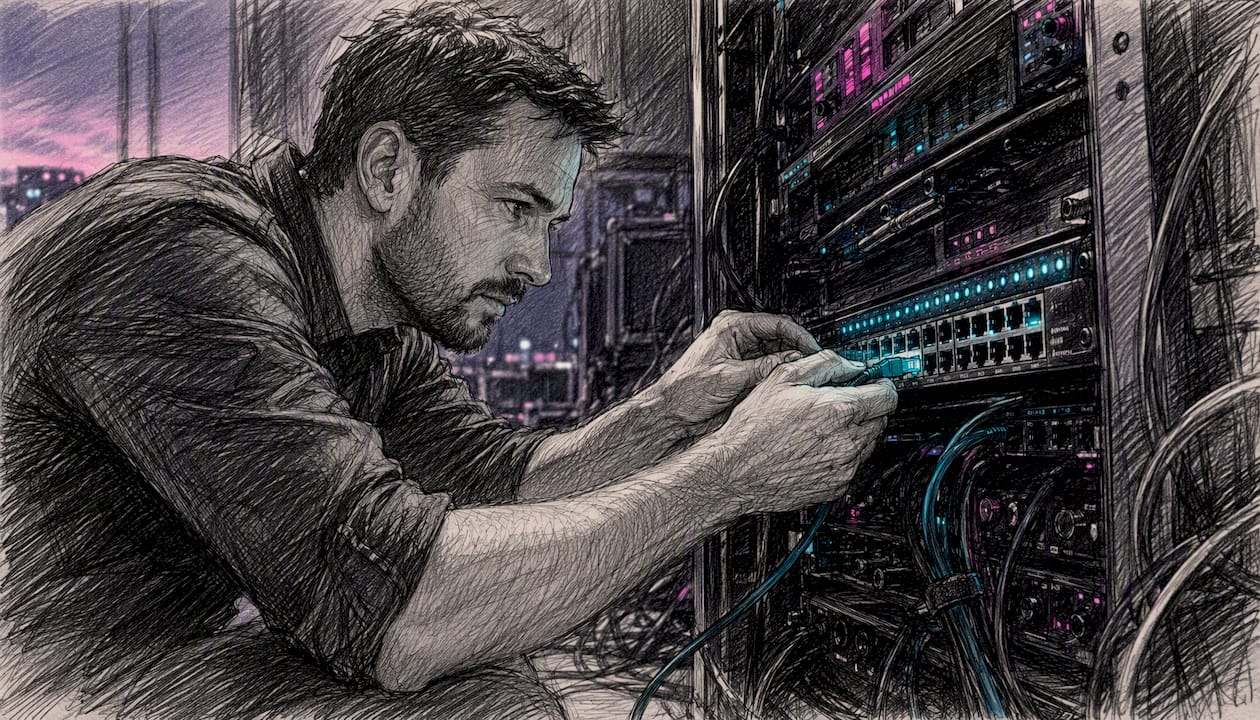
NDI, which stands for Network Device Interface, is a royalty-free IP video connectivity standard that lets multimedia systems identify each other, connect, and exchange high-quality, low-latency, frame-accurate video, audio, and metadata over standard Ethernet networks. Originally developed by NewTek in 2015 and now maintained by Vizrt Group, NDI is the right choice for any UK production team that needs flexible, many-to-many video routing without running new SDI or HDMI cabling between every device.
When NDI makes sense for professional UK setups:
- You need to route multiple video sources across a switched network without point-to-point cabling
- Your workflow involves live switching, multiview monitoring, or remote contribution over IP
- You want to add IP endpoints gradually while keeping existing SDI or HDMI infrastructure
- You are running a corporate conference, broadcast OB, live event, or eSports production where cabling flexibility matters
When it probably does not:
- A simple two-device point-to-point connection where HDMI or SDI is already in place
- Delivery to public online viewers (NDI is a production transport, not a CDN protocol)
Key takeaways
NDI is the right production transport for any UK event team that needs flexible, many-to-many IP video routing, provided the network is properly configured with managed switches, VLANs, and QoS from the outset.
| Point | Details |
|---|---|
| NDI is a production transport, not a delivery protocol | Use NDI inside the production network; convert to SRT or RTMP at the output stage for CDN delivery. |
| Full NDI needs significant bandwidth per stream used in professional setups | Use NDI |
| Network configuration is non-negotiable | Managed switches, dedicated VLANs, QoS, and an NDI Discovery Server are required for reliable multi-source productions. |
| NDI 6.3 enables cloud transport without VPNs | Remote contributors can now appear as local NDI sources over standard internet connections. |
| Fireflyav supplies NDI kit and technicians for UK events | Equipment hire, network setup, and onsite technical support are available for NDI-based productions. |
Table of Contents
- How does NDI transport video, audio, and metadata over IP?
- What are the differences between NDI versions and transport options?
- What network does NDI need to run reliably?
- How does NDI compare to HDMI, SDI, and other IP protocols?
- What are the most common professional NDI workflows?
- What tools and hardware make up the NDI ecosystem?
- How to set up a simple NDI workflow for a one-day event
- How Fireflyav uses NDI in UK event production
- Why IP workflows are where professional AV is heading
- Fireflyav NDI equipment hire and technical support for UK events
- Sources
How does NDI transport video, audio, and metadata over IP?
NDI works in four distinct stages: discovery, negotiation, compression, and transport. Understanding each one explains why NDI behaves the way it does on a real network.
Discovery
By default, NDI uses mDNS (the same Bonjour protocol Apple devices use) to announce sources on a local subnet. Any NDI-capable application on the same subnet sees those sources automatically. For larger or multi-subnet venues, mDNS is unreliable. The NDI Discovery Server and manual NDI Access entries solve this by giving every device a central registry to query, regardless of subnet boundaries.
Compression
Full NDI uses an intra-frame codec, meaning every frame is compressed independently with no reference to adjacent frames. That approach produces near-zero encoding delay, which is what makes frame-accurate live switching and confidence monitoring possible. It is fundamentally different from the long-GOP codecs (intra-frame codec, H.265 respectively) used for internet streaming, where the encoder looks ahead and back across multiple frames to find redundancy.
NDI|HX and HX3 use intra-frame codec and H.265 respectively. They trade some latency for significantly lower bandwidth, which matters on constrained networks or when a mobile device is acting as a source.
Transport
NDI 5 introduced Reliable UDP (RUDP) as the modern default transport, combining UDP’s low latency with packet-loss recovery. Earlier and alternative modes include standard TCP, Multi-TCP (parallel connections for throughput), and UDP with forward error correction. The choice of transport mode is negotiated automatically between sender and receiver based on network conditions.
Metadata and control
NDI carries bidirectional XML metadata alongside every stream. Tally signals (on-air and preview states), PTZ camera control commands, and custom application data all travel in the same connection as the video. A vision mixer can tell a PTZ camera it is live, and the camera’s tally light responds, without any separate control cable.
Pro Tip: On a complex venue network, switch your NDI sources to use the Discovery Server from day one. Relying on mDNS for more than a handful of devices on a single subnet is the single most common cause of “missing sources” on show day.
What are the differences between NDI versions and transport options?
Full NDI, NDI|HX, and NDI|HX3 are not interchangeable. Each suits a different point in a workflow, and picking the wrong one for a given link wastes either bandwidth or latency headroom.
| Variant | Codec | Typical bandwidth | Latency | Best use |
|---|---|---|---|---|
| Full NDI | Intra-frame (SpeedHQ) | typical network bandwidth range | Near-zero (sub-frame) | Local switching, multiview, confidence monitoring |
| NDI | HX | intra-frame codec | lower bandwidth | Low (a few frames) |
| NDI | HX3 | H.265 respectively | around 50 Mbps | Low to moderate |
NDI Bridge, introduced alongside NDI 5, routes NDI sources across subnets, wide area networks, and the open internet. It acts as a relay: sources on one side are published to receivers on the other, with the Bridge handling the transport between them. NDI 6.3 went further by adding native cloud transport, so NDI sources can be routed over the internet without a VPN. For mission-critical productions, wired Gigabit Ethernet remains the recommended backbone regardless of what cloud transport makes possible.
The practical rule: use full NDI for every local link where your network can support it, drop to HX3 for remote contributors or bandwidth-limited segments, and use NDI Bridge or cloud transport only when you genuinely need to cross a WAN boundary.
What network does NDI need to run reliably?
NDI runs on standard switched Ethernet, but “standard” does not mean unmanaged. The difference between a production that runs cleanly and one that drops frames mid-show usually comes down to how the network was configured before the kit arrived.
Backbone and cabling:
- Gigabit Ethernet is the minimum for small NDI setups with multiple full-bandwidth streams
- 10GbE uplinks between aggregation switches are advisable for larger productions carrying multiple full-resolution streams
- Cat 6 or Cat 6A cabling; avoid Cat 5e for anything beyond a single stream
Bandwidth per stream:
Figures sourced from NDI for Video technical documentation.
Configuration essentials:
- Use unicast rather than multicast for most NDI deployments; NDI defaults to unicast and multicast adds complexity without a clear benefit at typical event scales
- Segment NDI traffic onto a dedicated VLAN to isolate it from general IT and internet traffic
- Apply QoS markings on NDI traffic so switches prioritise video packets over background data
- Deploy an NDI Discovery Server for any installation with more than one subnet or more than around ten sources
- Avoid Wi-Fi for full-bandwidth NDI sources; 802.11ac or Wi-Fi 6 can carry NDI|HX streams in a pinch, but packet loss on wireless causes visible artefacts in live production
Pro Tip: Ask the venue for a network diagram before you arrive. Knowing whether the switches are managed, what VLANs already exist, and whether there is a 10GbE core saves hours of troubleshooting on the day.
How does NDI compare to HDMI, SDI, and other IP protocols?
HDMI and SDI remain preferable for simple point-to-point connections where you are not crossing a network, particularly over long cable runs where SDI’s 75-ohm coax handles distances that HDMI cannot. The moment you need more than a handful of fixed connections, or you want any source to reach any destination without re-patching physical cables, NDI’s flexibility pays for the network overhead.
SRT and RTMP are not competitors to NDI in the same sense. NDI is a production transport for moving signals inside a facility or event; SRT and RTMP are contribution and delivery protocols for moving encoded streams over the internet to CDNs or remote sites. A typical workflow uses NDI internally, then converts the programme output to SRT or RTMP at the encoder stage for CDN delivery.
What are the most common professional NDI workflows?
The canonical NDI production chain runs: NDI camera or encoder → NDI-capable vision mixer → multiview monitor → recorder → encoder for CDN output. Every link in that chain is a network connection rather than a physical cable, which means sources can be added, removed, or rerouted from software without touching the patch bay.
Corporate conferences and IMAG
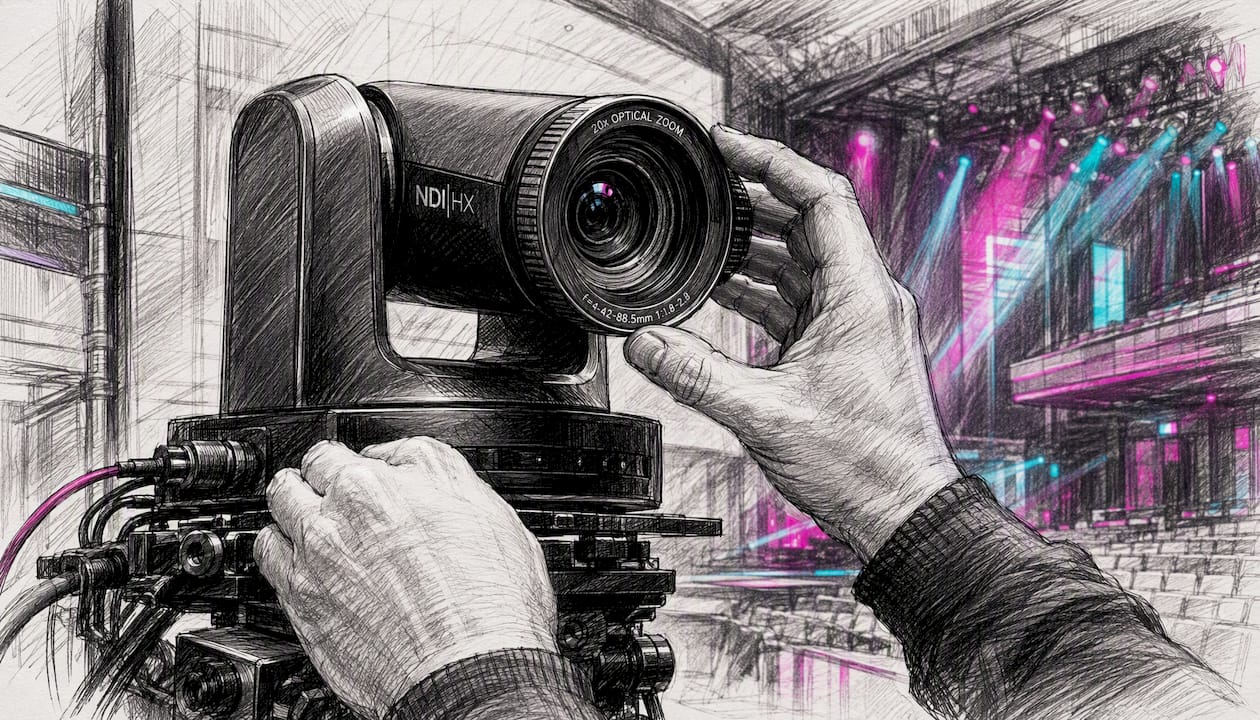
A typical corporate conference setup places NDI PTZ cameras around the room, feeds them into a vision mixer over the venue’s managed network, and distributes the programme feed to IMAG screens and recording systems simultaneously. Tally signals travel back to each camera automatically, so operators always know which camera is live.
Houses of worship and fixed installations
NDI suits fixed installations well because the network infrastructure is permanent and the sources are predictable. A church or auditorium can run NDI cameras, a graphics system, and a presentation PC as sources, all visible to a single vision mixer without any physical routing changes between services.
Remote production and OB
NDI Bridge or cloud transport (NDI 6.3) lets a remote contributor’s feed appear as a local NDI source inside the production network. An outside broadcast van can send a camera feed back to a studio over the internet, where it appears alongside local sources in the vision mixer with no VPN required.
Digital signage integration
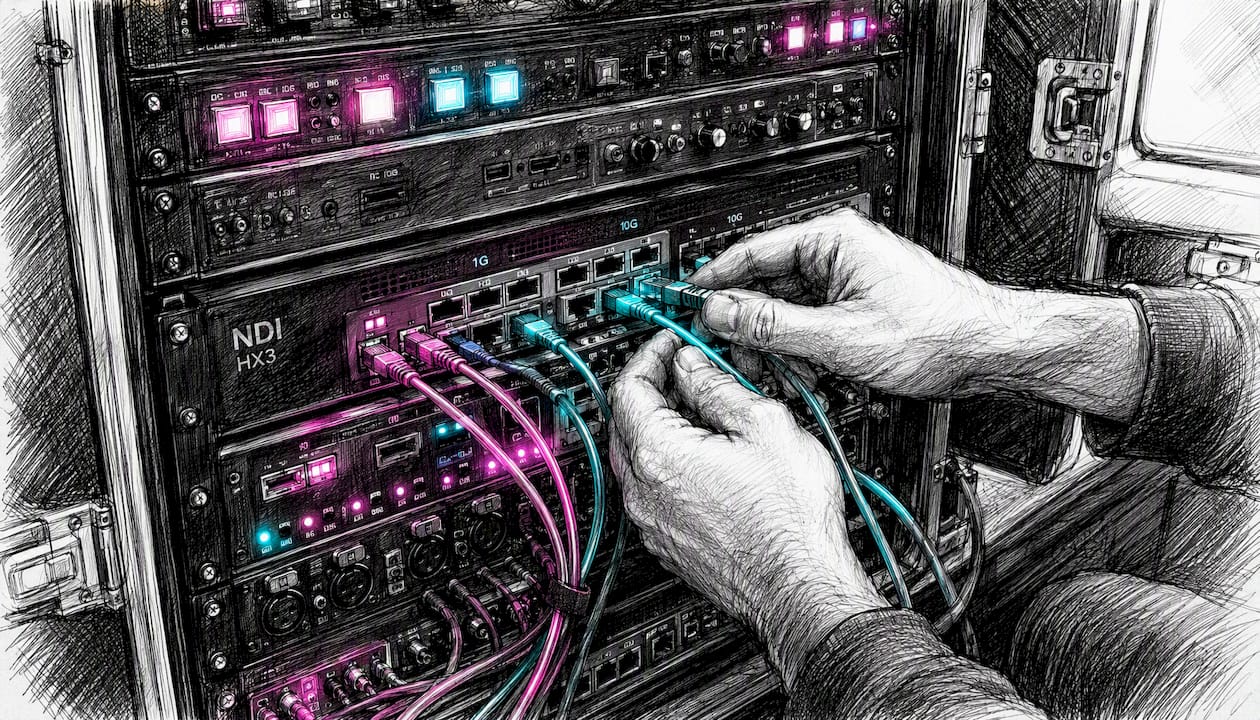
NDI sources can feed digital signage displays directly when the display or media player supports NDI input, removing the need for a separate video distribution system for lobby screens and breakout room displays.
Pro Tip: Run a dedicated NDI multiview on a spare monitor at the vision mixer position. Seeing all sources simultaneously, with tally overlays, catches camera or encoder failures before the director notices.
What tools and hardware make up the NDI ecosystem?
The NDI ecosystem divides into software tools, the developer SDK, and hardware devices. All of them connect to the same network and appear as sources or destinations to each other.
NDI Tools (official, free download)
Vizrt publishes a free NDI Tools bundle that includes:
- NDI Studio Monitor — displays any NDI source on screen with tally overlay
- NDI Virtual Input — routes an NDI source into a computer as a virtual webcam
- NDI Screen Capture — publishes a computer’s screen as an NDI source
- NDI Test Patterns — generates colour bars and test signals as NDI sources
- NDI Discovery Server — the server application for cross-subnet source registration
SDK and licensing
The NDI SDK is available royalty-free for developers building NDI-capable applications. The specification is maintained by Vizrt, and the commercial ecosystem around it (hardware encoders, cameras, vision mixers) is built by third-party manufacturers under that open licensing model.
UK-available hardware
NDI cameras and encoders:
- BirdDog P120 PTZ — a compact NDI PTZ camera widely used in UK conference and broadcast productions; outputs full NDI natively over a single Ethernet cable
- BirdDog Studio NDI — a desktop NDI encoder/decoder that converts HDMI or SDI sources into NDI streams and vice versa
Capture and monitoring:
- Blackmagic capture cards (DeckLink series) — add NDI output capability to existing SDI or HDMI sources via software
- Blackmagic Video Assist 7" — a monitor/recorder that can sit at the end of an NDI chain for confidence monitoring and ISO recording
Routing:
- Blackmagic Smart Videohub CleanSwitch 12x12 — an SDI router that pairs with NDI converters to bridge IP and physical signal paths in hybrid workflows
For a broader view of broadcast hardware categories that support NDI deployments, the Fireflyav broadcast AV equipment guide covers the full range of device types and their roles.
How to set up a simple NDI workflow for a one-day event
This checklist covers a single-day production with up to six NDI sources, one vision mixer, and one CDN encoder output.
Pre-event network checklist
- Confirm the venue has a managed switch with VLAN capability and Gigabit ports throughout
- Create a dedicated NDI VLAN and assign all production devices to it
- Enable QoS on the switch and mark NDI traffic with a high-priority DSCP value
- If sources span more than one subnet, deploy the NDI Discovery Server on a machine visible to all VLANs
- Test 10GbE uplinks between any aggregation switches if running more than four full-NDI streams simultaneously
Device setup
- Install NDI Tools on every production computer (vision mixer, graphics, monitoring)
- Power on all NDI cameras and encoders; confirm they appear in NDI Studio Monitor before the vision mixer is opened
- In the vision mixer, add the NDI Discovery Server address under NDI Access if cross-subnet sources are needed
- Assign programme and preview subscriptions to the correct sources; verify tally signals are returning to cameras
- Configure the CDN encoder to receive the programme NDI output and transcode to SRT or RTMP for delivery
Testing and fallback
- Run a full signal path test at least 30 minutes before doors open: camera to vision mixer to multiview to recorder to encoder
- If backbone bandwidth is limited, switch camera sources from full NDI to NDI|HX3 to reduce per-stream throughput to approximately 50 Mbps
- Have at least one BirdDog Studio NDI unit available to convert any NDI source to SDI or HDMI output as a hardware fallback
Pro Tip: Label every NDI source with a clear, consistent naming convention before the show (e.g. “CAM1-STAGE”, “GFX-LAPTOP”, “REPLAY”). Generic auto-generated names like “NewTek NDI” become impossible to manage when six sources appear simultaneously in the vision mixer.
How Fireflyav uses NDI in UK event production
Fireflyav deploys NDI across corporate conferences, eSports events, and broadcast productions throughout the UK. The kit list for a typical mid-scale NDI production includes:
- BirdDog P120 PTZ cameras — positioned around the room, outputting full NDI natively; a single Cat 6 cable carries power (PoE), control, and video
- BirdDog Studio NDI encoders/decoders — used to bring legacy HDMI or SDI sources (presentation laptops, replay systems) into the NDI network without replacing the source device
- Blackmagic Video Assist 7" — placed at the programme output for confidence monitoring and ISO recording before the signal reaches the CDN encoder
- Managed 10GbE core switch — the backbone of every NDI deployment; Fireflyav specifies managed switches with VLAN and QoS support as non-negotiable
Operational lessons from Fireflyav productions:
- Discovery Server from the start. On any venue with more than one network segment, mDNS discovery fails unpredictably. Running the NDI Discovery Server on a dedicated machine, visible across all VLANs, eliminates the “missing source” problem entirely.
- VLANs protect the production. Separating NDI traffic from the venue’s general IT network prevents background traffic from competing with video packets during critical moments.
- Cloud transport for remote contributors. NDI 6.3’s native cloud transport has replaced VPN-based remote contribution on several Fireflyav productions, reducing setup time and removing the dependency on the venue’s IT team to configure VPN access.
- Reduced cabling, faster rigging. Replacing SDI runs with NDI over existing venue Cat 6 infrastructure cuts cable runs significantly on multi-camera setups, which translates directly to faster load-in and load-out times.
Why IP workflows are where professional AV is heading
The migration from SDI and HDMI to IP-based production is not a future event. It is happening now, and NDI is the most accessible entry point for teams that are not yet running SMPTE ST 2110 or other broadcast-grade IP standards.
The honest caveat is that NDI is not as simple as its “plug and play” marketing suggests. Network planning is as important as the video gear itself. A team that invests in a BirdDog camera and a vision mixer but skips the managed switch and VLAN configuration will have a worse experience than a team running SDI. The technology is only as good as the network underneath it.
Where Fireflyav advises clients to invest first: the network backbone. A 10GbE managed switch with proper VLAN and QoS configuration unlocks everything else. After that, trained technicians who understand both IP networking and broadcast signal flow are worth more than any single piece of hardware. The kit is commoditising; the expertise is not.
The forward-looking note: NDI 6.3’s cloud transport is genuinely significant. Remote production workflows that previously required dedicated fibre or complex VPN configurations are now achievable over standard internet connections. That changes the economics of remote contribution for smaller productions and opens up workflows that were previously only viable for large broadcasters.
Fireflyav NDI equipment hire and technical support for UK events
Fireflyav supplies NDI-capable equipment and experienced technicians for corporate conferences, broadcast productions, eSports events, and live events across the UK. The difference from hiring kit alone is that every Fireflyav deployment comes with engineers who have planned and operated NDI workflows on real productions, not just configured them in a lab.
For an NDI deployment, Fireflyav can supply BirdDog PTZ cameras, Studio NDI encoders, managed switching infrastructure, Blackmagic monitoring and recording hardware, and a technician who handles network configuration, source discovery, and signal path testing before your event begins. If you need onsite technical support for a production where NDI is part of the workflow, or you want to understand which kit suits your specific event, the AV equipment guide for event planners is a practical starting point. To discuss a specific production, get in touch with Fireflyav directly for a technical consultation and quote.